
ProFocus: Photo Frame & Clock
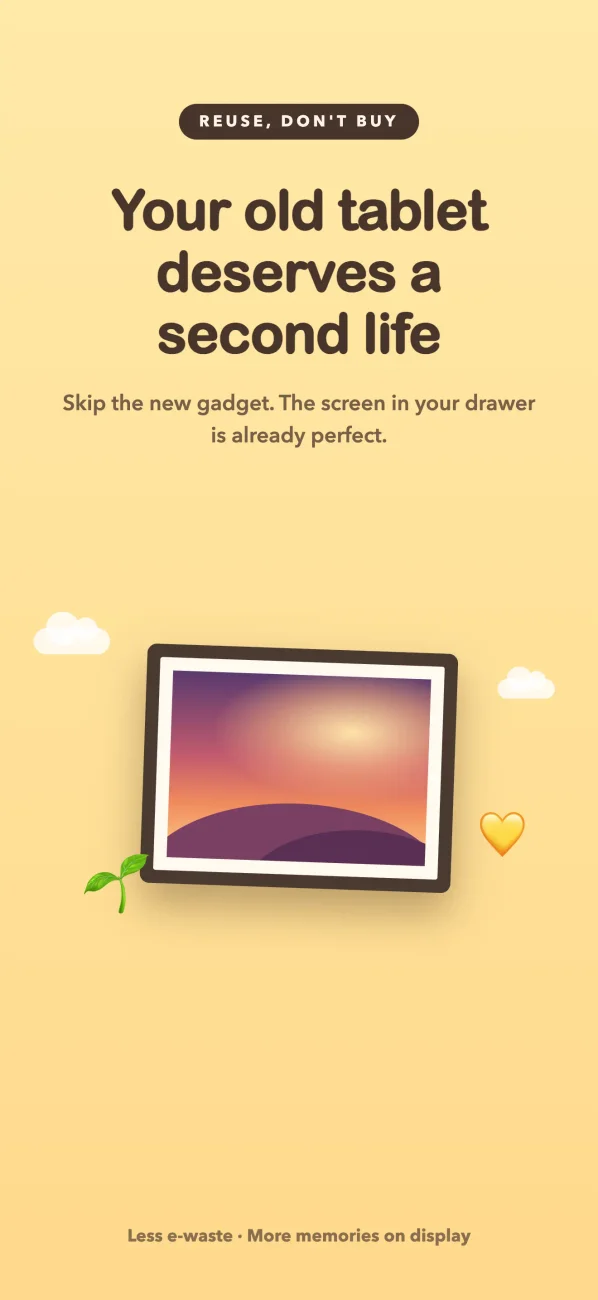
Turn old tablets into frames
Designed for iPhone, iPad, Mac, iPod touch
In-app purchases
- Age rating4+
- CategoryPhoto & Video
- DeveloperTran Trung Hieu
- LanguagesEnglish+ 18 more
- Size15.8 MB
Links to the official App Store page
Download.org hosts no file of ProFocus: Photo Frame & Clock. The button opens its official App Store page, published by Tran Trung Hieu. Listing last checked on Nov 8, 2026.
Screenshots


About
Turn any screen you already own into a digital photo frame — an old tablet in a drawer, a desktop, a TV, even a $10 DIY frame.
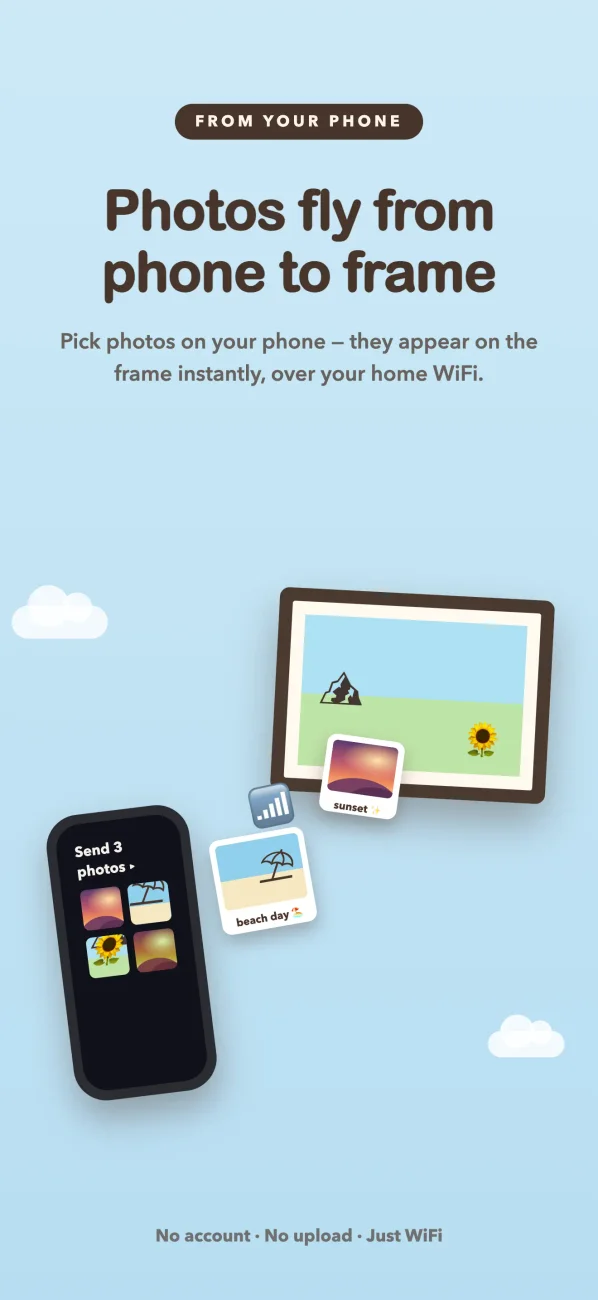
Send photos from your phone; they appear on the frame instantly over your home WiFi. No cloud, no account. Your photos never leave your network.
HOME HUB
• One home screen for everything: send photos, receive, albums, remote and clock
• Pick a role on first launch: main phone (sender) or photo frame (receiver)
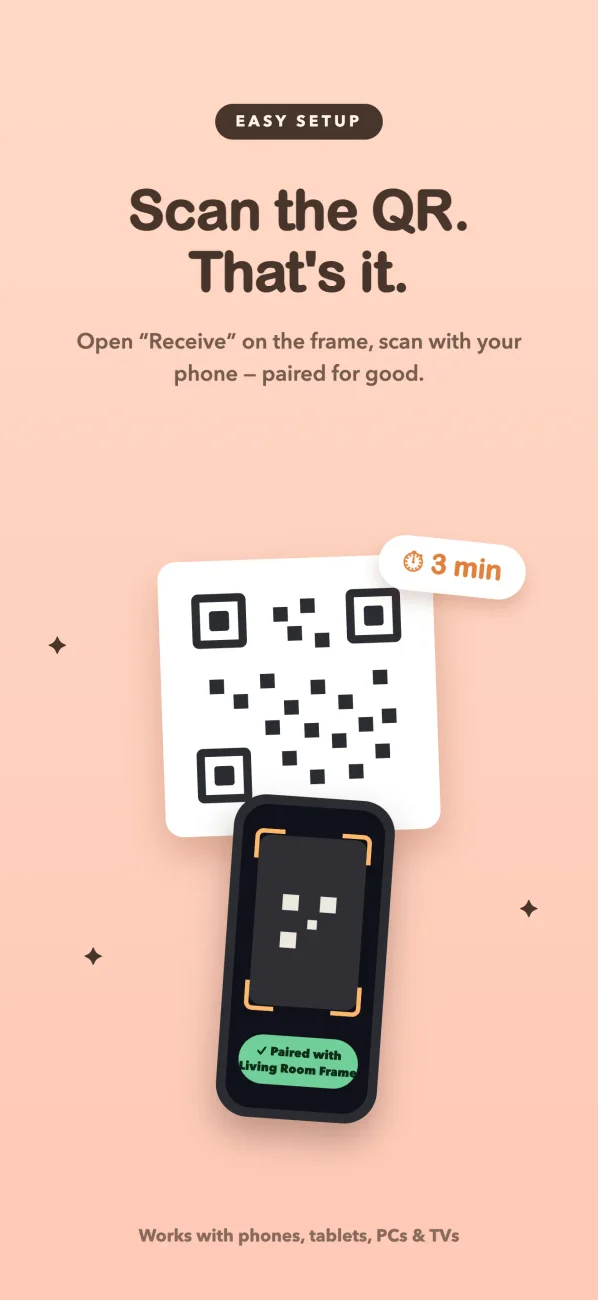
PHONE → FRAME IN 3 MINUTES
• Open "Receive" on the frame — a QR code appears
• Scan it with your phone — paired for good
• Pick photos and send; they show up instantly
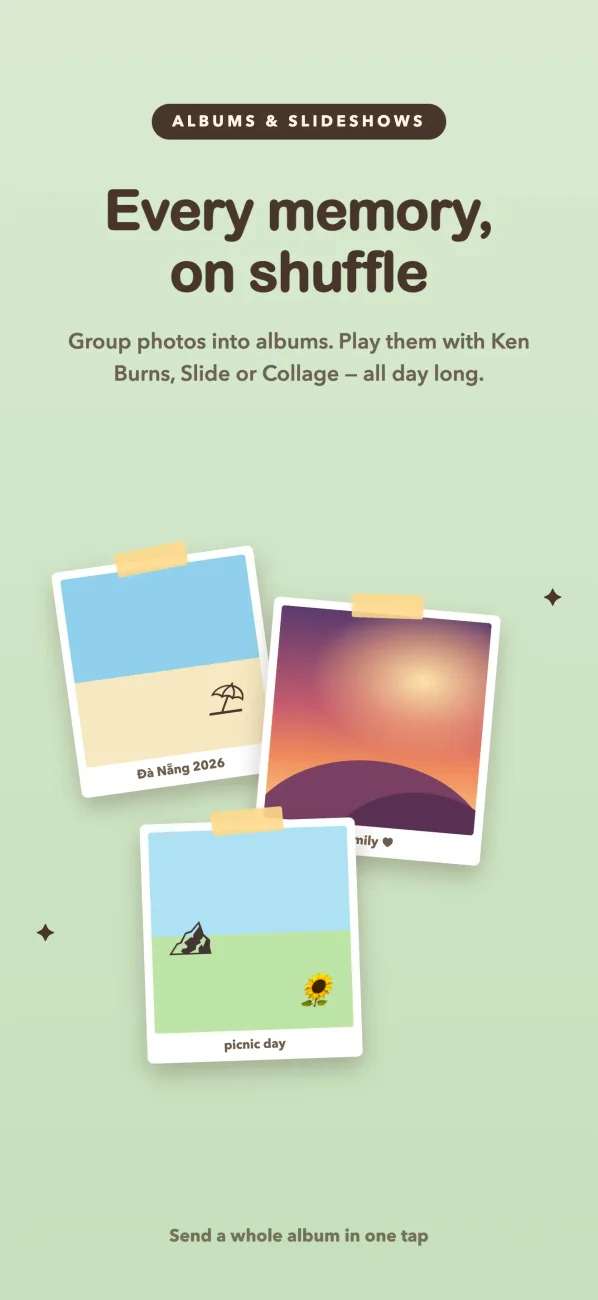
ALBUMS & SLIDESHOWS — FREE
• Group photos into albums
• Slideshow templates: Classic, Ken Burns, Slide, Collage
• All clock faces free: flip cards, circle, analog StandBy
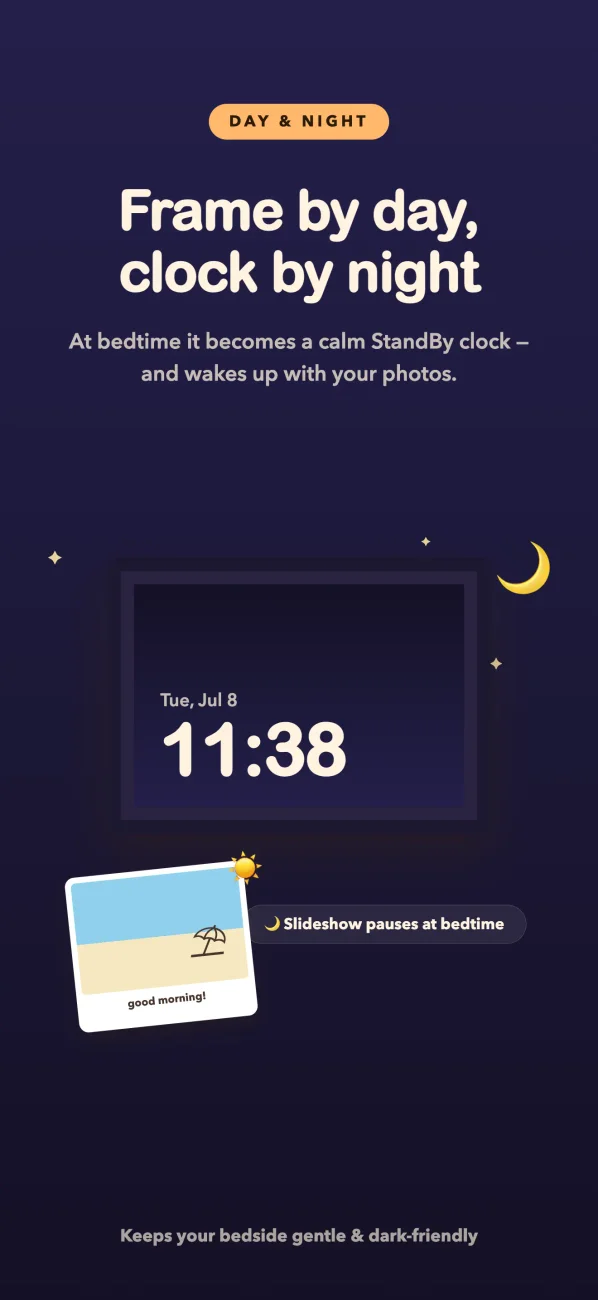
FRAME BY DAY, CLOCK BY NIGHT
• A calm StandBy-style clock for your bedside
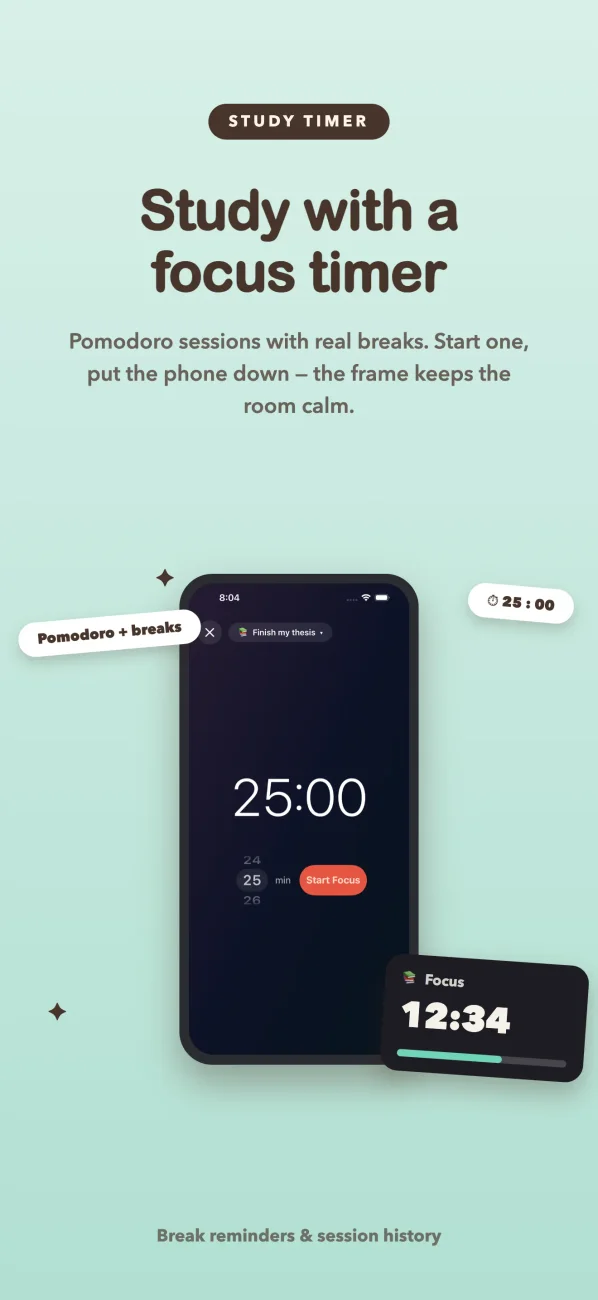
• Focus timer with Pomodoro presets built in
100% PRIVATE
• LAN-only: photos go device-to-device over your WiFi
• No account. No ads. No third-party tracking. Works fully offline.
DIY & TV
• Works on Apple TV as a receiver
• Makers: build a $10 ESP32 WiFi frame with our open hardware guide
PRO (one-time lifetime purchase, or a monthly / quarterly subscription)
• Send whole albums to another device in one tap
• Remote-control any frame (next/prev/pause, change clock)
SUBSCRIPTION INFO
• ProFocus Pro Monthly and ProFocus Pro Quarterly are auto-renewable subscriptions. Payment is charged to your Apple Account when you confirm the purchase. The subscription renews automatically unless cancelled at least 24 hours before the end of the current period. You can manage or cancel it in your App Store account settings.
• Terms of Use (EULA): https://www.apple.com/legal/internet-services/itunes/dev/stdeula/
• Privacy Policy: https://profocus.fighttech.vn/privacy
Six languages: English, Tiếng Việt, 한국어, 日本語, العربية, 中文.
ProFocus is small on purpose — quiet software for a calmer home.
What’s new
Version 1.2.1 · Oct 1, 2026
1.2.1 — Focus timer & goals
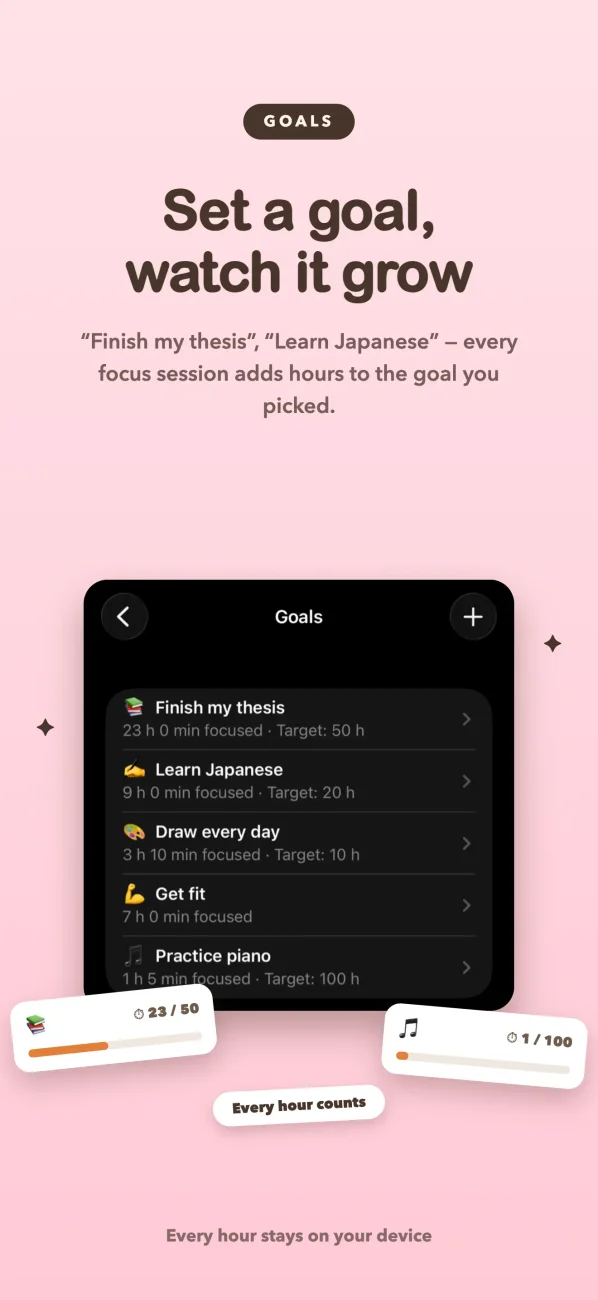
• Set a goal like “Finish my thesis” and give it a time target
• Every focus session adds hours to the goal you picked
• Write a short note after each session — it stays with the goal
• Live Activity & Dynamic Island: the countdown keeps running on your Lock Screen
• New “Guides & tips” section on the Home Hub
• iPad & Mac: new sidebar layout, Liquid Glass look on iOS 26
• Bug fixes and polish
App privacy
What Tran Trung Hieu declares on the App Store about how this app handles data.
-
Data not linked to you
May be collected but is not linked to your identity.
- Identifiers
- Usage data
Privacy practices may vary, for example with the features you use or your age.
Information
- Seller
- Tran Trung Hieu
- Category
- Photo & Video
- Version
- 1.2.1
- Updated
- Oct 1, 2026
- Released
- Jul 17, 2026
- Size
- 15.8 MB
- Requires
- iOS 13.0 or later
- Age rating
- 4+
- In-app purchases
- Yes
- Languages
- English, Arabic, Dutch, French, German, Hindi, Indonesian, Italian, Japanese, Korean, Malay, Polish + 7 more
- Copyright
- © 2026 Fighttech
You might also like
-
 Pad FrameGive Your iPad a New Purpose
-
 SimplePhotoFrameDevice reuse:slideshow & clock
-
 PicDock: Digital Photo FrameSlideshow & Bedside Clock
-
 Living Photo FrameSlideshow, clock and calendar
-
 DigiFrame: Digital Photo FrameSlideshow, Clock & Weather
-
 SilkSlide - Photo SlideshowDigital frame Photo slideshow
-
 Everflow: Custom Photo Wall3D Photos, Color, Immersion
-
 LoopSlideSmart Digital Photo Frame
-
 Moment ParadeEasy Photo & Video Slideshows
-
 MeFrame照片展示更輕鬆,回憶管理更便捷!