Project Time & Reports
Timer on, timesheet out
Designed for iPhone, iPad, Mac
In-app purchases
- Age rating4+
- CategoryProductivity
- DeveloperKevin Weinberger
- LanguagesGerman+ 1 more
- Size8.8 MB
Links to the official App Store page
Download.org hosts no file of Project Time & Reports. The button opens its official App Store page, published by Kevin Weinberger. Listing last checked on Nov 12, 2026.
Screenshots
About
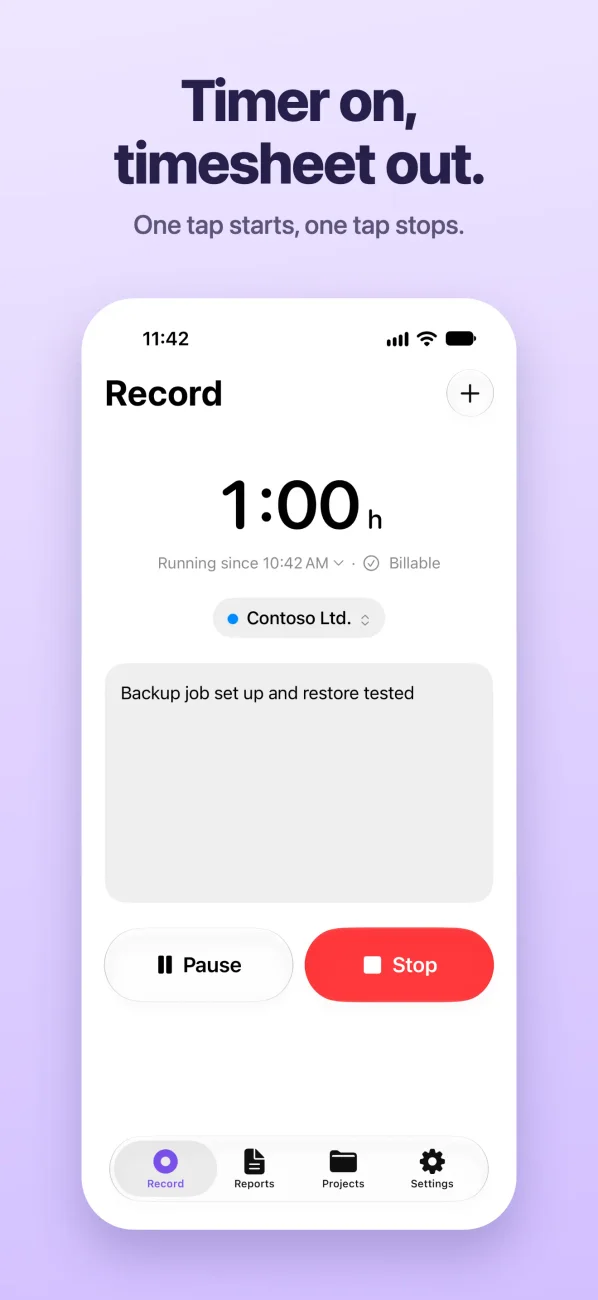
Project Time records your working time by project and sums it up in reports.
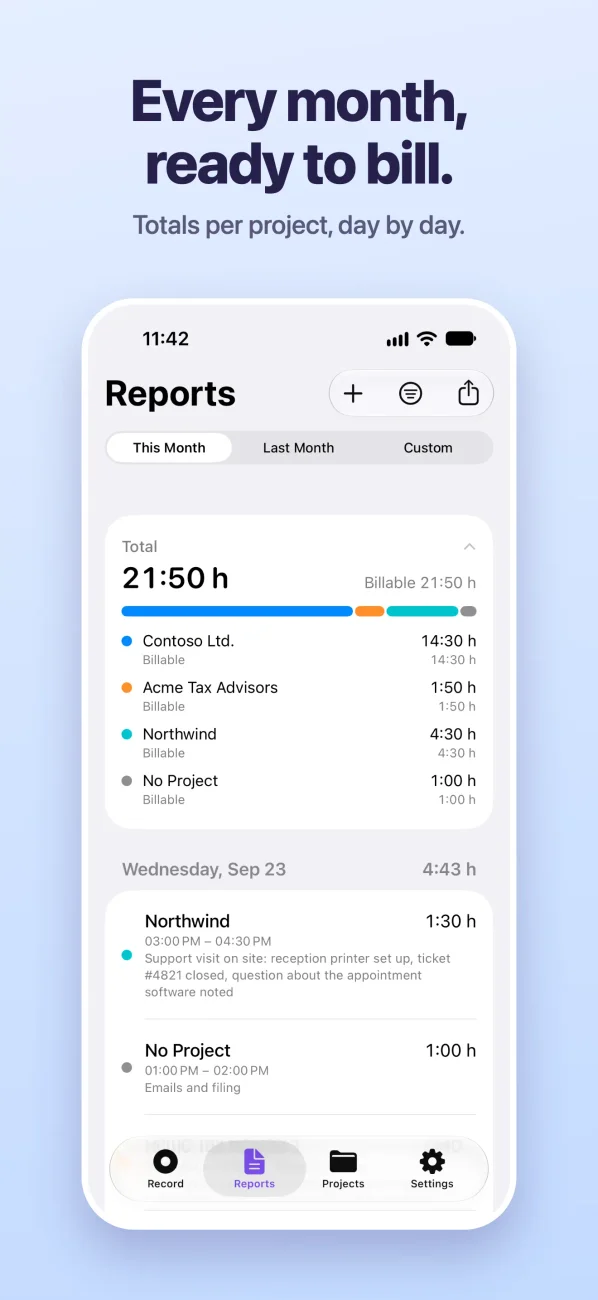
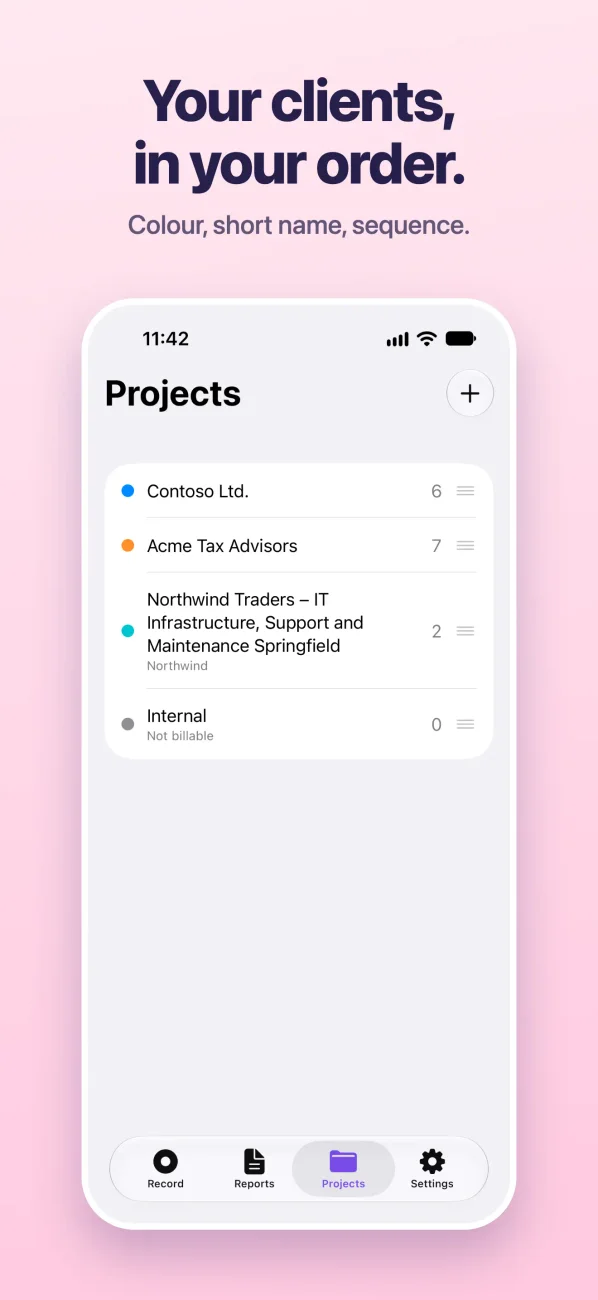
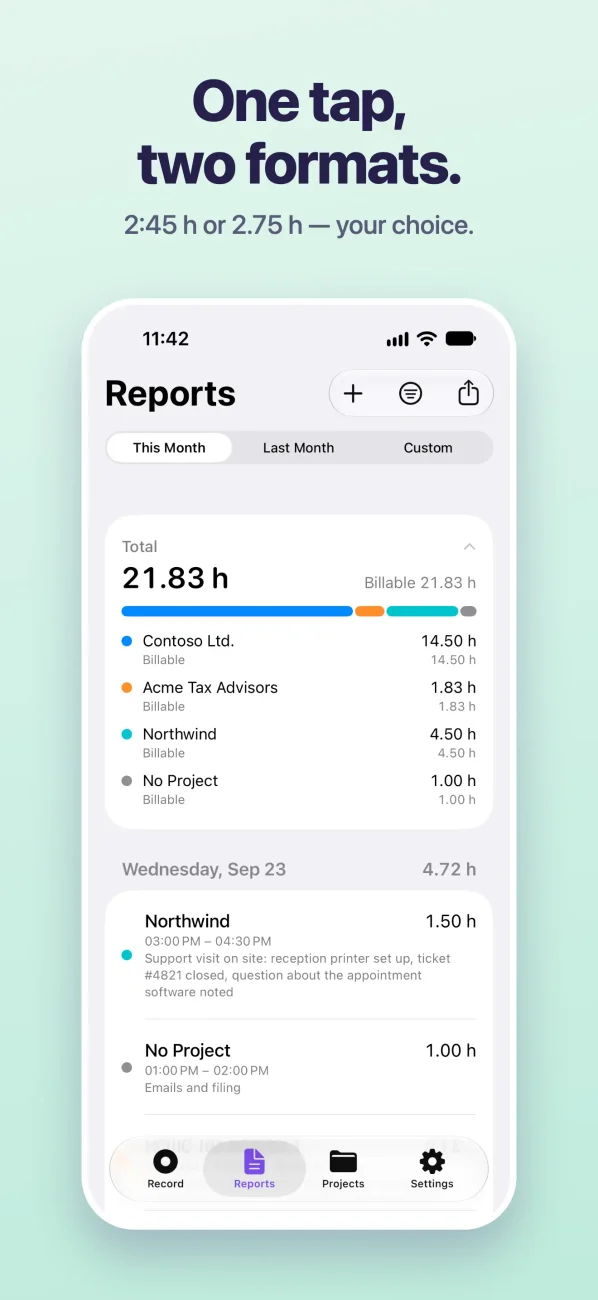
You set up your projects. When you start working you start the timer, when you are done you stop it. Forgot to start it? Add the time afterwards. At any time you can see how much time went into which project and how much of it is billable.
Project Time suits you if you bill by the hour, report project hours or just want to keep track.
What Project Time does:
• Rounds up to 5, 6, 10, 15, 30 or 60 minutes. You pick the grid you bill in.
• Reports in hours and minutes or in decimal hours, 2:45 h or 2.75 h.
• If you like, iCloud keeps your devices in sync: start on the Mac, stop on the iPhone.
• Your data stays with you, on your device and in your own iCloud. No sign-up, no ads, no tracking.
• The timer runs from the Lock Screen, a widget, Control Center and the Action button. On the Mac it sits in the menu bar.
Project Time Pro
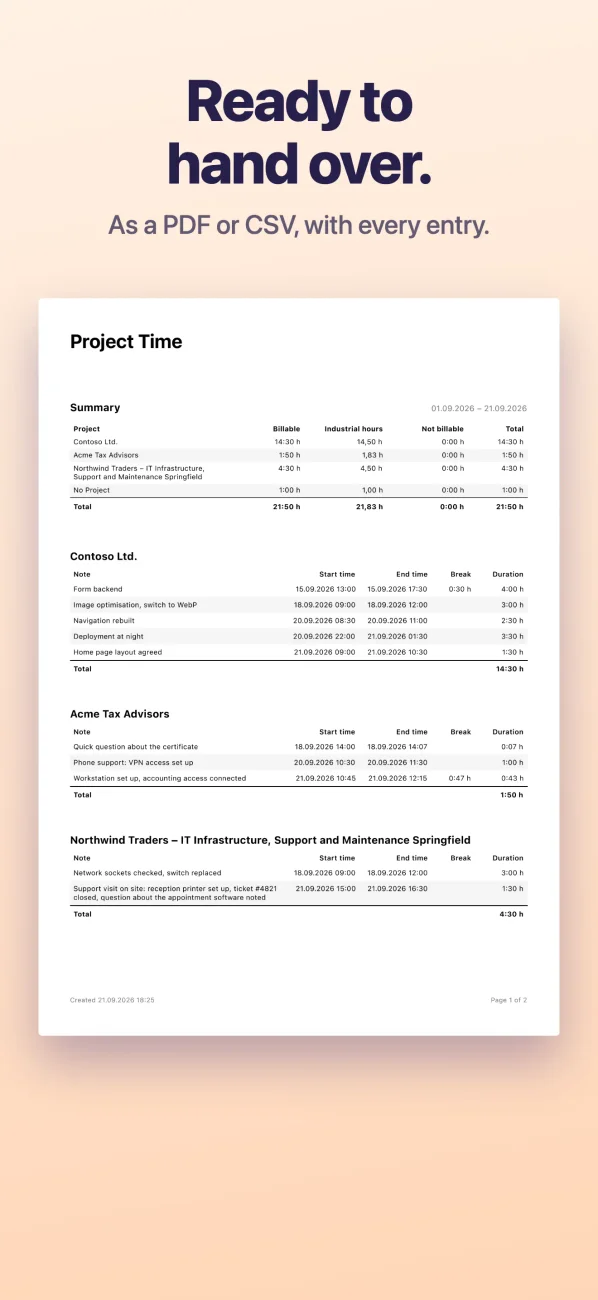
If you want to pass your times on, there is Project Time Pro. It exports reports as PDF with your logo or as CSV. It also backs up your data automatically to a folder of your choice. Try it free for 7 days. The trial ends by itself and costs nothing. After that, Project Time Pro is a subscription. Everything else stays free.
If something is missing or not working for you, write to me: support@projektzeit.app
Made in Stuttgart, Germany.
Terms of Use: https://www.apple.com/legal/internet-services/itunes/dev/stdeula/
Privacy Policy: https://projektzeit.app/privacy
What’s new
Version 1.0.2 · Oct 26, 2026
Project Time now supports iPhone Duo. Plus improvements to export and usability.
App privacy
What Kevin Weinberger declares on the App Store about how this app handles data.
-
Data not collected
The developer does not collect any data from this app.
Privacy practices may vary, for example with the features you use or your age.
Information
- Seller
- Kevin Weinberger
- Category
- Productivity
- Version
- 1.0.2
- Updated
- Oct 26, 2026
- Released
- Sep 29, 2026
- Size
- 8.8 MB
- Requires
- iOS 26.0 or later
- Age rating
- 4+
- In-app purchases
- Yes
- Languages
- German, English
- Copyright
- © 2026 Kevin Weinberger
You might also like
-
 Akteno - Digitale PostMail & documents at a glance
-
 Project Time Tracker: HoursFreelance Timesheet, no signup
-
 Flugs – Time TrackerWork Hours & Timesheet
-
 Takt - Time TrackingKeep your time - work timer
-
 DigiLEANSupports LEAN processes
-
 Traguardo: AI To-Do PlannerTasks, Calendar & Schedule
-
 ectool 2.0Productivity
-
 TranscriberConvert speech into text
-
 Easy Connect by MCZProductivity
-
 CLINQThe Softphone for your Team