PSWD: Password Generator
Strong passwords & passphrases
Designed for iPhone, iPad, Mac
Free · In-app purchases
- Age rating4+
- CategoryProductivity
- DeveloperKerem Erkan
- LanguagesEnglish+ 9 more
- Size8.0 MB
Links to the official App Store page
Download.org hosts no file of PSWD: Password Generator. The button opens its official App Store page, published by Kerem Erkan. Listing last checked on Nov 15, 2026.
Screenshots

About
PSWD is a comprehensive strong password generator for Mac, iPhone and iPad.
Features of PSWD:
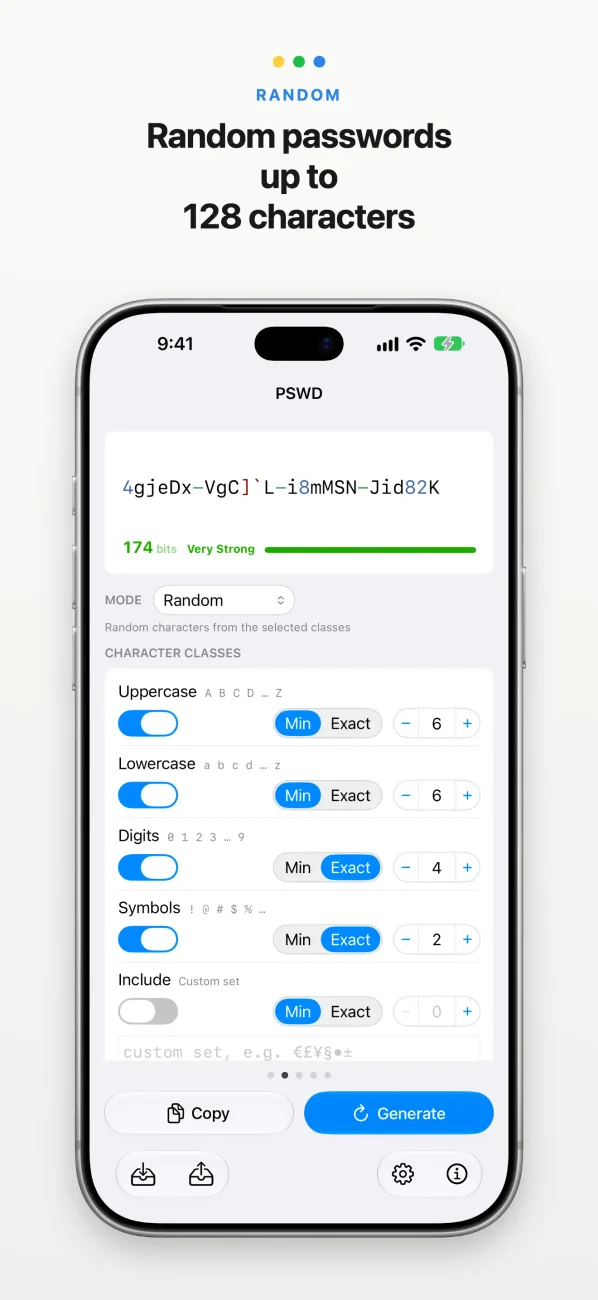
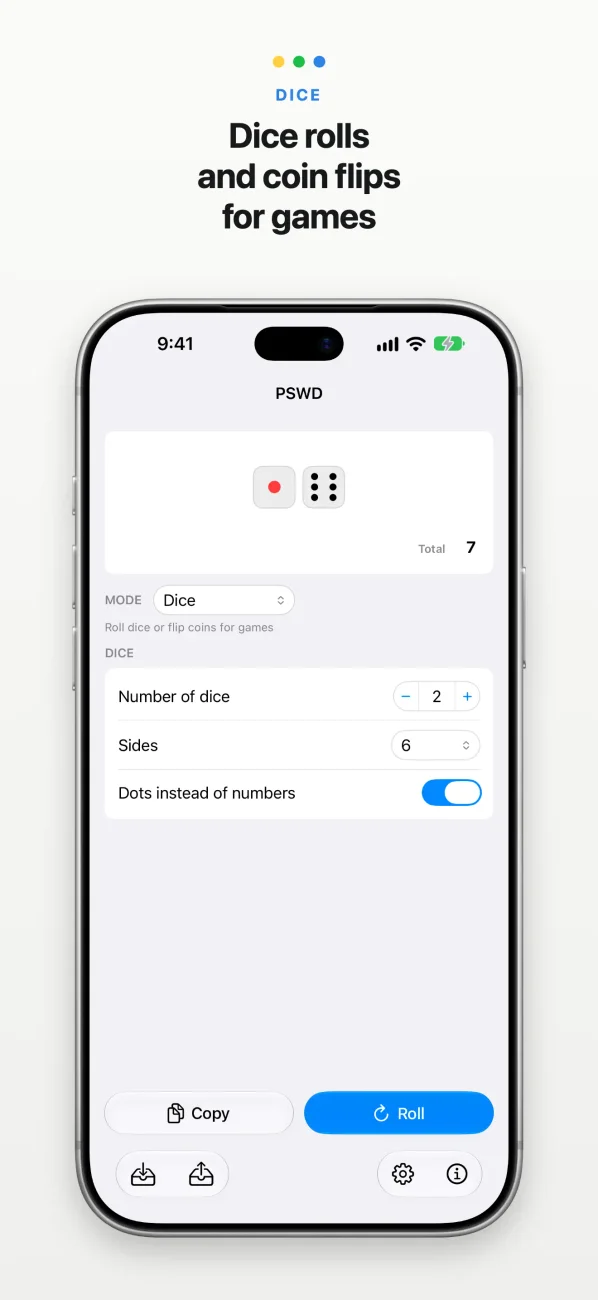
• Four generation modes: random characters, pronounceable passwords that follow a consonant–vowel pattern, passphrases built from dictionary words, and dice for games
• Word passphrases in nine languages — English, German, Spanish, French, Italian, Japanese, Portuguese, Chinese and a hand-crafted Turkish list — mix several at once, or import your own word list synced through iCloud
• Remove diacritics from a passphrase for sites that only accept plain ASCII letters
• Passwords up to 128 characters, one or many at a time
• Minimum or exact counts per character class — uppercase, lowercase, digits, symbols, and your own custom set
• Exclude specific characters, or skip ambiguous look-alikes like 0 O o 1 l I
• Group characters with a separator at regular intervals for readability
• Entropy and strength calculated live as you configure
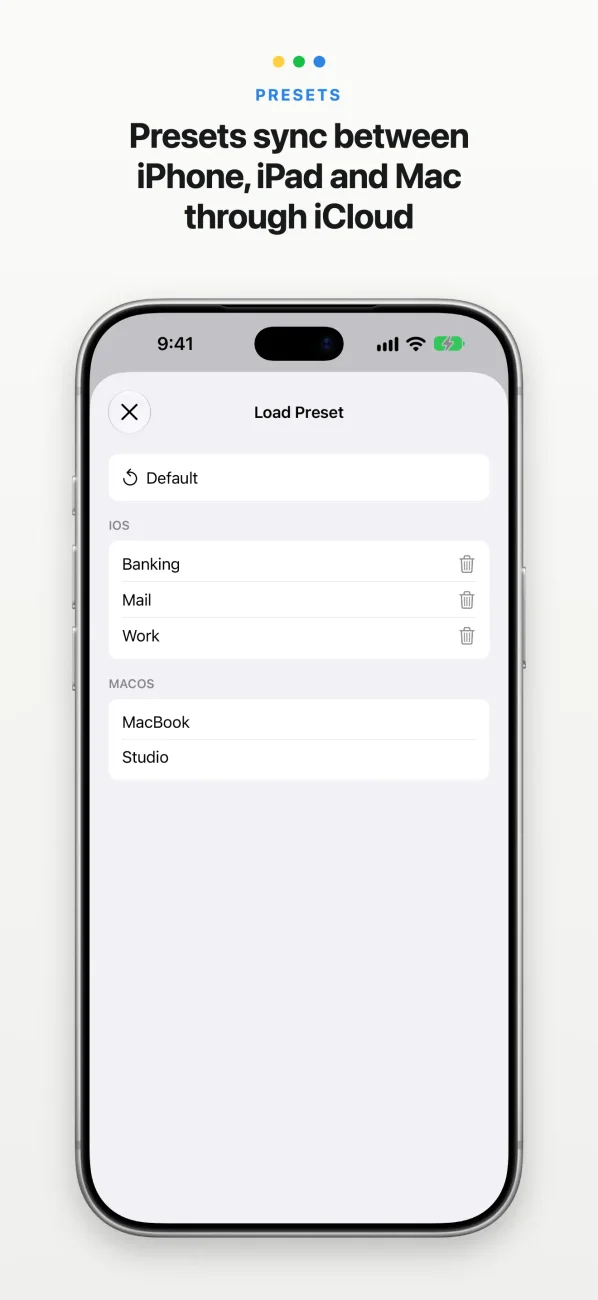
• Save presets and load them anywhere — they sync between your devices through iCloud
• Generate passwords from the Shortcuts app without opening PSWD
• On the Mac: a menu bar panel, a system-wide global shortcut that generates and copies in one press, open at login, and an optional hidden Dock icon
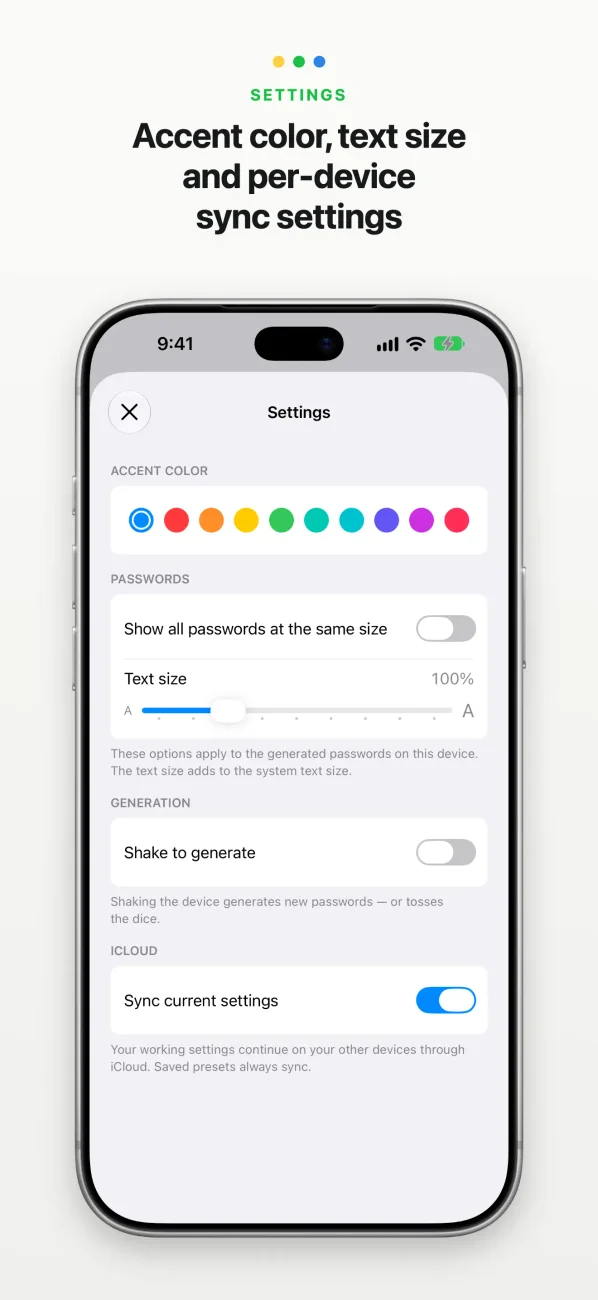
• On iPhone and iPad: a layout made for each device, with a choice of accent colors
• Full VoiceOver support
PSWD works completely locally on your device. It does not collect, store or transmit anything — not the settings you enter, not the passwords it generates. It is a sandboxed app that takes your privacy seriously.
What’s new
Version 6.0 · Oct 9, 2026
PSWD 6.0 adds support for iPhone Duo and gives you more control over how passphrases are built.
• iPhone Duo: the layout adapts when the device is unfolded
• Use dictionaries in order: word 1 comes from the first dictionary, word 2 from the second, and so on, for patterns like Adjective.Noun.Verb. Rearrange them in the new Order card
• Separate words with a random symbol from a set you choose
• Import custom word lists of any size, and build passphrases of just one word; the strength meter shows what each choice is worth, with a new Very Weak level
• Custom words that contain the separator (like curious.otter with a "." separator) now work
• Shortcuts: clearer error messages, and PSWD can now be run from Siri and Spotlight
• Fixed: in Shortcuts, iPhone and Mac presets were listed under each other's label
App privacy
What Kerem Erkan declares on the App Store about how this app handles data.
-
Data not collected
The developer does not collect any data from this app.
Privacy practices may vary, for example with the features you use or your age.
Information
- Seller
- AKE Software GmbH
- Category
- Productivity
- Version
- 6.0
- Updated
- Oct 9, 2026
- Released
- Nov 21, 2020
- Size
- 8.0 MB
- Requires
- iOS 17.0 or later
- Age rating
- 4+
- Price
- Free
- In-app purchases
- Yes
- Languages
- English, French, German, Italian, Japanese, Portuguese, Simplified Chinese, Spanish, Traditional Chinese, Turkish
- Copyright
- © 2020-2026 Kerem Erkan
You might also like
-
 RPG: Random Password GeneratorProductivity
-
 Password Generator: UltraPassCreate strong secure Passwords
-
 Password Generator - StrongRandom Password Generator
-
 Strong Password Maker: SimpleSafe Random PW Generator Easy
-
 Search Console ToolSEO Analytics & Rank Tracker
-
 Codebook Password ManagerPassword Manager & Data Vault
-
 Passwords CloudUser-friendly Password Manager
-
 SecureSafe Password ManagerPassword Generator & Autofill
-
 addy.ioAnonymous Email Forwarding
-
 iPassworder Password ManagerEasiest way to store passwords