Psychrometer °F
Dew Point, Wet Bulb Calculator
Designed for iPhone
Free · In-app purchases
- Age rating4+
- CategoryProductivity
- DeveloperJUN KANAYAMA
- LanguagesEnglish
- Size9.2 MB
Links to the official App Store page
Download.org hosts no file of Psychrometer °F. The button opens its official App Store page, published by JUN KANAYAMA. Listing last checked on Nov 15, 2026.
Screenshots


About
Psychrometer °F is a psychrometric calculator for evaluating thermal comfort and moist-air conditions using U.S. customary units.
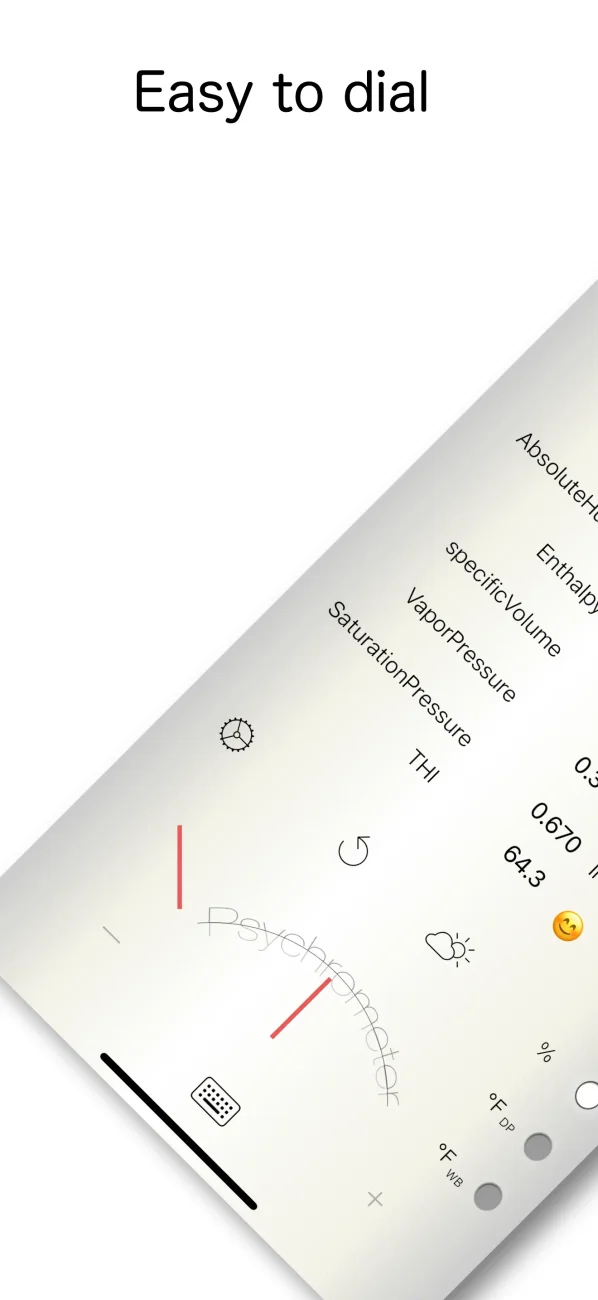
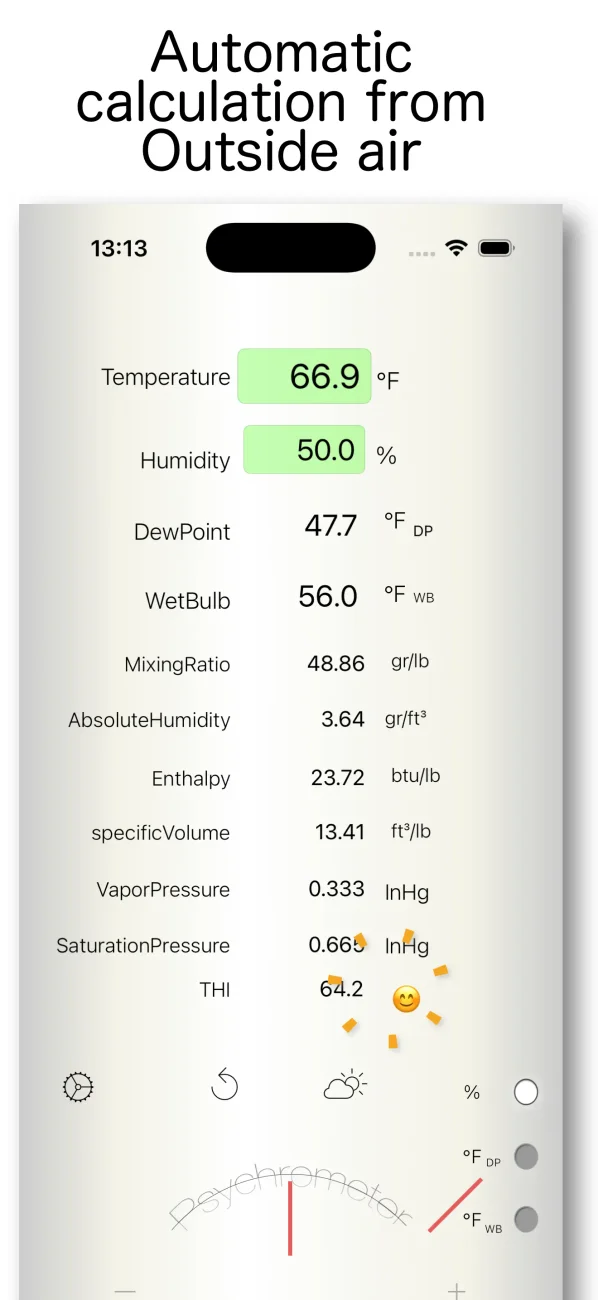
Adjust temperature and humidity easily with the on-screen dials. Temperatures are color-coded for quick reference, and a “Good” indicator appears when conditions are between 68–82°F and 30–60% relative humidity.
Choose from the following input combinations:
• Dry-bulb temperature and relative humidity
• Dry-bulb temperature and dew-point or frost-point temperature
• Dry-bulb temperature and wet-bulb temperature
The app displays or calculates:
• Dry-Bulb Temperature (°F)
• Wet-Bulb Temperature (°F)
• Dew Point / Frost Point (°F)
• Relative Humidity (%RH)
• Humidity Ratio / Mixing Ratio (gr/lb)
• Absolute Humidity (gr/ft³)
• Enthalpy (Btu/lb)
• Specific Volume (ft³/lb)
• Atmospheric Pressure (inHg)
• Vapor Pressure (inHg)
• Saturation Vapor Pressure (inHg)
Comfort Indices:
• Heat Index based on the U.S. National Weather Service method
• Simplified indoor WBGT based on dry- and wet-bulb temperatures
• Discomfort Index (DI)
The app also displays risk levels and easy-to-understand indicators for each selected index.
Atmospheric Pressure:
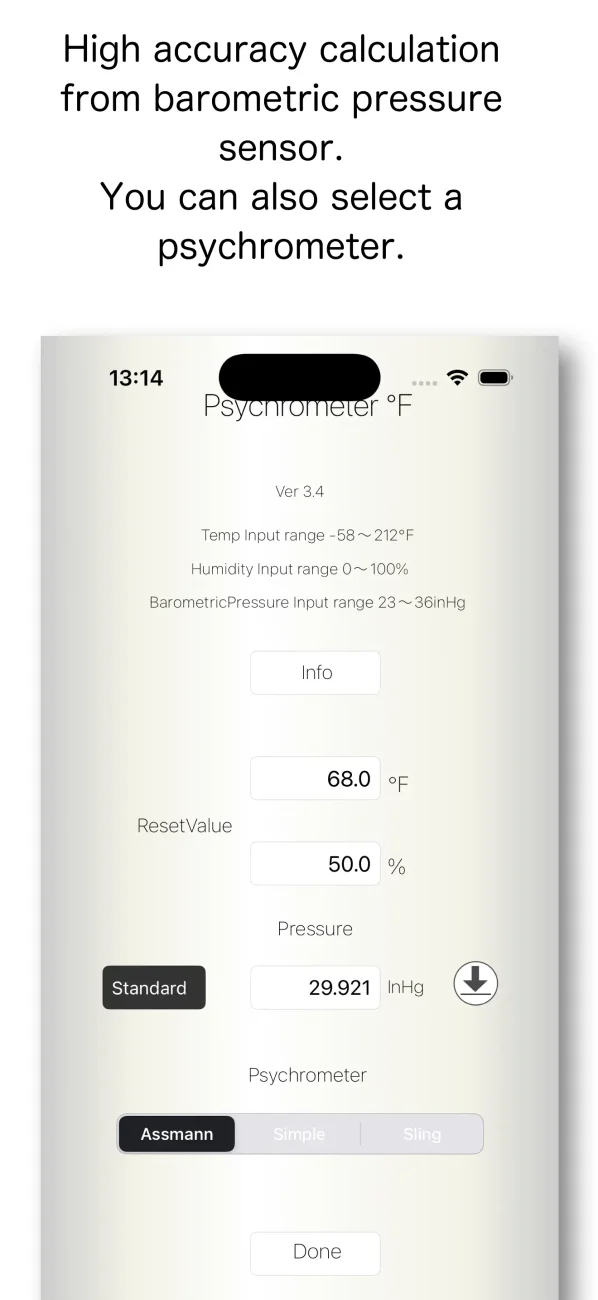
Choose from standard atmospheric pressure, the device’s built-in barometer on supported devices, or manual entry. Selecting the barometer may require Motion & Fitness access because iOS manages pressure-sensor permission through this setting.
Outdoor Conditions:
Tap the Outdoor Air button to retrieve the current temperature, relative humidity, and weather conditions for your location from Apple Weather. Location access is requested only when this feature is used.
This feature retrieves weather information; it does not directly measure the air conditions around your device.
Psychrometer Types:
• Assmann — Aspirated psychrometer with forced ventilation; provides the highest measurement accuracy.
• Wall-Mounted — August psychrometer using natural airflow; simple and convenient, but less accurate.
• Sling — Swung by hand to move air across the thermometers; portable and suitable for outdoor use.
Assmann is the default setting. Tapping Reset or Outdoor Air returns the app to Assmann mode. Wall-Mounted and Sling modes use wet-bulb input.
Psychrometric Process Reference:
You can also explore psychrometric processes without using a psychrometric chart.
• In dew-point input mode (°F DP), keep the dew point fixed and adjust the upper dial to observe heating and cooling changes.
• In wet-bulb input mode (°F WB), keep the wet-bulb temperature fixed and adjust the upper dial to observe humidification and dehumidification changes.
• To examine steam humidification, use relative-humidity input mode (%) and adjust the lower dial.
Calculation Methods:
The Sonntag equations are used for saturation vapor pressure. Vapor-pressure calculations use the Sprung, August, or Ferrel psychrometric relationships according to the selected psychrometer type. Relative humidity is calculated according to WMO conventions.
The input range is intentionally wide, but extreme combinations may increase numerical error or fall outside the practical range of the formulas. Rounding and internal unit conversions may also cause the least significant digits to change when switching input modes.
Results are provided for reference only. Although care is taken to ensure accuracy, results are not guaranteed. The developer is not responsible for any damage, loss, or disadvantage resulting from use of this app.
This app contains ads. A one-time in-app purchase removes the banner ad and the full-screen ad shown at launch.
What’s new
Version 3.7 · Aug 11, 2026
Added a one-time purchase option to remove ads.
Outdoor weather data is now provided by Apple Weather.
Improved Heat Index and WBGT displays.
Refined the Settings screen and English wording.
Improved permission handling, layout, and overall stability.
App privacy
What JUN KANAYAMA declares on the App Store about how this app handles data.
-
Data used to track you
May be used to track you across apps and websites owned by other companies.
- Location
-
Data not linked to you
May be collected but is not linked to your identity.
- Location
- Usage data
- Diagnostics
Privacy practices may vary, for example with the features you use or your age.
Information
- Seller
- JUN KANAYAMA
- Category
- Productivity
- Version
- 3.7
- Updated
- Aug 11, 2026
- Released
- May 28, 2013
- Size
- 9.2 MB
- Requires
- iOS 18.6 or later
- Age rating
- 4+
- Price
- Free
- In-app purchases
- Yes
- Languages
- English
- Copyright
- ©︎ 2013 Jun Kanayama
You might also like
-
 Calculator of AirPsychrometric Charts Tool
-
 HVAC PT ChartHVAC Pressure/Temp Charts
-
 GARDCO Psychrometric CalcSling Psychrometer Calculator
-
 Ductulator - Duct SizingHVAC Duct Sizer
-
 BluVacProductivity
-
 Johnson Controls CWaProductivity
-
 ASHRAE 365Productivity
-
 measureQuick HVACConnect. Perform. Prosper.
-
 Carrier® SMART ServiceProductivity
-
 YJACK VIEWYJACK VIEW app for iOS