Purelist: Notes & Tasks
Capture Ideas, Get Things Done
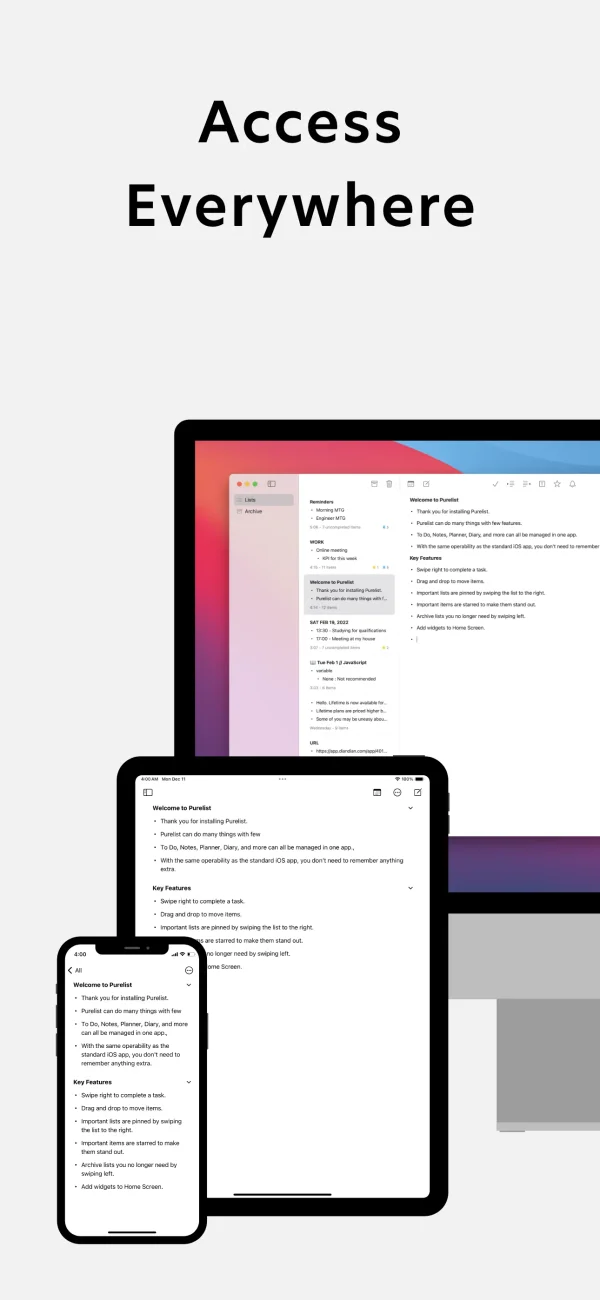
Designed for iPhone, iPad, Mac
Free · In-app purchases
- Age rating4+
- CategoryProductivity
- LanguagesEnglish
- Size27.7 MB
Links to the official App Store page
Download.org hosts no file of Purelist: Notes & Tasks. The button opens its official App Store page, published by . Listing last checked on Nov 12, 2026.
Screenshots
About
Purelist is a thought organizer for those who are serious about their work or studies. Purelist prioritizes your focus on what's important, not adding extra features or decorations to get your attention. If you are looking for a motivational tool, Purelist may not be for you. However, if you need something simple to help you achieve your goals, it may be perfect for you.
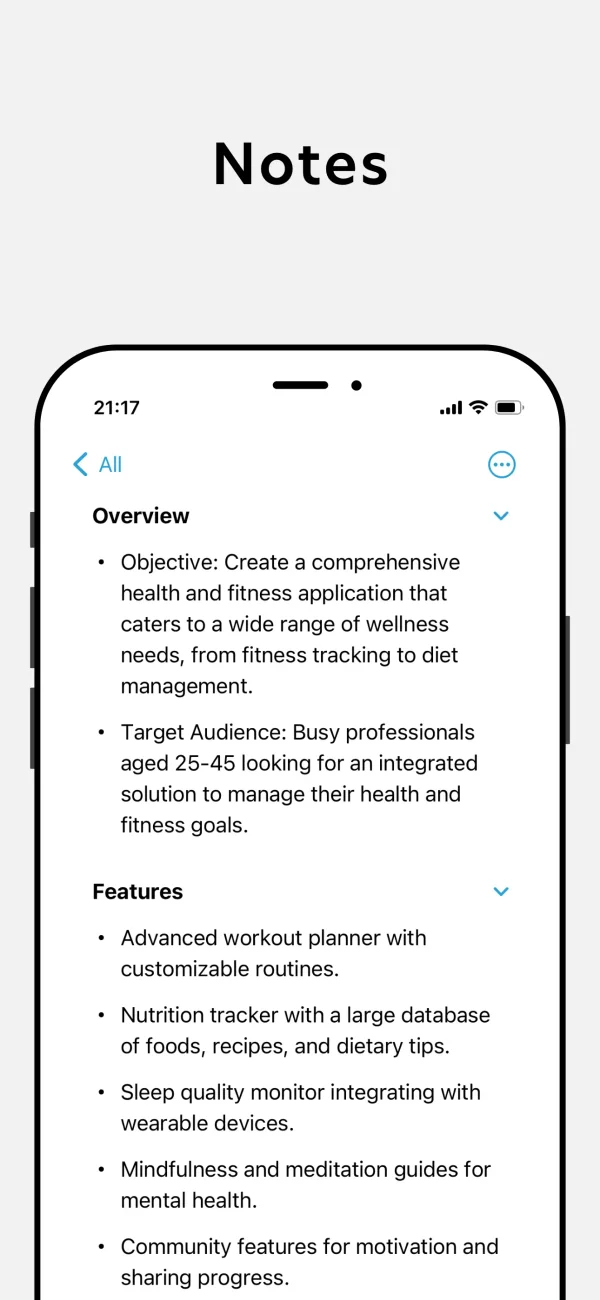
Purelist can be used for daily planning, task management, and note taking. It's helpful for habit checklists, lecture notes, and shopping lists. Its clean interface won't steal your time. There are no ads, and it doesn't collect your data.
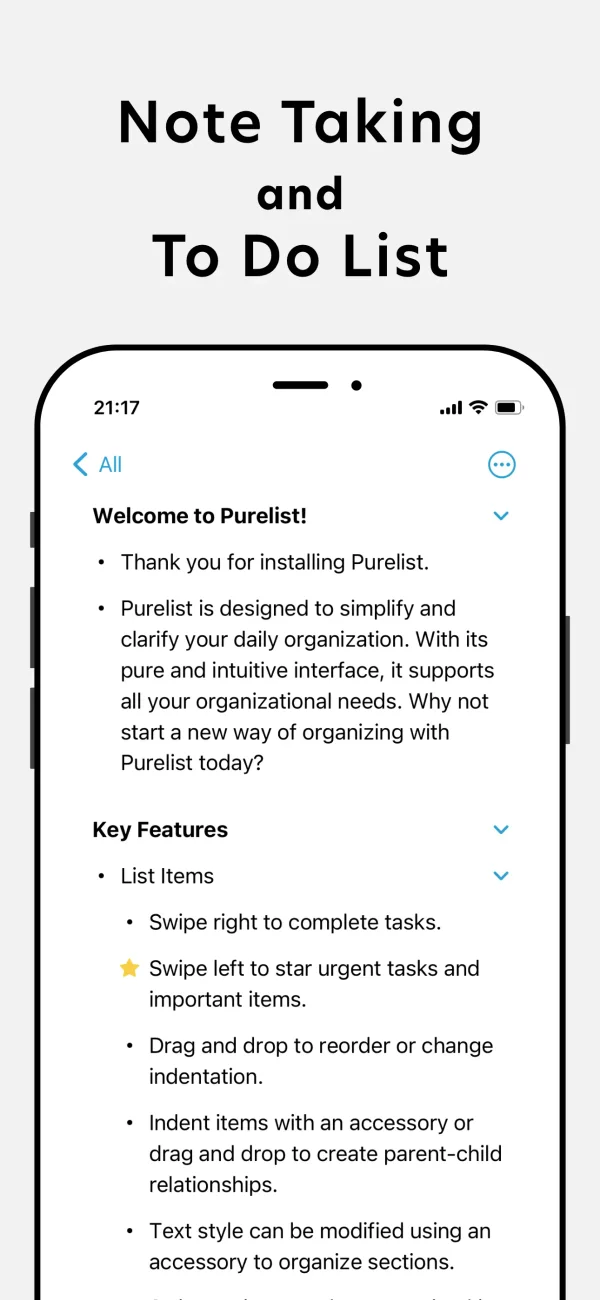
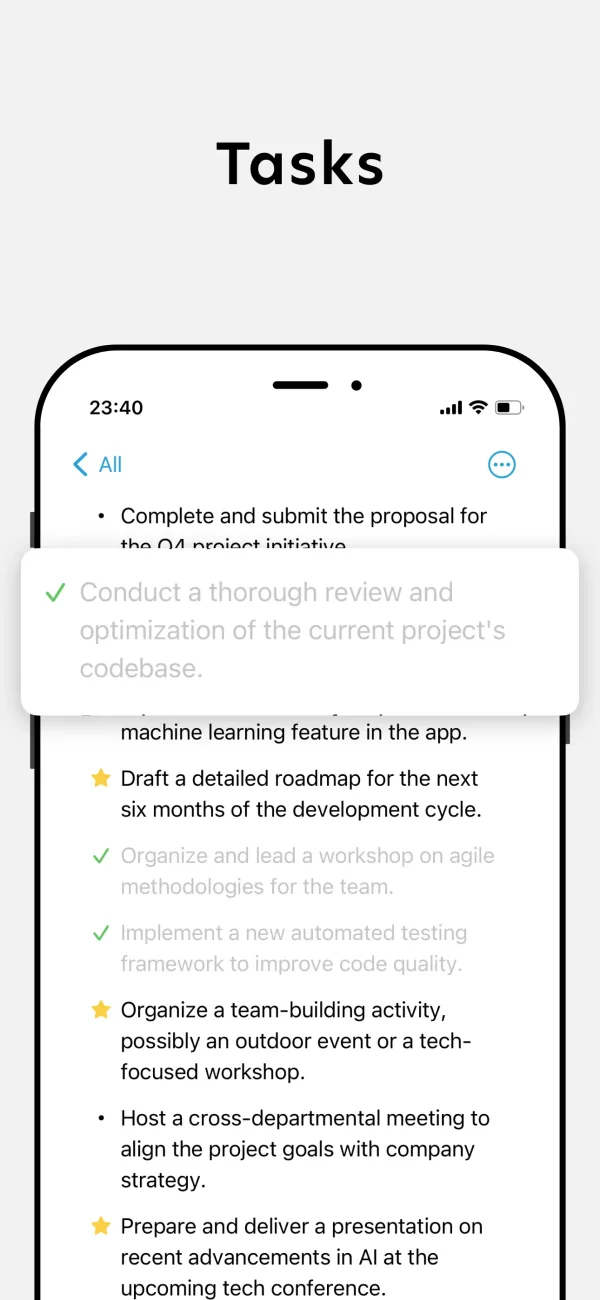
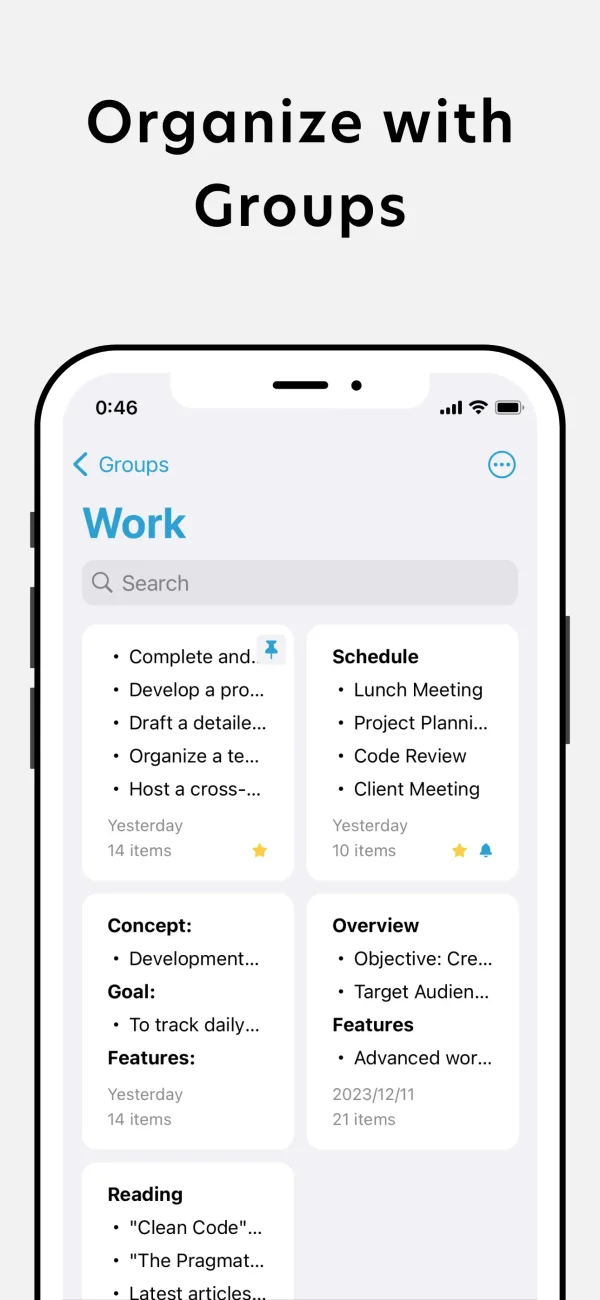
Purelist has no checkboxes in the list and is completed by swiping, so it can be used for both task management and idea capture. The star icon indicates the urgency of tasks or the importance of ideas. Purelist is designed to do more with less, so you don't get confused and lose the features you need.
Use Purelist to increase your productivity!
Key Features:
• Sort tasks and items freely.
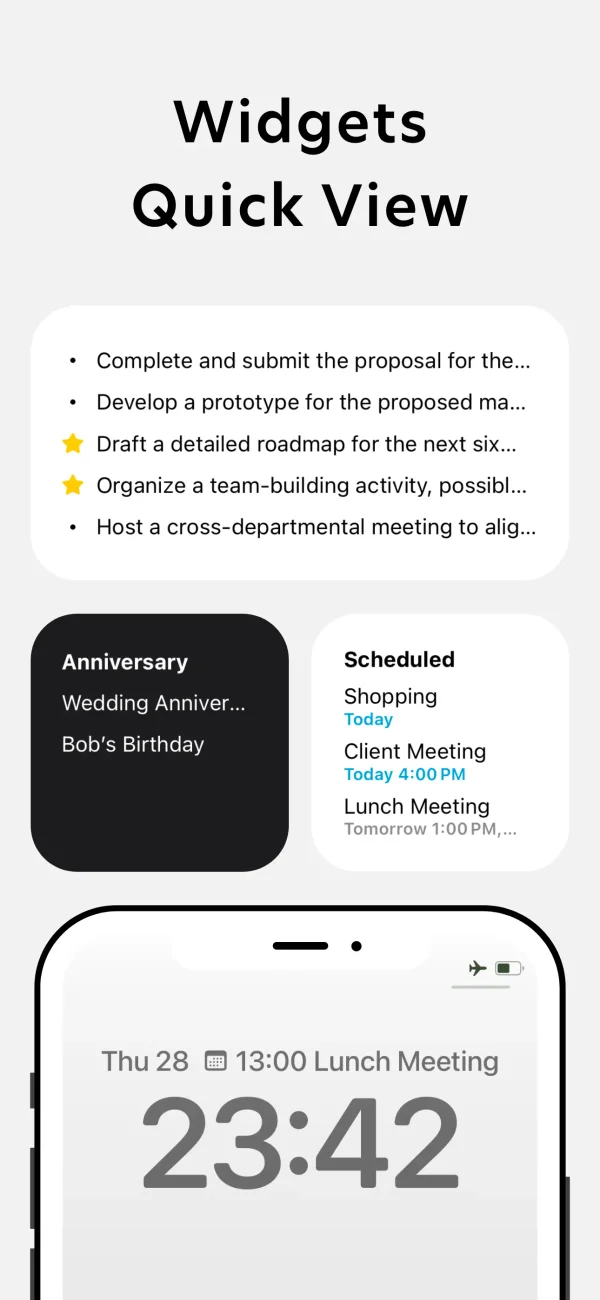
• Show your list on your home screen at any time with the widget.
• Mark important items to mark them more prominently.
• Use indentation for easier writing and reading outlines.
• No need to title your lists and tasks.
• Easily search by item.
• Smooth completion and deletion as you work with each item.
• Add descriptions to items to manage items in detail.
For Pro:
• Sync lists between your iPhone, iPad, and Mac via iCloud.
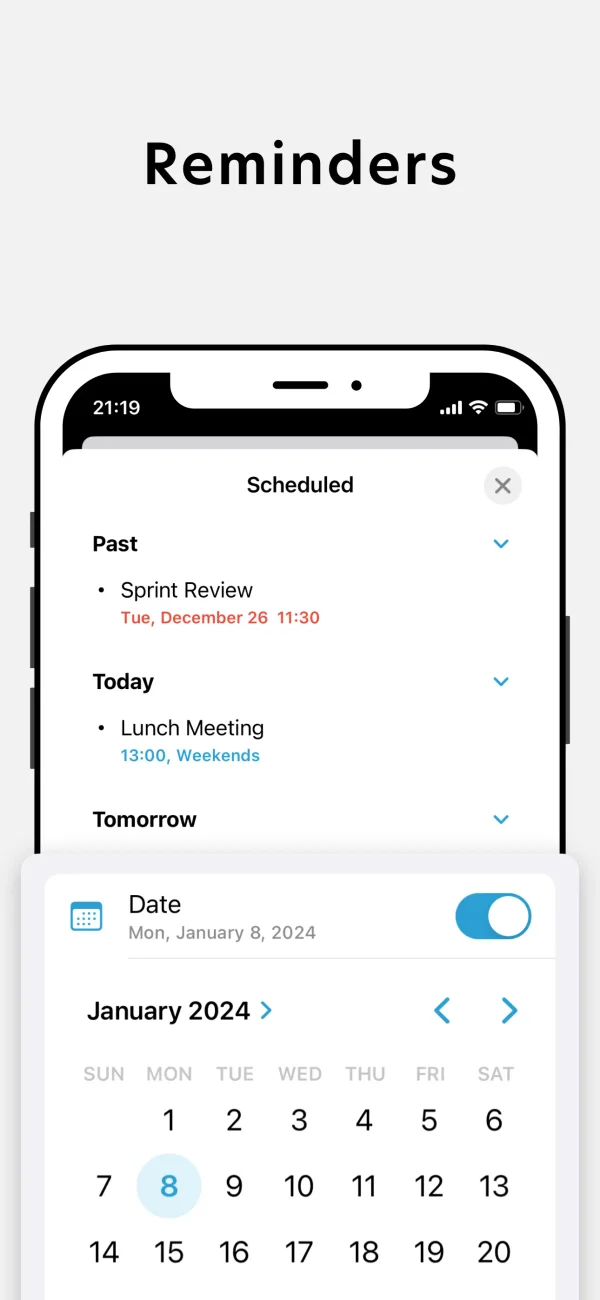
• Set reminders for tasks and items.
• View and manage reminders by date.
• Quickly set reminders using date presets.
• Send system notifications at set times.
• Can repeat reminders on a daily, weekly, monthly, or annually schedule.
• The list can be divided into groups to organize the list in more detail.
• Subgroups can be added to a group.
What’s new
Version 24.2.0 · Feb 12, 2024
- Added the ability to move items in the swipe options.
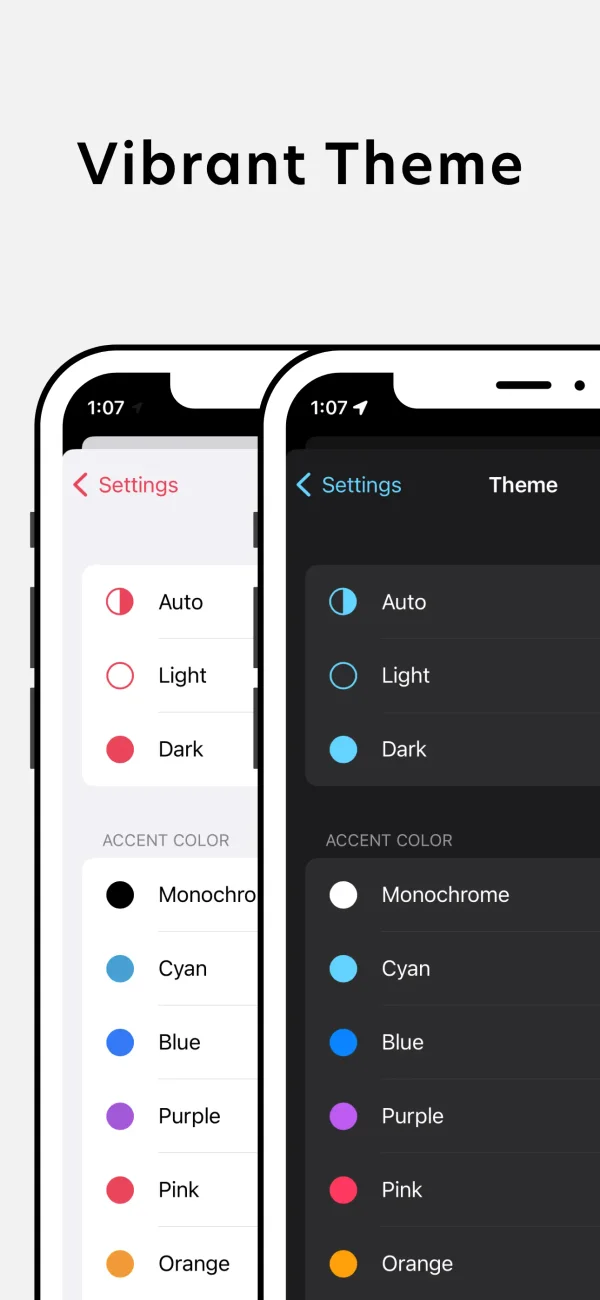
- Added the ability to select light or dark mode in the app.
- Added more color themes.
- Minor improvements mainly for iPad.
Hi there!
This is an overall small usability improvement. We also increased the number of color themes, so we hope you will find something you like.
We are currently focusing on Mac development and making improvements so that iPhone, iPad and Mac can be used more seamlessly. Thank you for your continued support as we continue to make Purelist even better!
Have a great day!
App privacy
What declares on the App Store about how this app handles data.
-
Data not collected
The developer does not collect any data from this app.
Privacy practices may vary, for example with the features you use or your age.
Information
- Seller
- Shintaro Miyake
- Category
- Productivity
- Version
- 24.2.0
- Updated
- Feb 12, 2024
- Released
- Jan 16, 2021
- Size
- 27.7 MB
- Requires
- iOS 16.0 or later
- Age rating
- 4+
- Price
- Free
- In-app purchases
- Yes
- Languages
- English
- Copyright
- © 2021-2024 Purelist
You might also like
-
 NextAction AppMake your next action count
-
 Airlist - Notes & TasksProductivity
-
 Do Next - Simple Task ManagerCapture in a basic to do list
-
 Outliner: ScrollOutline List Nodes & Mind Map
-
 Ikes: Idea NotesCapture Ideas, Find Them Fast
-
 Success Weekly PlannerPlan your weekly tasks
-
 Organizly: Task & NotesPlan projects, capture notes
-
 Legend (Moo.do)Do more deep work.
-
 Daypiece AI Daily PlannerSchedule, Calendar, To-Do List
-
 To Do List Task Manager: TodozReminders & Checklist Widget