
- Age rating4+
- CategoryLifestyle
- DeveloperPVBLIC Foundation
- LanguagesEnglish
- Size5.1 MB
Links to the official App Store page
Download.org hosts no file of PVBLIC Events. The button opens its official App Store page, published by PVBLIC Foundation. Listing last checked on Nov 14, 2026.
Screenshots
About
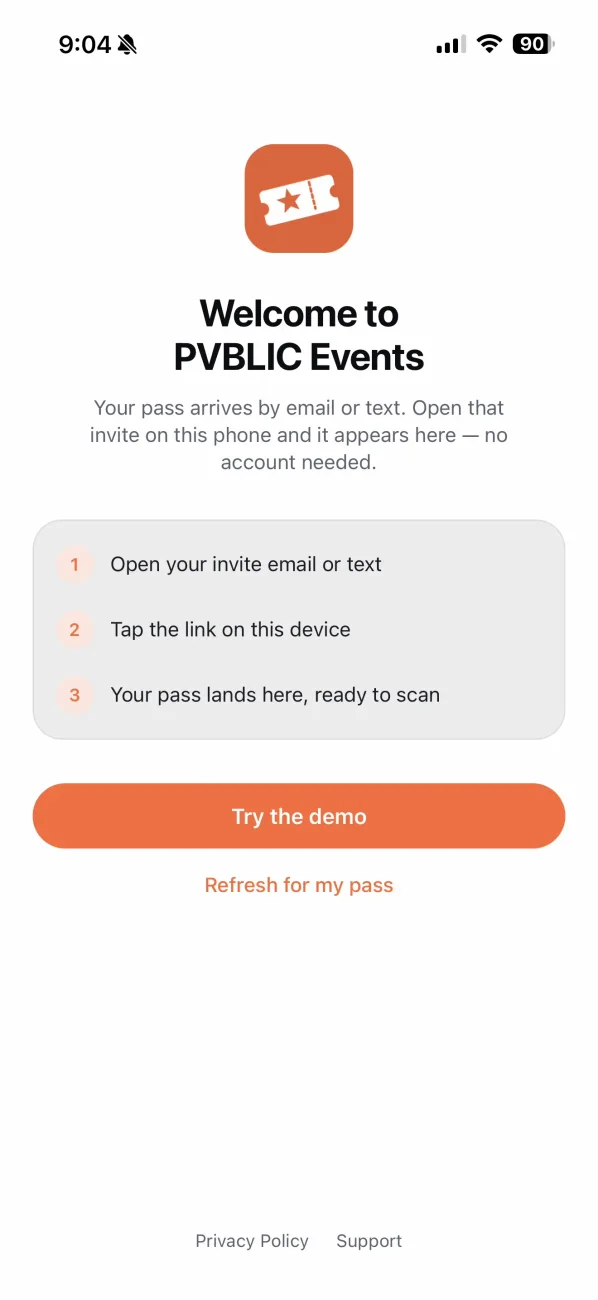
PVBLIC Events is your pass wallet for invite-only events hosted by the PVBLIC Foundation.
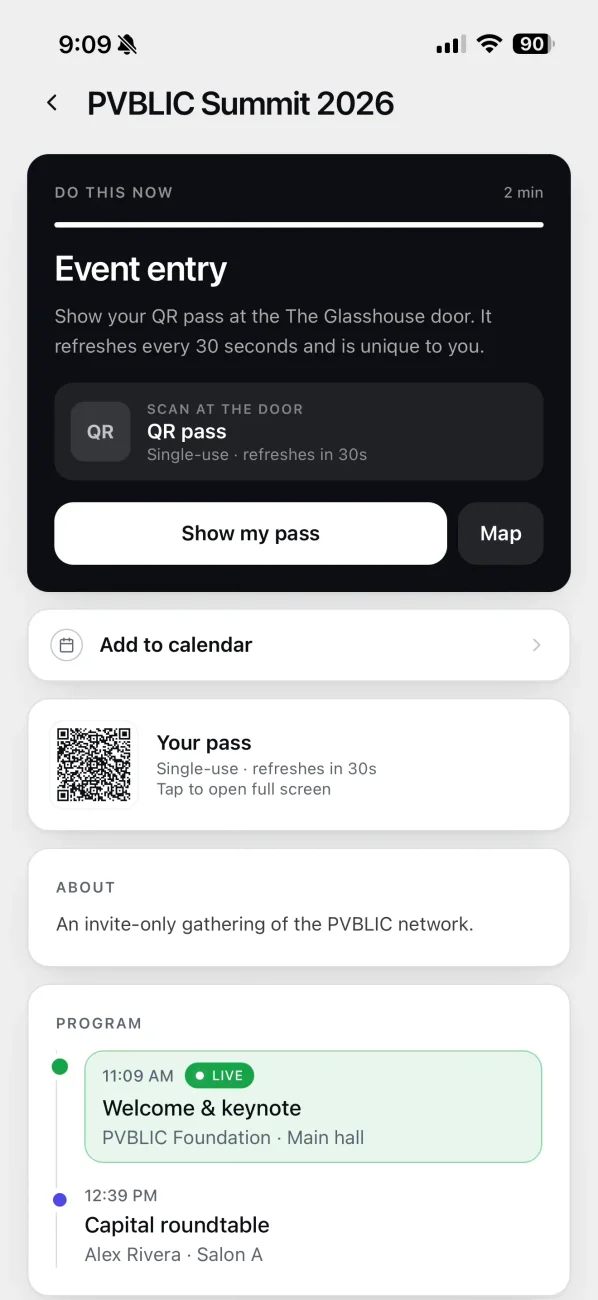
Open the invite you were sent and your pass appears on this iPhone — no account, no password. At the door, hold up a rotating, device-bound QR code. While it is on screen the app raises brightness and keeps the display awake so scanners can read it. After you have opened a pass once, the code still rotates in airplane mode.
What you can do:
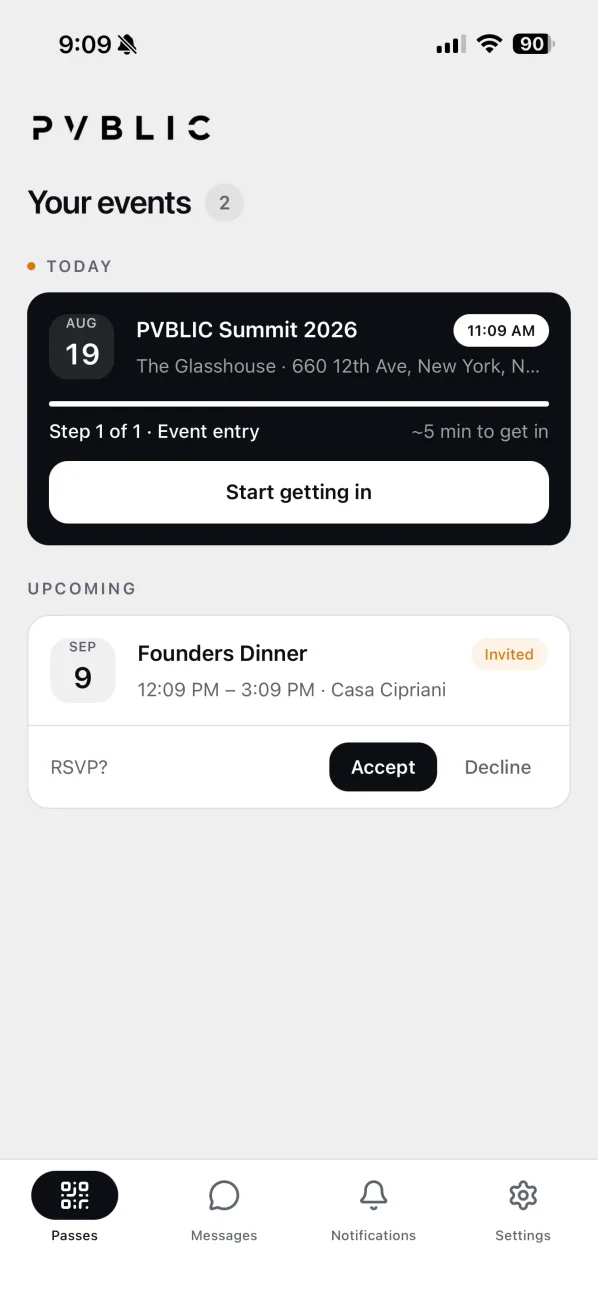
• See events happening now and what is coming next
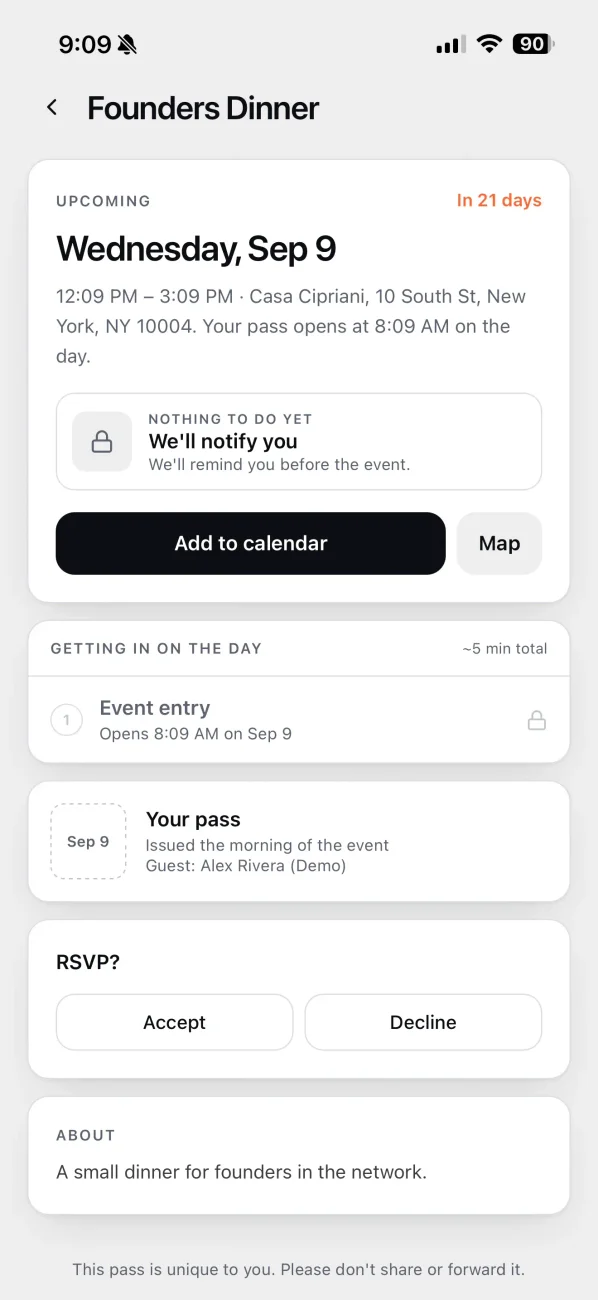
• RSVP, view the agenda, and get directions in Maps
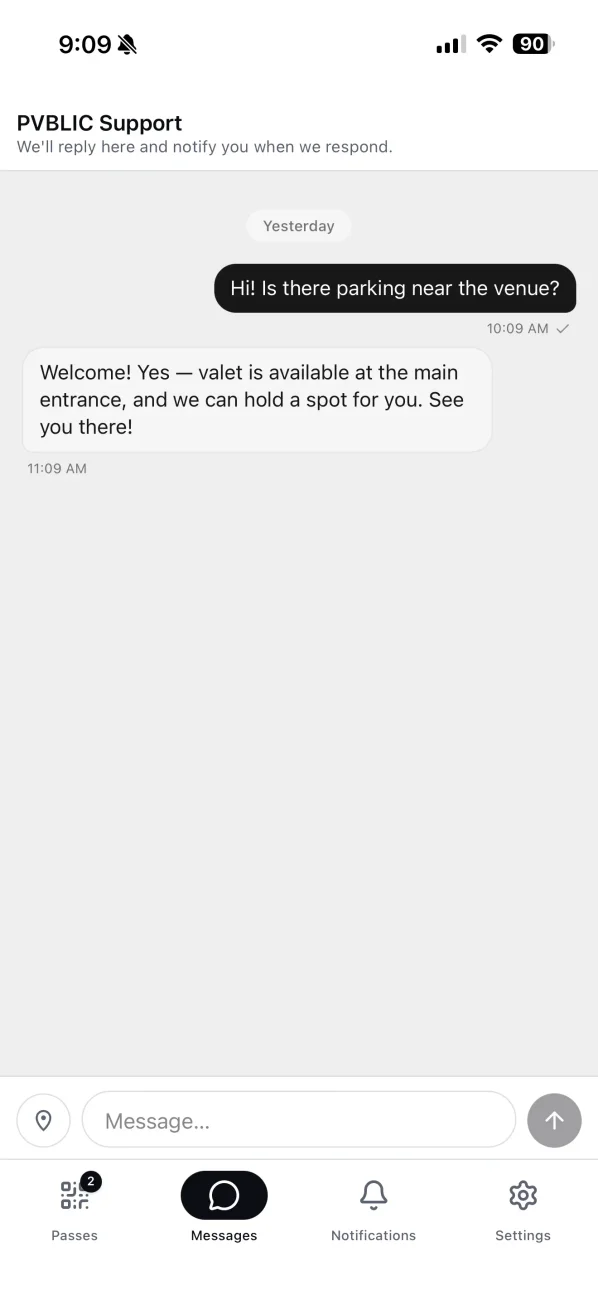
• Message event staff, and share your location if you need to be found on a large site
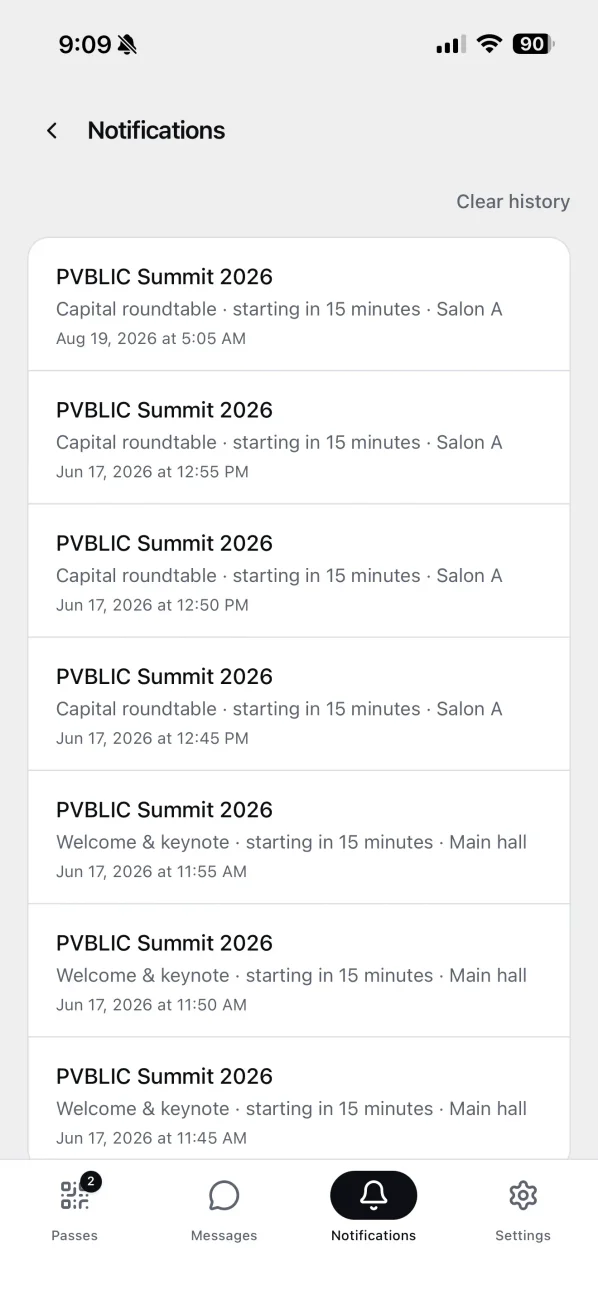
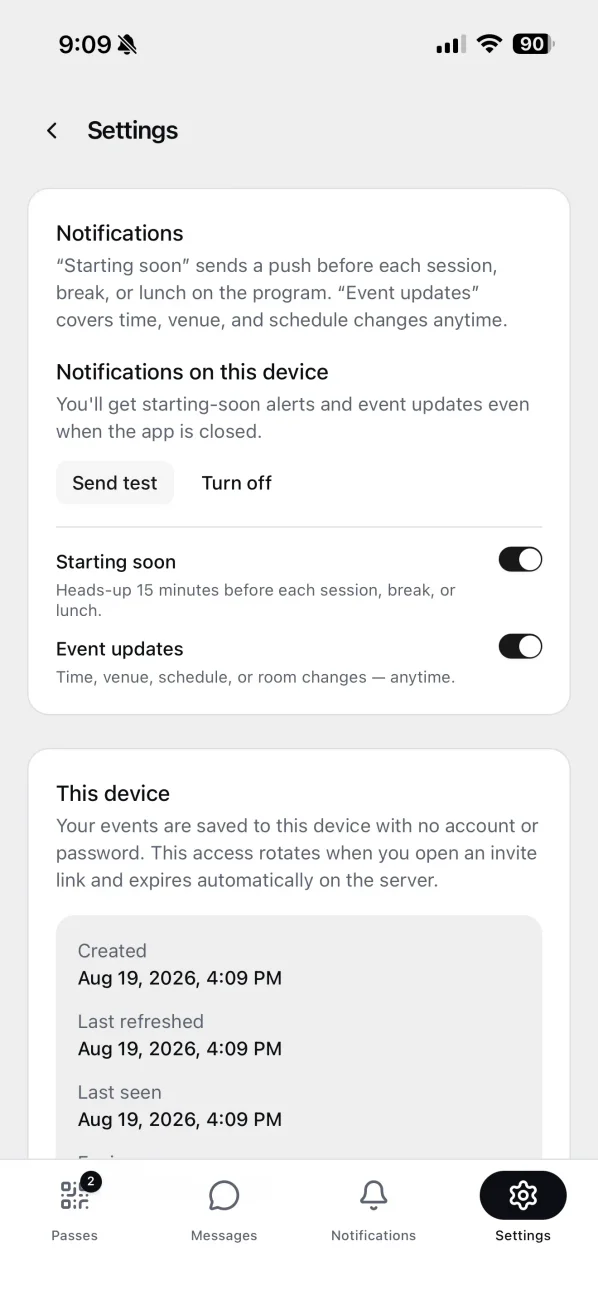
• Get notifications for starting-soon and event updates
What’s new
Version 1.1 · Aug 29, 2026
A. Live Activity / Dynamic Island (new)
On the pass, tap “Begin step 1”. Lock the phone or check the Dynamic Island. You should see the event name, the current instruction (e.g. “Show my pass”), and a countdown (“Doors” / “Starts” / “Up next”).
The Island does not start on launch — only after Begin. If missing: Settings → PVBLIC Events → Live Activities (iOS 16.2+). Older iOS runs the rest of the app without it.
Tap the card to return to the pass. Its Map chip opens Apple Maps. We never put the guest’s name, street address, or QR on the Lock Screen.
B. Add to calendar
Same pass → “Add to calendar”. We request WRITE-ONLY (“Add Events Only” on iOS 17+), write this one event, and never read others. Denial falls back to ICS / Google / Outlook so the control is never dead.
C. Share location
Tab → Messages → sample thread → compose → “Share location”.
ONLY location use: one shot, when-in-use, after that tap. No background, no watch, no Always request.
D. Maps
Pass → Map or “Apple Maps”. Apple Maps opens in the Maps app. Google Maps opens in the in-app browser (Done to return). We do not assign comgooglemaps:// — that scheme does nothing if Google Maps is not installed (prior 2.1(a) on iPad Air).
App privacy
What PVBLIC Foundation declares on the App Store about how this app handles data.
-
Data not collected
The developer does not collect any data from this app.
Privacy practices may vary, for example with the features you use or your age.
Information
- Seller
- PVBLIC Foundation, Inc.
- Category
- Lifestyle
- Version
- 1.1
- Updated
- Aug 29, 2026
- Released
- Aug 27, 2026
- Size
- 5.1 MB
- Requires
- iOS 15.0 or later
- Age rating
- 4+
- Price
- Free
- Languages
- English
- Copyright
- © 2026 PVBLIC Foundation
You might also like
-
 CGI 2026Lifestyle
-
 Intro - Talk with expertsDiscover and connect 1:1
-
 Luma: Events & InvitesDiscover and host great events
-
 Soho HouseLifestyle
-
 Parlor Social ClubFirst personalized social club
-
 Global Citizen: Create ChangeStop scrolling. Start acting.
-
 Amata: Matchmaking ClubIntentional Daters Only
-
 Virgin Red: The Rewards ClubCollect Rewards & Save Money
-
 StreetEasy NYC Rentals & SalesApartments For Rent & For Sale
-
 RayaPrivate global community