
pxCut - Screenshot Editor
Annotate, Blur & Share Fast
Designed for iPhone, iPad
Free · In-app purchases
- Age rating4+
- CategoryPhoto & Video
- DeveloperEager.app
- LanguagesEnglish
- Size9.9 MB
Links to the official App Store page
Download.org hosts no file of pxCut - Screenshot Editor. The button opens its official App Store page, published by Eager.app. Listing last checked on Nov 18, 2026.
Screenshots


About
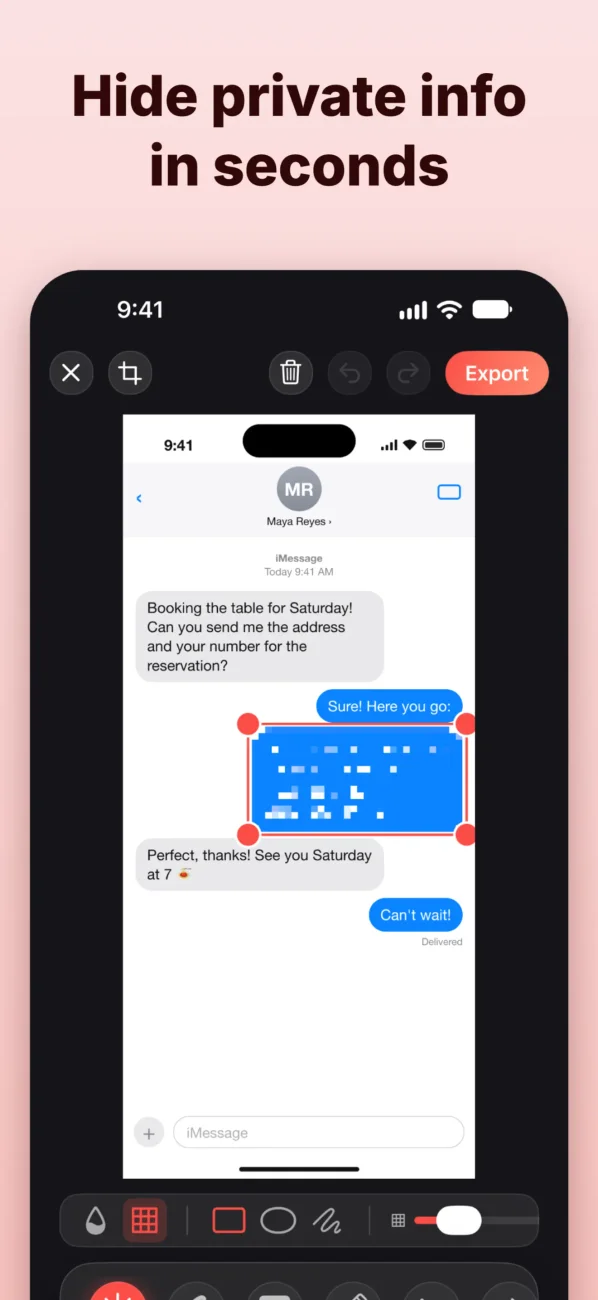
Hide private info in screenshots — fast. Blur, pixelate, crop, and mark up anything before you share it. Nothing leaves your device.
HIDE WHAT'S PRIVATE
• Pixelate or blur addresses, phone numbers, names, and faces with a swipe
• Redact with shapes — rectangles, circles, lines, and stars
• Spotlight one area and blur everything around it
SAY EXACTLY WHAT YOU MEAN
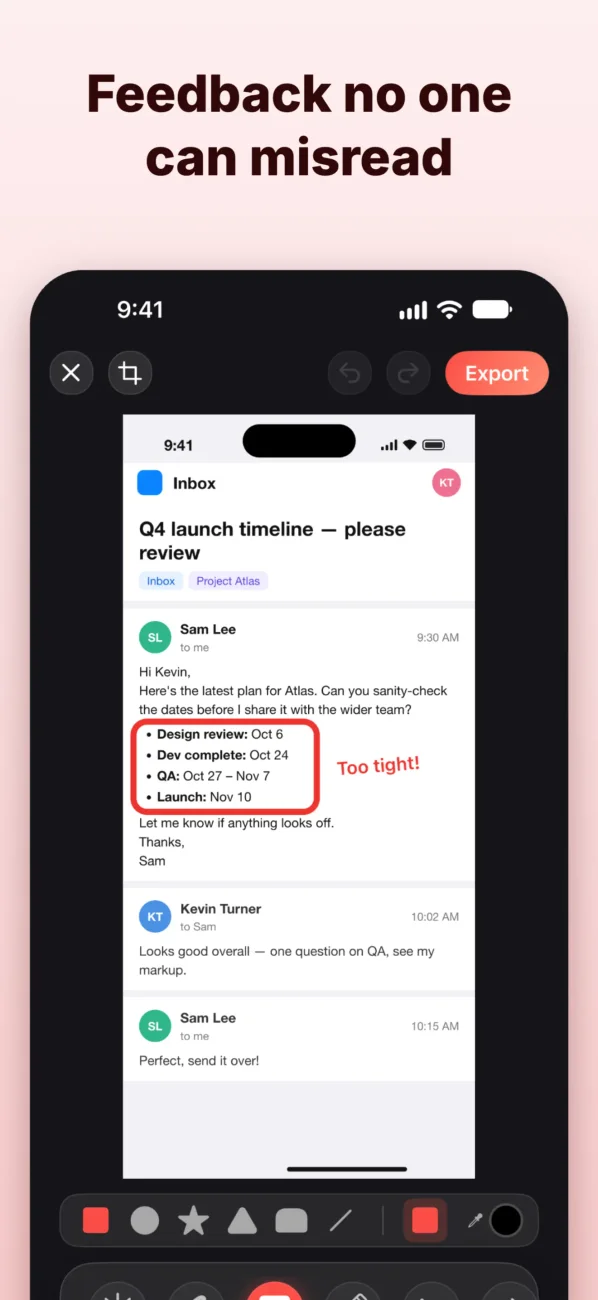
• Circle it, point to it, highlight it
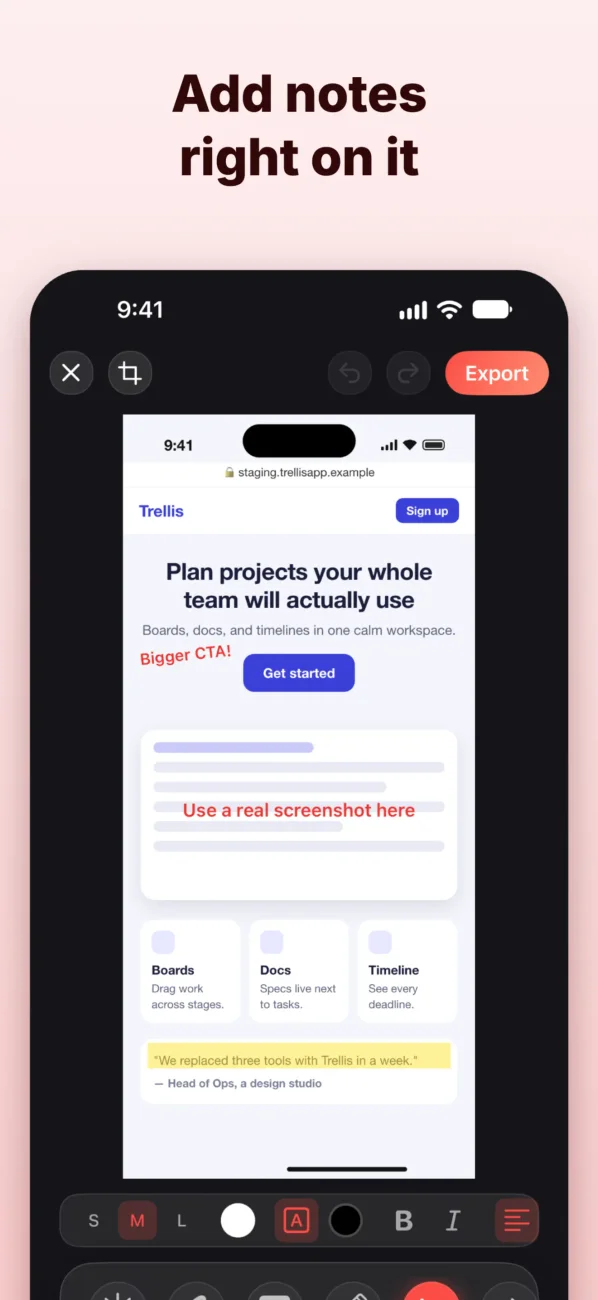
• Add text notes anywhere, at any angle
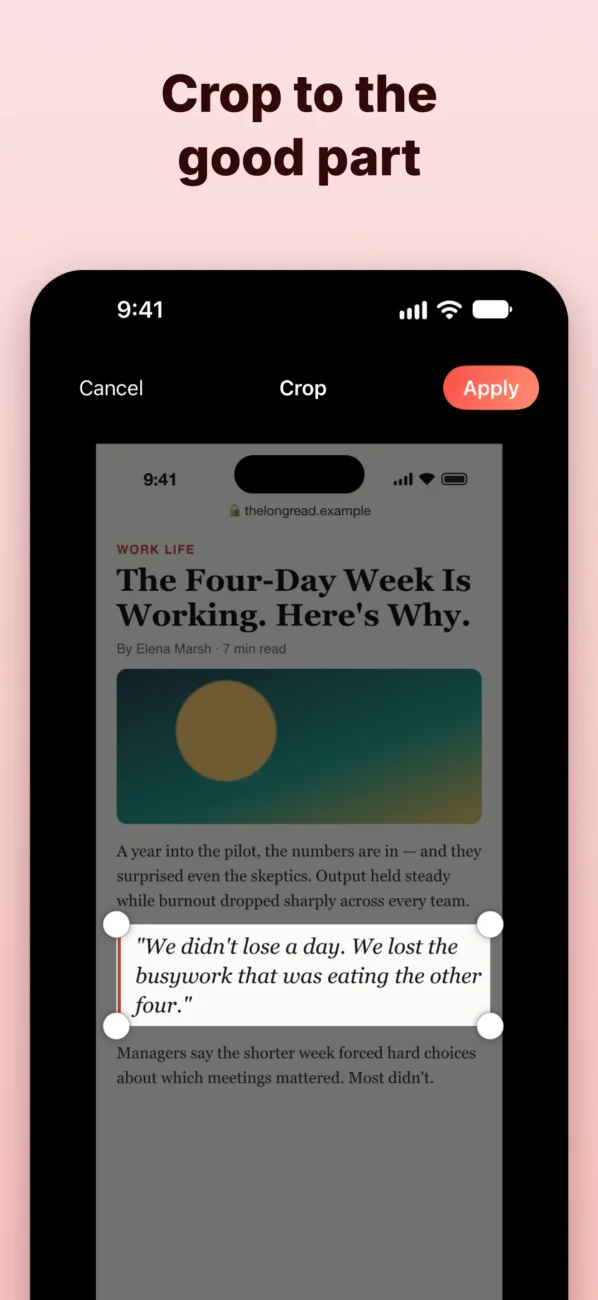
• Crop straight to the part that matters
SHARE WITH CONFIDENCE
• Exports match exactly what you see on screen
• Full resolution to Photos, Copy, or Share
• Pick up any edit where you left off
PRIVATE BY DESIGN
pxCut only sees the screenshot you pick. It uses Apple's system photo picker — no library access, no cloud upload, no account, and no analytics on your images.
MADE FOR
• Anyone sharing screenshots online
• Designers and PMs giving feedback
• Support teams hiding customer data
• Creators marking up references
Built natively for iPhone and iPad.
Some tools require pxCut Pro, available as an in-app purchase.
What’s new
Version 1.3.0 · Sep 26, 2026
• Rotate text to any angle — drag the rotation handle or dial in a precise degree. Snaps to 45°.
• Crop right inside the editor, with one-tap Reset Crop to get your original back.
• Exports now match exactly what you see on screen — text size and highlights included.
• Smoother blur and pixelate while you edit.
• Text alignment and layer order are kept when you reopen a project.
• A refreshed home screen and app icon.
App privacy
What Eager.app declares on the App Store about how this app handles data.
-
Data not collected
The developer does not collect any data from this app.
Privacy practices may vary, for example with the features you use or your age.
Information
- Seller
- Furvur Inc
- Category
- Photo & Video
- Version
- 1.3.0
- Updated
- Sep 26, 2026
- Released
- Feb 10, 2026
- Size
- 9.9 MB
- Requires
- iOS 17.6 or later
- Age rating
- 4+
- Price
- Free
- In-app purchases
- Yes
- Languages
- English
- Copyright
- © 2026 Furvur Inc
You might also like
-
 ScreenSnap ProScreenshot Beautifier & Editor
-
 Screenshot Editor - Blur TextRedact, Highlight & Annotate
-
 SortShot-Markup·Save to AlbumAnnotation,Album Archiving
-
 Screenshot Mark EditorAspect Ratio & Corner Radius
-
 Visoria AIPhoto to Video Effects AI
-
 Screenshot Editor - ScreenPopMockup, Annotate, Blur
-
 LightMeter35Photo & Video
-
 FeelcaFilm vibes in your hands.
-
 InfiniteFilm Pro CameraNext-Gen Film Filter Camera
-
 Face Blur - Photo Privacy AIEasy face blur