Screenshot Editor - ScreenPop
Mockup, Annotate, Blur
Designed for iPhone
In-app purchases
- Age rating4+
- CategoryPhoto & Video
- DeveloperALAATTIN OZKAYA
- LanguagesTraditional Chinese+ 32 more
- Size53.3 MB
Links to the official App Store page
Download.org hosts no file of Screenshot Editor - ScreenPop. The button opens its official App Store page, published by ALAATTIN OZKAYA. Listing last checked on Nov 22, 2026.
Screenshots
About
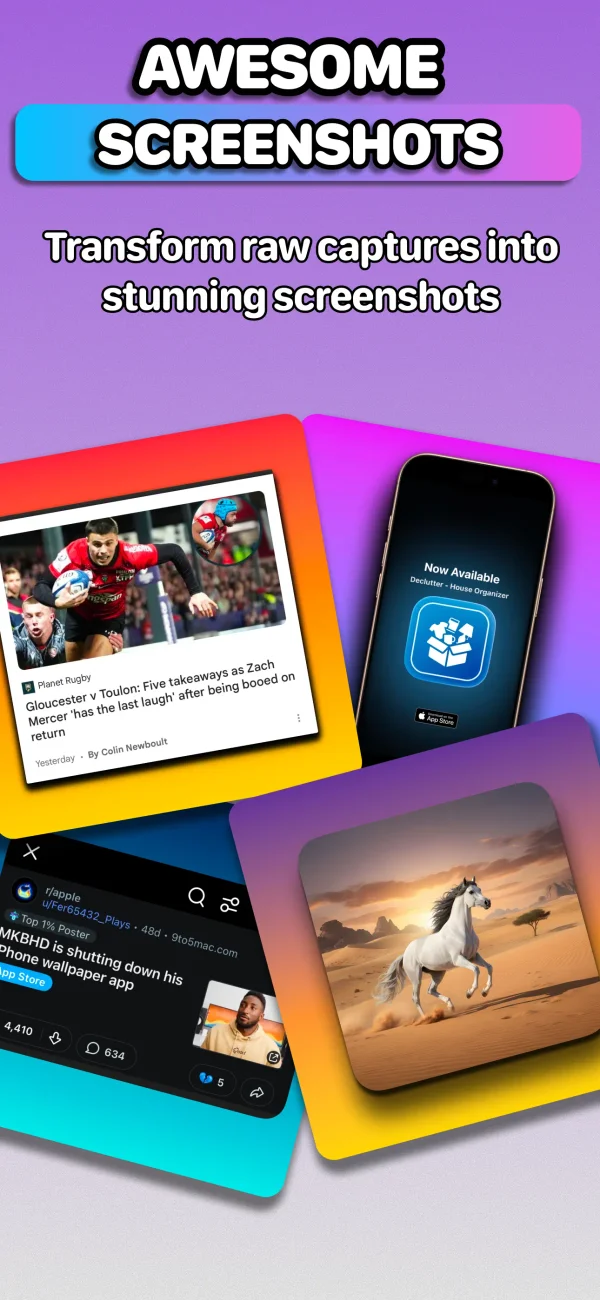
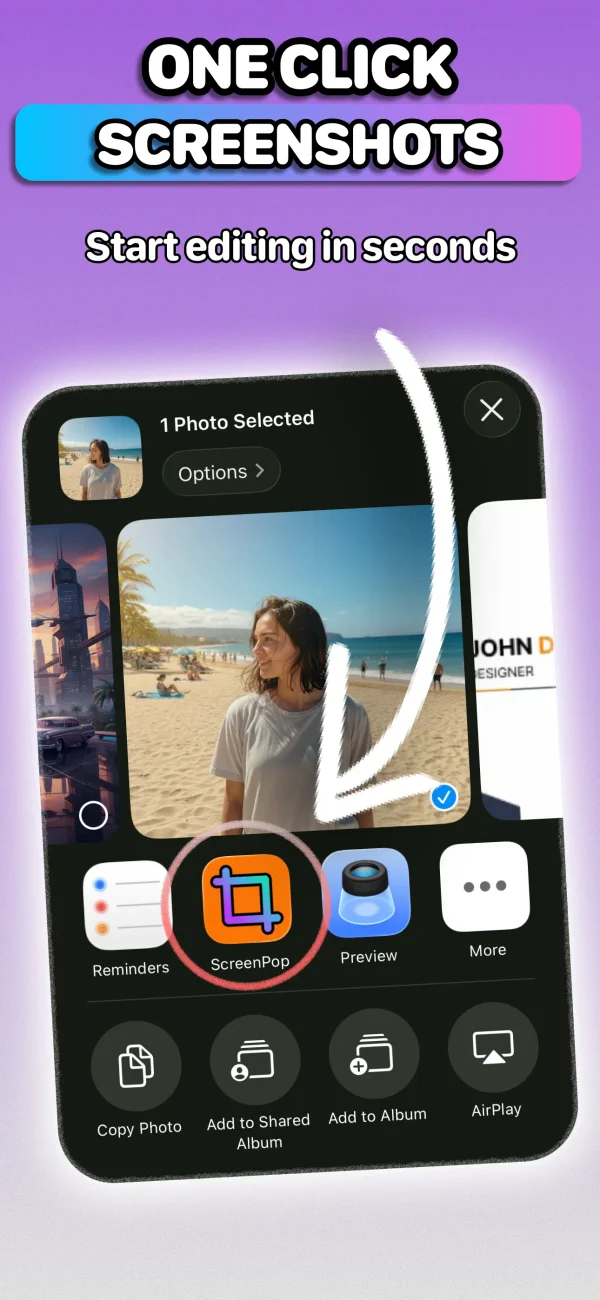
ScreenPop turns your screenshots into polished, professional images in seconds. Whether you need to hide sensitive details, show off your app in stunning device mockups, or create eye-catching social posts, this is the only screenshot tool you’ll need.
# Powerful Annotation Tools
Ten precision tools to mark up any screenshot:
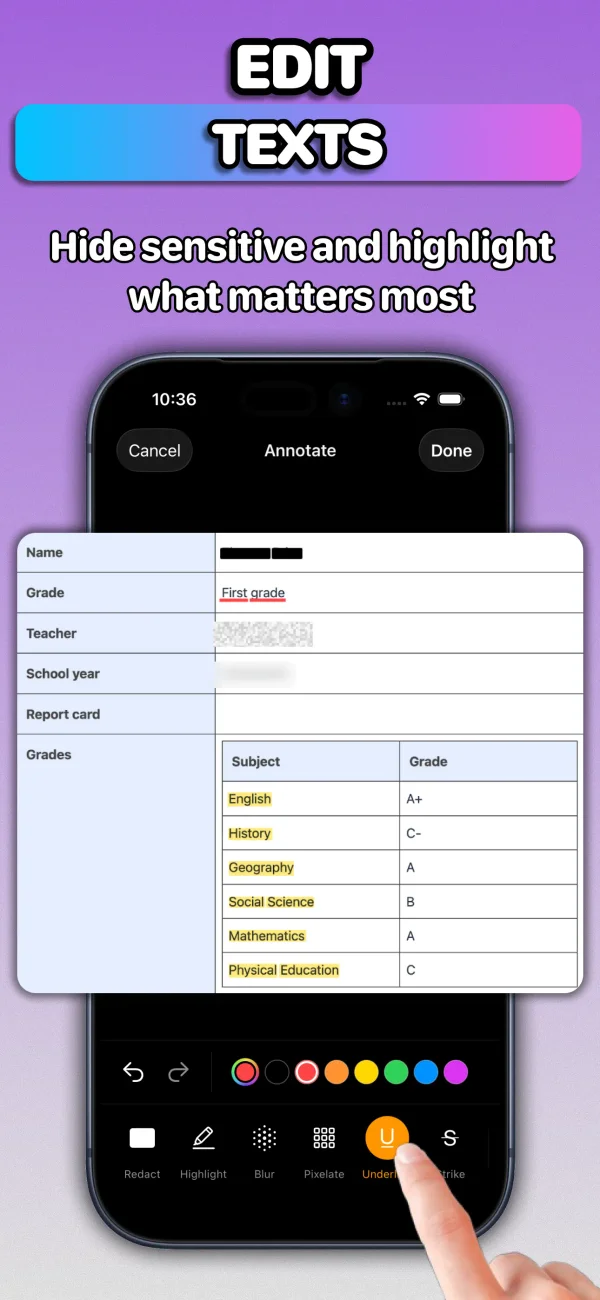
- Redact: Black out confidential text and data
- Highlight: Draw attention to key content
- Blur and Pixelate: Protect private, payment, and personal details
- Underline and Strikethrough: Mark text with accuracy
- Text: Add labels with rich styling, shadows, and borders
- Drawing: Freehand annotations
- Stickers: Browse millions of GIFs and stickers from Giphy
- Image Overlay: Add logos, watermarks, and custom graphics
# Smart Text Detection
Tap on detected text to instantly apply annotations. No fiddly manual selection. The app reads text in your screenshots and lines up your markups perfectly.
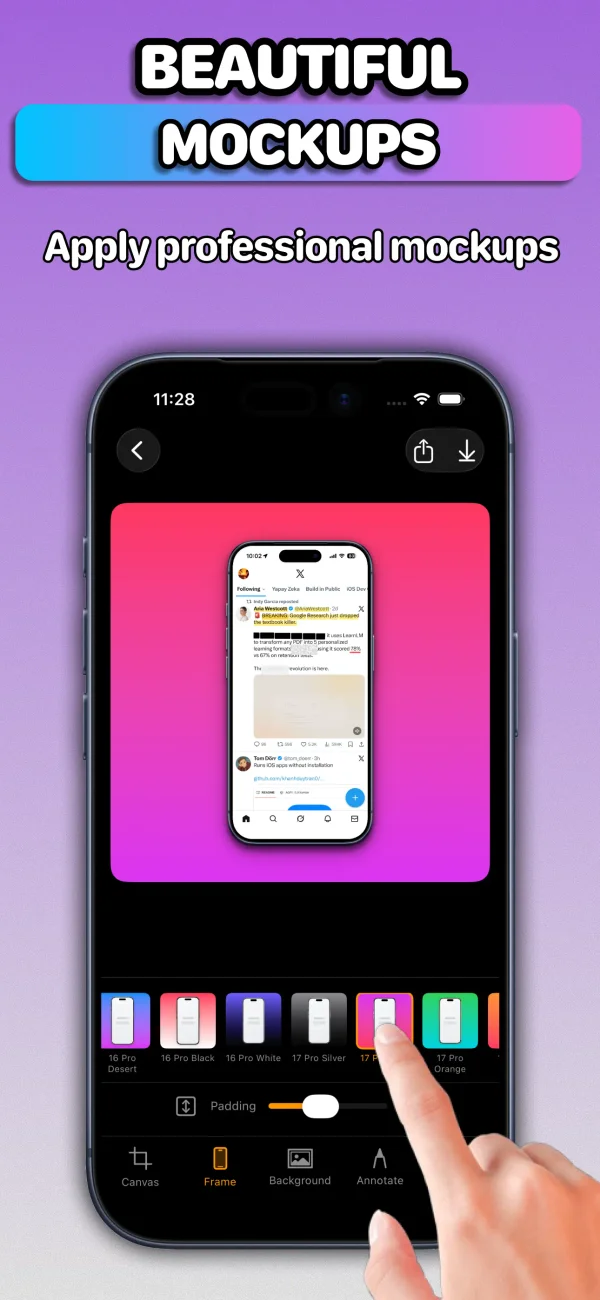
# Device Mockups
Showcase your work in realistic device frames:
- iPhone 17 Pro, iPhone 16 Pro, iPhone Air
- iPad Pro, iPad mini
- MacBook Air, MacBook Pro
- Apple Studio Display
- macOS window frames (light and dark)
Every frame uses authentic materials, colours, and details.
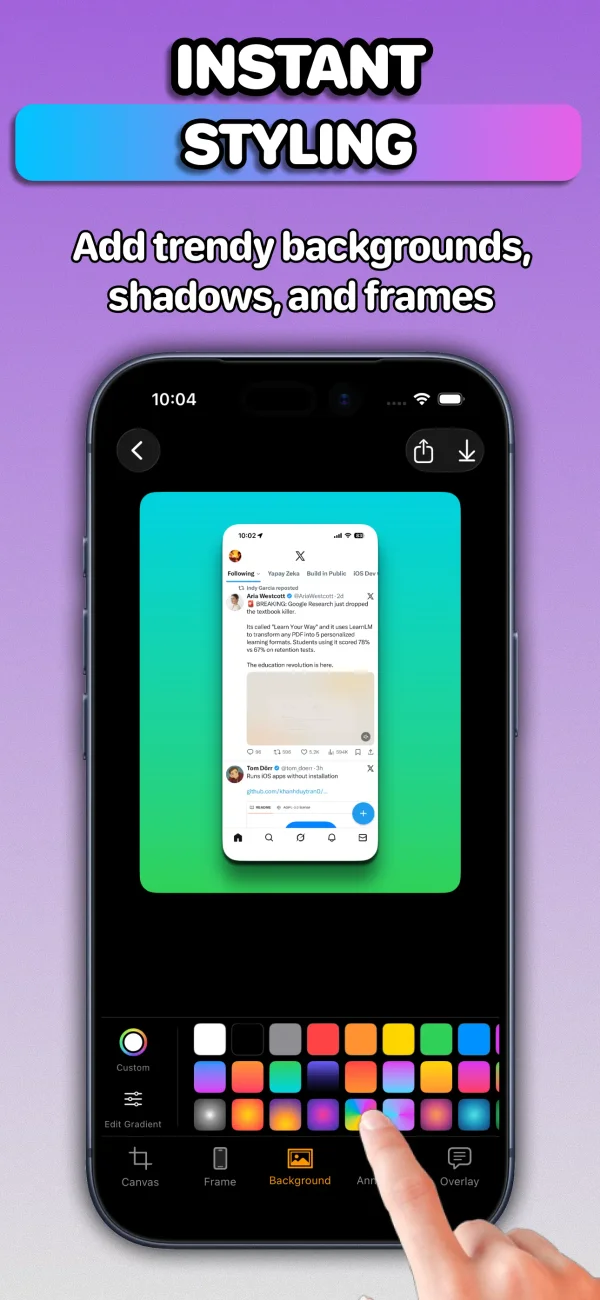
# Beautiful Backgrounds
Pick from solid colours, gradients, custom images, or browse millions of free photos from Pexels.
# Export Options
Export and share with a single tap.
# Privacy First
Everything is processed entirely on your device. Your screenshots never leave your phone. No uploads. No cloud processing. No tracking.
Privacy Policy: https://privacy.ftw-labs.com
Terms of Use: https://www.apple.com/legal/internet-services/itunes/dev/stdeula/
App privacy
What ALAATTIN OZKAYA declares on the App Store about how this app handles data.
-
Data not collected
The developer does not collect any data from this app.
Privacy practices may vary, for example with the features you use or your age.
Information
- Seller
- ALAATTIN OZKAYA
- Category
- Photo & Video
- Version
- 1.0
- Updated
- Jan 22, 2026
- Released
- Jan 22, 2026
- Size
- 53.3 MB
- Requires
- iOS 17.6 or later
- Age rating
- 4+
- In-app purchases
- Yes
- Languages
- Traditional Chinese, Hindi, Vietnamese, Danish, Russian, Croatian, Catalan, Hungarian, Indonesian, Turkish, Norwegian Bokmål, Hebrew + 21 more
- Copyright
- © 2026 Alaattin Ozkaya
You might also like
-
 Screenshot Editor ScriblyShotHighlight text, Redact, Create
-
 Screenshot Editor - ShotLabannotations, stickers, frames
-
 Frame Screenshots & VideosBackgrounds, Shadows, Mockups
-
 Shotly - Screenshot EditorScreenshots & Video for Posts
-
 pxCut - Screenshot EditorAnnotate, Blur & Share Fast
-
 ID Photo AI Maker & PassportSmart Background & Visa Sizes
-
 Aimee: AI Photo & Avatar MakerAI Filters, Selfies & Art
-
 Screenr: Screenshots & SocialsMockups & Social Post Maker
-
 ModelLabAI Product Photos Instantly
-
 SnapVend GalleryPhoto & Video