PXLBIT: Pixel art maker
Image converter & drawing grid
Designed for iPhone, iPad, iPod touch
Free · In-app purchases
- Age rating4+
- CategoryGraphics & Design
- DeveloperSubtlabs
- LanguagesEnglish+ 32 more
- Size38.6 MB
Links to the official App Store page
Download.org hosts no file of PXLBIT: Pixel art maker. The button opens its official App Store page, published by Subtlabs. Listing last checked on Nov 17, 2026.
Screenshots
About
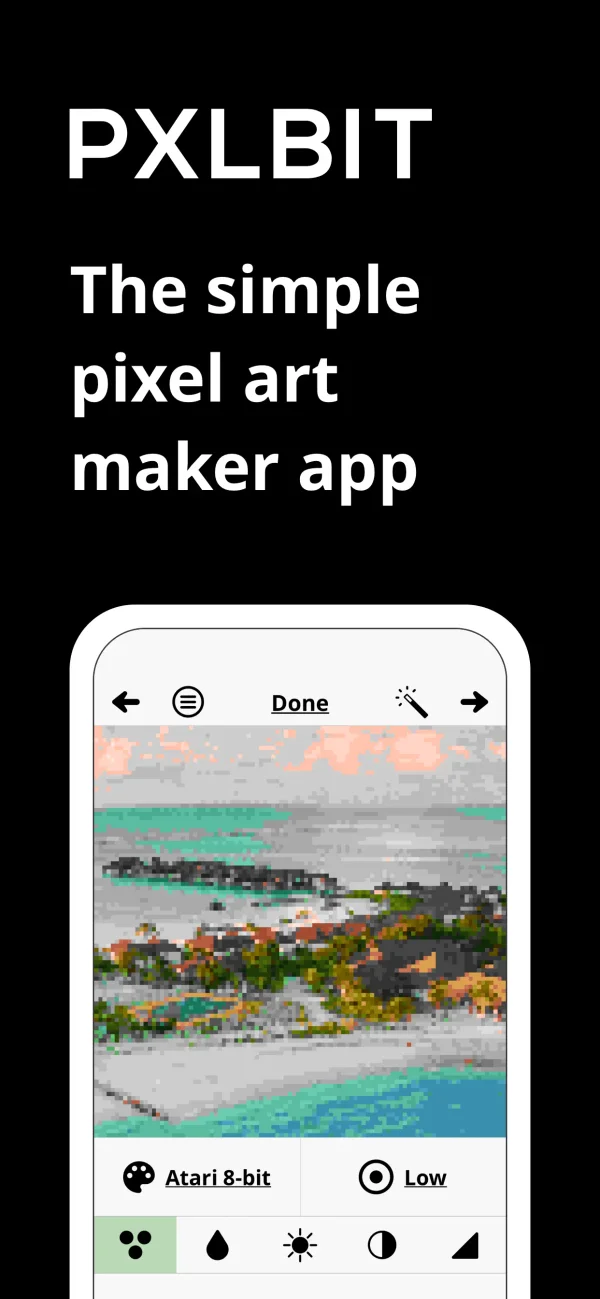
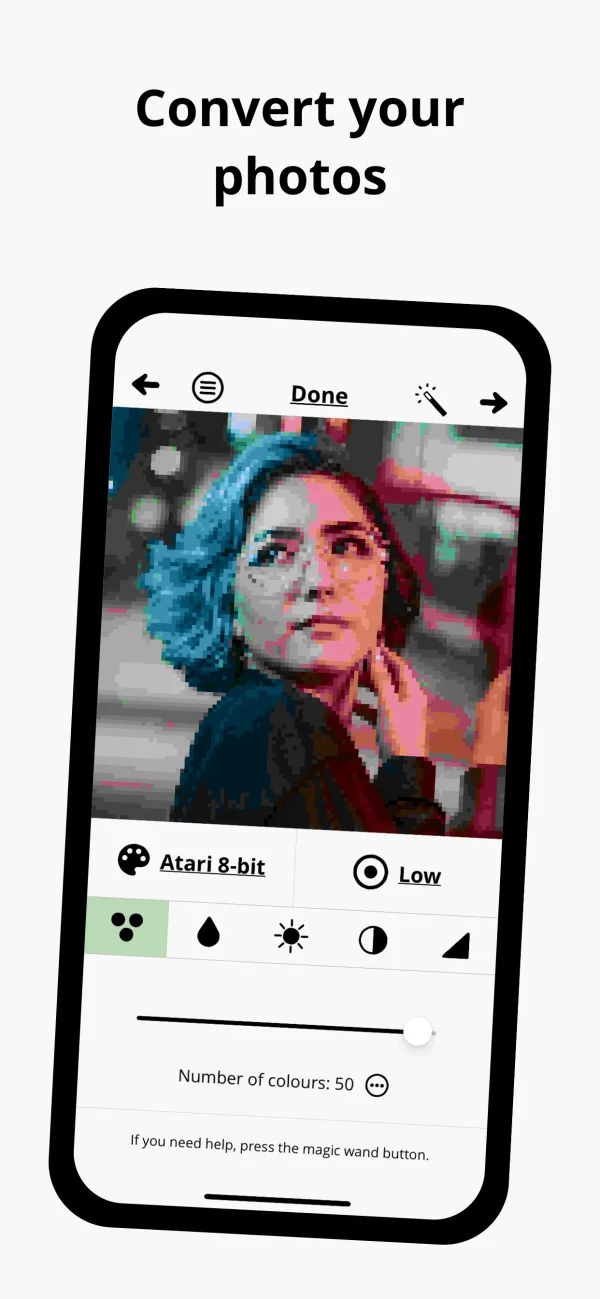
PXLBIT is a pixel art maker app for iPhone and iPad. Easily convert images or draw your own designs with this simple yet powerful iOS app.
• Perfect for beginners and hobbyists
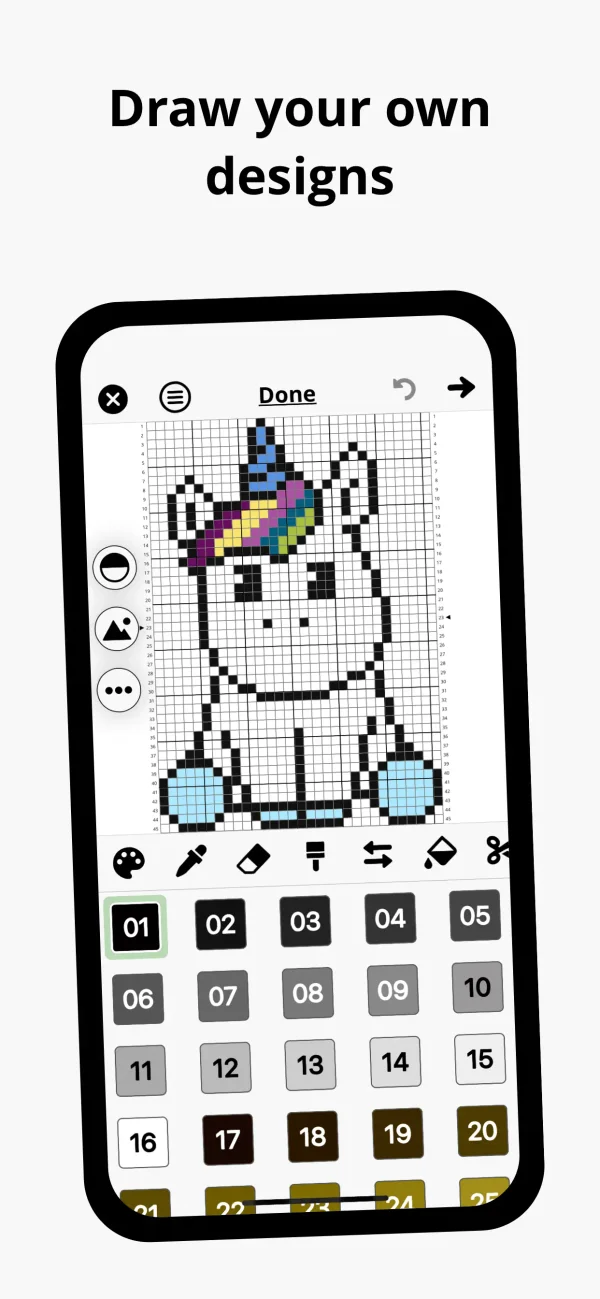
• Convert your images or draw your own designs
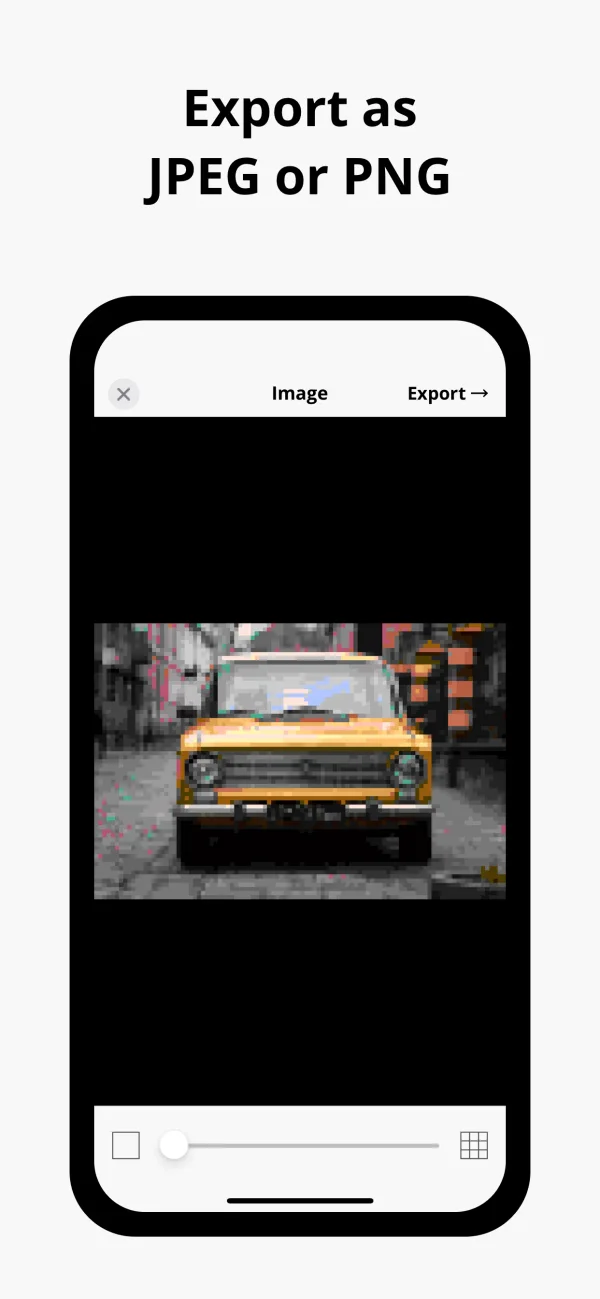
• Export your work as a JPEG or PNG
• No ads
• No data collection
• No subscriptions (pay once, enjoy forever)
IT WORKS LIKE MAGIC
When converting a photo, use our custom-built wizard tool to effortlessly choose the best settings for your image and see the results instantly.
TRACE OVER IMAGES
When drawing your own designs, you can show an image in the background. This can be super helpful as a reference to trace over.
JOIN THOUSANDS OF HAPPY CUSTOMERS
Our apps are loved by thousands of people around the world.
BECOME AN AMAZING DESIGNER
Our mission is to make it easier and more fun to create your own pixel grid designs. Why? Because being creative makes you happier and healthier.
FAQ
Is the full version a one-time purchase?
Yes. There are no subscriptions. You can create and export as many patterns as you like with the one-time purchase.
Can I unlock my other devices using the same purchase?
Yes. You can unlock the full version on your iPhone, iPad and Mac (M1 chip or later) with just one purchase.
Can I share the purchase with my family?
Yes. Family Sharing is enabled.
Where is my data stored?
Your data is stored on your device. All processing is done locally on your device. Your data is never transmitted to third parties.
TRY IT NOW
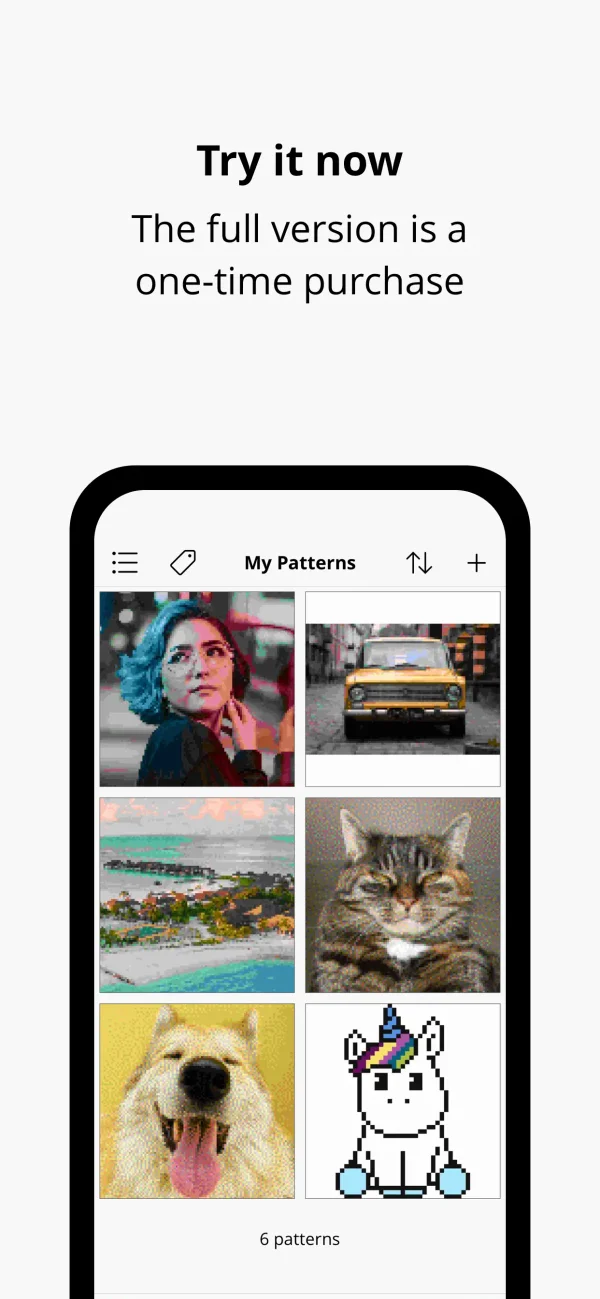
Try PXLBIT now on your iPhone, iPad or Mac. The full version is a one-time purchase.
PXLBIT™ is a trademark of Subtlabs Ltd
What’s new
Version 3.0 · Sep 9, 2026
- Added a 'Clean Up' brush for cleaning up isolated pixels after converting an image (on the editing screen, press and hold the paintbrush button > Clean Up)
- Added a 'Freehand' cut and copy mode for non-rectangular selections (on the editing screen, press and hold the cut/copy button > Freehand)
- You can now rotate the image when tracing it (Menu > Image... > Change Position > Zoom and rotate the image using two fingers, or you can use the rotate buttons)
- Bug fixes and general improvements
If you're enjoying PXLBIT, please consider writing a review.
Thank you to our wonderful customers for their continued support :)
Harry & Charlotte
App privacy
What Subtlabs declares on the App Store about how this app handles data.
-
Data not collected
The developer does not collect any data from this app.
Privacy practices may vary, for example with the features you use or your age.
Information
- Seller
- Subtlabs Ltd
- Category
- Graphics & Design
- Version
- 3.0
- Updated
- Sep 9, 2026
- Released
- Mar 27, 2025
- Size
- 38.6 MB
- Requires
- iOS 12.0 or later
- Age rating
- 4+
- Price
- Free
- In-app purchases
- Yes
- Languages
- English, Arabic, Catalan, Croatian, Czech, Danish, Dutch, Finnish, French, German, Greek, Hebrew + 21 more
- Copyright
- © Subtlabs Ltd
You might also like
-
 Pixel Art ConverterTurn Photos into Pixel Art!
-
 Pixel Art KitRetro low-res Sprite Drawing
-
 Dotmake - Pixel Art MakerCreate pixel art with ease
-
 Pixel DiffusionAI pixel art generator
-
 pxlart: AI Pixel Art GeneratorMaker, Games, 3D Anime Editor
-
 Picotap: Pixel Art & AnimationLearn, Draw & Animate Sprites
-
 Pixel Painter : Pixel ArtSo easy pixel editor
-
 Pixel art maker - InkticaSprite and texture maker
-
 Bead Loom CreatorGraphics & Design
-
 Stitcher Pixel ArtCross-stitch pattern canvas