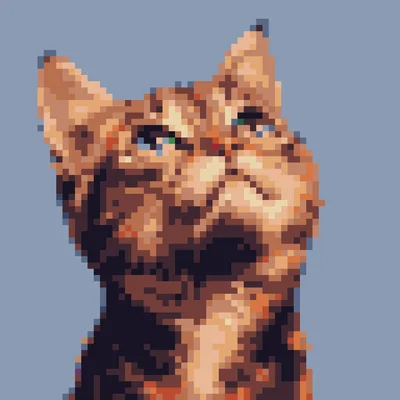
Pixel Art Converter
Turn Photos into Pixel Art!
Designed for iPhone, iPad, iPod touch
Free · In-app purchases
- Age rating4+
- CategoryGraphics & Design
- DeveloperHon Ching Li
- LanguagesEnglish
- Size33.4 MB
Links to the official App Store page
Download.org hosts no file of Pixel Art Converter. The button opens its official App Store page, published by Hon Ching Li. Listing last checked on Nov 13, 2026.
Screenshots


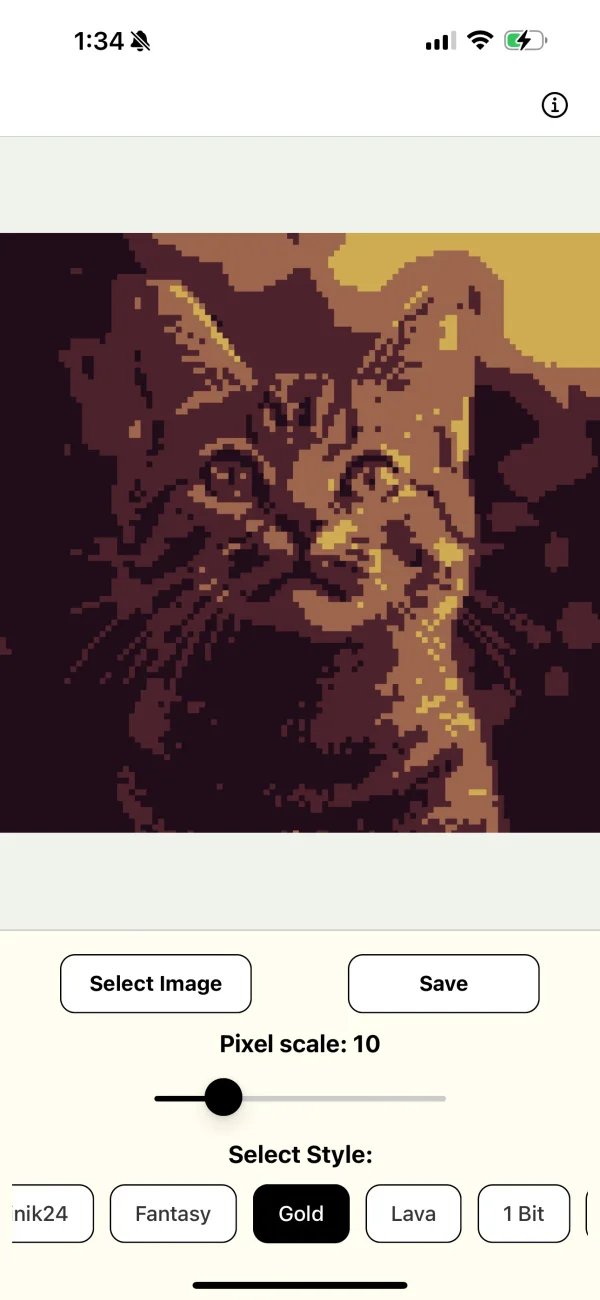

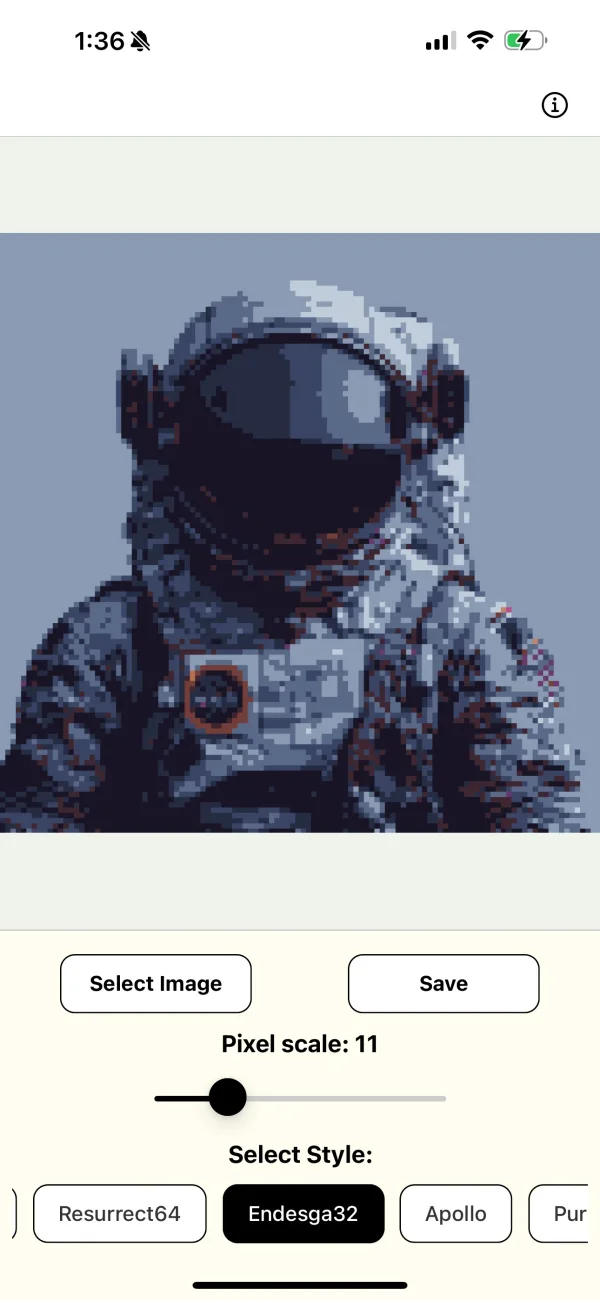
About
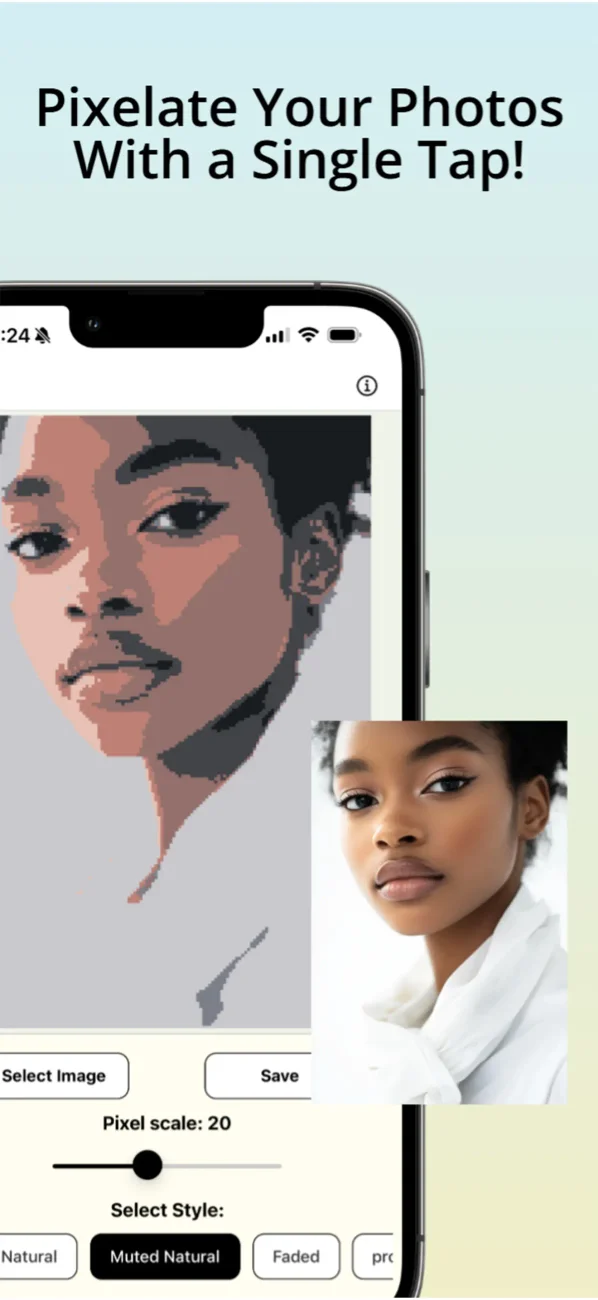
Pixel Art Converter transforms your photos into beautiful pixel art masterpieces with just a few simple taps. Whether you're a digital artist, game developer, or just love the retro aesthetic, our app makes creating pixel art effortless and fun.
KEY FEATURES:
• Transform any photo into pixel art instantly
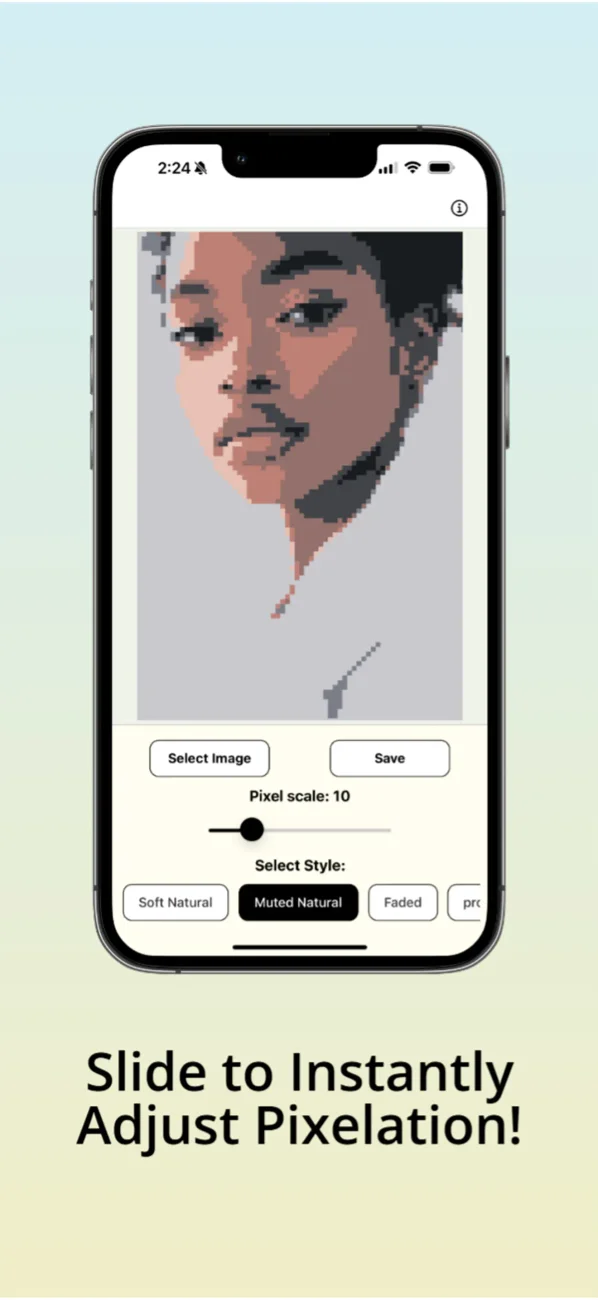
• Adjust pixelation scale (1-50) for precise control
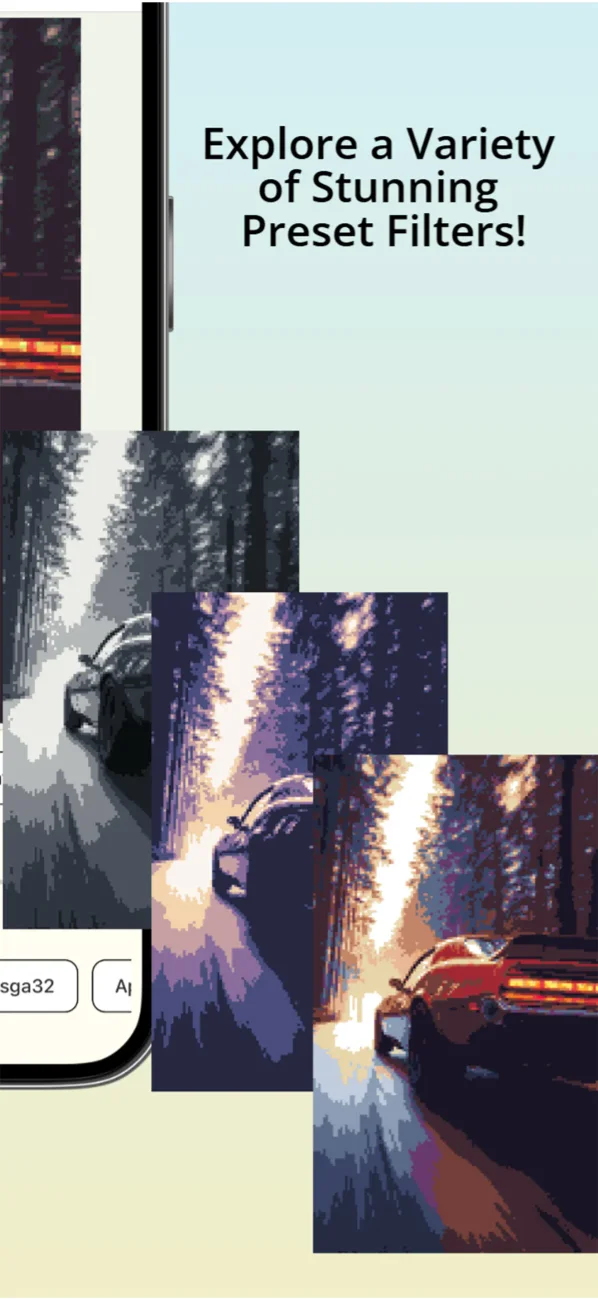
• Choose from 20 stunning color palettes including Resurrect64, Endesga32, Fantasy, Gold, Retro, and more
• "Original" mode preserves your photo's colors while applying pixelation
• Real-time preview as you adjust settings
• Save your creations directly to your photo library
• Beautiful, intuitive interface optimized for both iPhone and iPad
• Dedicated layouts for iPad in both portrait and landscape orientations
PERFECT FOR:
• Creating unique social media posts
• Designing retro-style game assets
• Digital art projects
• Adding a nostalgic touch to your favorite photos
• Experimenting with different artistic styles
Our powerful pixelation engine processes everything locally on your device, ensuring your photos remain private and secure. The simple, clean interface makes it easy for anyone to create stunning pixel art, regardless of artistic experience.
SUBSCRIPTION INFORMATION:
• Pixelation Monthly Subscription: 1.99 USD per month
• Pixelation Yearly Subscription: 9.99 USD per year
• Subscription is optional and not required to use the basic features of the app
• Payment will be charged to your Apple ID account at the confirmation of purchase
• Subscription automatically renews unless auto-renew is turned off at least 24 hours before the end of the current period
• Account will be charged for renewal within 24 hours prior to the end of the current period
• Auto-renewal can be turned off at any time by going to your Apple ID Account Settings. If auto-renewal is turned off, your subscription will expire at the end of the current billing period
• No refunds will be provided for the active subscription period if canceled before the subscription ends
Privacy Policy: https://www.termsfeed.com/live/eed15514-ea09-464e-ad05-06c629ac47d9
Terms of Use (EULA): https://www.apple.com/legal/internet-services/itunes/dev/stdeula/
Download Pixel Art Converter today and discover how easy it is to transform your photos into pixel art masterpieces!
What’s new
Version 2.4 · Apr 13, 2025
• Enhanced User Experience: We've optimized our ad delivery system to reduce frequency and provide a more seamless creative experience.
Thank you for your continued support and feedback as we work to make our Pixel Art Converter even better!
App privacy
What Hon Ching Li declares on the App Store about how this app handles data.
-
Data used to track you
May be used to track you across apps and websites owned by other companies.
- Usage data
-
Data linked to you
May be collected and linked to your identity.
- Purchases
- Identifiers
- Usage data
- Diagnostics
-
Data not linked to you
May be collected but is not linked to your identity.
- User content
Privacy practices may vary, for example with the features you use or your age.
Information
- Seller
- Hon Ching Li
- Category
- Graphics & Design
- Version
- 2.4
- Updated
- Apr 13, 2025
- Released
- Mar 26, 2025
- Size
- 33.4 MB
- Requires
- iOS 15.1 or later
- Age rating
- 4+
- Price
- Free
- In-app purchases
- Yes
- Languages
- English
- Copyright
- © Hon Ching Li
You might also like
-
 Dotcam - Photo Pixel Art MakerConvert photos into pixel art
-
 PXLBIT: Pixel art makerImage converter & drawing grid
-
 Pixel Art Generator & ColoringTransform photo into pixel art
-
 PixelPicPhoto/Image Pixelate !
-
 Pixel Art Creator PixeeCreate & Edit Pixel Art
-
 Pixator: Pixel Art & VideoPhoto to 8-bit, GIF & Sprites
-
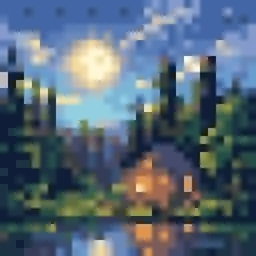 Photo To Art Maker: PixelPicCreate retro 8-bit Images
-
 Pixel Art Studio for drawingCreator, Editor, Canvas
-
 Pixel art maker - InkticaSprite and texture maker
-
 AI Pixel Art Camera - PixelMePhoto to 8bit Game Avatar