
PXPlay: Remote Play
Stream your console Games
Designed for iPhone, iPad, iPod touch
Free · In-app purchases
- Age rating4+
- CategoryEntertainment
- DeveloperFlorian Grill
- LanguagesEnglish+ 7 more
- Size27.2 MB
Links to the official App Store page
Download.org hosts no file of PXPlay: Remote Play. The button opens its official App Store page, published by Florian Grill. Listing last checked on Nov 24, 2026.
Screenshots

About
PXPlay – Performance eXtended Play
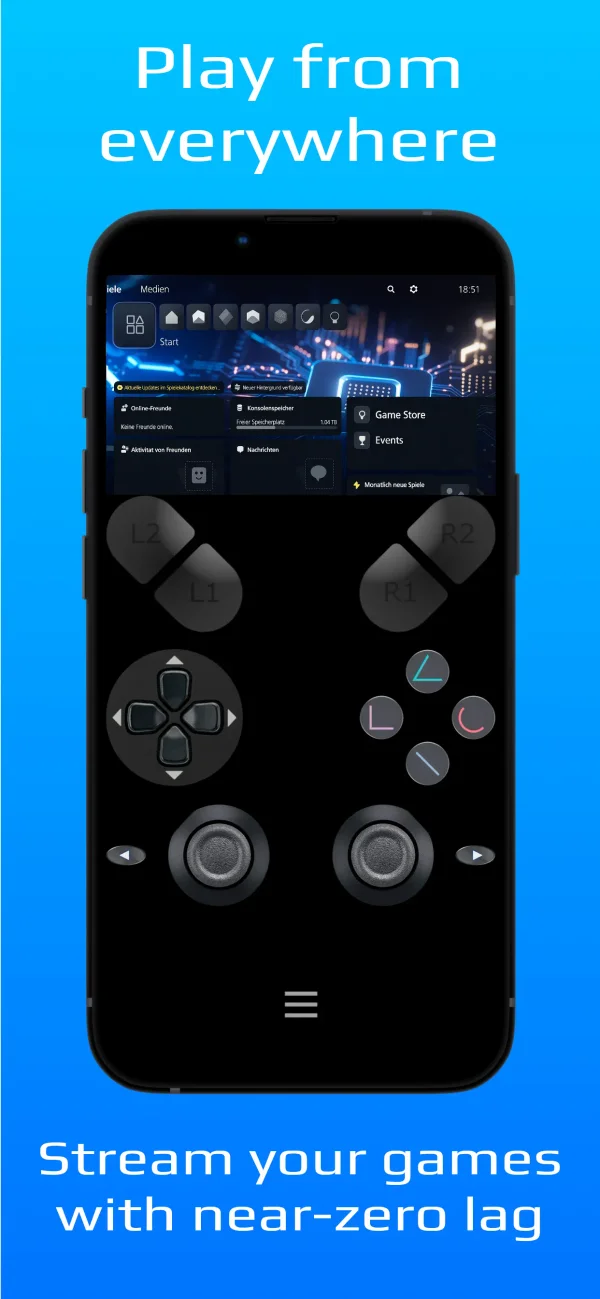
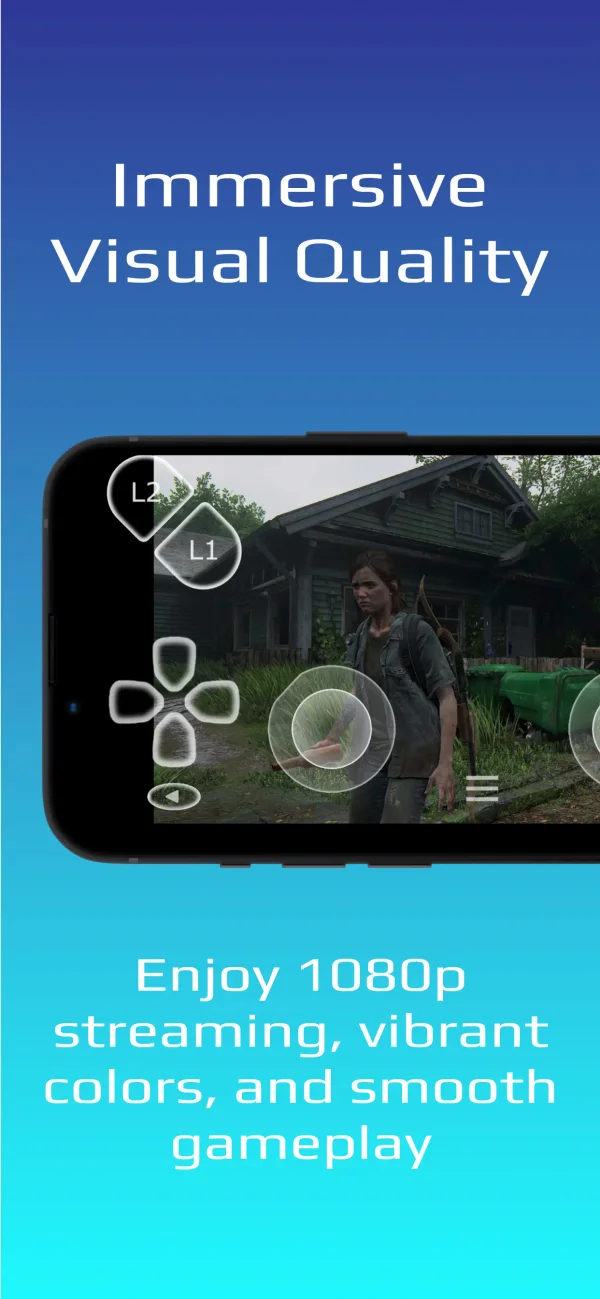
Experience your console games like never before. PXPlay lets you take full control of your console remotely, without limits. Whether you’re away from home or just in another room, enjoy smooth, low-latency streaming with high-quality visuals, great audio, and full controller support.
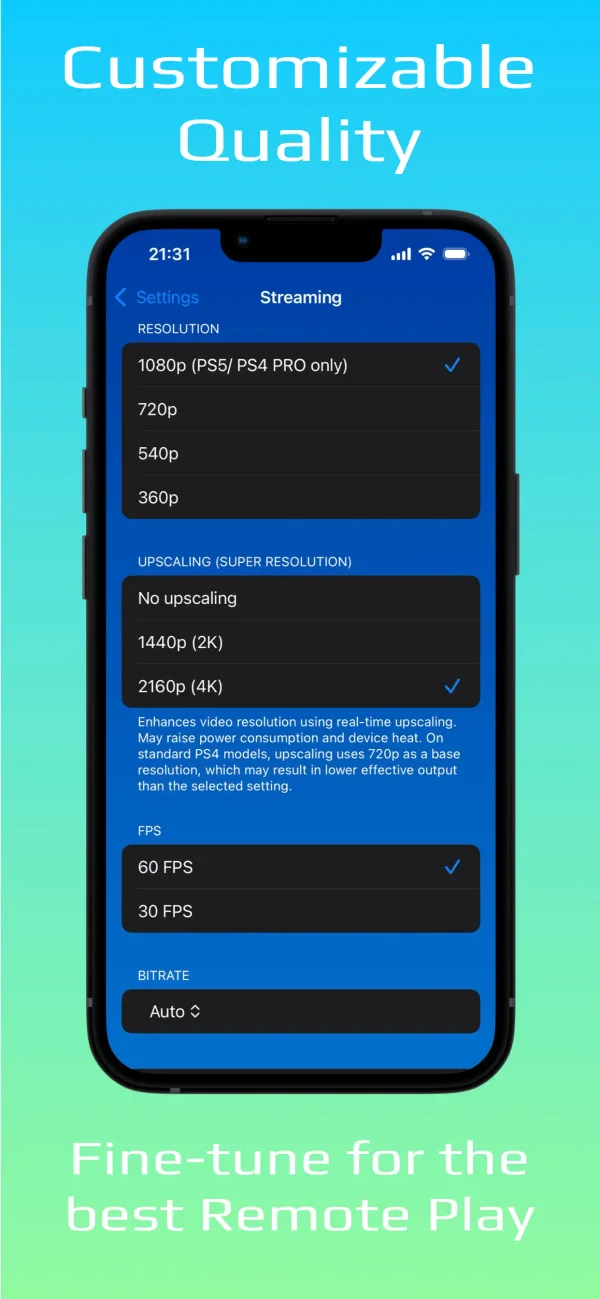
PXPlay is engineered for performance and designed to provide the best remote play experience possible, with advanced features like 4K / 2K upscaling. Every detail is fine-tuned to deliver the lowest possible latency and the highest possible quality, so it feels like you’re right in front of your console, even over mobile data.
Why PXPlay?
With PXPlay, you can stream and play any of your console’s games remotely, titles like GTA V, Fortnite, The Last of Us, FIFA, Crash Bandicoot, and more, directly on your iPhone, iPad, or Apple TV. You can even use PXPlay as a virtual gamepad with advanced touch controls and gesture support.
Main Features
• HDR visuals and real-time 4K / 2K “Super Resolution” upscaling
• Spatial Audio (3D Audio)
• Custom bitrate and video frame pacing
• Low-latency streaming optimized for responsiveness
• Button mapping, hotkeys, and touchpad gesture emulation
• Register and switch between multiple consoles
• Third-party controller support
• Works over Wi-Fi or mobile data*
Learn more: https://streamingdv.github.io/pxplay/index.html
*To play over the internet, follow these setup instructions:
https://streamingdv.github.io/pxplay/index#line5
Registration must be performed on the same network as your console.
Note: All trademarks are property of their respective owners.
What’s new
Version 3.1.0 · Nov 27, 2025
• Fixed external display support when using Metal or MetalFX upscaling
• Added iCloud sync for saving and restoring your settings across devices
• Improved UI with smoother navigation and visual refinements
• Improvements for iOS 26
• Various bug fixes and stability enhancements
App privacy
What Florian Grill declares on the App Store about how this app handles data.
-
Data not collected
The developer does not collect any data from this app.
Privacy practices may vary, for example with the features you use or your age.
Information
- Seller
- Florian Grill
- Category
- Entertainment
- Version
- 3.1.0
- Updated
- Nov 27, 2025
- Released
- Mar 14, 2023
- Size
- 27.2 MB
- Requires
- iOS 14 or later
- Age rating
- 4+
- Price
- Free
- In-app purchases
- Yes
- Languages
- English, French, German, Italian, Portuguese, Simplified Chinese, Spanish, Traditional Chinese
- Copyright
- © Florian Grill
You might also like
-
 Portal: Remote PlayConsole, Cloud Gaming & HDMI
-
 MyGames DatabaseTrack your game collection
-
 PS Remote PlayEntertainment
-
 RTM-EMU : PS2 PS3 PS4 X360 PS1PS2 PS3 PS4 XB360 PS1 Emulator
-
 Remote GamepadUse phone as a gamepad for PC
-
 UTM SE: Retro PC emulatorRun classic software and games
-
 Razer Cortex MobileEntertainment
-
 Air Mirror: Smart TV & ConsoleScreen Mirroring, Stream to TV
-
 Provenance AppRetro console game emulator.
-
 Gamuroid: All Game EmulatorEMU Retro Console Emulator