Python Editor: Learn & Code
Offline Compiler, IDE, Jupyter
Designed for iPhone, iPad
Free · In-app purchases
- Age rating4+
- CategoryDeveloper Tools
- DeveloperJulian Lau
- LanguagesEnglish+ 1 more
- Size34.2 MB
Links to the official App Store page
Download.org hosts no file of Python Editor: Learn & Code. The button opens its official App Store page, published by Julian Lau. Listing last checked on Nov 23, 2026.
Screenshots
About
Learn Python and try it out – right on your iPhone, iPad and Mac. Python Editor runs your code on the device, with no account and no internet needed. Made for school, college, coding classes and everyone just getting started.
RUN PYTHON
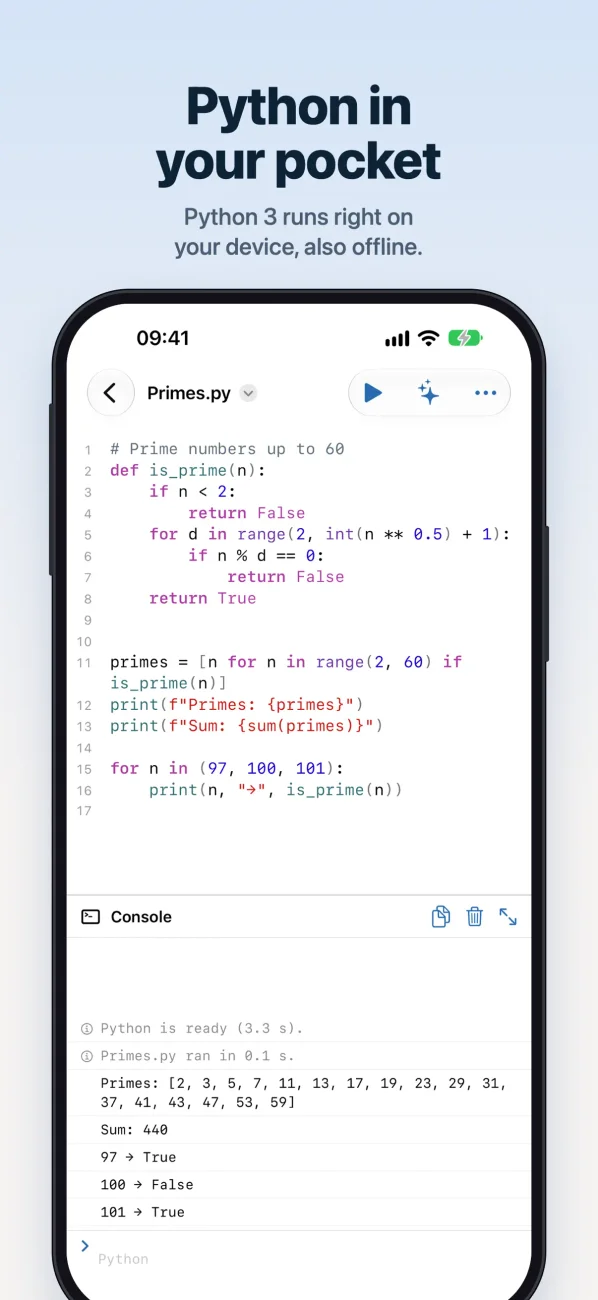
• Python 3 runs right in the app, also offline
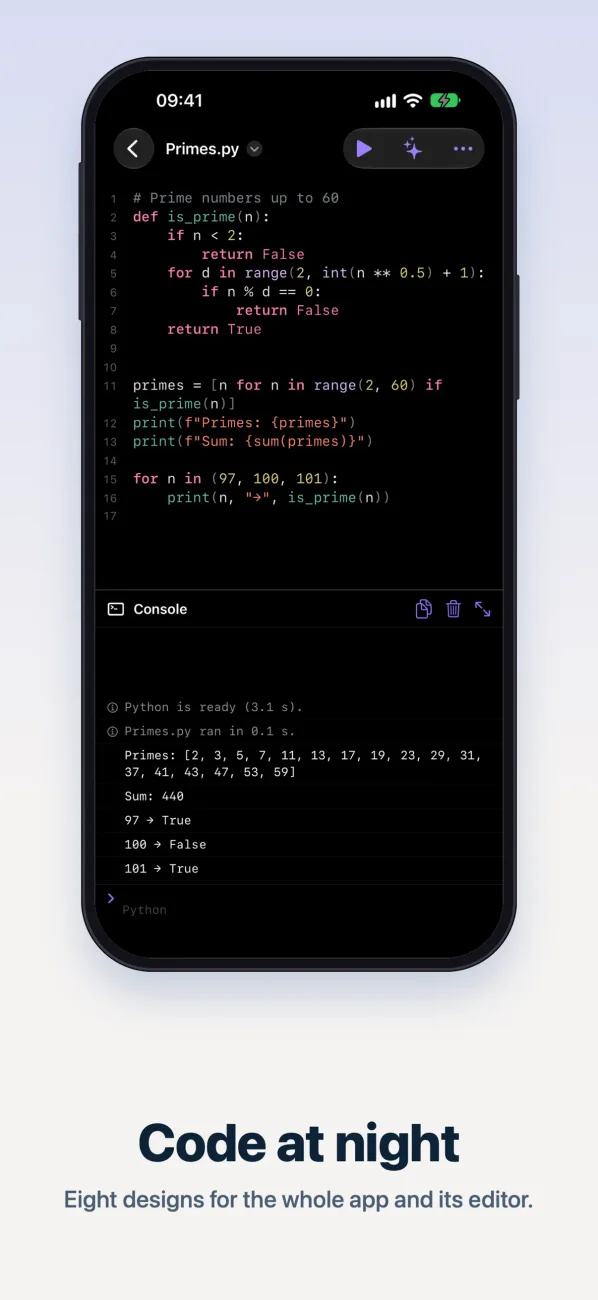
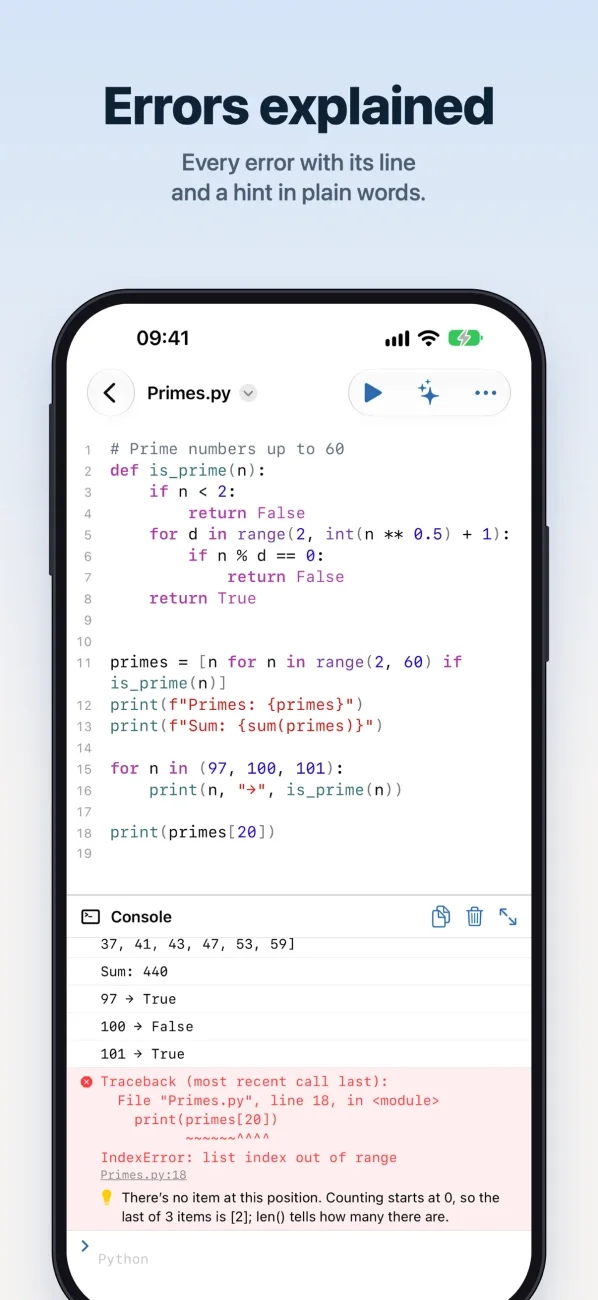
• print(), input() and a console like a terminal
• Errors with their line number and a hint in plain words about what went wrong
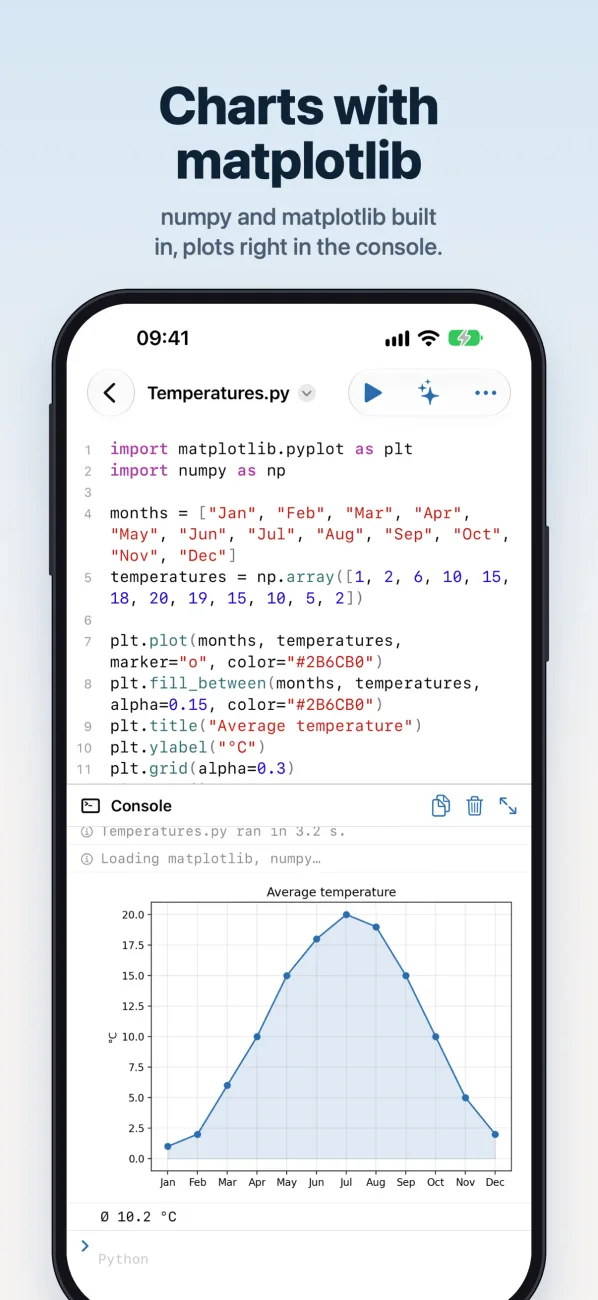
• numpy and matplotlib are built in; other packages like pandas, scipy or sympy download on first import
DRAWINGS AND CHARTS
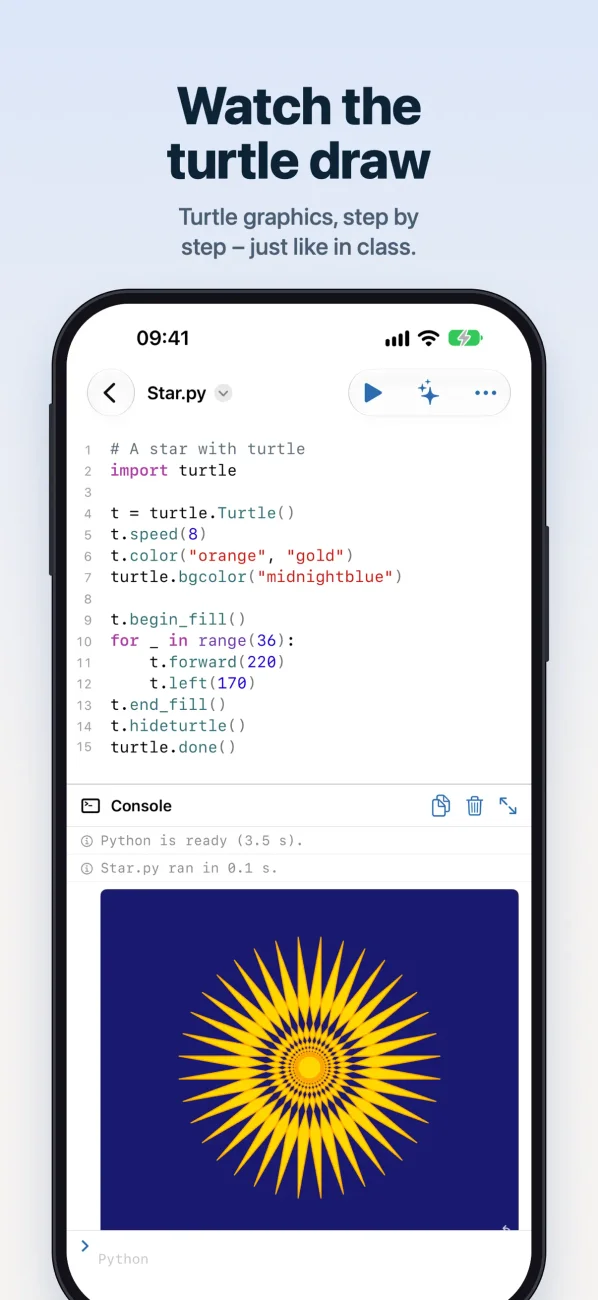
Watch the turtle draw stars, spirals and houses with the turtle module, just like in computer science class. Charts from matplotlib show up right in the console.
JUPYTER NOTEBOOKS
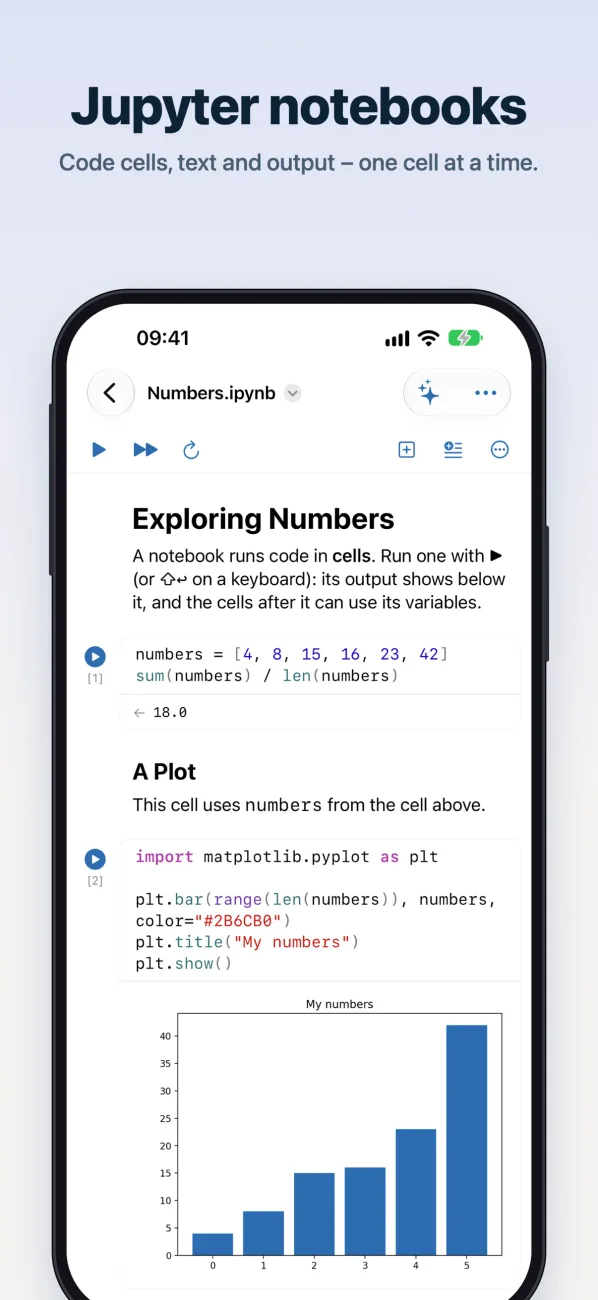
Open and write .ipynb files: code cells you run one at a time, with text and output in between. The cells share their variables – just like in Jupyter.
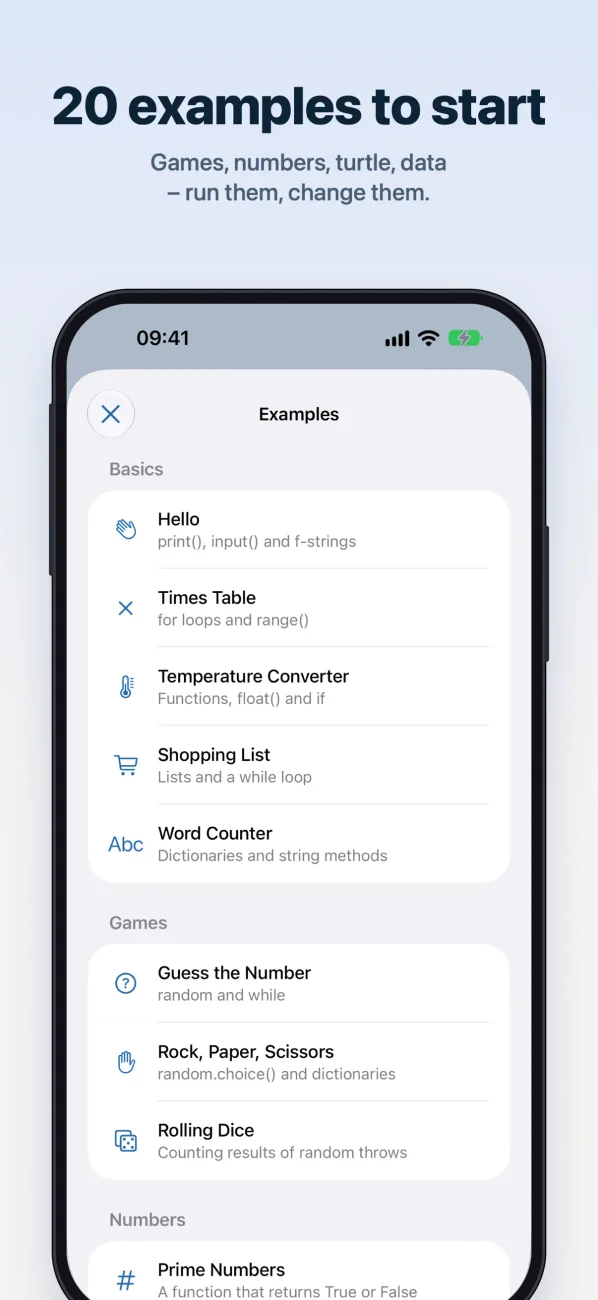
20 EXAMPLES TO START FROM
Guess the number, rock paper scissors, prime numbers, a colorful spiral, grades from a CSV file, a quiz from JSON and more. Each example becomes a file of your own to run and change.
MADE FOR WRITING CODE
• Syntax highlighting and line numbers
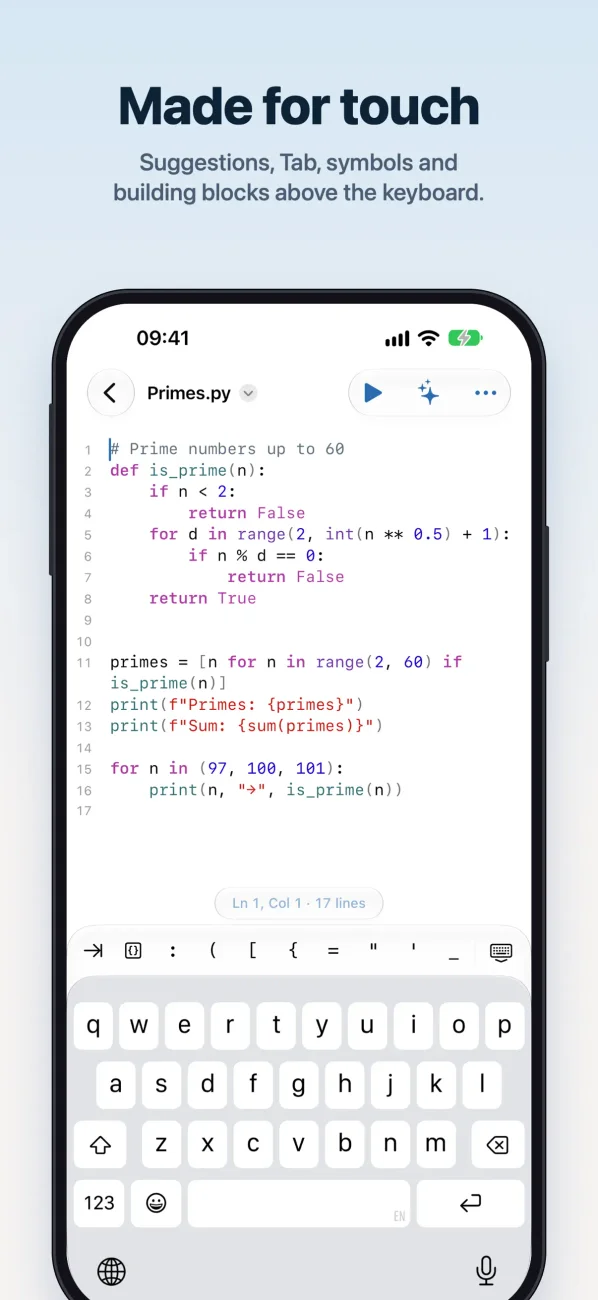
• Suggestions as you type for Python, math, random, turtle, numpy and more
• A bar above the keyboard with Tab, symbols and building blocks like if, for, def and class
• Brackets and quotes close themselves, and lines indent after a colon
• Find and replace, go to line and keyboard shortcuts
WHOLE PROJECTS
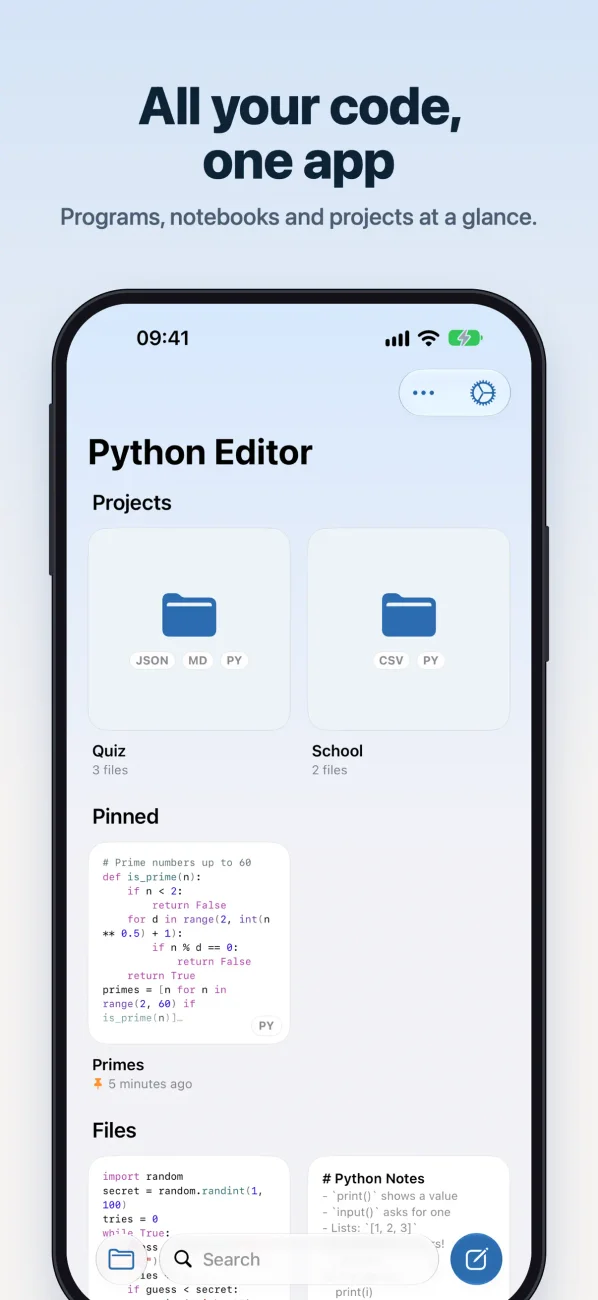
Every folder is a project with a file list, tabs and search. Your program imports its own modules and reads files like data.csv from its folder. Open folders from the Files app and iCloud Drive right where they are.
ALSO FOR MARKDOWN, JSON, CSV, YAML AND TOML
With highlighting and a preview for Markdown.
ON THE MAC TOO
With a menu bar, multiple windows and keyboard shortcuts.
PYTHON EDITOR PRO
Python, packages, notebooks, examples and everything for learning are free. Pro adds comfort – as a monthly or yearly subscription:
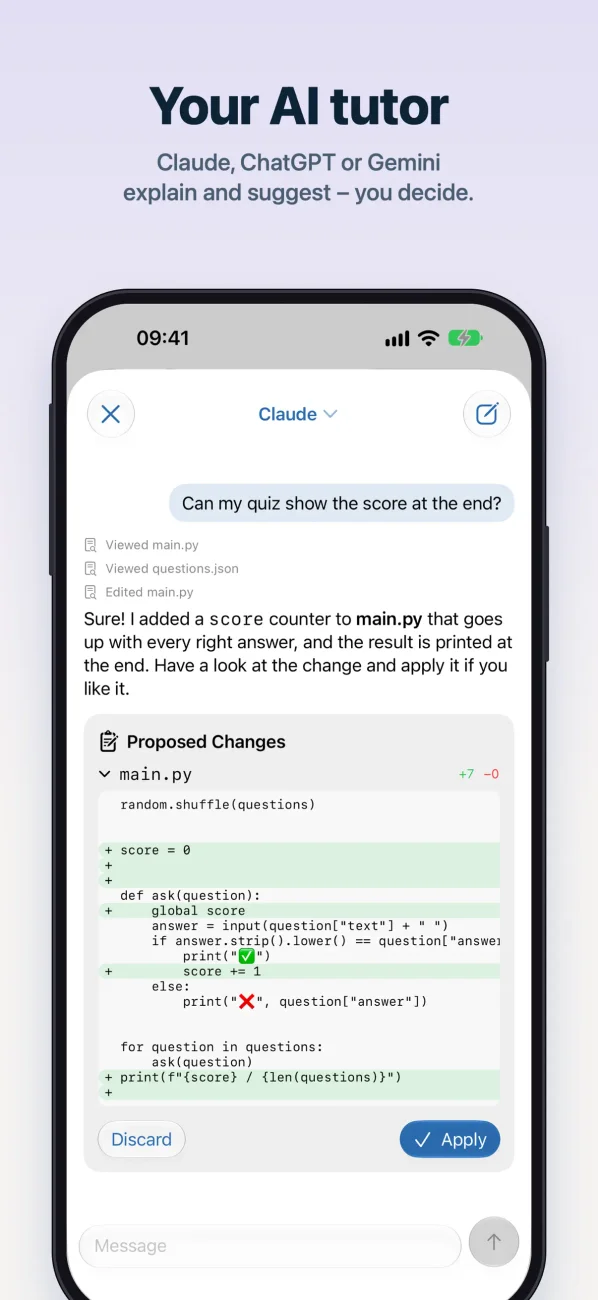
• AI assistant with Claude, ChatGPT or Gemini that explains your code and proposes changes
• No ads
• iCloud sync between iPhone, iPad and Mac
• Import ZIP files and folders as projects, share projects as ZIP
• Eight designs, from warm paper to deep black midnight
• Widgets for the Home Screen and Lock Screen
• Version history: bring back any earlier state
• App lock with Face ID
Payment is charged to your Apple Account. The subscription renews automatically unless canceled at least 24 hours before the end of the current period. You can manage and cancel it anytime in your App Store account settings. The AI assistant uses your own API key from Anthropic, OpenAI or Google; its provider bills requests through it.
Terms of Use: https://www.apple.com/legal/internet-services/itunes/dev/stdeula/
Privacy Policy: https://jlau.netlify.app/python-editor/privacy/
Python Editor is built by an independent developer. If you enjoy it, a rating means a lot!
What’s new
Version 2.0.2 · Nov 23, 2026
Black Friday: until November 29, get your first year of Python Editor Pro for less.
Enjoying Python Editor? A rating on the App Store helps a lot!
App privacy
What Julian Lau declares on the App Store about how this app handles data.
-
Data used to track you
May be used to track you across apps and websites owned by other companies.
- Identifiers
- Usage data
-
Data not linked to you
May be collected but is not linked to your identity.
- Location
- Identifiers
- Usage data
- Diagnostics
Privacy practices may vary, for example with the features you use or your age.
Information
- Seller
- Julian Lau
- Category
- Developer Tools
- Version
- 2.0.2
- Updated
- Nov 23, 2026
- Released
- Jun 11, 2023
- Size
- 34.2 MB
- Requires
- iOS 26.0 or later
- Age rating
- 4+
- Price
- Free
- In-app purchases
- Yes
- Languages
- English, German
- Copyright
- © Julian Lau
You might also like
-
 Python Editor: Code & RunPractice scripts with examples
-
 pythoni-run code,autocompletepython3.13 Code Run Debug Libs
-
 Pythonica: Code and DebugScript editor with git client
-
 Pytonic: Python Compiler & IDELearn to Code, Practice DSA
-
 Python+Learn Python 3
-
 Python Recipes: Code & SQLRunnable Python cheat sheet
-
 CodeMaster - Mobile Coding IDECode Editor & Compile SFTP SSH
-
 Python 3 AI Code & Run : VibesVibe Code with AI
-
 pythoni2.7-run python codeGood helper for python Learn
-
 QuickCode: Code EditorA Simple Code Editor