PythonForge-Python 3 IDE
Python3 Code Editor & Ai agent
Designed for iPhone, iPad
Free · In-app purchases
- Age rating4+
- CategoryDeveloper Tools
- Developer敏飞 陈
- LanguagesEnglish+ 10 more
- Size737.7 MB
Links to the official App Store page
Download.org hosts no file of PythonForge-Python 3 IDE. The button opens its official App Store page, published by 敏飞 陈. Listing last checked on Nov 23, 2026.
Screenshots
About
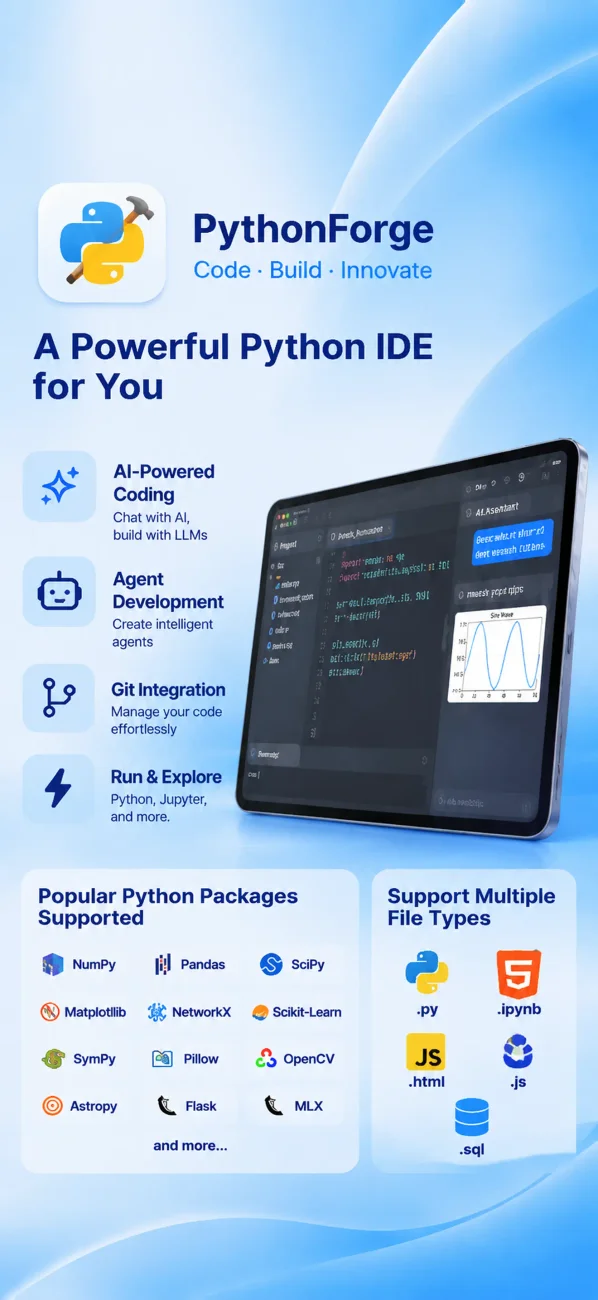
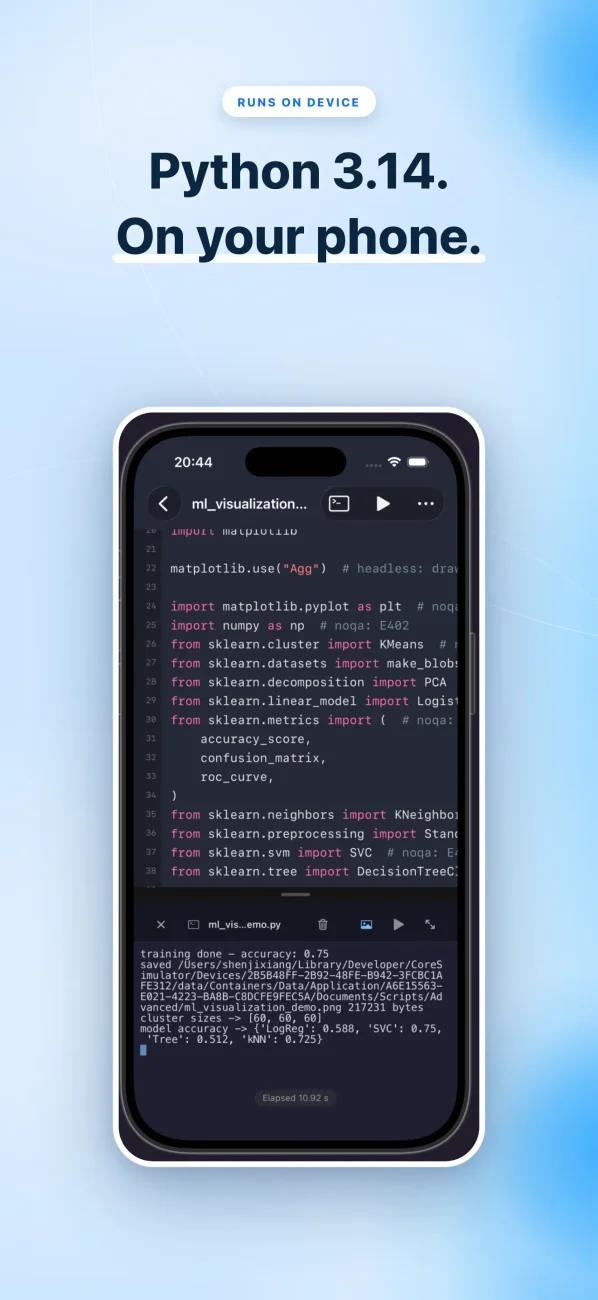
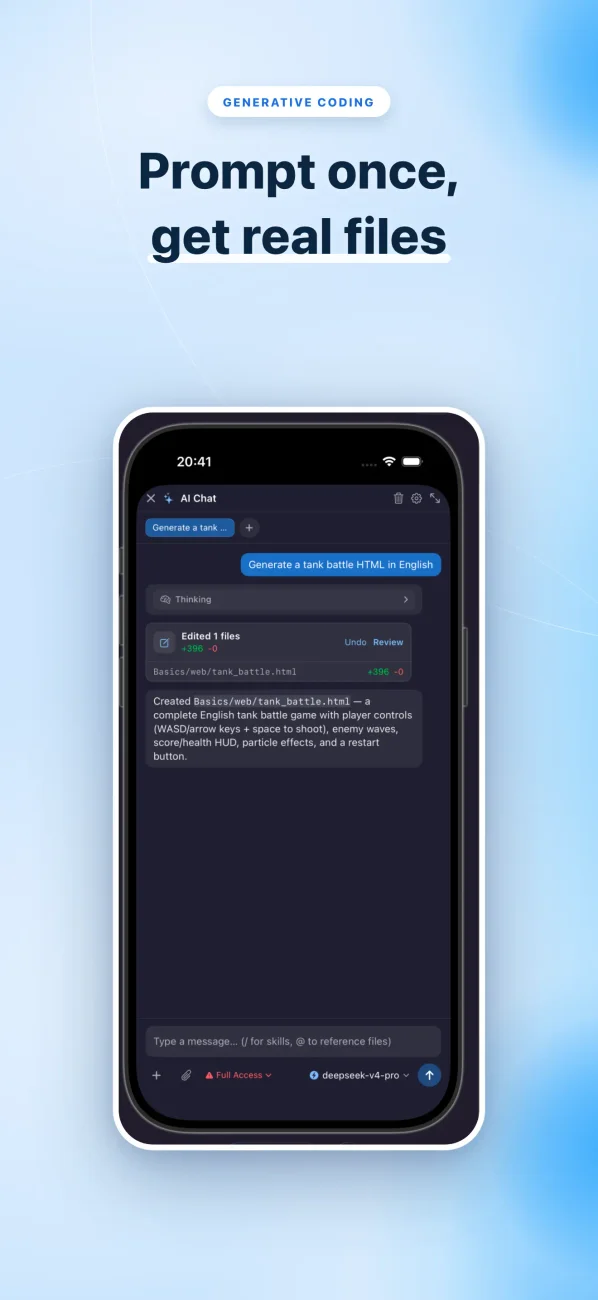
PythonForge runs real CPython 3.14 on device. Write, run and debug Python — and let the built-in agent write, run and fix code for you. No server, no account, no analytics.
■ AN AGENT THAT FIXES ITS OWN CODE
Describe what you want. The agent plans, writes, runs, reads the errors and keeps fixing until it works — inside the IDE, on your device. You see every file it touches and every command it runs, and can stop or take over at any moment. Bring your own API key, or point it at a local model such as Ollama.
■ REAL PYTHON, ON DEVICE
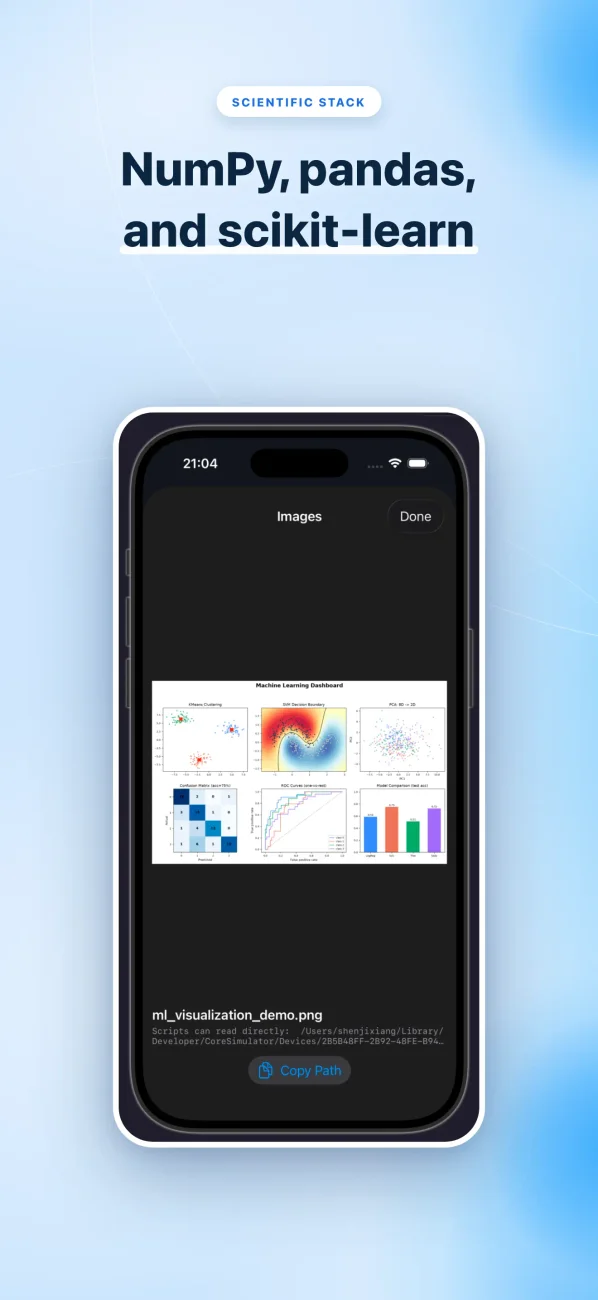
Full CPython 3.14 and its standard library run locally: native speed, real files in your own folder, console input, and scripts that keep running while you switch apps. numpy, pandas, scipy, matplotlib, OpenCV, scikit-learn, Pillow, sympy, pyarrow, MLX, Flask and 70+ packages install offline on first launch — anything else installs from PyPI by name.
■ EDITOR AND DEBUGGER
Semantic completion for modules and members, bracket matching, snippets, find and replace, unlimited undo, themes, and a keyboard bar tuned for Python. Breakpoints in the gutter, step over / in / out, variables in the debug panel, and tracebacks you can tap to jump to the failing line.
■ GIT, BUILT IN
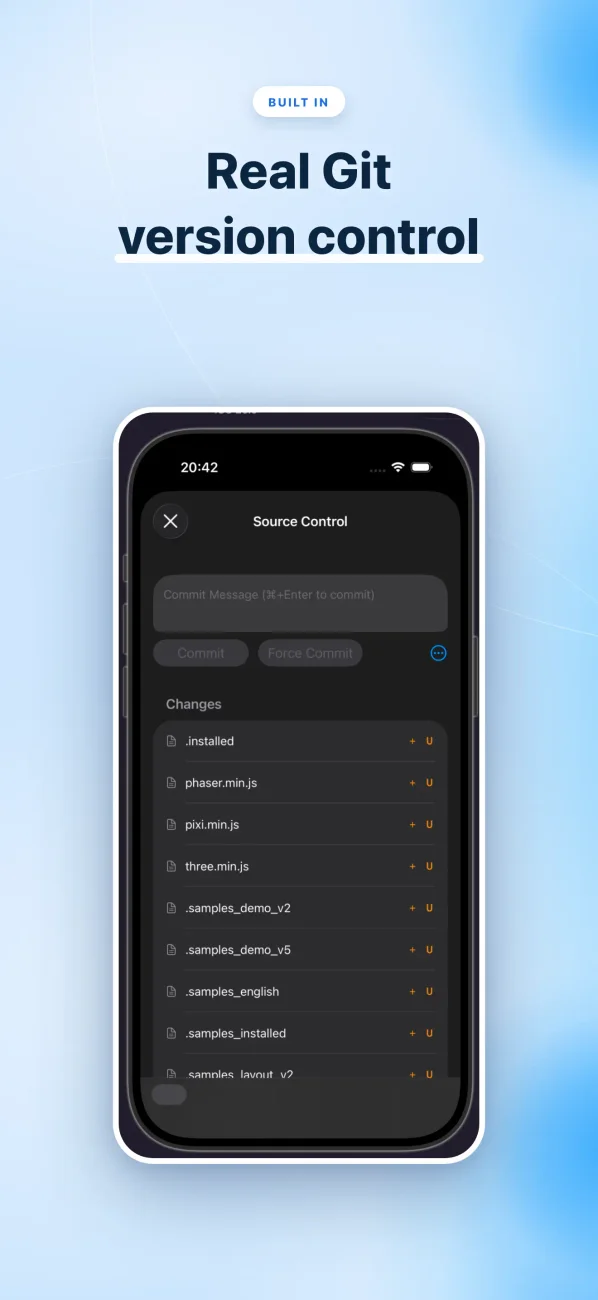
Clone, stage, commit, pull and push, with a per-file diff before every commit, plus branches, history and remotes. A bad edit is never final.
■ SSH TERMINAL
Save your servers and open a remote shell from the app — password or private key (ed25519 and RSA). Credentials stay in the Keychain, and Ctrl-C works the way you expect in a real shell.
■ NOTEBOOKS, SQL AND WEB PREVIEW
Run Jupyter notebooks cell by cell. Query SQLite from a built-in console. Preview HTML, CSS and JavaScript in an embedded browser, with three.js, Phaser and PixiJS included.
■ AUTOMATION
Schedule scripts, get a notification when they finish, and launch them from the share sheet or the Home Screen widget.
■ PRIVATE BY DESIGN
Your scripts, packages, databases and API keys stay on your device. Nothing is uploaded to us, because there is nothing to collect.
Runs on iPhone and iPad with iOS 16 or later.
What’s new
Version 1.4.2 · Nov 22, 2026
• Improved the run console and terminal input.
• Refined notebook and interactive Python workflows.
• Improved script importing and added a bundled example.
App privacy
What 敏飞 陈 declares on the App Store about how this app handles data.
-
Data not collected
The developer does not collect any data from this app.
Privacy practices may vary, for example with the features you use or your age.
Information
- Seller
- 敏飞 陈
- Category
- Developer Tools
- Version
- 1.4.2
- Updated
- Nov 22, 2026
- Released
- Nov 9, 2026
- Size
- 737.7 MB
- Requires
- iOS 16.0 or later
- Age rating
- 4+
- Price
- Free
- In-app purchases
- Yes
- Languages
- English, French, German, Italian, Japanese, Korean, Portuguese, Russian, Simplified Chinese, Spanish, Traditional Chinese
- Copyright
- © 2026 minfei chen
You might also like
-
 Tide: Code EditorCode & run JS, Python offline
-
 Voltius SSHSSH & SFTP, E2EE
-
 Statusline: Agent QuotaYour agents, at a glance
-
 lpm LinkDeveloper Tools
-
 Herdr: Agents on the GoRemote for Claude Code & Codex
-
 Python Editor - Learn & CodeCode, Run & Debug Python
-
 PromoKit: Offer CodesDeveloper promo manager
-
 Conchshell: SSH, SFTP & RDPTerminal, files, FTP and VNC
-
 RedeemDeck: Offer CodesOpen Source. Local First.
-
 yxcodeOne Mind. One Code.