
QR Code Reader | Scanner
Barcode Scan & Generator
Designed for iPhone
Free · In-app purchases
- Age rating4+
- CategoryUtilities
- DeveloperOleg Kolesnyk
- LanguagesEnglish+ 13 more
- Size21.0 MB
Links to the official App Store page
Download.org hosts no file of QR Code Reader | Scanner. The button opens its official App Store page, published by Oleg Kolesnyk. Listing last checked on Nov 24, 2026.
Screenshots


About
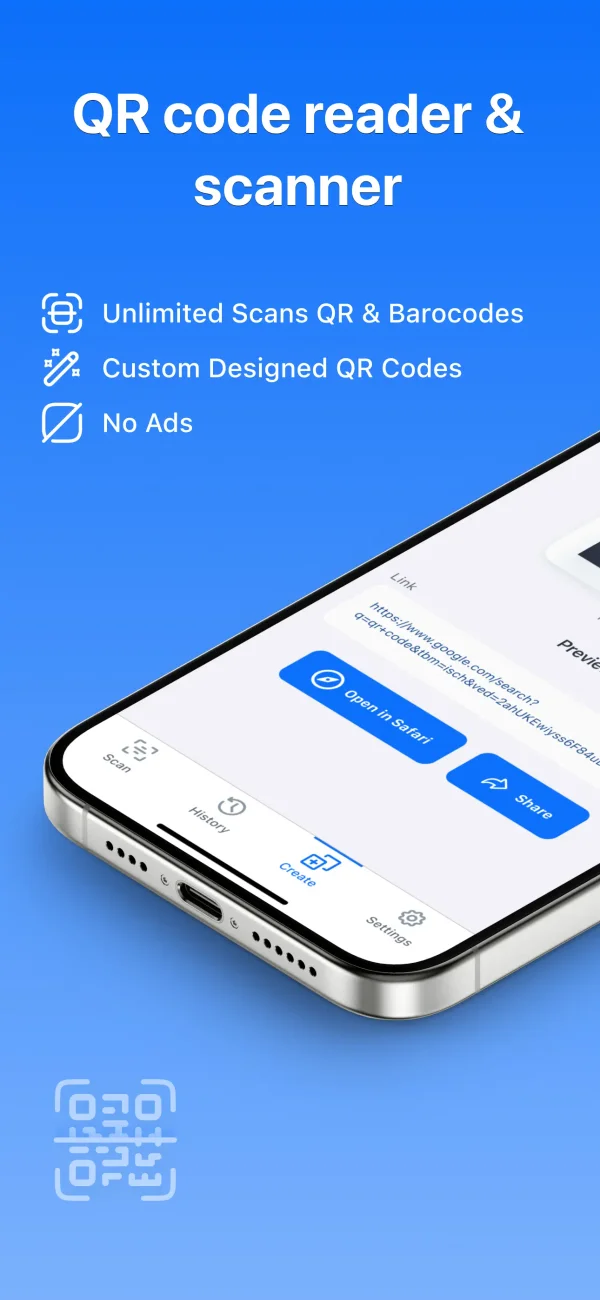
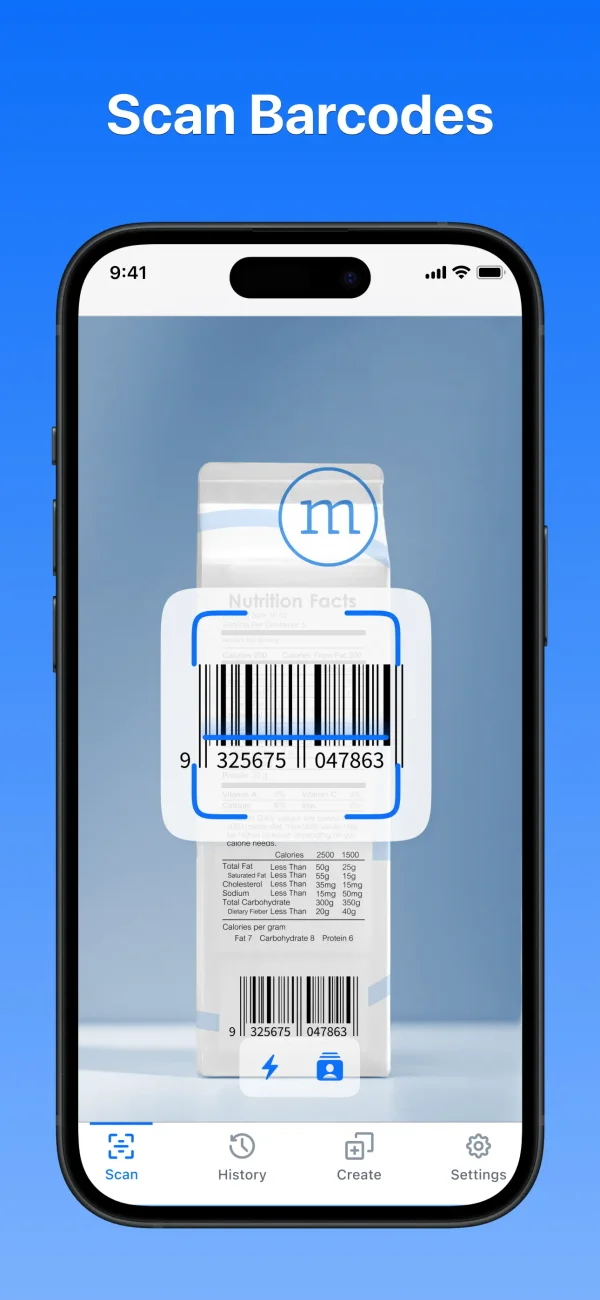
Introducing QR Сode Reader | Scanner – the ultimate QR code and barcode scanning app for your iPhone! Unleash the power of your device's camera to effortlessly scan and decode QR codes and barcodes of various formats. Our app is not just a scanner, it's a complete QR code solution with features that set it apart.
Key Features:
- Easy to Use: Our QR code reader and barcode scanner are designed for simplicity. Whether in low-light environments or broad daylight, the app's automatic detection ensures a seamless scanning experience. Fully compatible with iOS 16 and optimized for all iPhones.
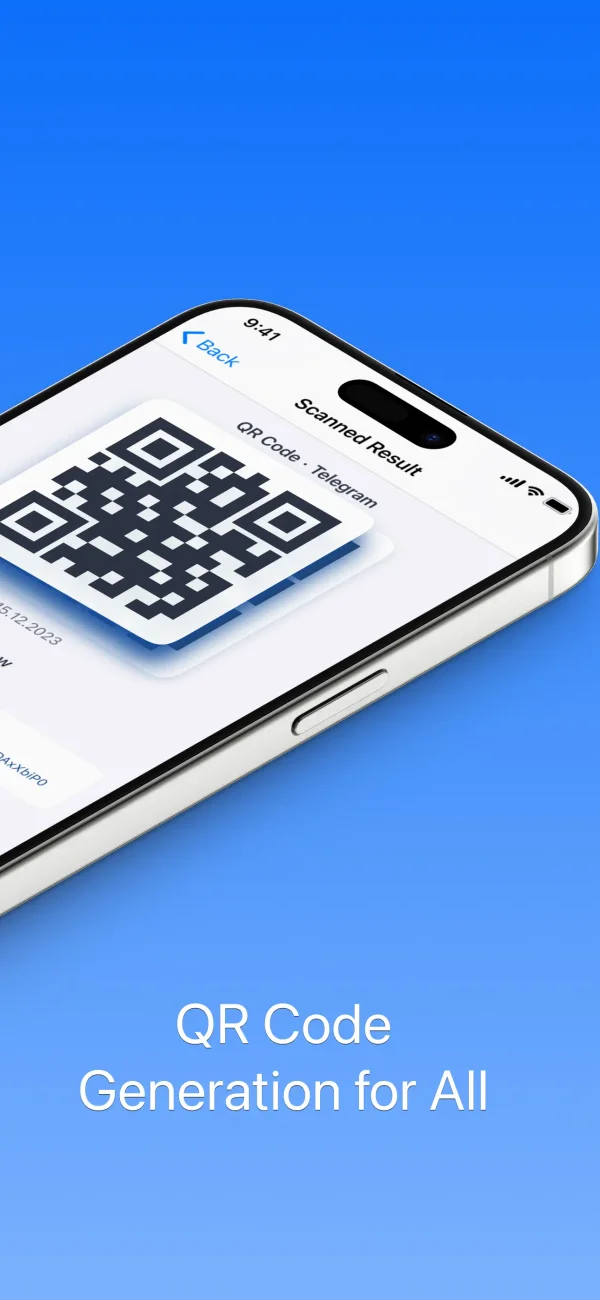
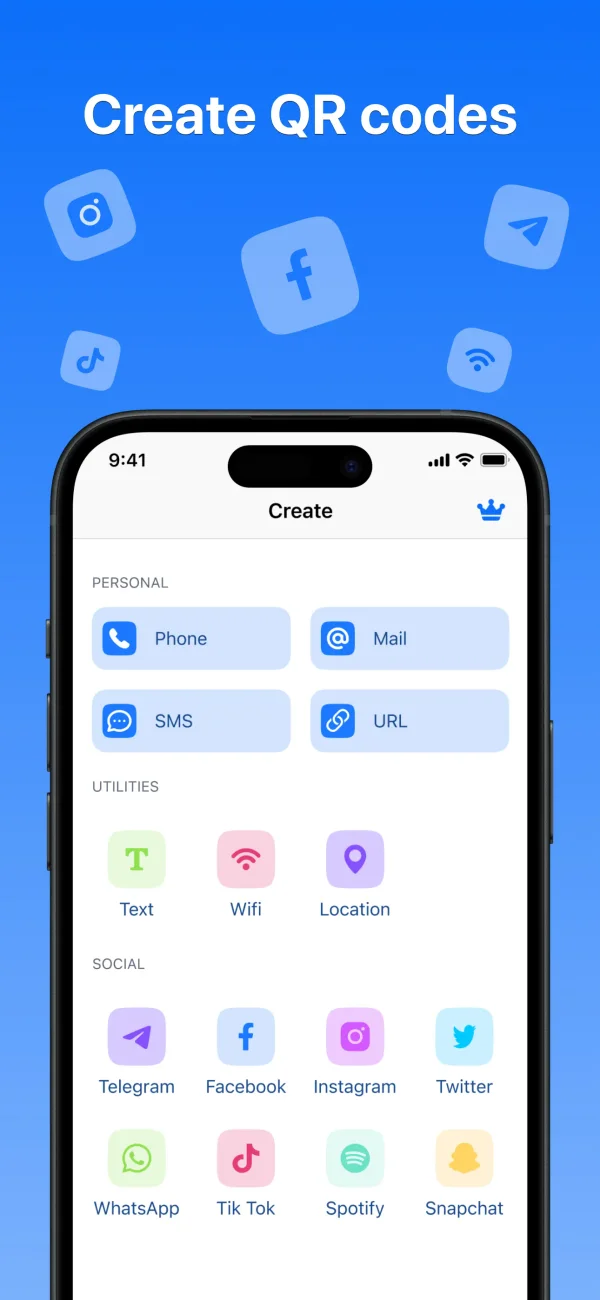
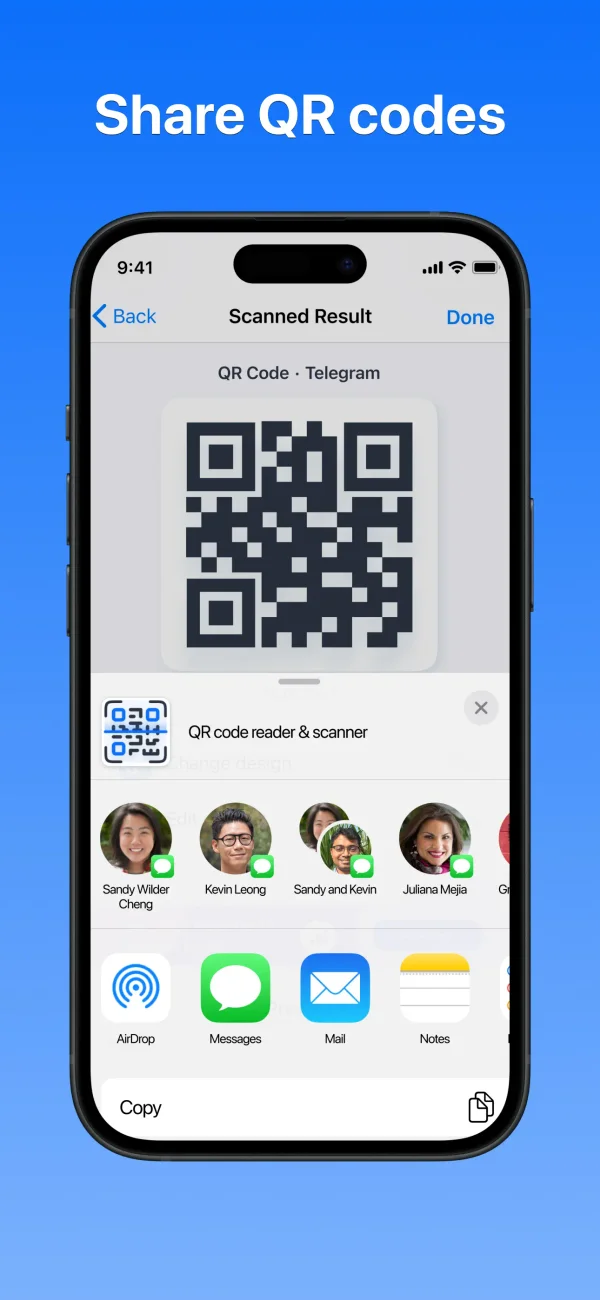
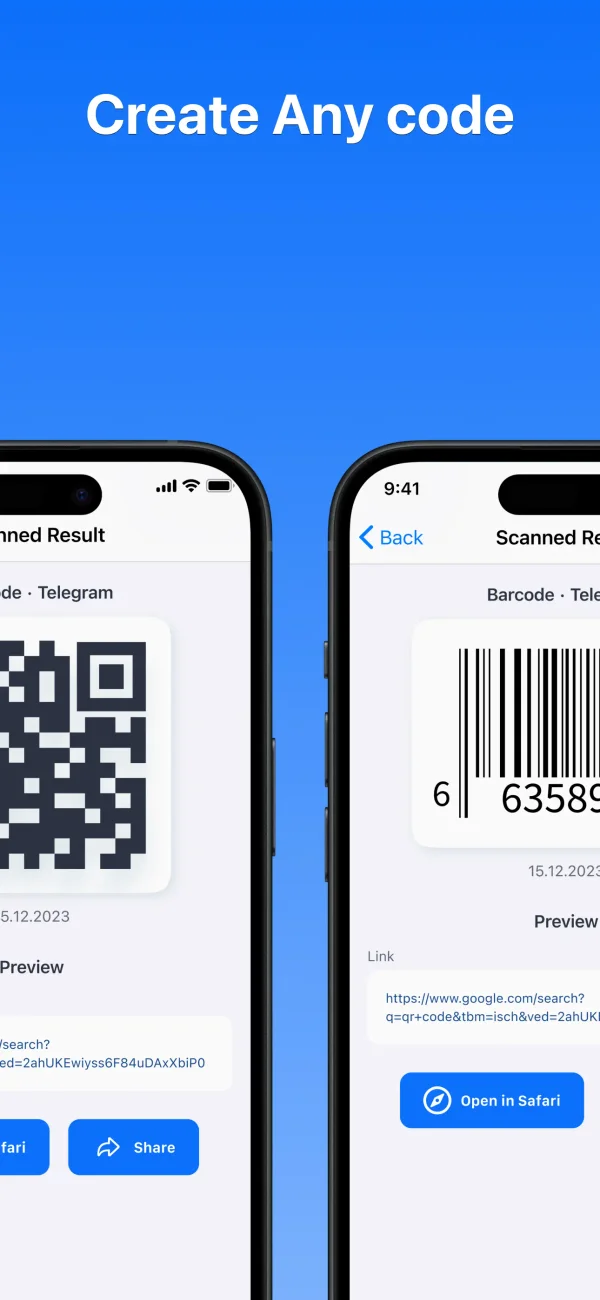
- Create QR Codes & Share: Generate an array of QR codes, including: Phone, Email, SMS, URL, Text, Wifi, Location, Telegram, Facebook, Instagram, Twitter, WhatsApp, TikTok, Spotify, and Snapchat. Share your QR code reader and scanner results effortlessly through popular platforms like Telegram, WhatsApp, Facebook, Twitter, Gmail, WeChat, Line, E-mail, and SMS.
- Scan Multiple Types: Swiftly and securely scan diverse QR codes and barcodes, from Weblinks to WiFi, contacts, ISBN, and products. Seamlessly jump to websites, connect to WiFi without passwords, gather product information, and compare prices online to save money.
- View and Retrieve Scan History: Keep track of all your scans, conveniently organized by category in the scan history. iCloud backup ensures your scan results are safe. Activate the history option for easy retrieval even if you switch phones.
- Customize QR Code Color: Personalize your QR codes by choosing different colors to make them uniquely yours. Use many ready-made templates, as well as create your own unique designs, improving every detail of your QR code.
Download QR Сode Reader | Scanner now to elevate your QR code and barcode scanning experience!
SUBSCRIPTION TERMS:
Enjoy unrestricted access to QR Сode Reader | Scanner during the subscription period. Choose from 1-week with a 3-day free trial, 1-month, or 1-year. Subscriptions automatically renew unless canceled 24 hours before the current period ends. Manage subscriptions and turn off auto-renewal in your iTunes Account Settings.
For suggestions or questions, contact us at contact@qrscanread.com.
Read more about our terms and conditions:
Terms of Service: https://qrscanread.com/terms.html
Privacy Policy: https://qrscanread.com/privacy.html
What’s new
Version 1.1.0 · Nov 22, 2026
Improved QR code and barcode scanning, increased speed, and optimized overall app performance.
App privacy
What Oleg Kolesnyk declares on the App Store about how this app handles data.
-
Data used to track you
May be used to track you across apps and websites owned by other companies.
- Identifiers
-
Data not linked to you
May be collected but is not linked to your identity.
- Identifiers
- Usage data
- Diagnostics
Privacy practices may vary, for example with the features you use or your age.
Information
- Seller
- Oleg Kolesnyk
- Category
- Utilities
- Version
- 1.1.0
- Updated
- Nov 22, 2026
- Released
- Jan 9, 2024
- Size
- 21.0 MB
- Requires
- iOS 16.0 or later
- Age rating
- 4+
- Price
- Free
- In-app purchases
- Yes
- Languages
- English, Arabic, French, German, Indonesian, Japanese, Korean, Portuguese, Russian, Simplified Chinese, Spanish, Traditional Chinese + 2 more
- Copyright
- © Oleg Kolesnyk
You might also like
-
 QR Code Scanner - Scan & ShareUtilities
-
 QR & Barcode Pro - ScanWizardUtilities
-
 QR Code & Barcode Scanner Pro.Scan QR Code & Barcode
-
 QR Code Reader⁃Barcode ScannerScan QR Code - Barcode Now
-
 QR Code Scanner: AI ScanFast Scan & QR Code Maker
-
 QR Scanner - Quick Read & ScanFast Barcode Reader&Bar Code
-
 QR Code Scanner: Scan & CreateBarcode Reader & QR Generator
-
 QR & Barcode Scanner MaxScan & Create QR Codes Fast
-
 AI QR Code & Barcode ScannerScan and Make QR Code&Barcode