QR Code Scanner - QRPal
Reader and Generator
Designed for iPhone, iPad
In-app purchases
- Age rating4+
- CategoryUtilities
- DeveloperAsad Nawaz
- LanguagesGerman+ 38 more
- Size26.8 MB
Links to the official App Store page
Download.org hosts no file of QR Code Scanner - QRPal. The button opens its official App Store page, published by Asad Nawaz. Listing last checked on Nov 23, 2026.
Screenshots
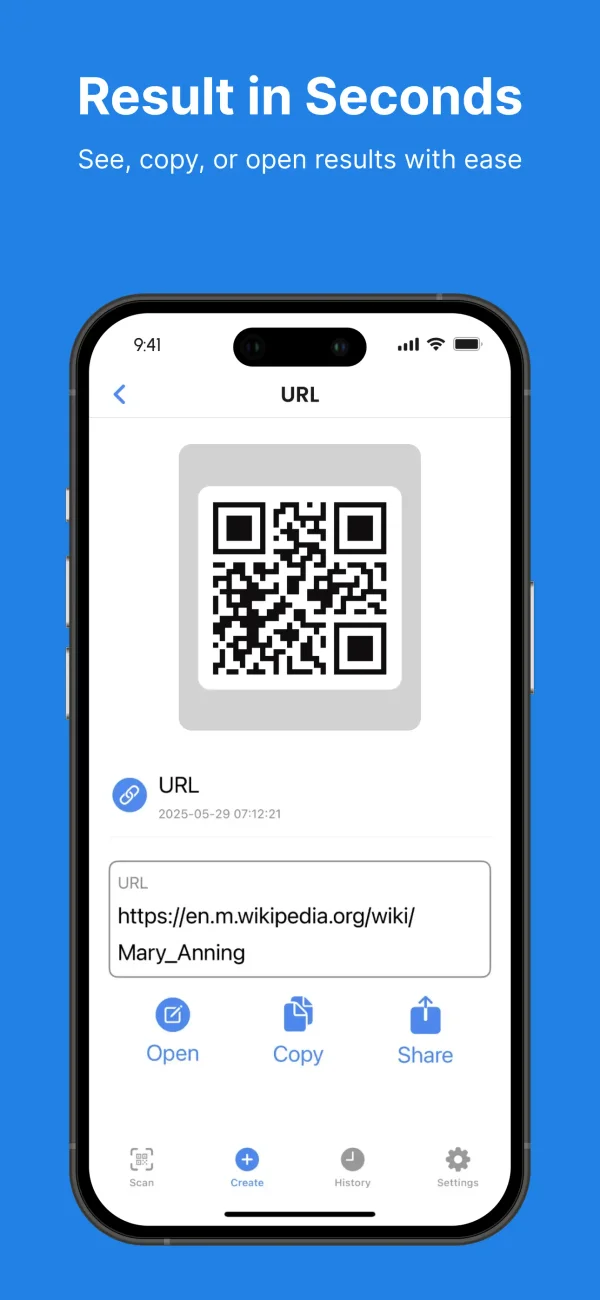
About
QRPal is a fast, all-in-one scanner for QR codes and barcodes — and it lets you create your own QR codes too. The interface is clean and easy to use, and scanning works offline.
• Scan
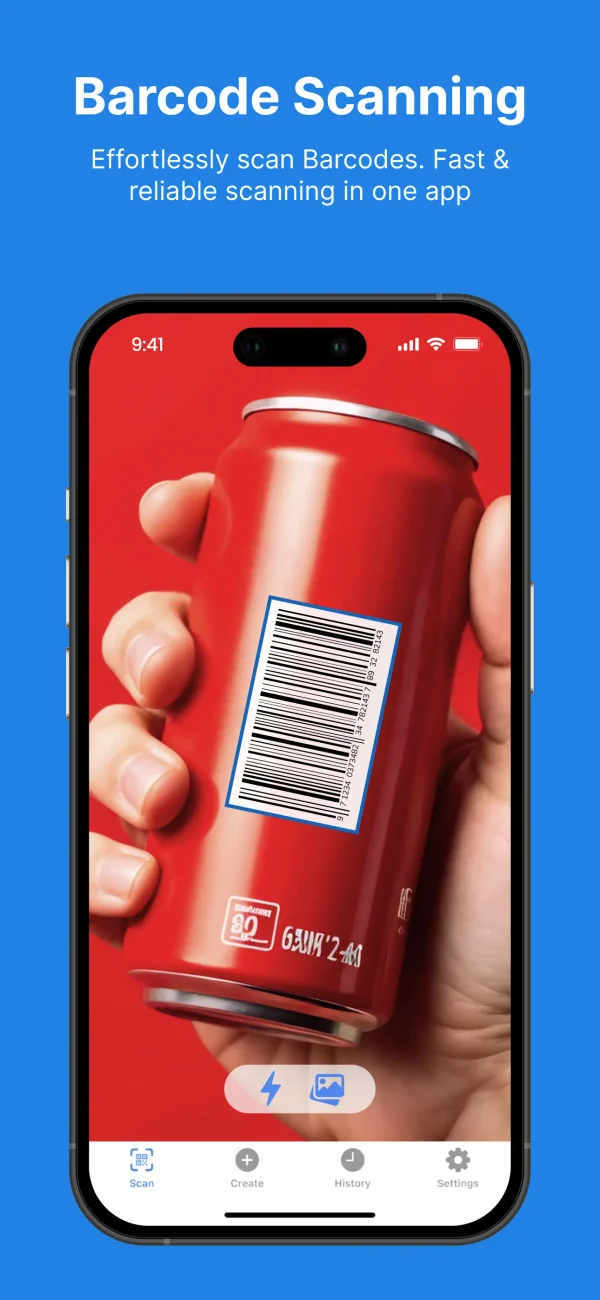
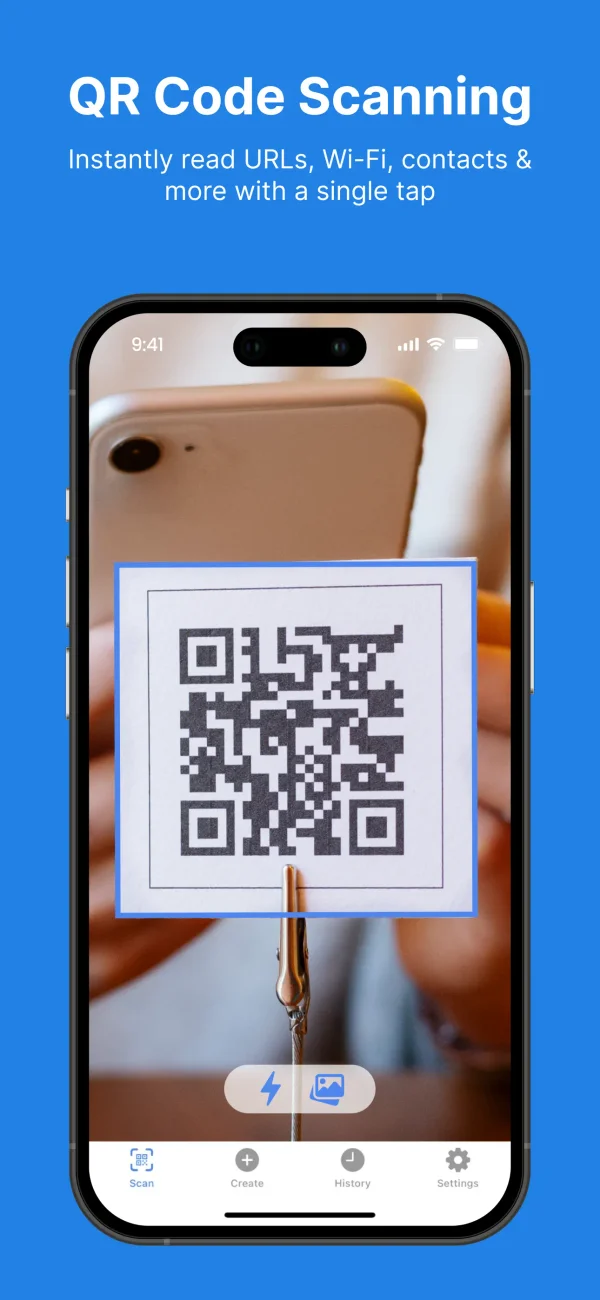
Scan QR codes and barcodes with your camera or from any photo in your library. The app supports QR, Aztec, PDF417, Data Matrix, EAN-13/8, UPC-E, Code 39/93/128, ITF-14, and more. After a scan, you can open the link, save the contact, connect to Wi-Fi, or look up the product on Google, Amazon, and eBay. A built-in flashlight helps in low light. Scanned links are checked on your device, so you can catch unsafe ones before you open them. With Pro, Batch Scan collects many codes in one session and exports them to a CSV file. You can also start a scan from Control Centre, the Action Button, Siri, or the Share Sheet — even from a saved photo.
• Create
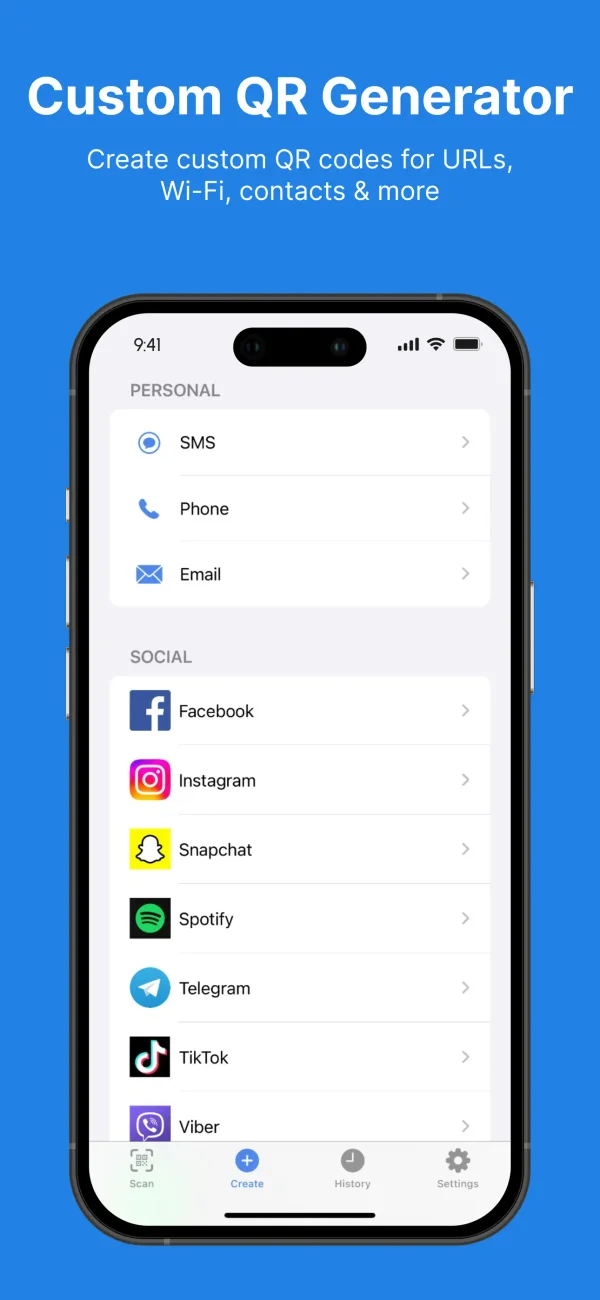
Create more than 20 types of QR code, including Wi-Fi, contact cards (vCard), calendar events, locations, email, SMS, phone, and plain text, plus links for Instagram, WhatsApp, Facebook, X, TikTok, YouTube, LinkedIn, Telegram, Snapchat, and Spotify. To make many at once, import a CSV file and generate a code for each row.
• Customise
Choose your own colours and gradients, adjust the dot and eye shapes, and add a logo in the centre. You can also apply a ready-made style such as Neon Glow, Ocean Breeze, or Cherry Blossom with one tap. A live preview shows whether the code is still scannable.
• Export
Save a code as a high-resolution PNG (up to 4096 px), a scalable SVG, or a print-ready PDF. A transparent background is available for logos, posters, and packaging.
• History
Every code you scan or create is saved to your history. You can organise codes into folders, add notes, and search your history. Add the codes you use most to your Favourites so they're easy to find later.
• Other features
With Siri Shortcuts you can scan or create by voice, and your data stays on your device.
Some features require an in-app purchase or subscription.
Terms of Use: https://turretspire.github.io/qr-app-legal/terms-of-use.html
Privacy Policy: https://turretspire.github.io/qr-app-legal/privacy-policy.html
What’s new
Version 1.3.4 · Jul 27, 2026
This update improves the app's translations. We've polished the wording across many languages so everything reads more clearly and naturally in yours.
App privacy
What Asad Nawaz declares on the App Store about how this app handles data.
-
Data linked to you
May be collected and linked to your identity.
- Purchases
- Identifiers
-
Data not linked to you
May be collected but is not linked to your identity.
- Identifiers
Privacy practices may vary, for example with the features you use or your age.
Information
- Seller
- Asad Nawaz
- Category
- Utilities
- Version
- 1.3.4
- Updated
- Jul 27, 2026
- Released
- Jun 18, 2025
- Size
- 26.8 MB
- Requires
- iOS 17.0 or later
- Age rating
- 4+
- In-app purchases
- Yes
- Languages
- German, Arabic, Bengali, Bulgarian, Danish, English, Estonian, Finnish, French, Greek, Hindi, Indonesian + 27 more
- Copyright
- © 2025 Asad Nawaz
You might also like
-
 QR Code Reader & Barcode ·QR Maker,Text Scan & Translate
-
 QR Code Scanner*Barcode ReaderGenerator, Maker & Scan App
-
 QR Code Reader & Barcode ScanTiny QRCode Scanner, Generator
-
 Code Reader - QR ScannerRead, Generate & Save barcodes
-
 Barcode - QR Producer ReaderGenerate, scan qr and barcode
-
 QR Code Scanner * BarcodeQR & Barcode Scanner
-
 QR Code Reader + Barcode AppBarcode Lookup & QR Scanner
-
 AI QR Code Pro: QR GeneratorArt QR codes, custom designs
-
 Kabristan MobilUtilities
-
 Code Scanner QR Barcode ReaderData Matrix, Batch Scan & CSV