QReel: QR Code Generator
Custom codes with scan stats
Designed for iPhone, iPad
Free · In-app purchases
- Age rating4+
- CategoryUtilities
- DeveloperJohn Gordon
- LanguagesEnglish
- Size33.0 MB
Links to the official App Store page
Download.org hosts no file of QReel: QR Code Generator. The button opens its official App Store page, published by John Gordon. Listing last checked on Nov 20, 2026.
Screenshots
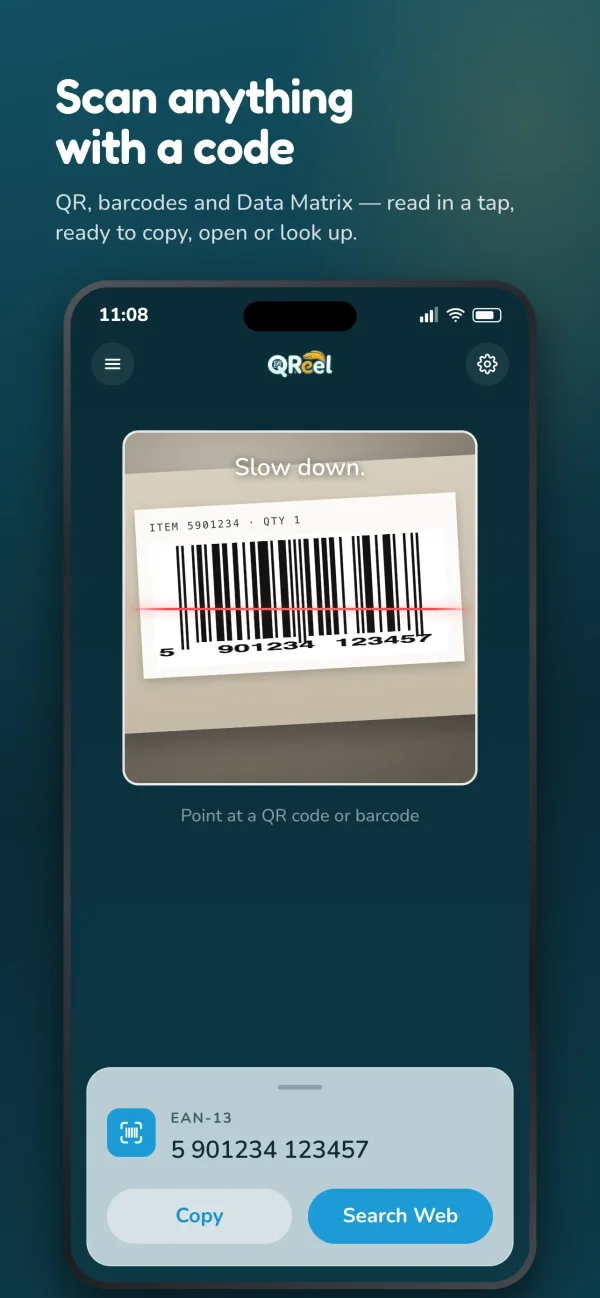
About
QReel is the QR code generator built for people who care about design.
Create beautiful, fully customized QR codes in seconds — turn a text prompt into scannable AI art, then track exactly how many times your codes are scanned, right from the app.
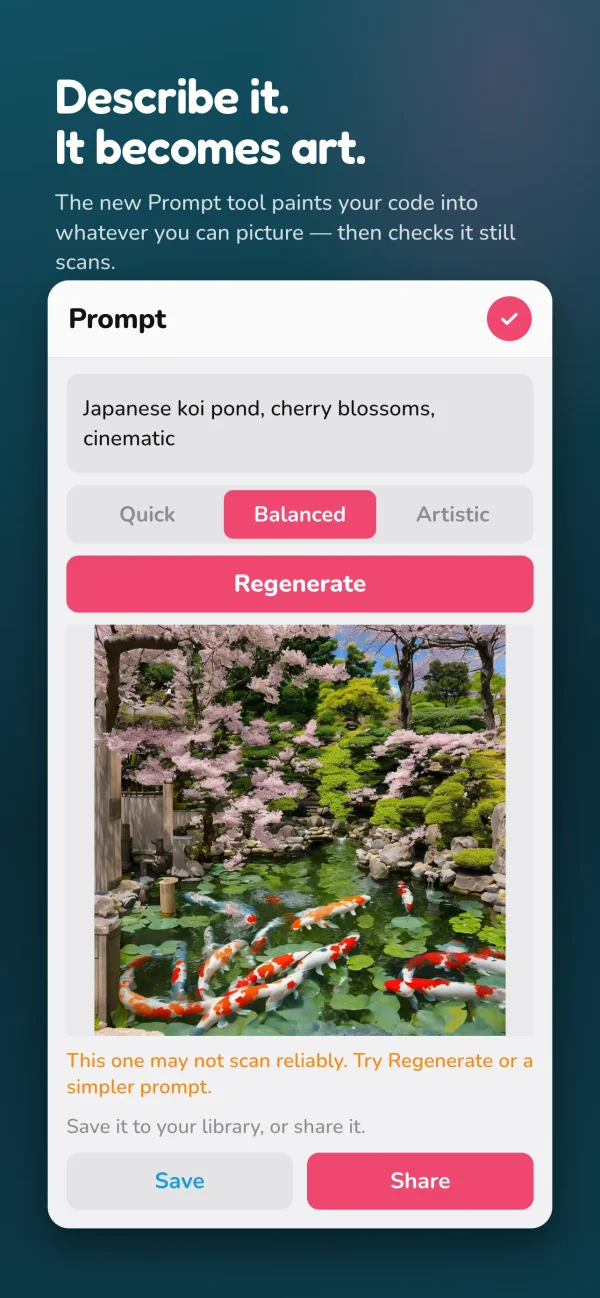
GENERATE AI QR ART (Pro)
Describe any scene and QReel generates a one-of-a-kind QR code that looks like art
Every AI code stays fully scannable — the design is the code
Save your generated codes to your library and reopen them anytime
Content is automatically screened to keep the feature safe
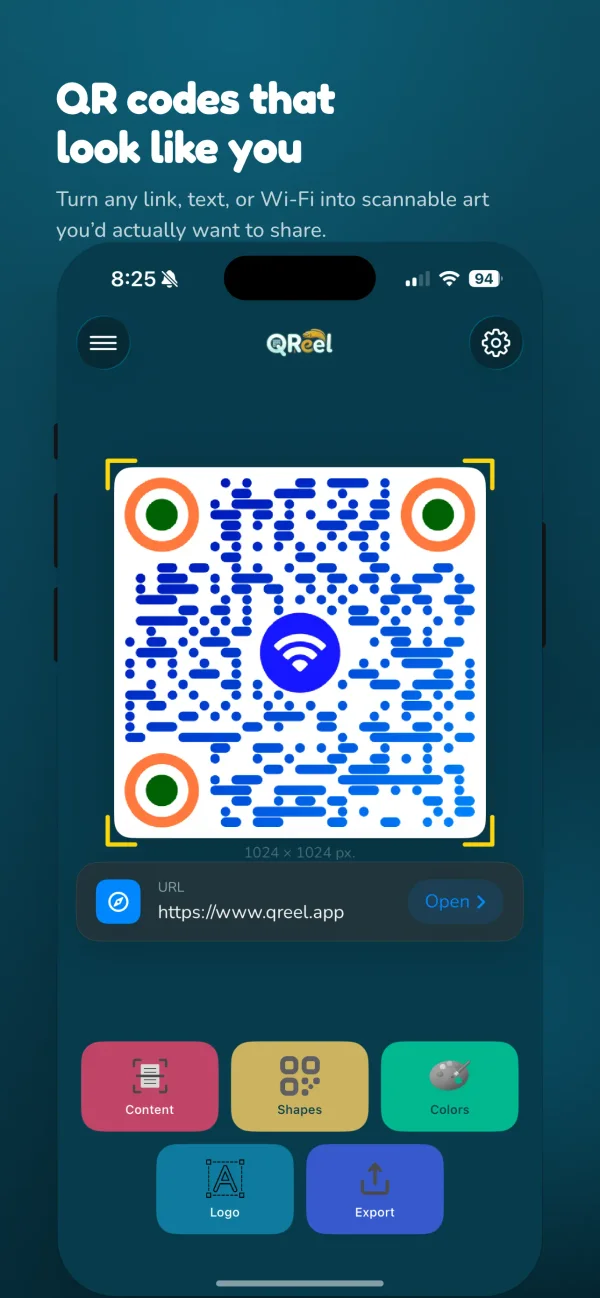
DESIGN YOUR QR CODE
Choose any color or gradient for your pattern and background
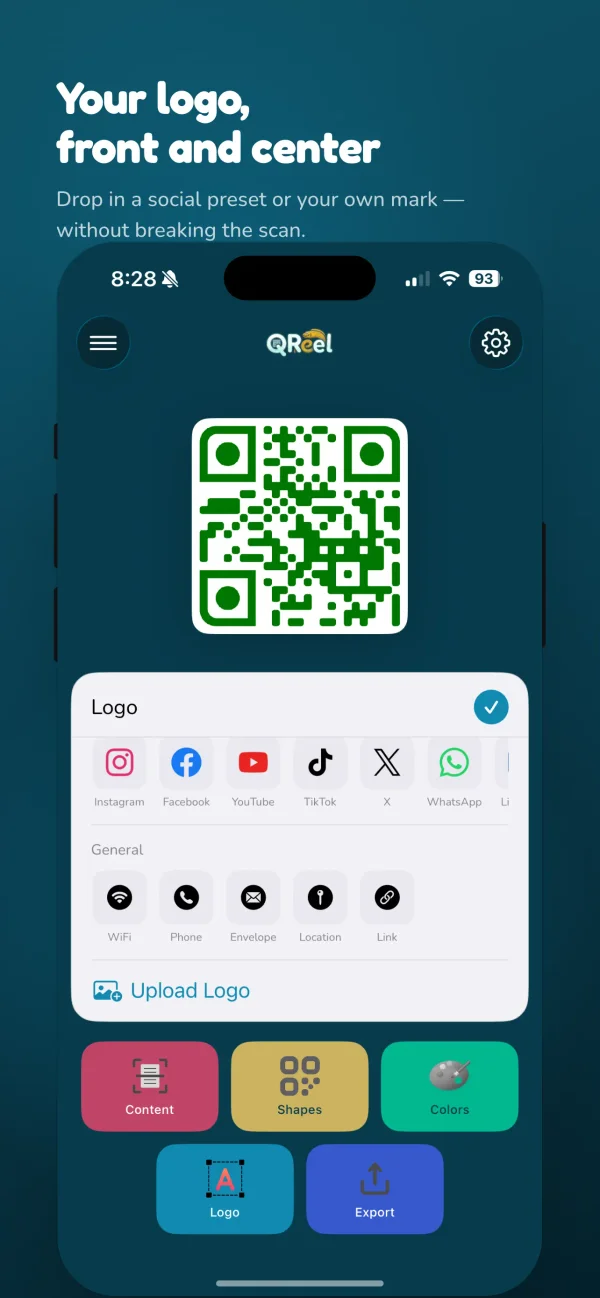
Drop your own logo or image into the center of any QR code
Browse curated color presets to match your brand instantly
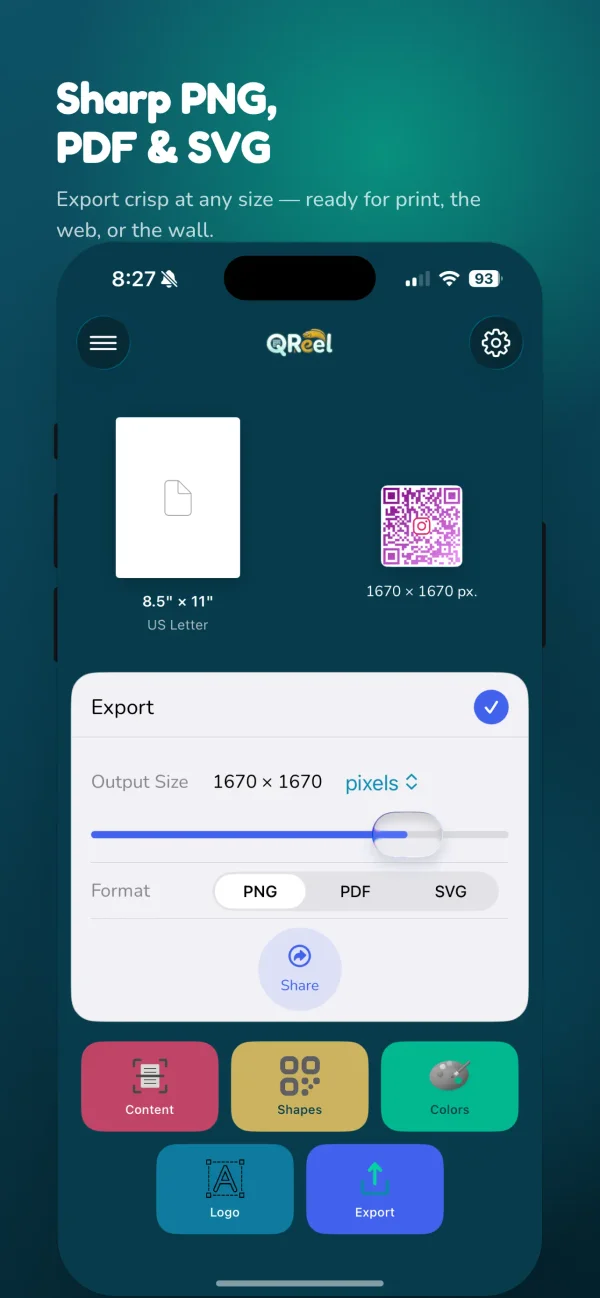
Export high-resolution QR codes ready for print or digital use
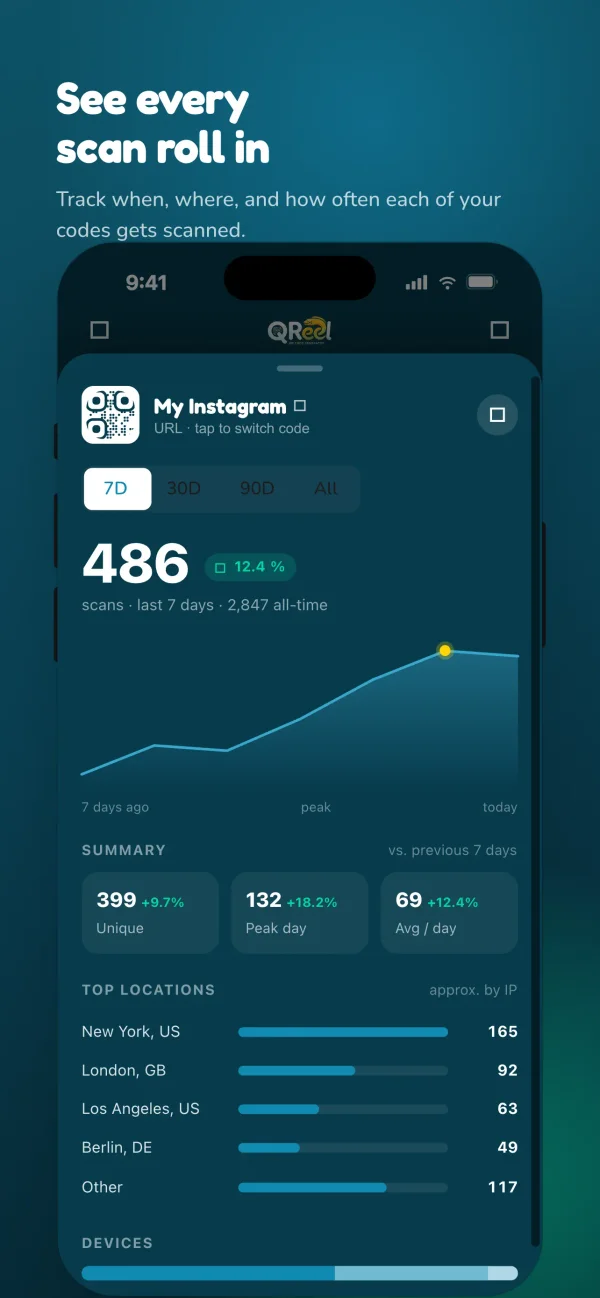
TRACK YOUR SCANS (Pro)
See how many times each QR code has been scanned, in real time
Know when your menus, flyers, business cards, and links get used
Scan analytics live in your library, no third-party dashboard needed
SAVE & ORGANIZE (Pro)
Save unlimited QR codes to your personal library
Rename, update, and re-access any design instantly
One tap to load a saved code and keep editing
QREEL PRO
Upgrade to Pro for AI QR art, scan tracking, unlimited saves, and the full design suite. Subscribe monthly or annually — cancel any time.
PERFECT FOR
Small business owners sharing menus, hours, or contact info
Marketers tracking print and digital campaign performance
Creators adding branded, one-of-a-kind QR codes to content and merch
Anyone who needs a QR code that looks as good as it works
Questions? Reach us at support@qreel.app
—
QReel offers an optional auto-renewing subscription (QReel Pro): $2.99/month or $29.99/year. Payment is charged to your Apple Account at purchase confirmation. Your subscription renews automatically unless auto-renew is turned off at least 24 hours before the end of the current period. Manage or cancel anytime in your Apple Account settings.
Terms of Use (EULA): https://qreel.app/terms
Privacy Policy: https://qreel.app/privacy
What’s new
Version 1.6.1 · Oct 27, 2026
Make a QR code without opening the app.
• Say "Make a QR code with QReel." Siri asks where it should point, shows you the finished code, and saves it to Photos once you give the OK — so nothing lands in your library until you've seen it. Works from the Lock Screen.
• New QReel control for Control Center and the Action Button: copy a link, tap once, and your QR code is ready.
• Say "Design a QR code with QReel" to go straight to the editor with your code already built, ready to restyle.
• Codes made by Siri arrive in the editor with undo and save, so you can change the shapes and colors and keep the result in your library.
• Ask for "the link on my clipboard" and QReel will use whatever you last copied.
App privacy
What John Gordon declares on the App Store about how this app handles data.
-
Data linked to you
May be collected and linked to your identity.
- Purchases
- Contact info
- User content
- Identifiers
- Usage data
Privacy practices may vary, for example with the features you use or your age.
Information
- Seller
- John Gordon
- Category
- Utilities
- Version
- 1.6.1
- Updated
- Oct 27, 2026
- Released
- Jul 15, 2026
- Size
- 33.0 MB
- Requires
- iOS 26.0 or later
- Age rating
- 4+
- Price
- Free
- In-app purchases
- Yes
- Languages
- English
- Copyright
- © 2025 John Croxton Gordon
You might also like
-
 Scanzo: QR Scanner & GeneratorBarcode Reader, Wifi & vCard
-
 QR Code Reader & QR Code MakerQR Code Scanner and Generator
-
 Quarey: QR Generator & ScanMaster Your Digital Links
-
 Grocery shopping list - Voice!Eat plan maker, meal keeper
-
 FastCode CaptureScan code && Generate Code
-
 QR Code Generator ExpertCreate, Save & Share QR Codes
-
 AI QR Code Generator & ReaderScanner for iPhone, QR Maker
-
 PDF Tools - Create & Edit PDFsCreate, merge & split PDFs
-
 My Cedar HillUtilities
-
 QR Code Reader: Scan, CreateQR & Barcode Scanner + Maker