
- Age rating4+
- CategoryUtilities
- DeveloperFuzhou Yuhui Technology Co., Ltd.
- LanguagesEnglish+ 7 more
- Size73.0 MB
Links to the official App Store page
Download.org hosts no file of QRFast - Code Helper. The button opens its official App Store page, published by Fuzhou Yuhui Technology Co., Ltd. Listing last checked on Nov 14, 2026.
Screenshots

About
Make everyday codes easier to use with QRFast.
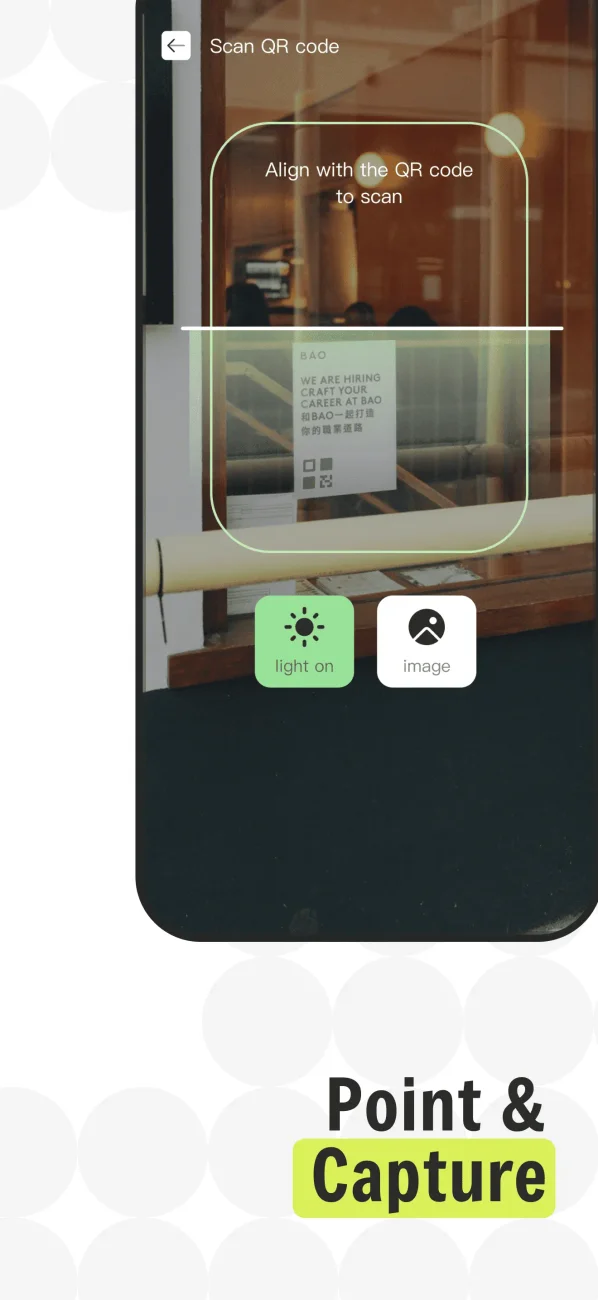
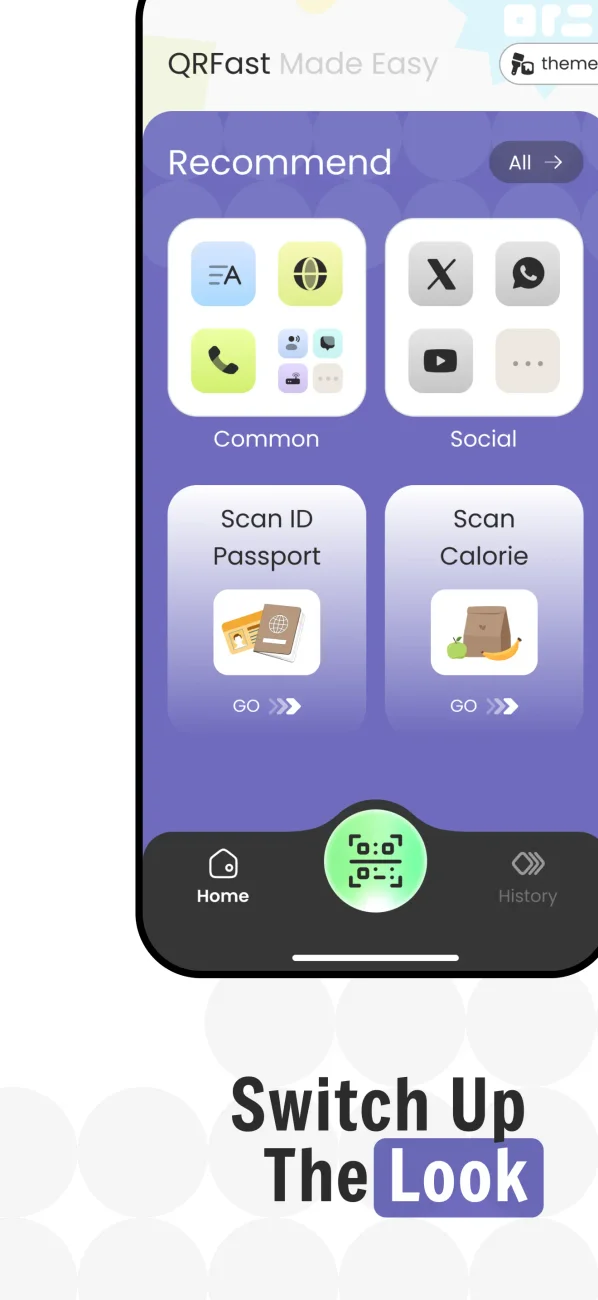
QRFast brings scanning, code creation, and recent activity together in a focused workspace. Point your camera at a code, pick one from a saved image, or create a new QR code from information you want to share.
Whether a code is printed on a package, shown on another screen, saved in a screenshot, or shared with you digitally, QRFast helps you quickly turn it into useful information.
Scan from Camera or Photos
Use your iPhone camera to recognize QR codes and supported barcodes, or choose an existing image from your photo library.
QRFast can handle many common types of encoded information, including website addresses, text, contact details, phone numbers, email addresses, messages, Wi-Fi information, locations, and more.
Turn Information Into a QR Code
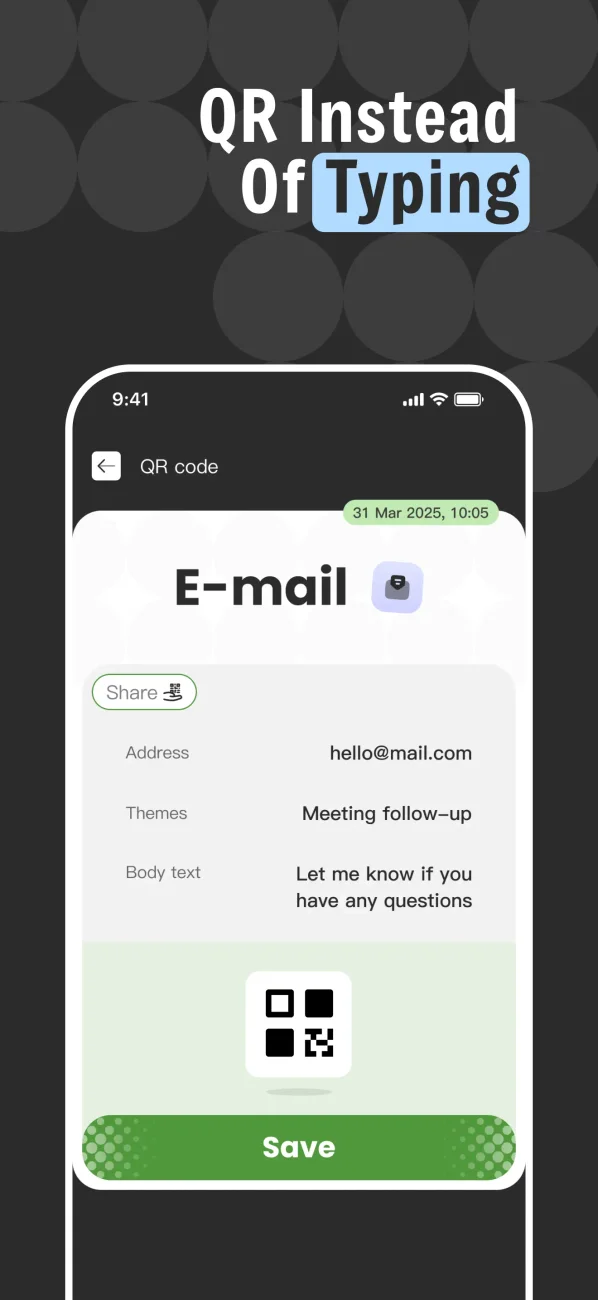
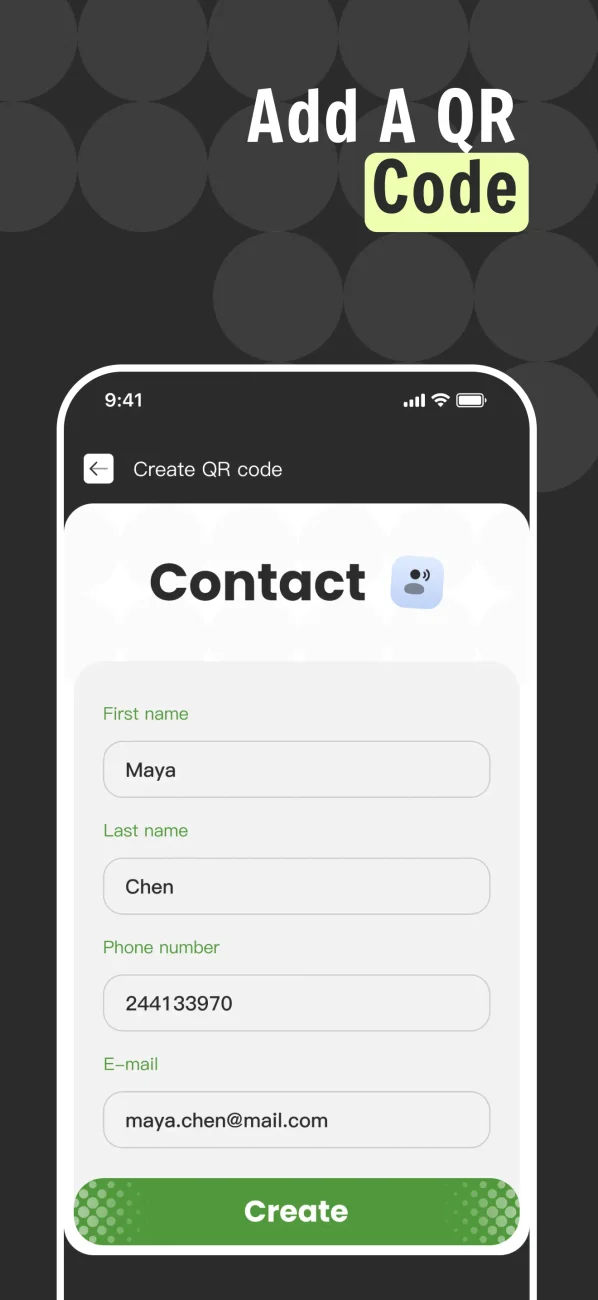
QRFast also works in the other direction. Choose the type of information you want to share and turn it into a scannable QR code.
Create QR codes for:
• Websites
• Plain text
• Contact details
• Phone numbers
• Email
• SMS messages
• Wi-Fi information
• Locations
• Social profile links
Once created, your QR code is ready to save or share when you need it.
Keep Recent Scans Within Reach
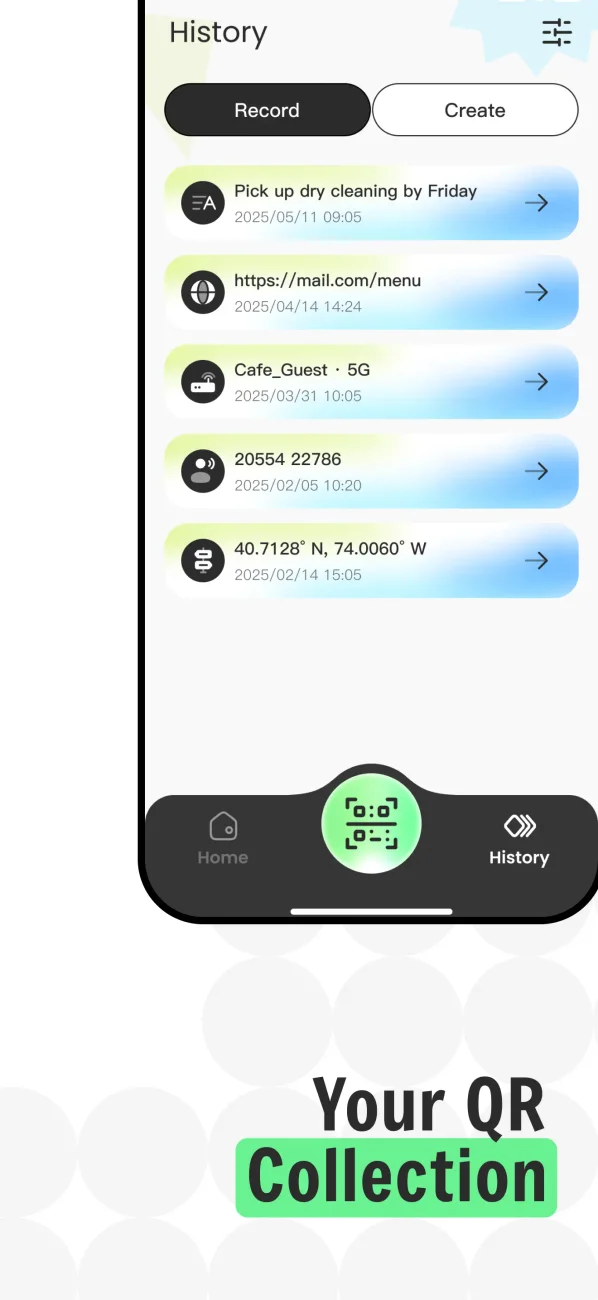
Previously scanned codes can be kept in your local history, making it easier to return to useful information without scanning it again.
Review recent results, copy their contents, reopen links, or remove records you no longer need.
Built for Simple, Everyday Use
QRFast does not require an account for its core features.
QR code recognition is primarily performed on your device. Camera frames and photos selected for code recognition are not uploaded to our servers for scanning, and your scan history is stored locally on your device.
From checking a code on a poster to creating a QR code for Wi-Fi or contact information, QRFast keeps the process straightforward from start to finish.
What’s new
Version 1.2.0 · Oct 15, 2026
1. Fix some issues.
App privacy
What Fuzhou Yuhui Technology Co., Ltd. declares on the App Store about how this app handles data.
-
Data used to track you
May be used to track you across apps and websites owned by other companies.
- Identifiers
-
Data not linked to you
May be collected but is not linked to your identity.
- Identifiers
- Diagnostics
Privacy practices may vary, for example with the features you use or your age.
Information
- Seller
- Fuzhou Yuhui Technology Co., Ltd.
- Category
- Utilities
- Version
- 1.2.0
- Updated
- Oct 15, 2026
- Released
- Aug 17, 2026
- Size
- 73.0 MB
- Requires
- iOS 17.6 or later
- Age rating
- 4+
- Price
- Free
- Languages
- English, French, German, Japanese, Korean, Portuguese, Spanish, Traditional Chinese
- Copyright
- © Fuzhou Yuhui Technology Co., Ltd.
You might also like
-
 PhotoSurePhoto Cleanup & Privacy Space
-
 MyQR ToolCreate QR & Barcodes
-
 ReadQR & Barcode CreatorBatch scanning of QR codes
-
 Open QRCode - ScanBusiness Cards & QR Scanner
-
 Translate BridgeReal-time Translator
-
 Translo - allTranslate, Speak, and Learn
-
 PixelQR ScanScan, Create & Export Codes
-
 QR Scanner - ReaderScan & Create With Ease
-
 Photo Cleaner - Phone ManagePhoto Cleanup, Your Choice
-
 PDF Converter: Docs ScannerScan, OCR, Sign, Edit & Merge