
Qrisp: QR Code Generator
QR Maker That Never Expires
Designed for iPhone, iPad
Free · In-app purchases
- Age rating4+
- CategoryUtilities
- Developer辉 任
- LanguagesEnglish+ 9 more
- Size48.5 MB
Links to the official App Store page
Download.org hosts no file of Qrisp: QR Code Generator. The button opens its official App Store page, published by 辉 任. Listing last checked on Nov 12, 2026.
Screenshots
About
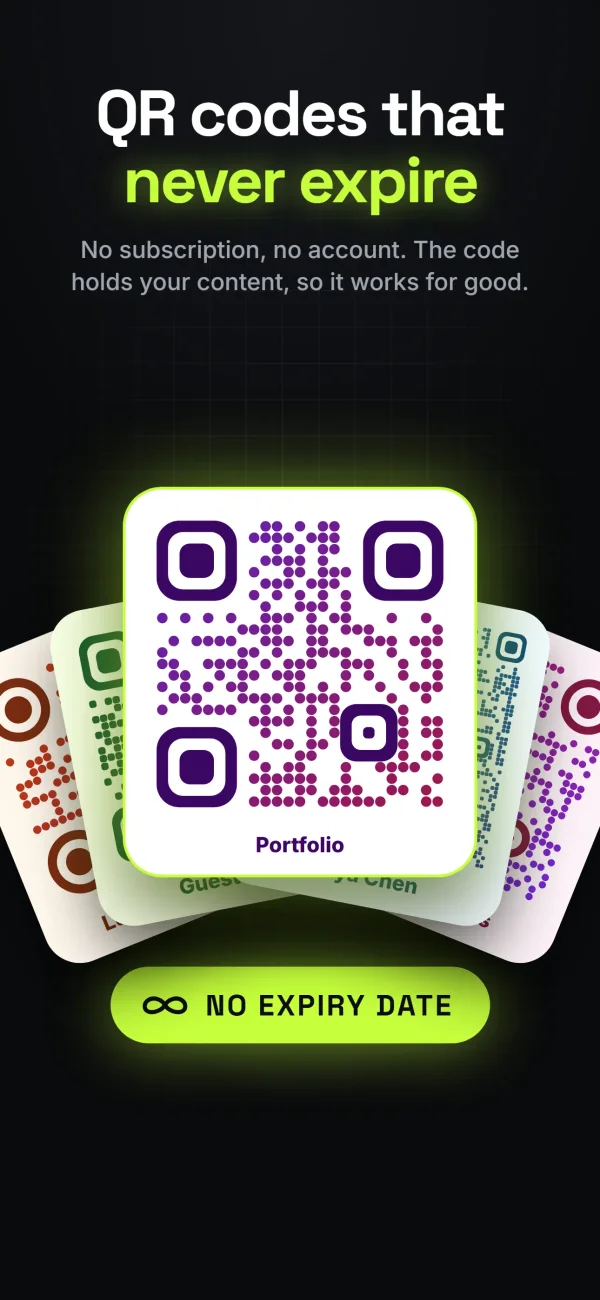
Make QR codes that never expire.
Qrisp puts your link, Wi-Fi password or contact card straight into the code. Nothing is routed through anyone's server, so your code keeps working for good, whether or not you ever pay, and even if you delete the app.
NO SUBSCRIPTION. NO ACCOUNT. NO ADS.
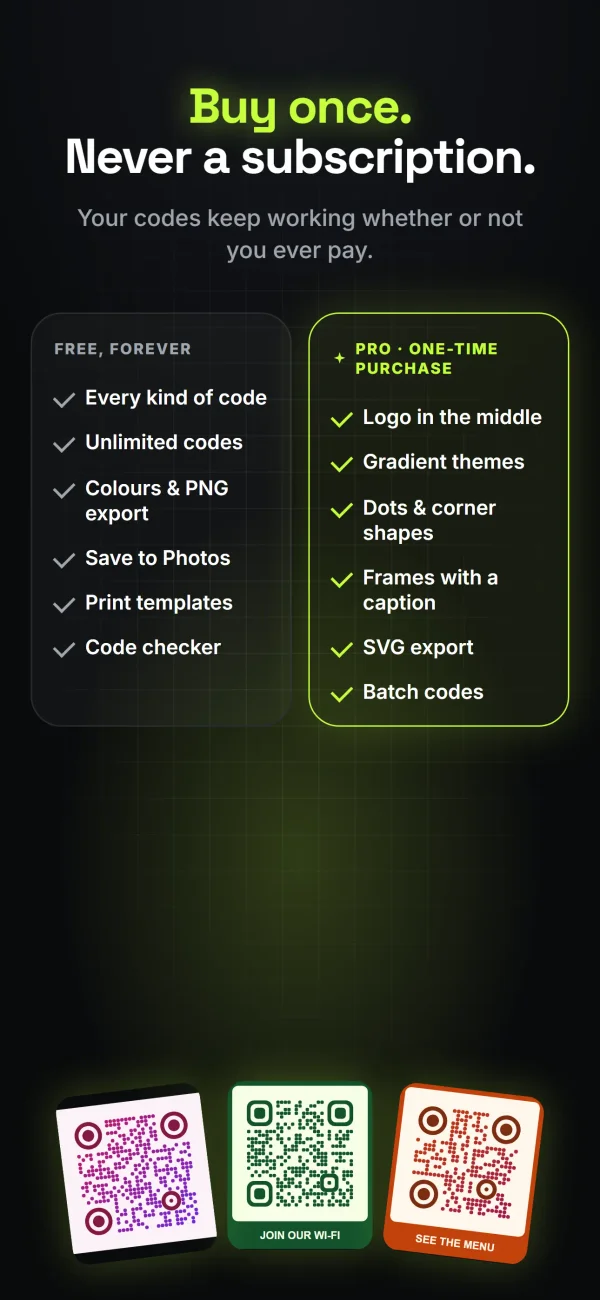
Everything you need to make a working code is free: every kind of code, colours, high-resolution images and print templates. No limits and no watermark.
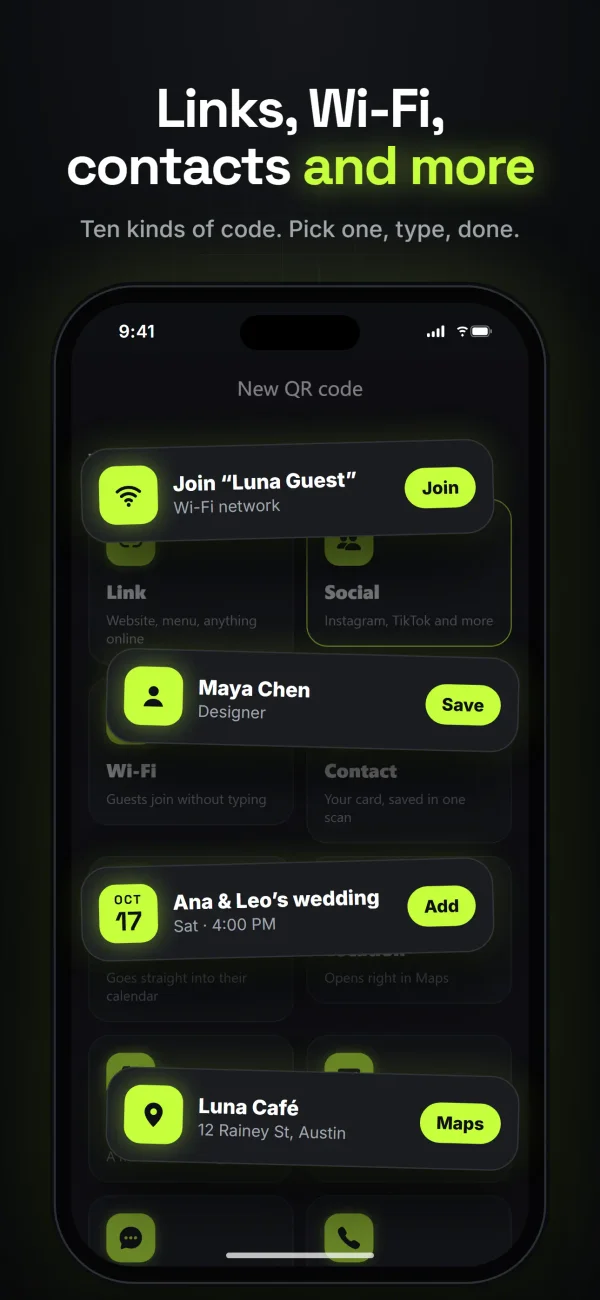
TEN KINDS OF CODE
• Link: websites, menus, anything online
• Social: Instagram, TikTok, YouTube, WhatsApp and more
• Wi-Fi: guests join without typing a password
• Contact: your card, saved in one scan
• Event: goes straight into their calendar
• Location: opens in Apple Maps or Google Maps
• Text, Email, SMS and Phone
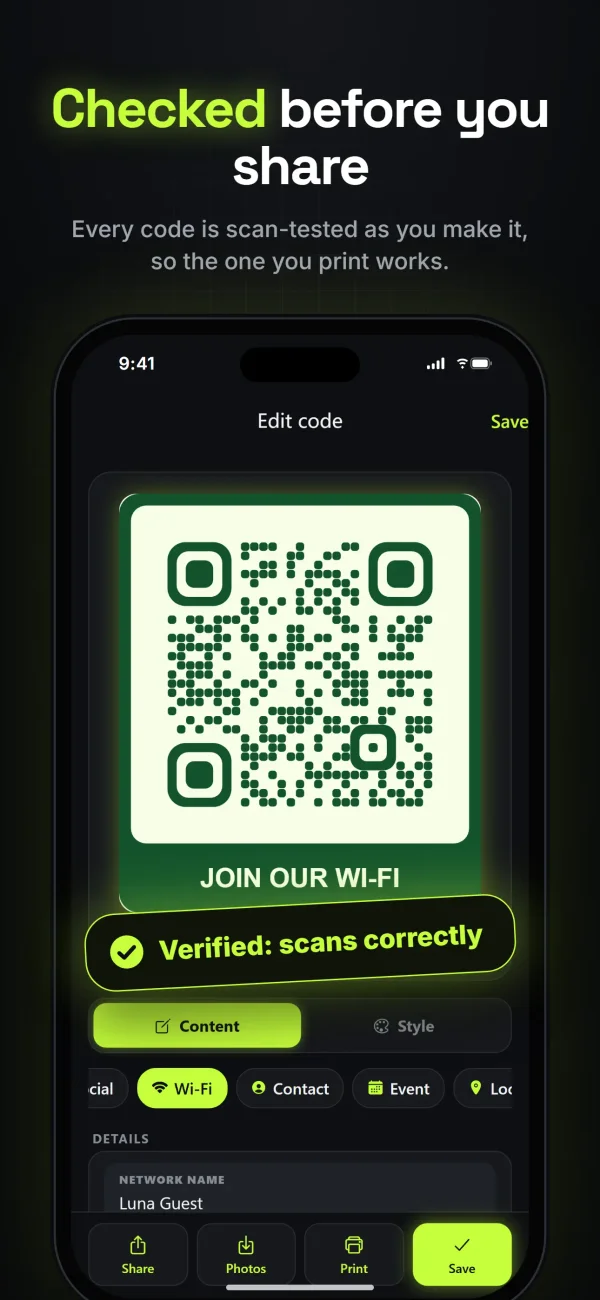
CHECKED BEFORE YOU SHARE
Qrisp reads every code back as you design it. You see "Verified: scans correctly" before you print a single copy, and a warning if a colour or logo would make it hard to scan.
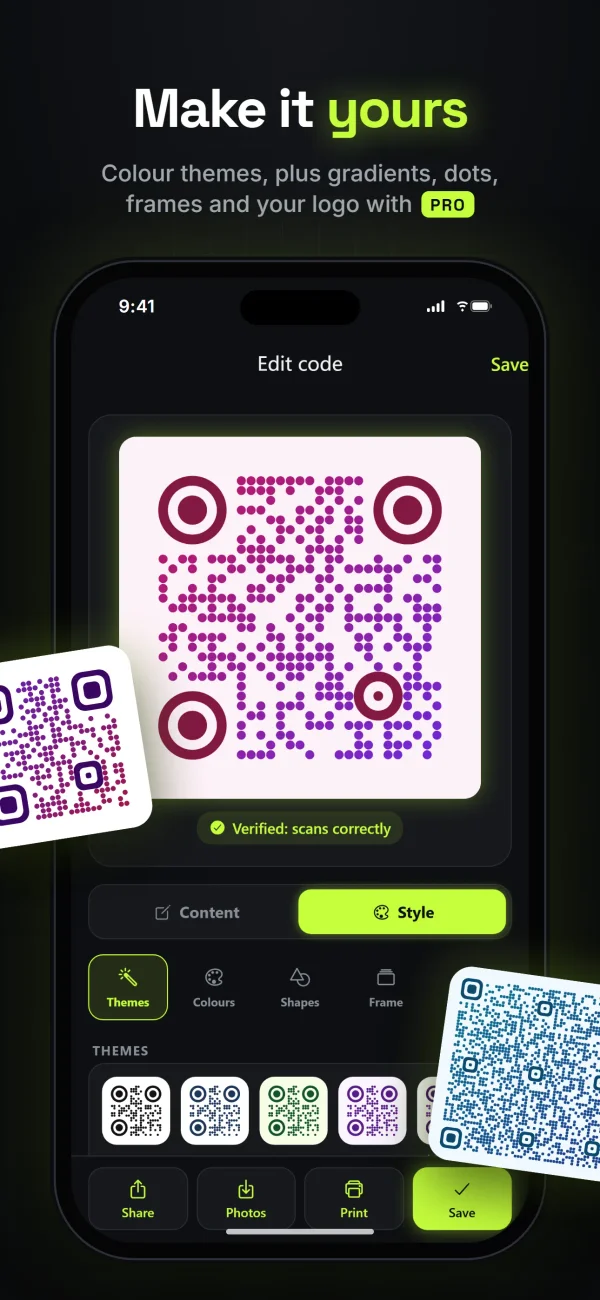
MAKE IT YOURS
Colour themes, dots, rounded corners, a frame with a caption such as "SCAN ME" or "JOIN OUR WI-FI", and your logo in the middle. Try any style on your own code before you decide.
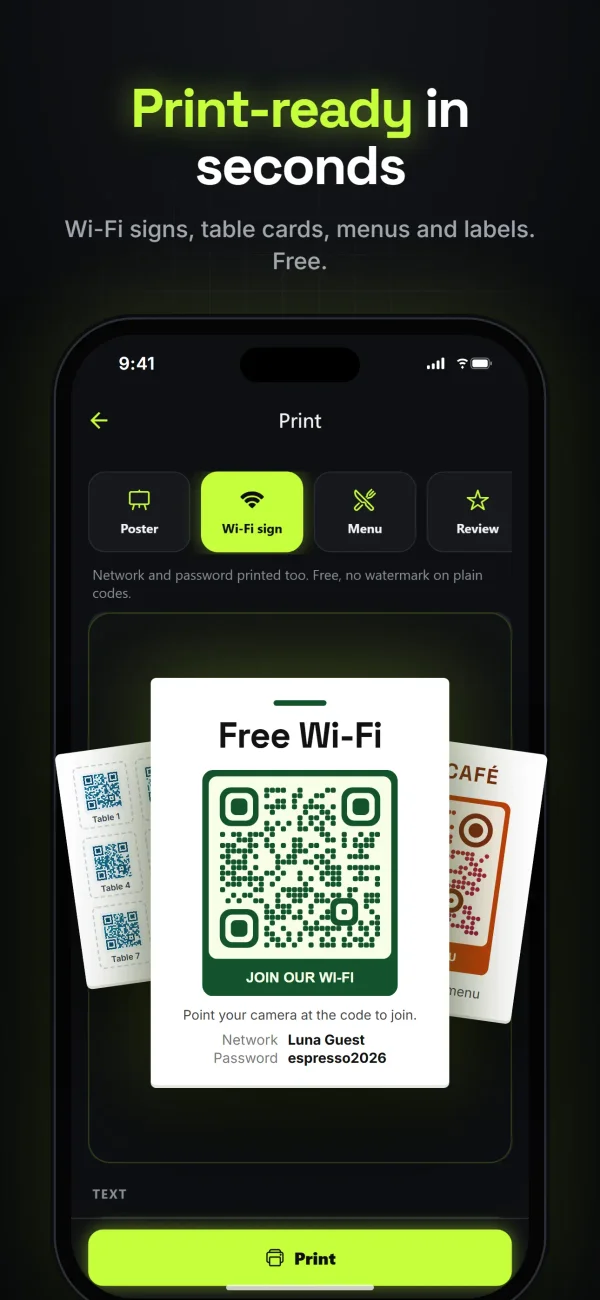
PRINT-READY IN SECONDS
Free templates for posters, Wi-Fi signs, menus, review cards, photo-sharing signs, business cards and label sheets, in Letter or A4. Print from your iPhone or iPad, or save a PDF.
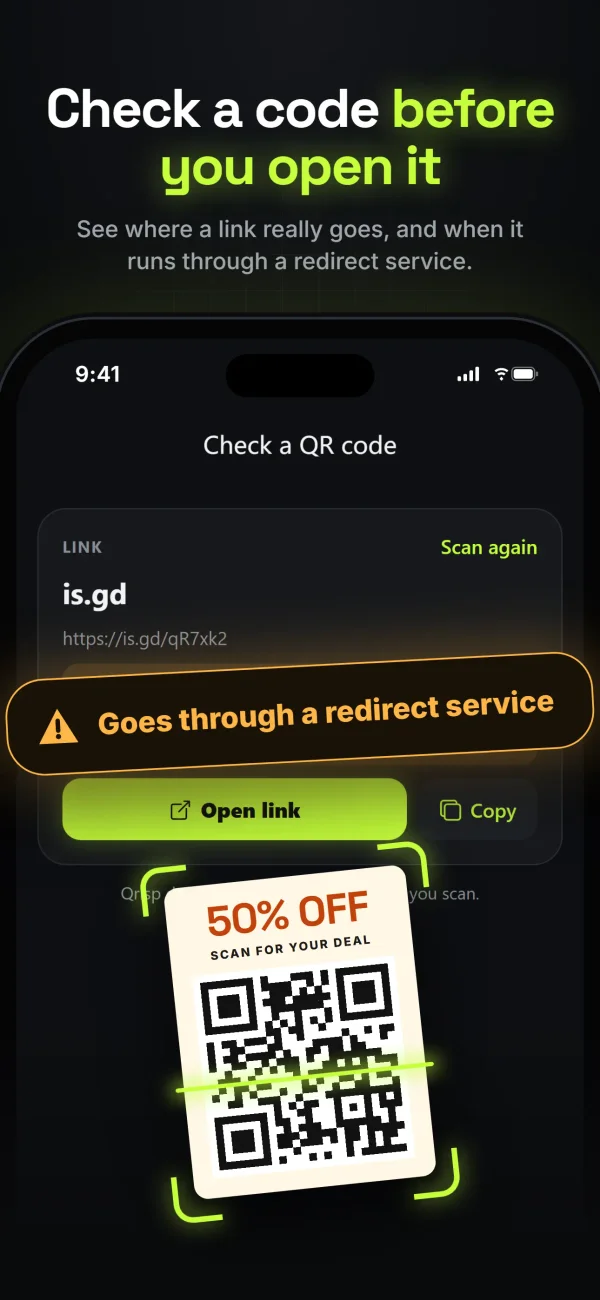
CHECK A CODE BEFORE YOU OPEN IT
Scan any QR code and see what it holds before anything opens. Qrisp warns you when a link hides its destination behind a redirect service, and shows where it really goes when you ask.
STRAIGHT FROM THE SHARE SHEET
In Safari or any app, tap Share and choose Qrisp. The link or text you shared becomes a QR code right there, ready to copy or save to Photos.
QRISP PRO: ONE PURCHASE, YOURS FOR GOOD
• Your logo in the middle of the code
• Gradient colour themes
• Dot and corner shapes
• Frames with a caption
• Vector SVG export, sharp at any size
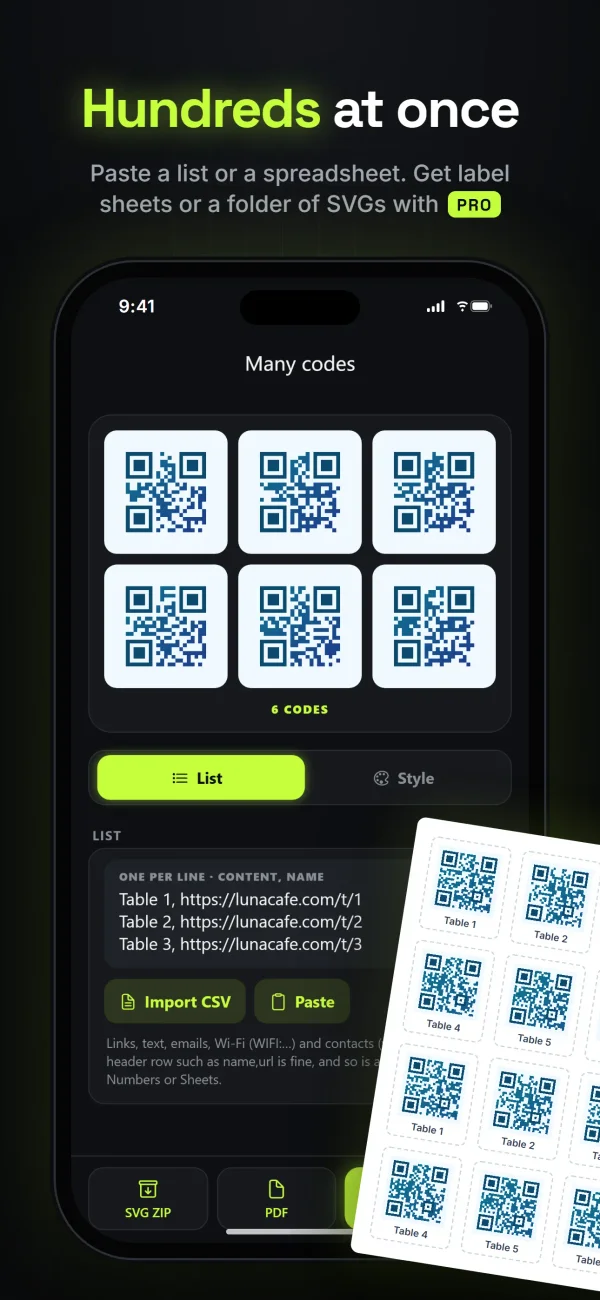
• Batch codes: paste a list or import a CSV, then print label sheets or save a ZIP of SVGs
No subscription, ever.
PRIVATE BY DESIGN
No account, no tracking, no analytics. Your codes stay on your device, and the scanner keeps no history.
What’s new
Version 1.1.0 · Oct 7, 2026
New: share a link or text to Qrisp from Safari or any app, and its QR code appears right in the share sheet, ready to copy or save.
App privacy
What 辉 任 declares on the App Store about how this app handles data.
-
Data not collected
The developer does not collect any data from this app.
Privacy practices may vary, for example with the features you use or your age.
Information
- Seller
- 辉 任
- Category
- Utilities
- Version
- 1.1.0
- Updated
- Oct 7, 2026
- Released
- Oct 1, 2026
- Size
- 48.5 MB
- Requires
- iOS 16.4 or later
- Age rating
- 4+
- Price
- Free
- In-app purchases
- Yes
- Languages
- English, French, German, Italian, Japanese, Korean, Portuguese, Simplified Chinese, Spanish, Traditional Chinese
- Copyright
- © 2026 Ren Hui
You might also like
-
 QRist: QR Codes on Your WristInvoices, tickets & check-ins
-
 二维码生成器-链接文本网络电话邮件内容制码Utilities
-
 QRForever: QR Code GeneratorCreate & Test QR Readability
-
 Scanzo: QR Scanner & GeneratorBarcode Reader, Wifi & vCard
-
 FlashScan Pro: QR Code ScannerQR Generator, Reader & Maker
-
 QR Tools: QR Code ReaderGenerator, WiFi & Batch Export
-
 QRAFT: QR Code GeneratorDynamic QR Codes with Logos
-
 QR Pro+Create QR codes offline
-
 QRCoder – QR Code GeneratorOne-click QR Code from Webpage
-
 Dallcon TelecomUtilities