
QuadraFocus
Eisenhower Matrix Task Planner
Designed for iPhone, iPad
In-app purchases
- Age rating4+
- CategoryProductivity
- DeveloperEstee
- LanguagesRussian+ 6 more
- Size18.3 MB
Links to the official App Store page
Download.org hosts no file of QuadraFocus. The button opens its official App Store page, published by Estee. Listing last checked on Nov 13, 2026.
Screenshots



About
Have a long list of tasks but don’t know where to begin?
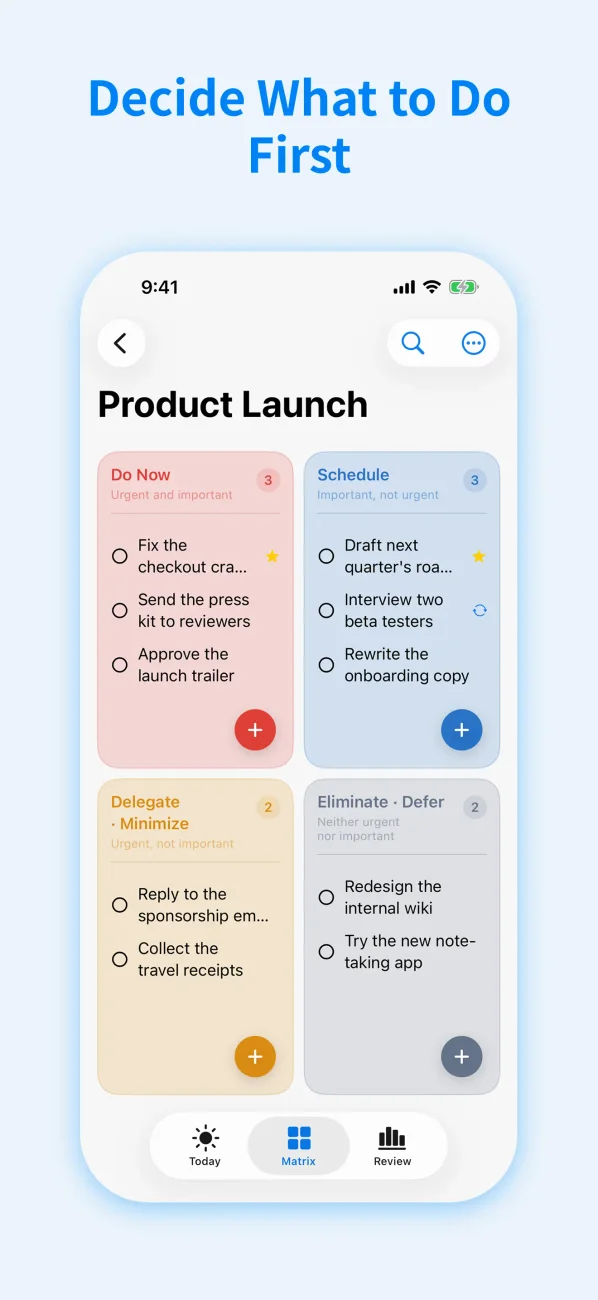
This app is a task manager based on the Eisenhower Matrix, a simple method that helps you organize tasks according to their importance and urgency.
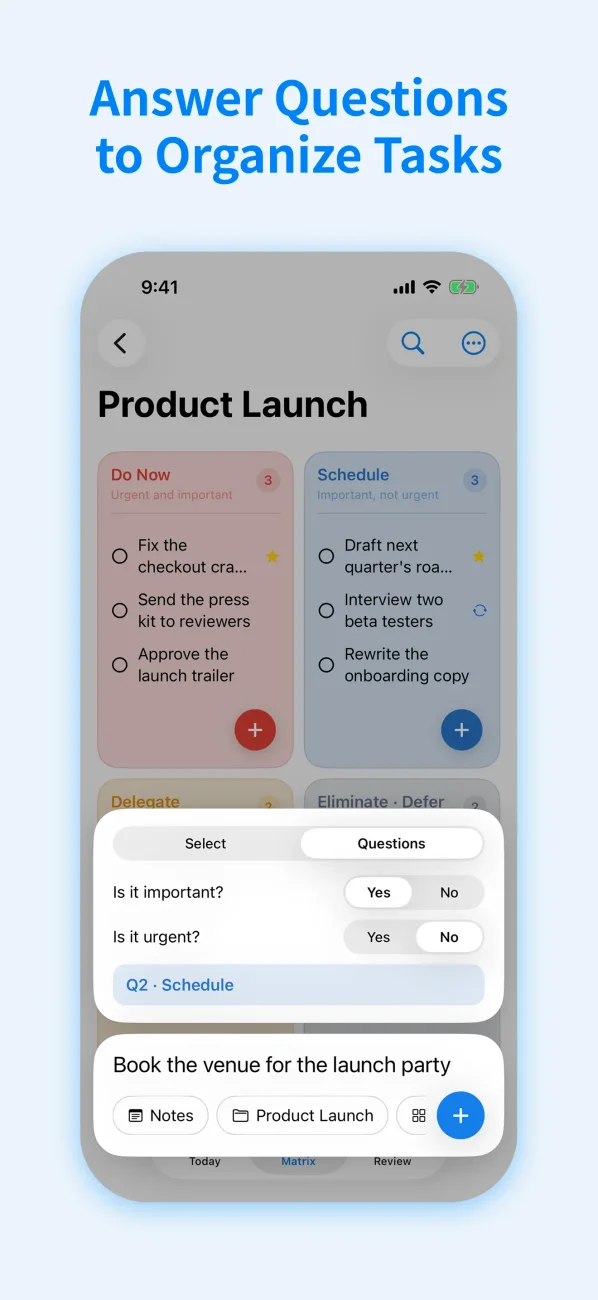
Even if you have never used the Eisenhower Matrix before, getting started is easy. Add a task and answer a few simple questions to distinguish what needs your attention now from what can be planned for later.
Do important and urgent tasks right away. Schedule important but non-urgent tasks. Delegate or reduce tasks that are not important, and remove tasks that are unnecessary.
Key Features
Decide What to Do First
Organize tasks by importance and urgency so you can clearly see your priorities.
Capture Tasks Quickly
Record tasks as soon as they come to mind, then organize them later when you have time.
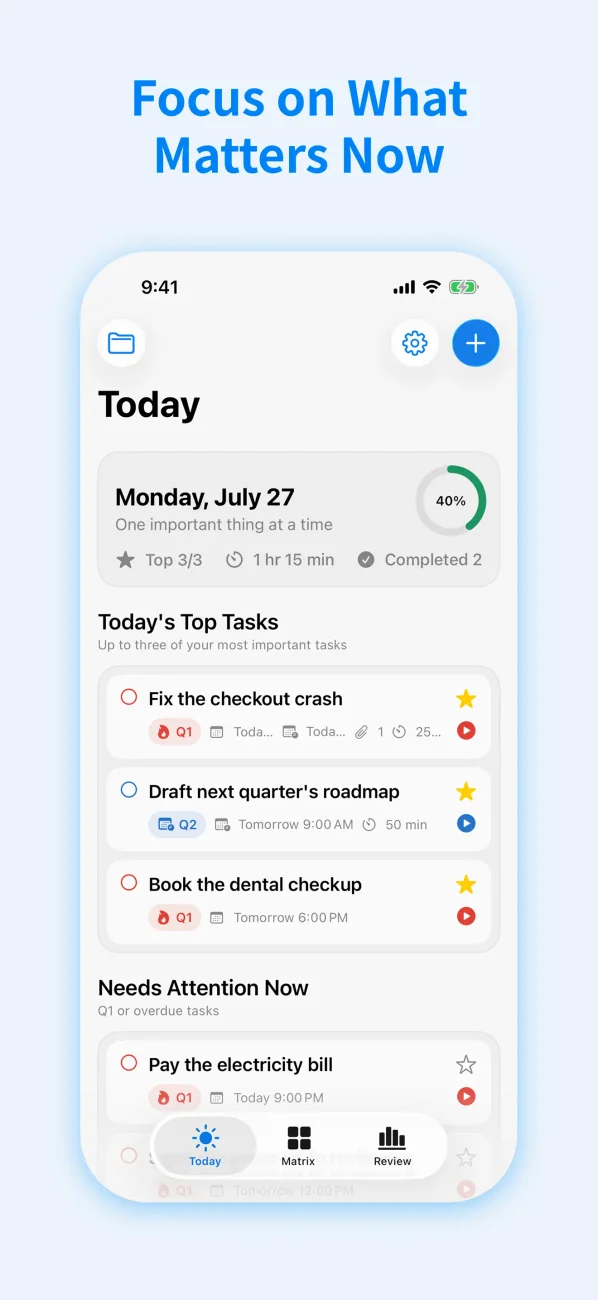
Focus on the Present
View only the tasks that require your attention now and reduce unnecessary decisions and distractions.
Organize Tasks by Answering Questions
Answer a few simple questions to automatically place each task in the appropriate quadrant.
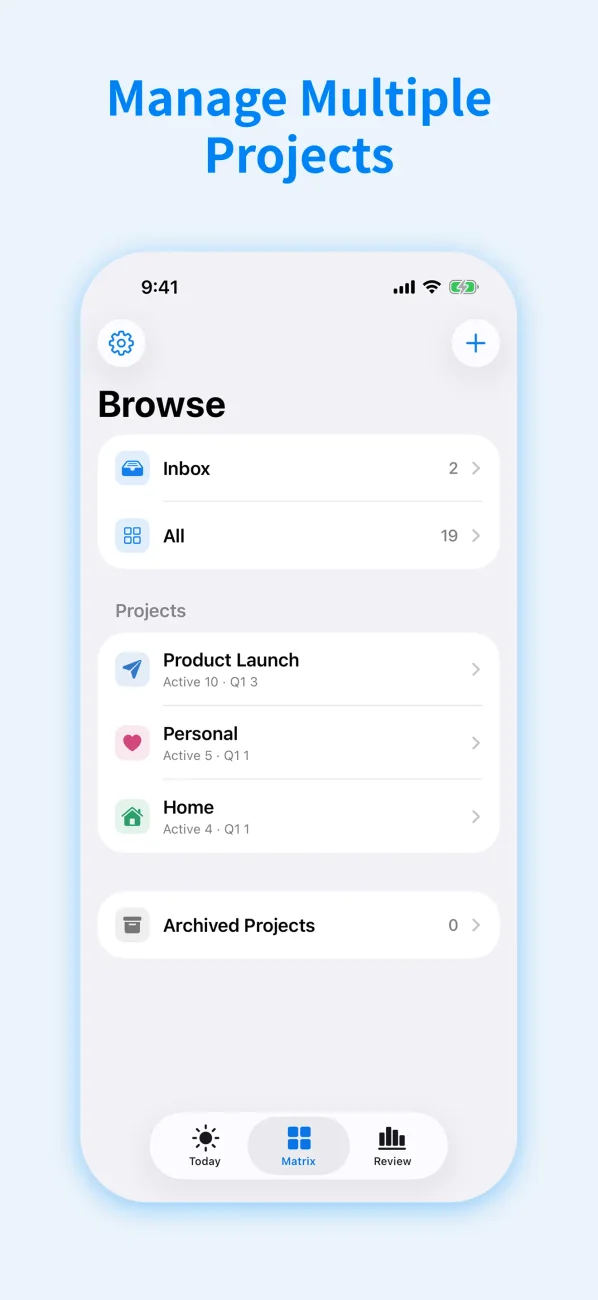
Manage Multiple Projects
Create separate projects for work, personal life, study, and more. Each project can have its own Eisenhower Matrix.
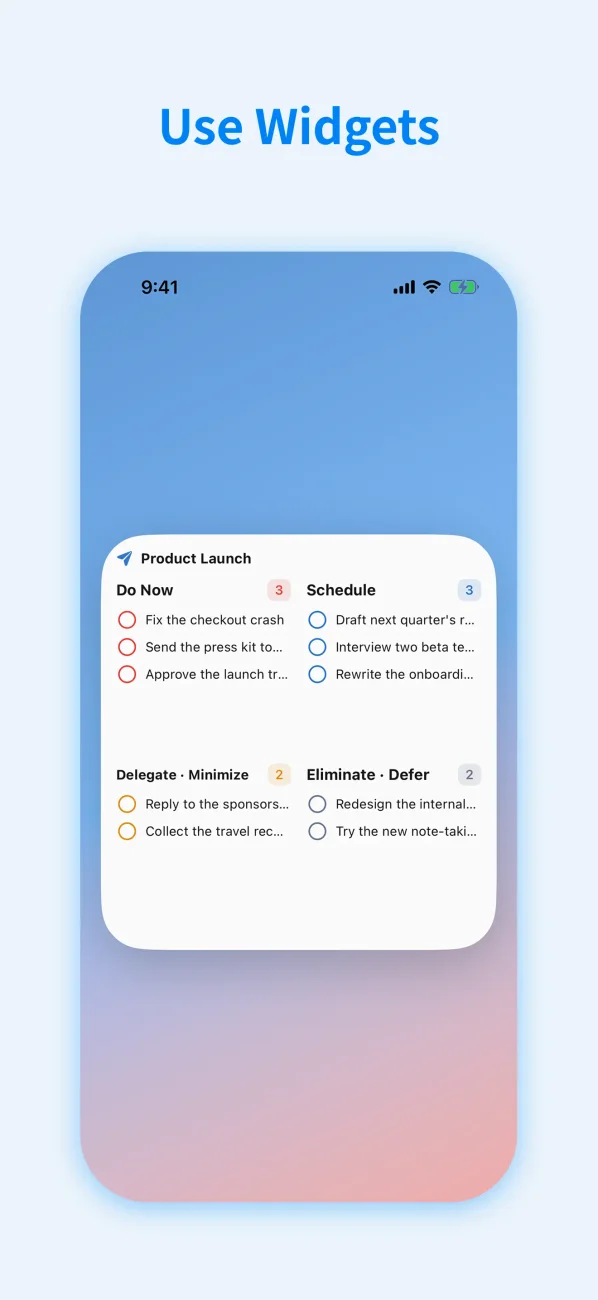
Use Home Screen Widgets
Check important tasks directly from your Home Screen without opening the app.
Stay Focused with a Timer
Choose a task, start the focus timer, and work without distractions for a set period of time.
Choose Your Theme
Personalize the app with a variety of themes.
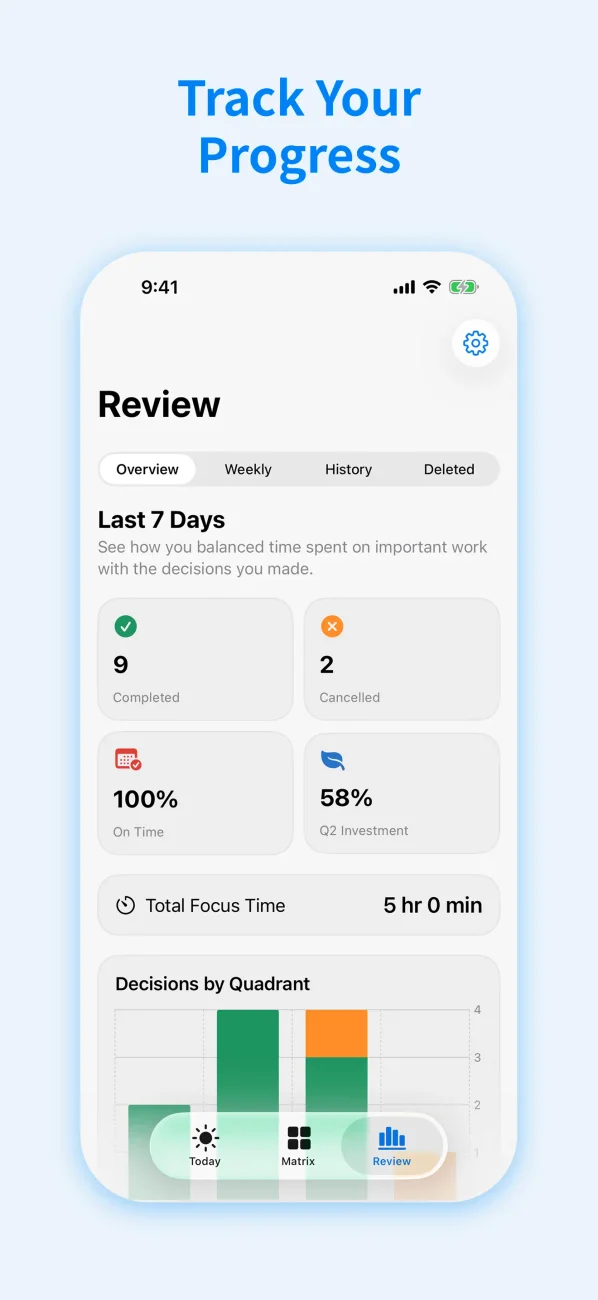
Review Your Progress
View completed tasks and focus sessions through statistics to understand your productivity patterns and progress.
Instead of trying to complete everything, start with what truly matters.
Turn a complicated task list into clear priorities and focus on what you need to accomplish today.
Privacy Policy: https://www.estee.co/wa-privacy-policy
Terms of Service: https://www.estee.co/wa-terms-of-service
App privacy
What Estee declares on the App Store about how this app handles data.
-
Data linked to you
May be collected and linked to your identity.
- Purchases
- Identifiers
-
Data not linked to you
May be collected but is not linked to your identity.
- User content
Privacy practices may vary, for example with the features you use or your age.
Information
- Seller
- Estee Inc.
- Category
- Productivity
- Version
- 1.0
- Updated
- Aug 5, 2026
- Released
- Aug 5, 2026
- Size
- 18.3 MB
- Requires
- iOS 26.0 or later
- Age rating
- 4+
- In-app purchases
- Yes
- Languages
- Russian, English, Spanish, Korean, German, French, Japanese
- Copyright
- © 2026 Estee Inc.
You might also like
-
 DayPod: Recurring RemindersPlan tasks in your calendar
-
 TaskFlow: To-Do & PlannerEisenhower Matrix, Focus Timer
-
 Tori Calendar – Plan Your DaysCalendar, tasks & widgets
-
 Taskrix: Eisenhower MatrixSort by voice. See your week.
-
 Urgent or Important - MatrixEisenhower matrix to-do list
-
 4Q: 4 Quadrants MethodFour Quadrants Method Tool
-
 Sova: Planner & Shared ListsTo-dos & plans, sorted for you
-
 iomatrixMatrix Task Manager
-
 TaskSteps: To Do List PlannerTasks, Reminders & Pomodoro
-
 버딩 - 습관 형성 캘린더Productivity