Queue Focus: Tasks One by One
Tasks & Focus Timer
Designed for iPhone
In-app purchases
- Age rating4+
- CategoryProductivity
- Developer亦南 潘
- LanguagesEnglish+ 14 more
- Size8.1 MB
Links to the official App Store page
Download.org hosts no file of Queue Focus: Tasks One by One. The button opens its official App Store page, published by 亦南 潘. Listing last checked on Nov 14, 2026.
Screenshots

About
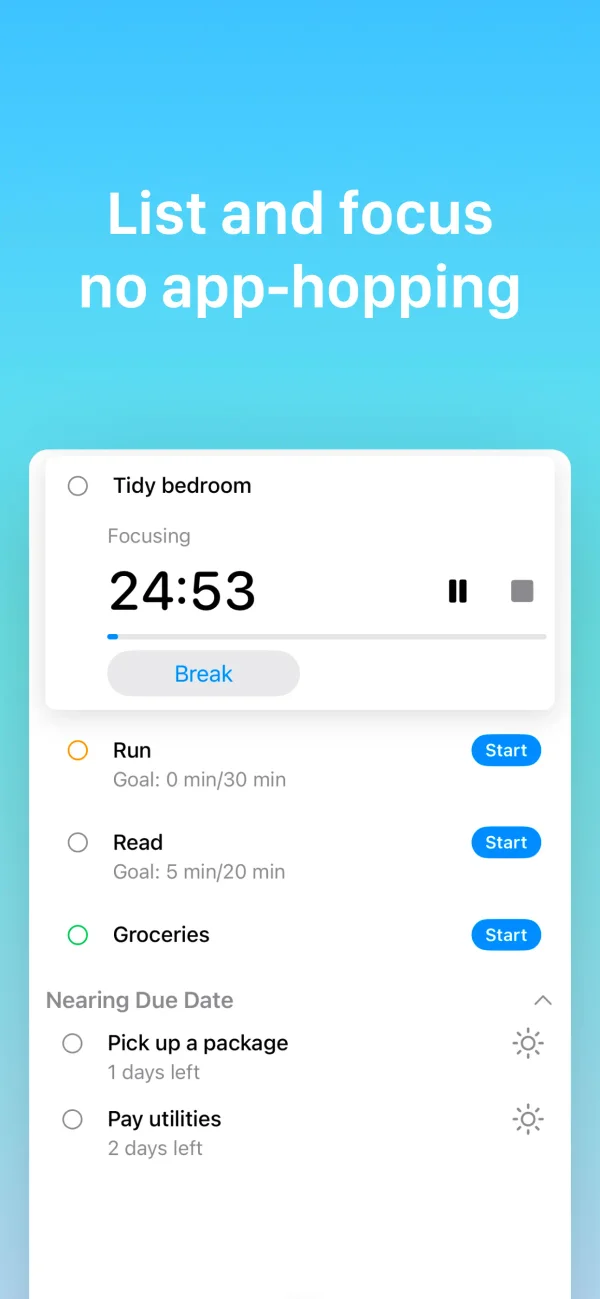
Queue Focus brings task planning and a focus timer into one simple flow: plan today, choose one task, focus, finish, and move forward.
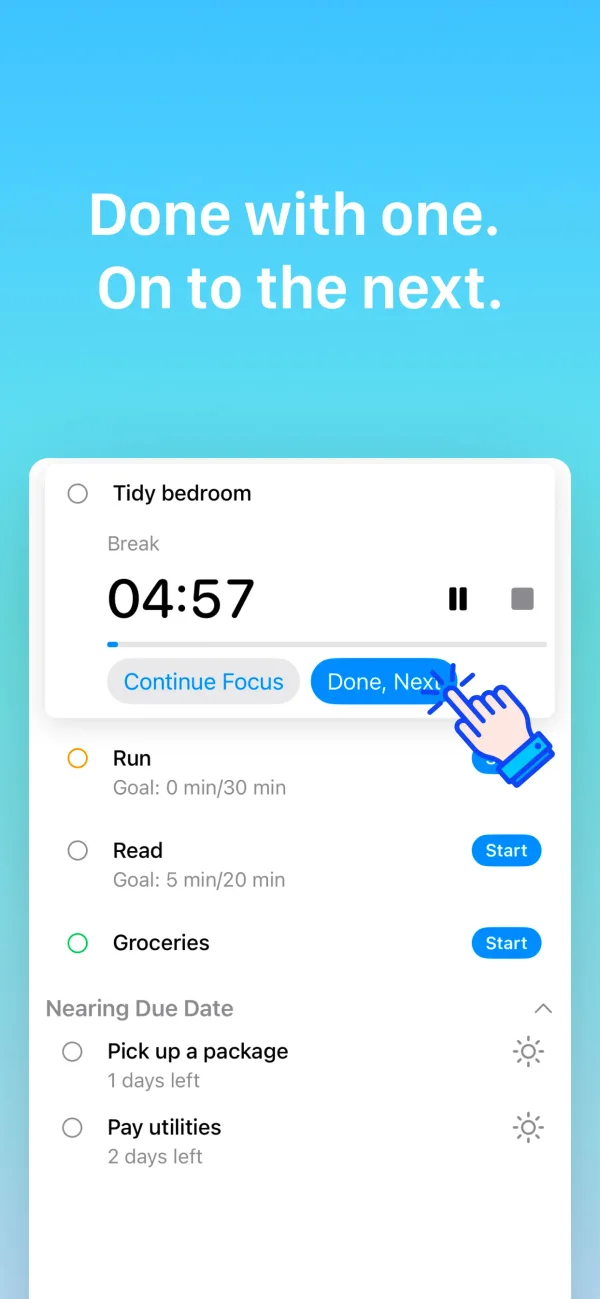
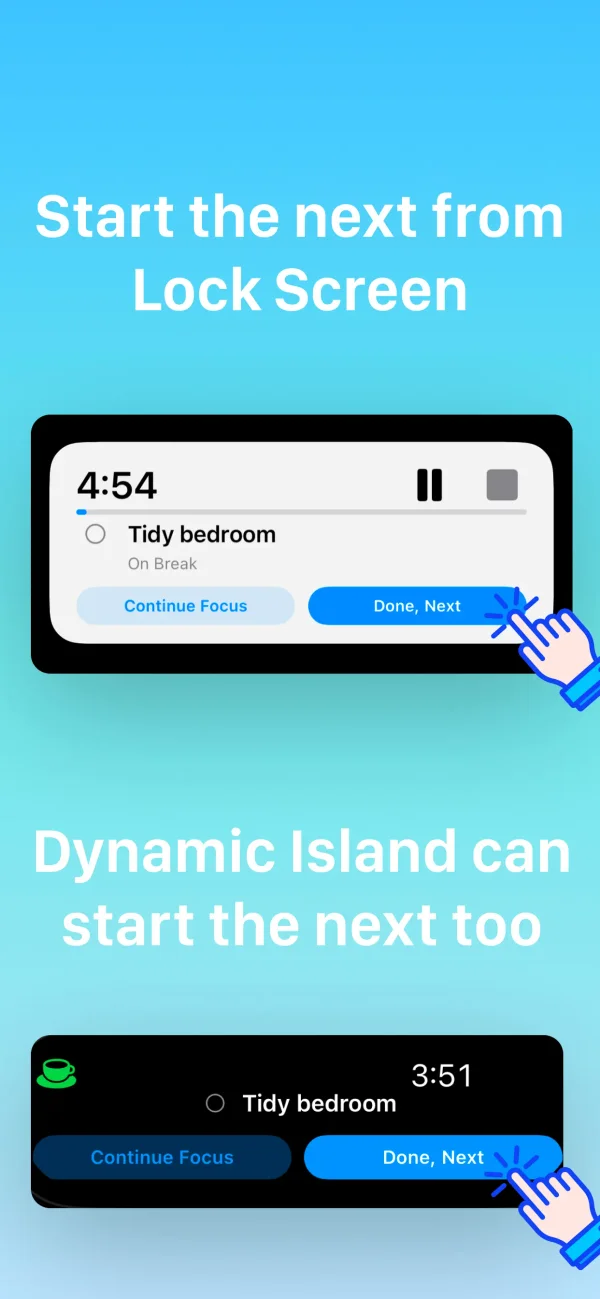
Instead of switching between a to-do app and a timer, build a clear Today queue and act on it. When a task is done, tap Done, Next and keep your momentum.
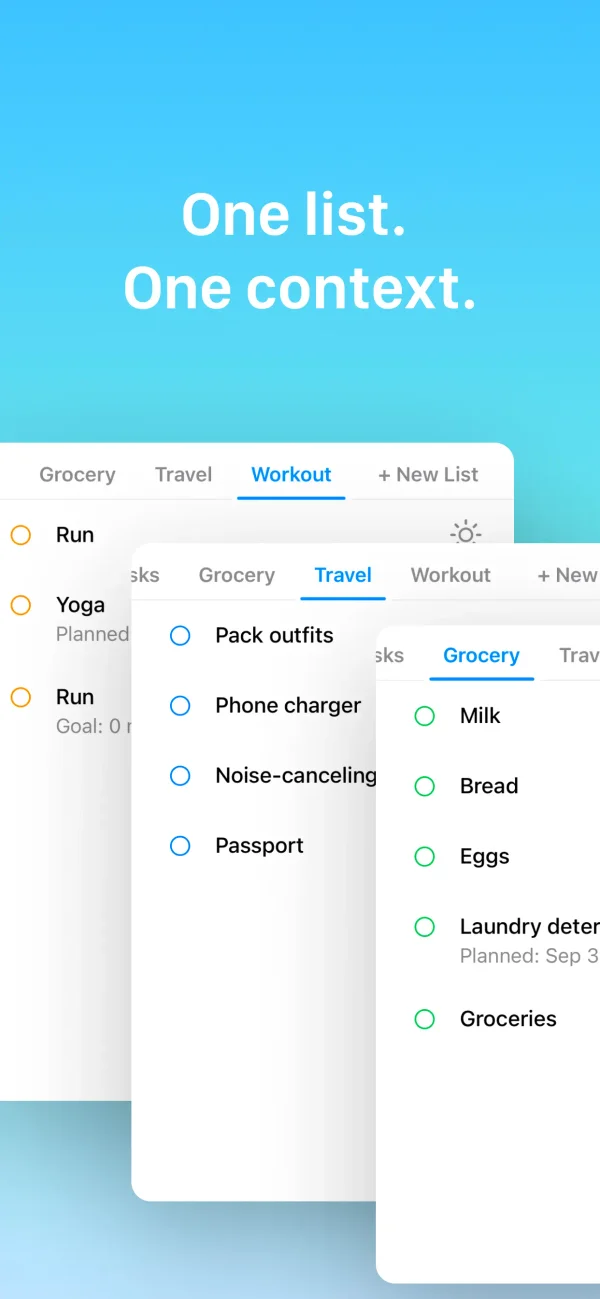
Lists are more than categories—they can represent the context you want to focus on. Create a Grocery list for milk, bread, and eggs. Create a Travel list for clothes, a charger, a wallet, and your passport. Switch lists to bring your attention back to what you are doing now.
PLAN TODAY
• Build and reorder a focused Today queue; batch-select to move or delete
• Start a focus session from a task; set any focus and break duration
• Pause, take a break, finish, and move to what’s next
• See upcoming dues on Today; undo a completed task shortly after
• Get local notifications when focus or break time ends
FOCUS ON THE CURRENT CONTEXT
• Create colored lists for shopping, travel, work, or daily routines
• Filter by list and see only what matters now
• Add planned dates, deadlines, and Important flags
• Browse the month in Calendar, jump to a day, and batch-reschedule
BUILD YOUR FOCUS RHYTHM
• A clean Pomodoro-style focus timer
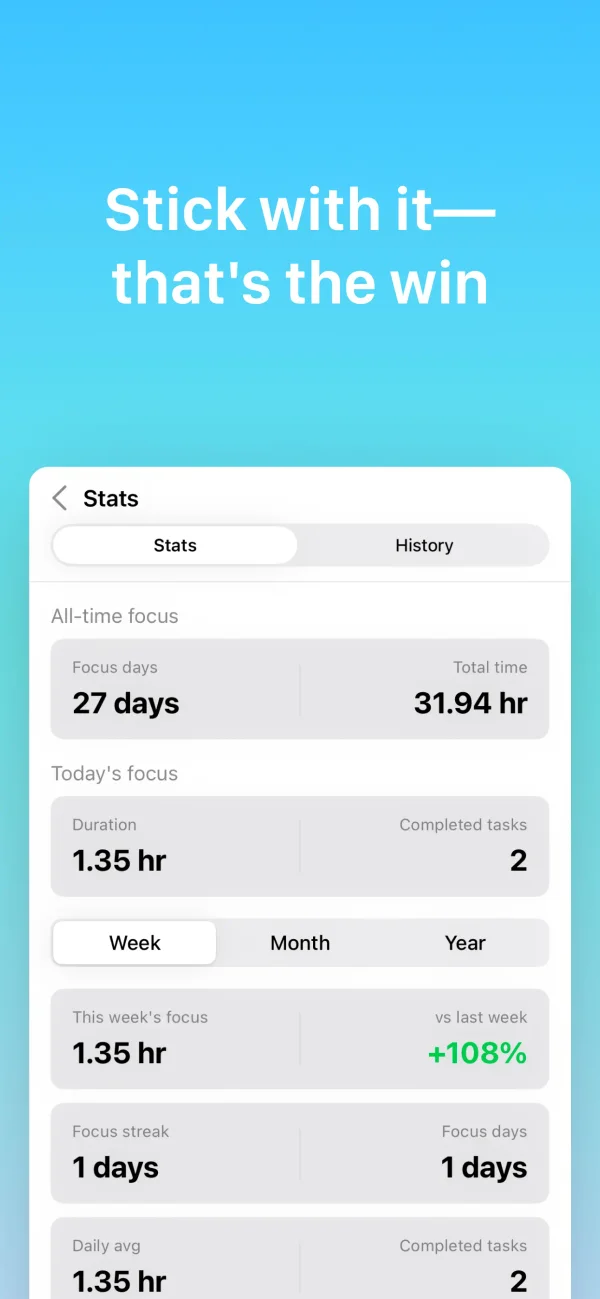
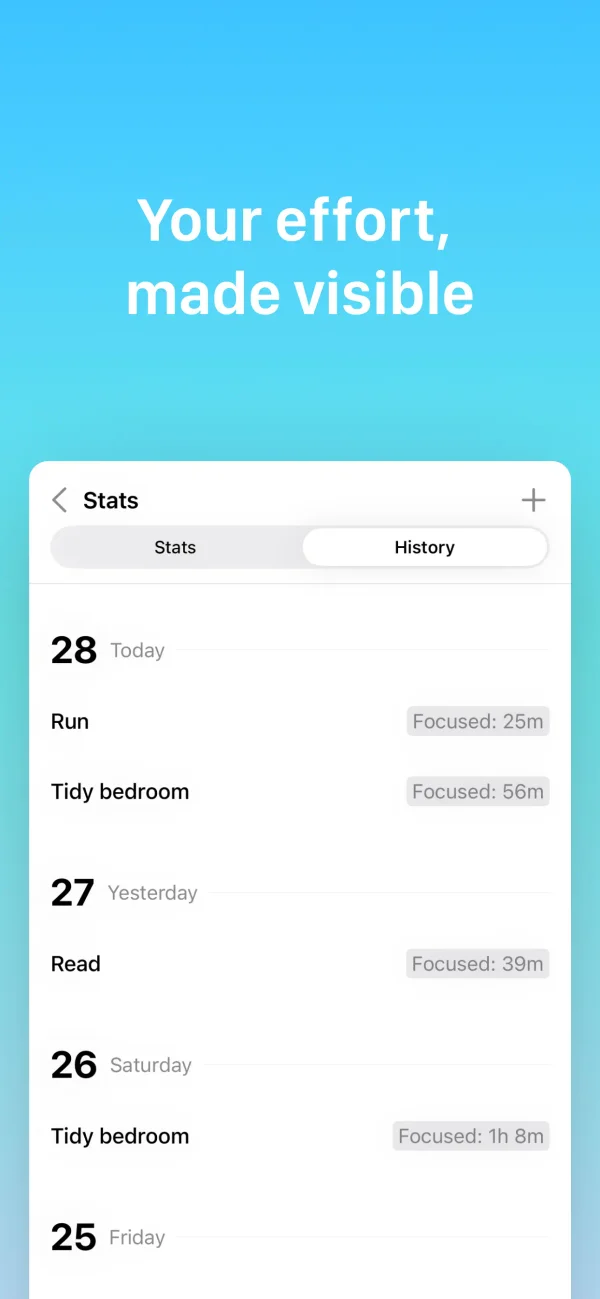
• Focus stats for week / month / year and about seven days of Focus History from Today
• Control focus from Lock Screen and Dynamic Island Live Activities
• Free Home Screen widgets for Today and interactive Focus
• No extra account—tasks and sessions stay on your device; with Pro, sync across devices with Apple iCloud
QUEUE FOCUS PRO
• Unlimited custom lists
• Unlimited recurring tasks
• Unlimited focus goals on tasks
• iCloud sync
• Longer focus history
• Edit and add focus history
Core task management (including batch), Today focus at any duration, up to 3 custom lists, up to 3 recurring tasks, up to 3 tasks with focus goals, Home Screen widgets, Focus Stats (week / month / year), about seven days of Focus History, Calendar month view, and upcoming dues remain free.
SUBSCRIPTION DETAILS
• Pro Monthly — one-month period, renews automatically
• Pro Yearly — one-year period, renews automatically
• Pro Lifetime — one-time purchase, never renews
Prices are shown in the app and charged to your Apple Account. Subscriptions renew at the same price unless canceled at least 24 hours before the end of the current period. Manage or cancel anytime in Settings → Apple Account → Subscriptions.
Privacy Policy: https://doneandnext.com/privacy/
Terms of Use: https://doneandnext.com/terms/
Queue Focus is for anyone who wants less switching and more finishing—one task at a time.
What’s new
Version 1.6 · Oct 12, 2026
• Bug fixes and UI improvements
App privacy
What 亦南 潘 declares on the App Store about how this app handles data.
-
Data not collected
The developer does not collect any data from this app.
Privacy practices may vary, for example with the features you use or your age.
Information
- Seller
- 亦南 潘
- Category
- Productivity
- Version
- 1.6
- Updated
- Oct 12, 2026
- Released
- Sep 14, 2026
- Size
- 8.1 MB
- Requires
- iOS 18.0 or later
- Age rating
- 4+
- In-app purchases
- Yes
- Languages
- English, Arabic, French, German, Indonesian, Italian, Japanese, Korean, Portuguese, Simplified Chinese, Spanish, Thai + 3 more
- Copyright
- © Yinan Pan
You might also like
-
 One Job - One Task at a TimePick one job and do it!
-
 Timedisk: Visual Timer AdultsADHD, time blindness, routines
-
 Image Converter: PDF JPEG HEICConvert photo to png,jpg
-
 Topmost: Simplest To-Do ListOne thing at a time
-
 LastDone: Habits & ChoresNo Streaks. No Guilt.
-
 LetMeLookProductivity
-
 iWorkUntil: ADHD Visual TimerTime blocks · focus sessions
-
 微书笔记-微信读书笔记管理微信读书笔记同步,碎片化时间阅读笔记,温故笔记
-
 Stedo: Daily Routine PlannerAI schedule, focus & calm
-
 ticks: offline browserbrowse internet without wifi