
Quick Fill Pro
Copy & fill forms with ease
Designed for iPhone, iPad
In-app purchases
- Age rating4+
- CategoryProductivity
- Developer久银 陆
- LanguagesEnglish+ 1 more
- Size60.5 MB
Links to the official App Store page
Download.org hosts no file of Quick Fill Pro. The button opens its official App Store page, published by 久银 陆. Listing last checked on Nov 14, 2026.
Screenshots

About
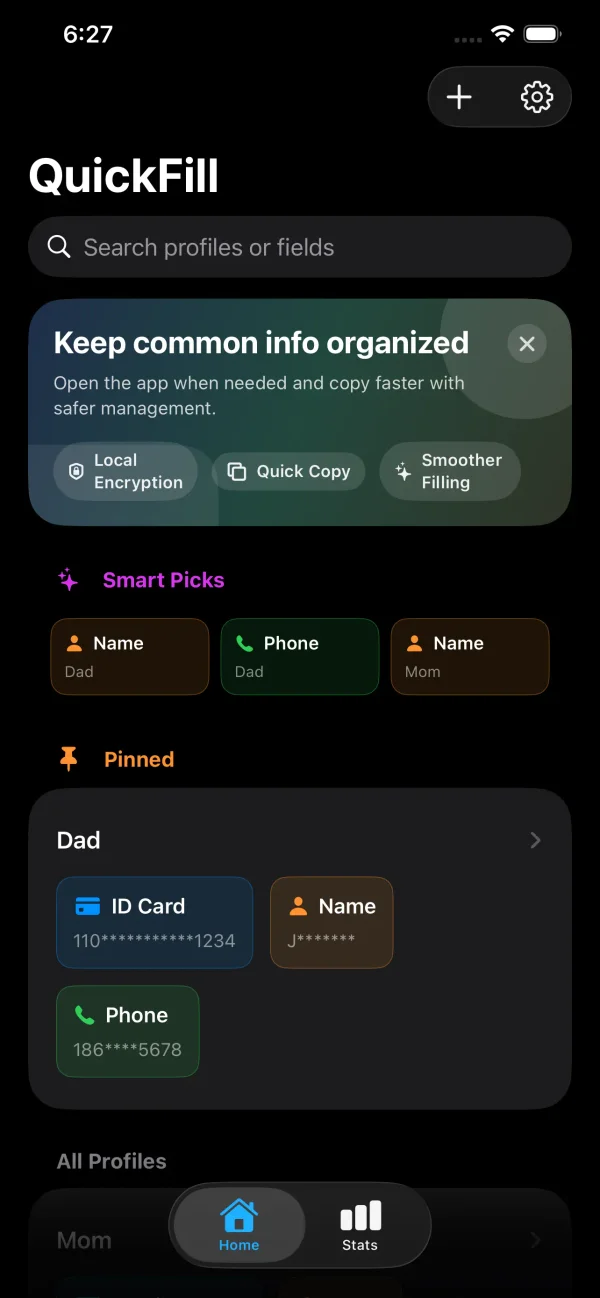
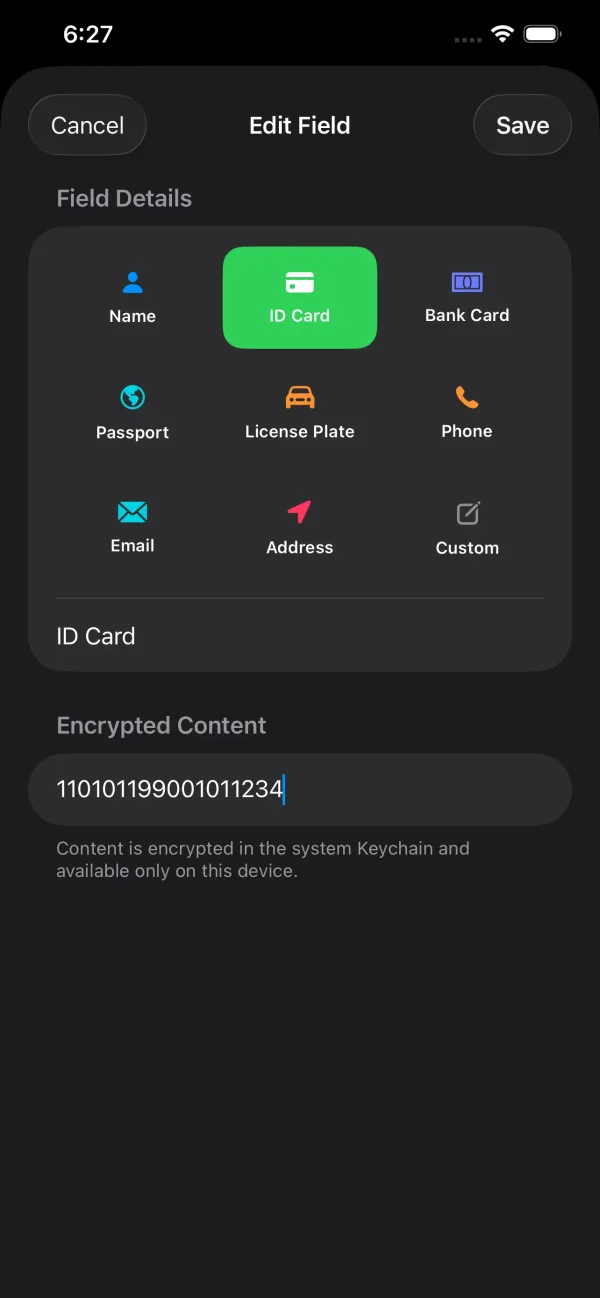
QuickFill is a productivity app built for frequent form-filling. It helps you organize your commonly used information in one place and fill it quickly whenever needed. From name, phone number, ID card, email, and address to bank card and passport details, QuickFill keeps your data structured by profile so you can reduce repetitive typing and avoid switching back and forth between apps.
Key Features
Organize once, use anytime: Store common fields and group them by profiles such as family, work, and documents.
Custom keyboard fill: Insert saved information quickly in supported input scenarios directly from the QuickFill keyboard.
Copy all to keyboard: Sync all fields from the current profile to the keyboard panel with one tap for faster cross-app entry.
Local encryption: Sensitive data is encrypted and processed locally on your device for stronger privacy.
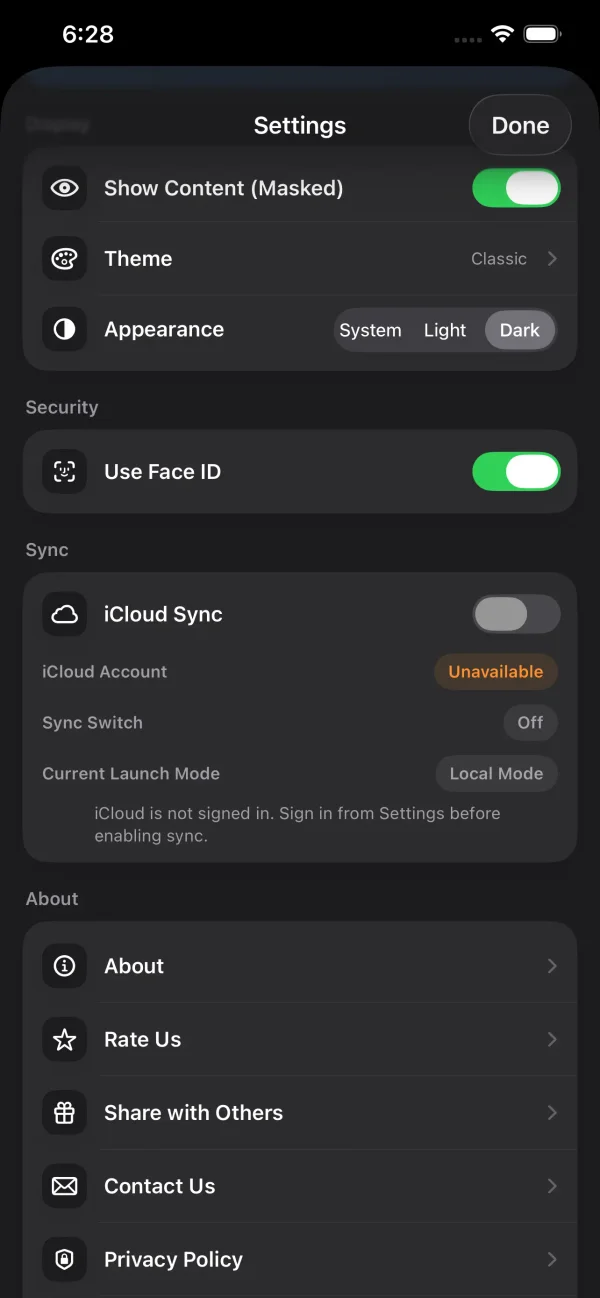
Face ID protection: Optionally require biometric unlock before viewing sensitive content.
Smart recommendations and stats: Surface frequently used fields to help you find what you need faster.
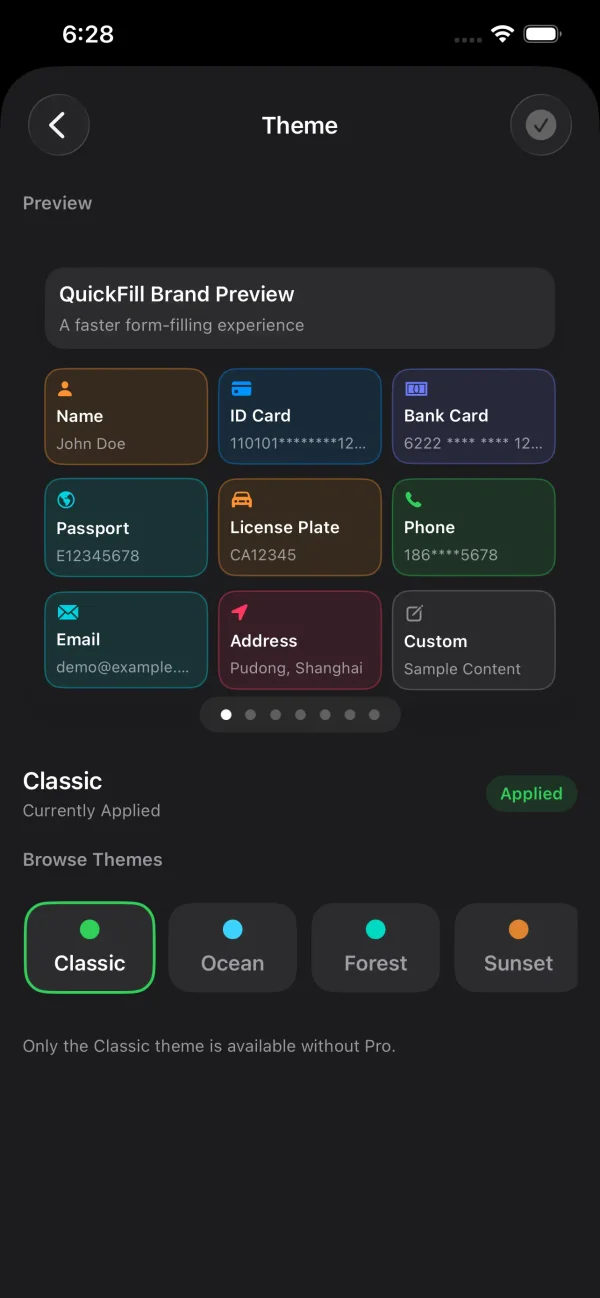
Themes and personalization: Switch themes to match your visual preference and workflow.
iCloud sync (Pro): Keep your data consistent across devices and available when you need it.
Why QuickFill
Save time on repeated input.
Keep scattered personal data organized.
Balance speed and privacy in everyday form entry.
Great for users who frequently fill forms, account data, contact info, or ID details.
Setup Tip
For custom keyboard features, follow the in-app guide to add the keyboard and enable “Allow Full Access” in iOS Settings.
If you want a faster, cleaner, and privacy-focused way to fill forms, QuickFill is designed for exactly that.
What’s new
Version 1.3.1 · Apr 7, 2026
Fixed some known bugs
App privacy
What 久银 陆 declares on the App Store about how this app handles data.
-
Data not collected
The developer does not collect any data from this app.
Privacy practices may vary, for example with the features you use or your age.
Information
- Seller
- 久银 陆
- Category
- Productivity
- Version
- 1.3.1
- Updated
- Apr 7, 2026
- Released
- Mar 31, 2026
- Size
- 60.5 MB
- Requires
- iOS 17 or later
- Age rating
- 4+
- In-app purchases
- Yes
- Languages
- English, Simplified Chinese
- Copyright
- © 2026 Hanqiu
You might also like
-
 KeyFillAutofill Made Simple
-
 SingleFormFill once. Use everywhere.
-
 OneTapFormsForm completion with Face ID
-
 表型采集Productivity
-
 AI Form FillerScan, Fill & Sign PDF Forms
-
 OneTapReminder Voice RemindersVoice notes with timely alerts
-
 Kinster: Family FormsFill your family's forms fast
-
 Audio Timestamp MarkerTag quotes for transcription
-
 报名神器Productivity
-
 Filler: Autofill Job FormsAutoapply to jobs easily