Quick Kibo: Custom Keyboard
Fast Typing, Clipboard, Themes
Designed for iPhone, iPad, Mac
Free · In-app purchases
- Age rating4+
- CategoryUtilities
- DeveloperWeiyanda (Shanghai) Information Technology Co., Ltd.
- LanguagesEnglish+ 30 more
- Size347.8 MB
Links to the official App Store page
Download.org hosts no file of Quick Kibo: Custom Keyboard. The button opens its official App Store page, published by Weiyanda (Shanghai) Information Technology Co., Ltd. Listing last checked on Nov 18, 2026.
Screenshots



About
Quick Kibo turns the plain iOS keyboard into something that is actually yours: real mechanical key sounds, RGB backlight that reacts to your fingers, themes for every mood, and typing help that gets out of your way.
THEMES THAT FOLLOW YOU EVERYWHERE
Pick a skin and it comes with you into every app - messages, notes, search, all of it. Minimal light keyboards done properly. Deep darks. Soft cute pastels. Glowing neon. Gradients that shift across the keys. Loud, colorful pop. Turn on Shuffle and it is a different keyboard every time you open it.
KEY CAPS YOU DESIGN YOURSELF
Most keyboards let you change the background. Quick Kibo lets you change the keys. Pick a letterform - serif, mono, rounded, outlined, enclosed. Pick how the letters are inked - solid, outlined, shadowed, or a gradient running across the board. Then colour the caps themselves: the vowels, the home row, WASD, the function keys, or every key in a rainbow, in the color you choose.
MECHANICAL AND MELODIC KEY SOUNDS
Blue switches with the sharp click. Reds with the smooth press. Browns with the tactile bump. Deep thock. A real typewriter. A piano laid out across the keys, so typing left to right rises in pitch. Set the volume to taste, or turn it off entirely.
RGB BACKLIGHT
Light that answers your fingers: a glow under each press, a ripple that spreads, a trail that follows you across the keys, confetti, fire, rain, aurora. Or a calm breathing pulse. All drawn on the keyboard itself, all tunable.
TYPING THAT ACTUALLY HELPS
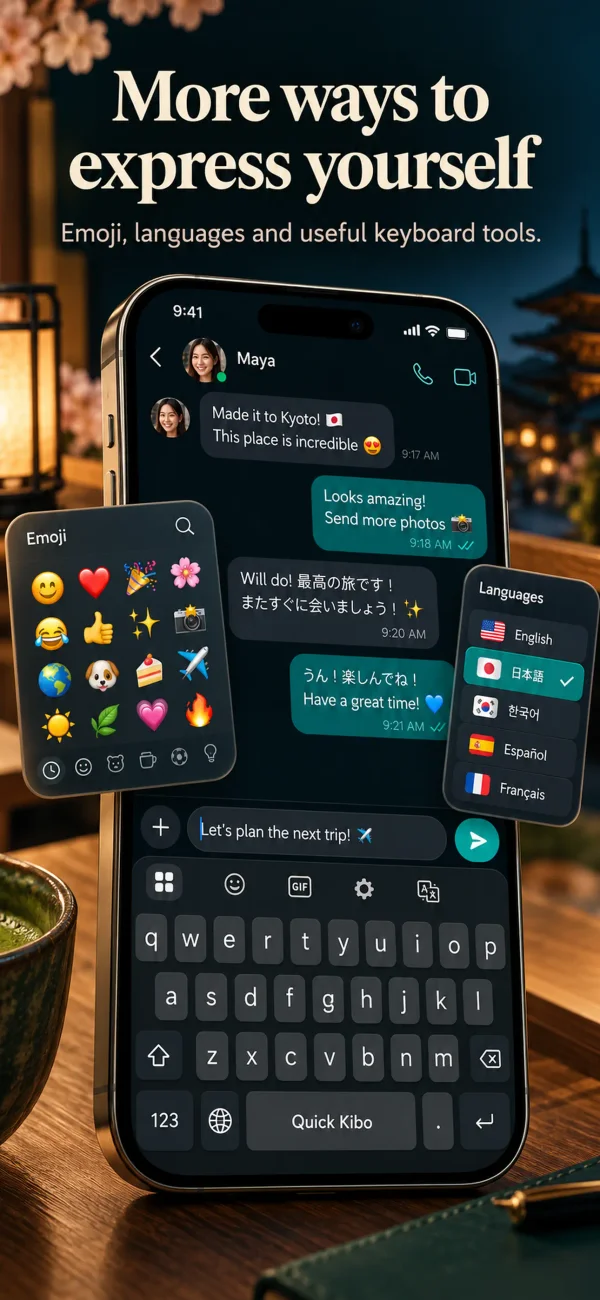
Word suggestions and corrections built on measured frequency, so the word you meant comes first and real typos get fixed. Next-word prediction that reads the sentence you are writing. Chinese pinyin with phrase and whole-sentence conversion, initial-only shorthand, and fuzzy spellings. Japanese kana to kanji. Korean Hangul assembly. Layouts for the languages people actually type in, and the globe key switches between the ones you turn on.
EVERYTHING ELSE
- Emoji, kaomoji and fancy text styles, latched so everything you type is transformed
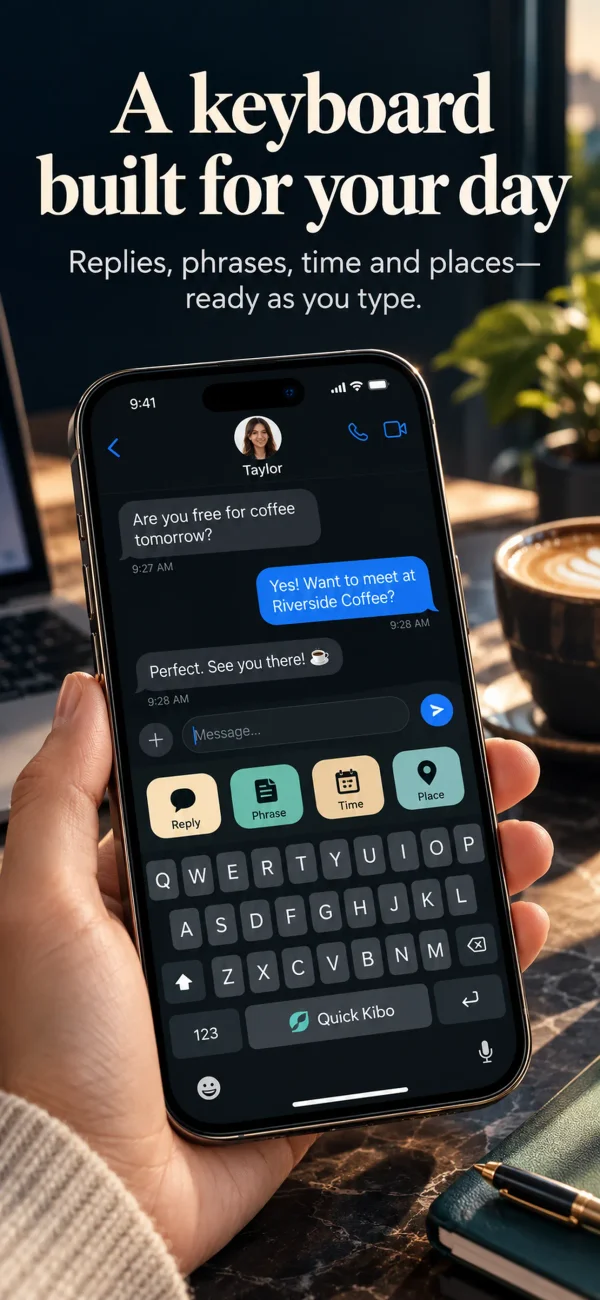
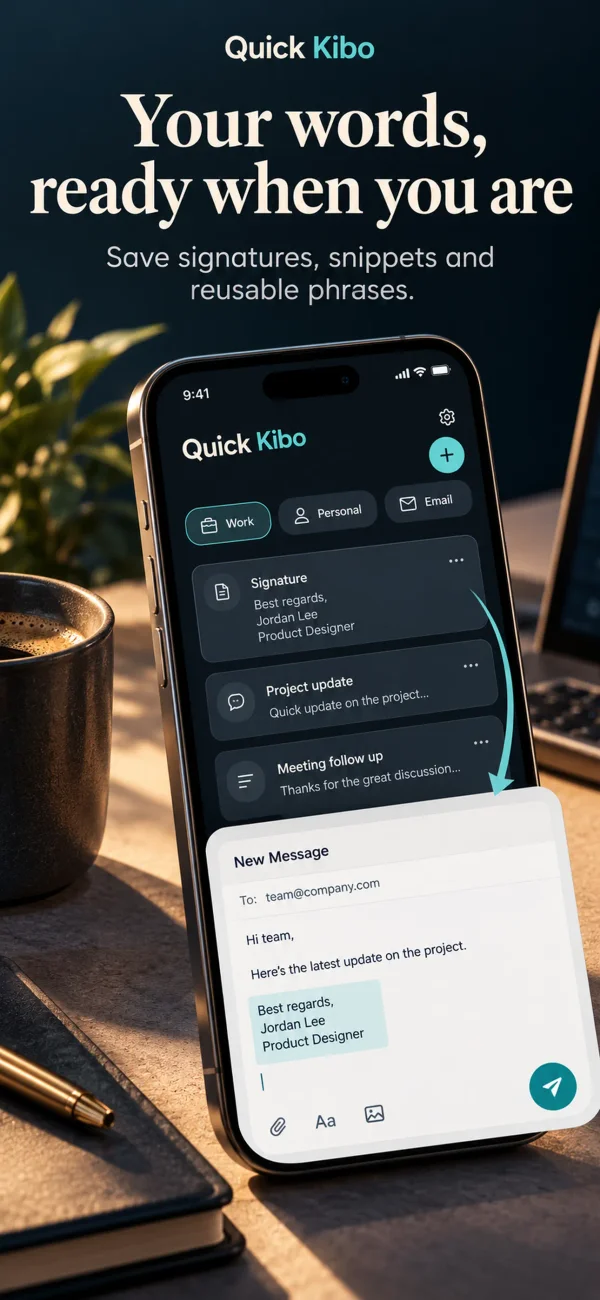
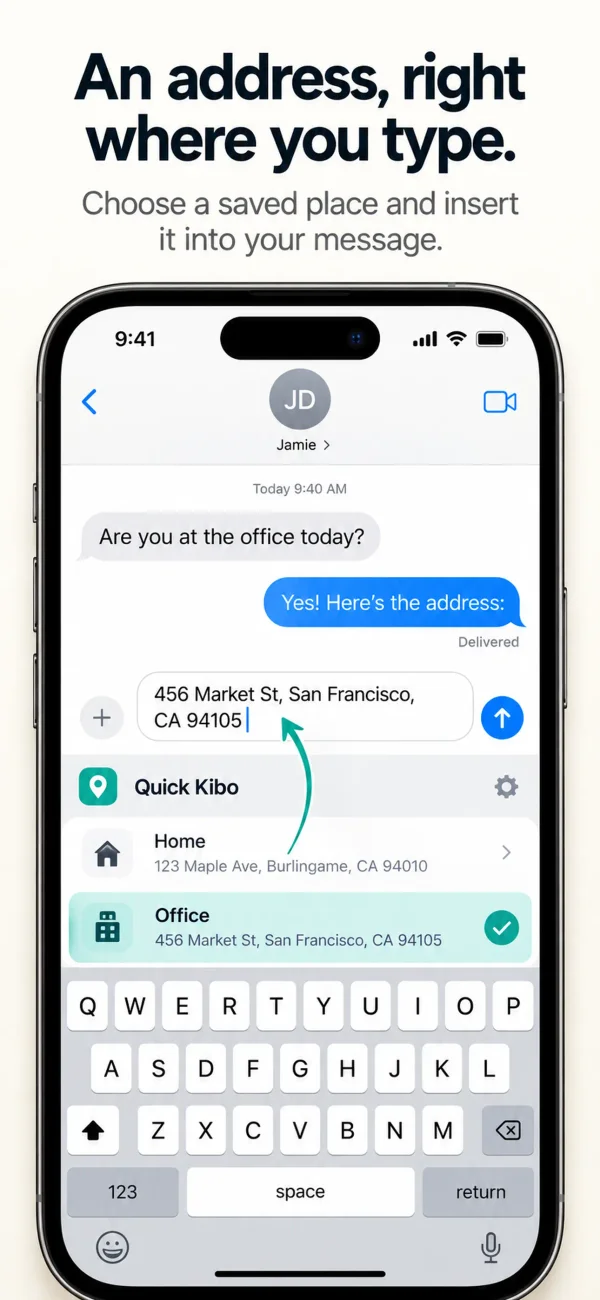
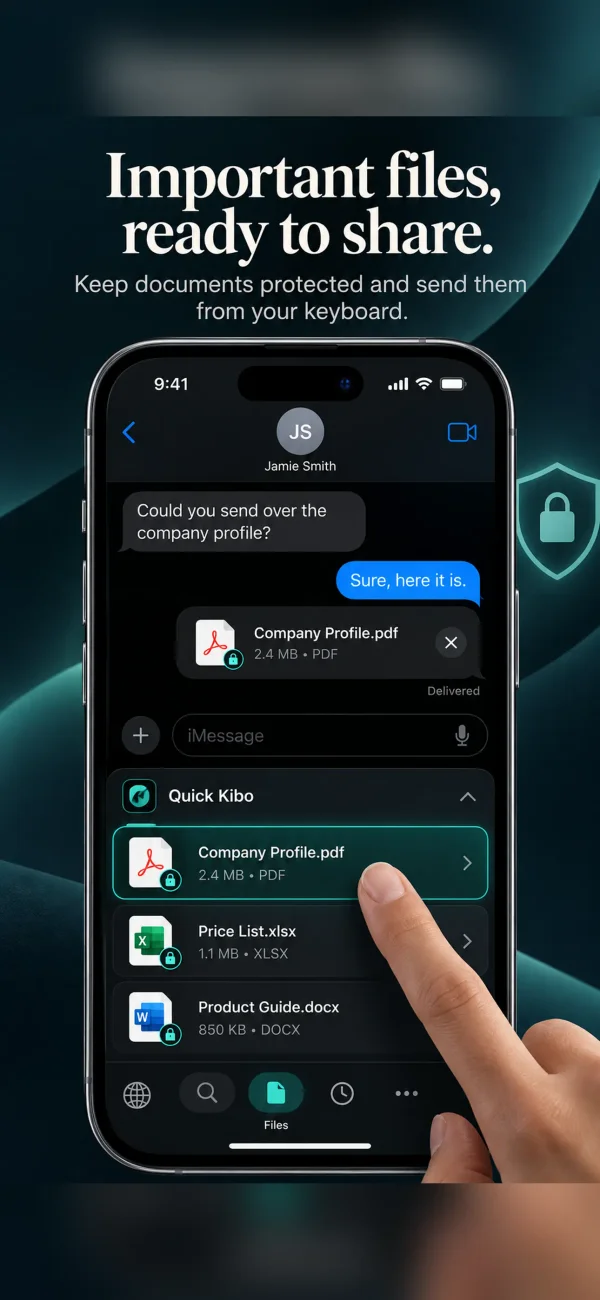
- Saved phrases you can paste in any app, and secure entries behind Face ID
- Slide the space bar to move the cursor, press and hold for accents
- A number row if you want one, and a punctuation set that matches your language
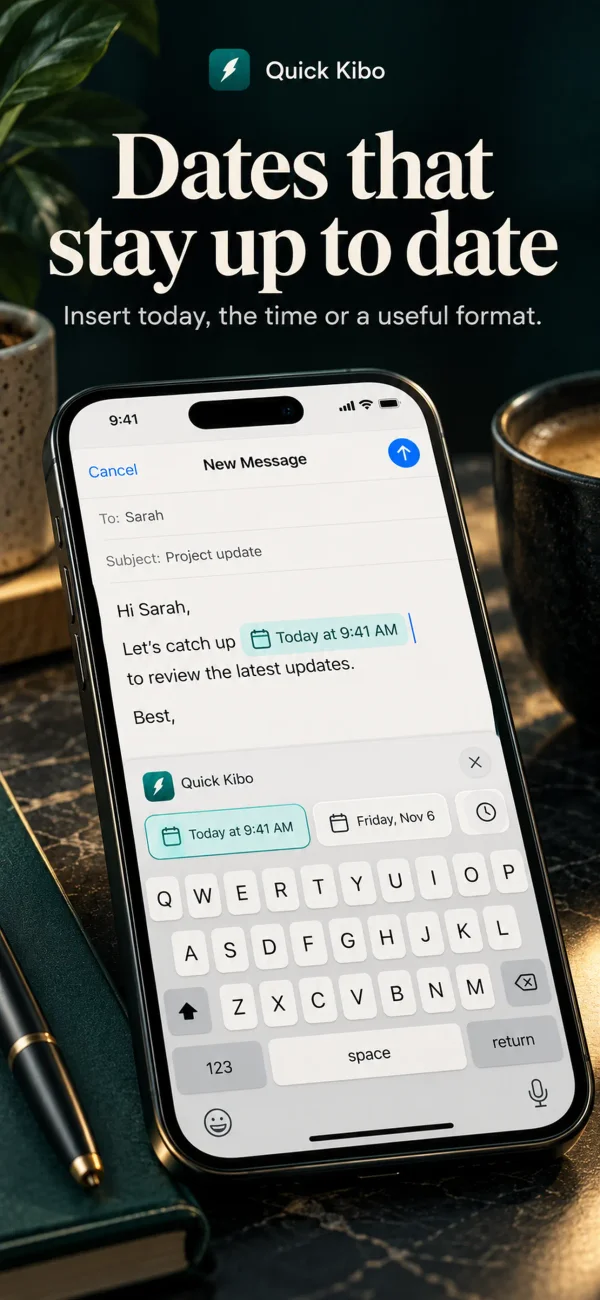
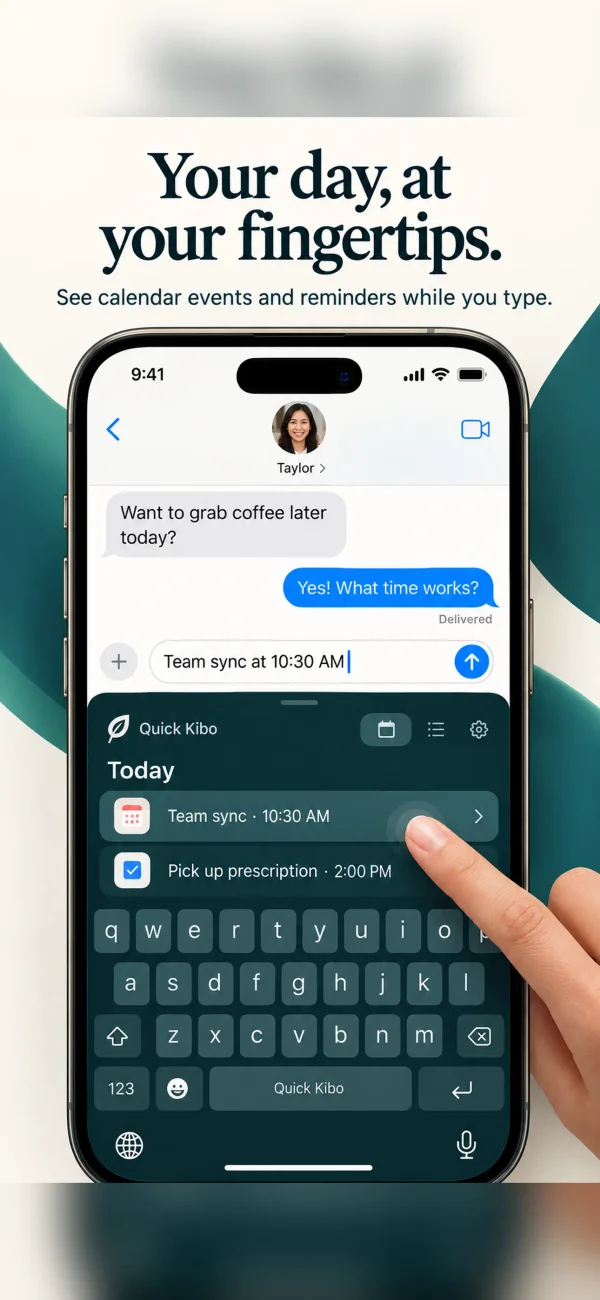
- Insert the date, the time, or where you are, without leaving what you are writing
- Your own photo as the keyboard background, with the keys tuned to let it through
PRIVACY
Quick Kibo has no servers, no accounts and no analytics. Nothing you type is collected, logged or transmitted - with Full Access on or off. Full Access is off by default and optional; it is used only for the clipboard buttons and the location key. Location is read only when you press that key and goes straight into your own text.
Free to type in, forever. Pro is optional - subscribe weekly or yearly, or pay once and keep it forever.
Terms of Use (EULA): https://www.apple.com/legal/internet-services/itunes/dev/stdeula/
What’s new
Version 7.0.973 · Nov 2, 2026
Bug fixes and improvements to the user experience.
App privacy
What Weiyanda (Shanghai) Information Technology Co., Ltd. declares on the App Store about how this app handles data.
-
Data not linked to you
May be collected but is not linked to your identity.
- Location
Privacy practices may vary, for example with the features you use or your age.
Information
- Seller
- Weiyanda (Shanghai) Information Technology Co., Ltd.
- Category
- Utilities
- Version
- 7.0.973
- Updated
- Nov 2, 2026
- Released
- Jul 22, 2026
- Size
- 347.8 MB
- Requires
- iOS 17.0 or later
- Age rating
- 4+
- Price
- Free
- In-app purchases
- Yes
- Languages
- English, Arabic, Czech, Danish, Dutch, Finnish, French, German, Greek, Hebrew, Hindi, Hungarian + 19 more
- Copyright
- © 2026 Douhouse
You might also like
-
 Keyboard Plus: Themes & EmojiCute Custom Keyboard & Skins
-
 ARC Type KeyboardUltimate Productivity Tool
-
 SweetKeyboard ProUtilities
-
 Font Keyboard : GENZ keysFonts & Themes Keyboards
-
 TypeFlow: Smart KeyboardSmart Typing & Urdu - English
-
 Aesthetic Keyboard & FontsCustom Themes, Emoji & Sounds
-
 VersaKey: Custom iOS KeyboardFlick for numbers and symbols
-
 Magic Keyboard - Star RipplesRelaxing colors & animation
-
 GIF Keyboard: Custom ThemesPhoto, Animated, Swipe, Sounds
-
 KotoKey: Custom KeyboardMechanical Key Sounds & Themes