Quick PDF Maker & Scanner
Scan, Edit & Convert to PDF
Designed for iPhone, iPad, iPod touch
Free
- Age rating4+
- CategoryProductivity
- DeveloperMudassir Abbas
- LanguagesEnglish
- Size18.7 MB
Links to the official App Store page
Download.org hosts no file of Quick PDF Maker & Scanner. The button opens its official App Store page, published by Mudassir Abbas. Listing last checked on Nov 17, 2026.
Screenshots

About
Quick PDF Maker – PDF Scanner & Document Converter
Quick PDF Maker is the #1 free PDF maker app for iPhone. Instantly turn your photos, images, and paper documents into clean, organized PDF files in seconds. The fastest way to scan, convert, and share PDF documents directly from your pocket.
Whether you are scanning receipts, invoices, contracts, notes, or forms — Quick PDF Maker makes it easy to capture, edit, and export high-quality PDF files in a simple one-tap workflow. No account, no cloud, no hassle.
Key Features
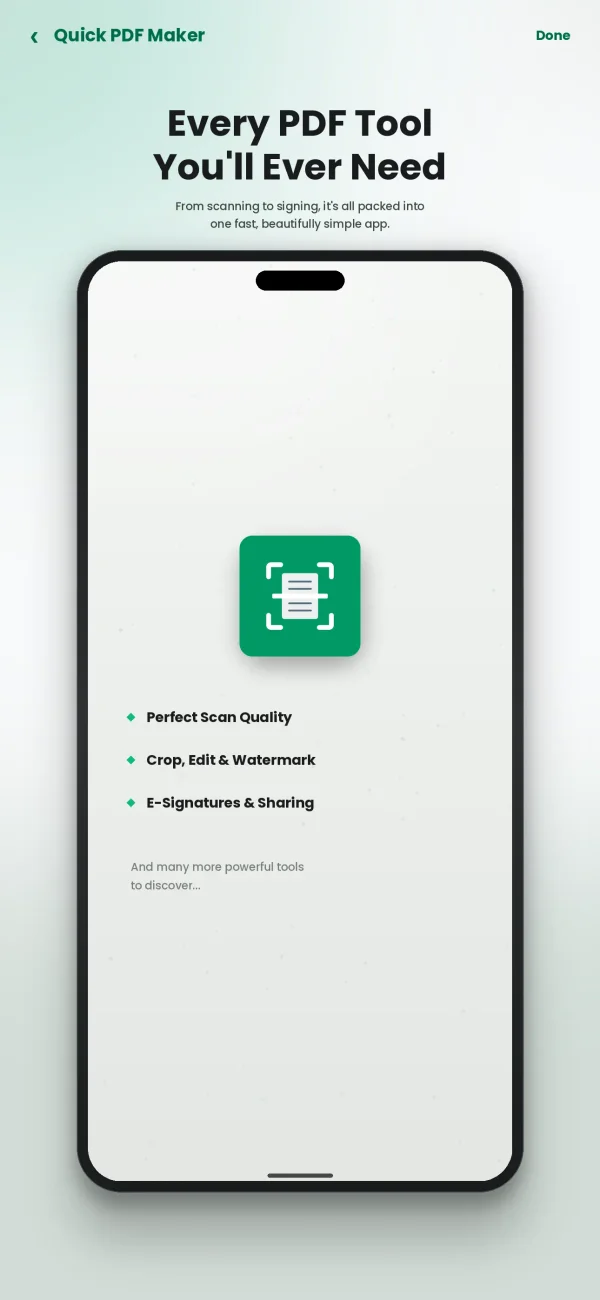
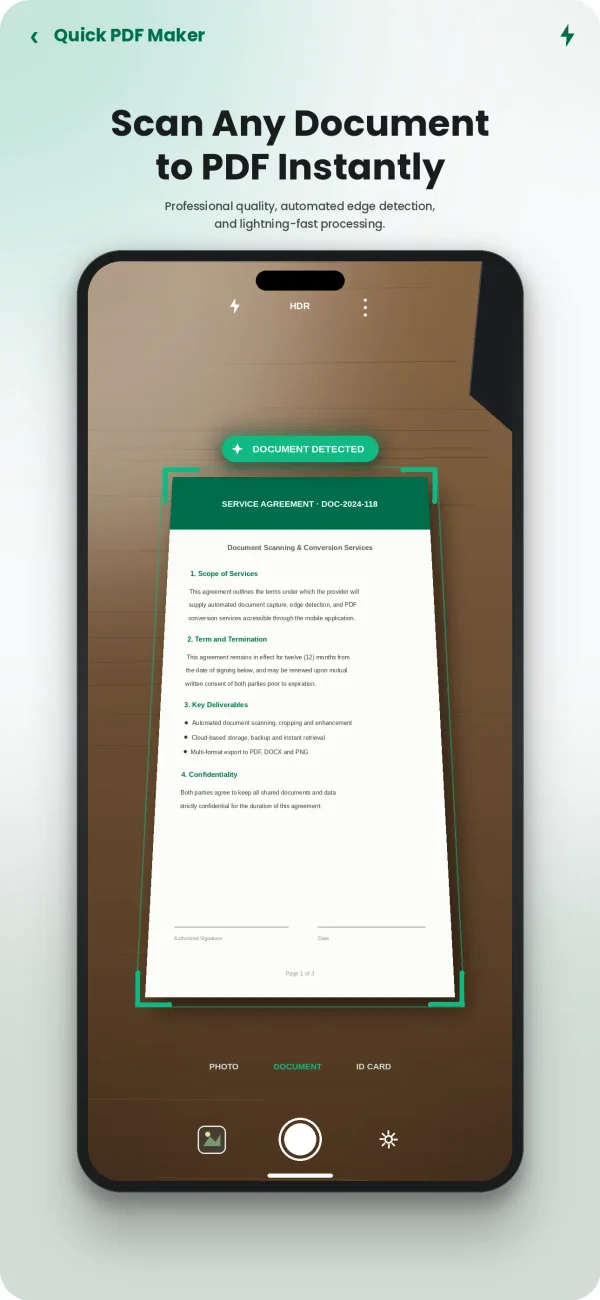
PDF Scanner — scan any document using your camera
JPG to PDF — convert photos & images to PDF instantly
Image to PDF — import from gallery and convert in one tap
PDF Creator — create professional PDF files from scratch
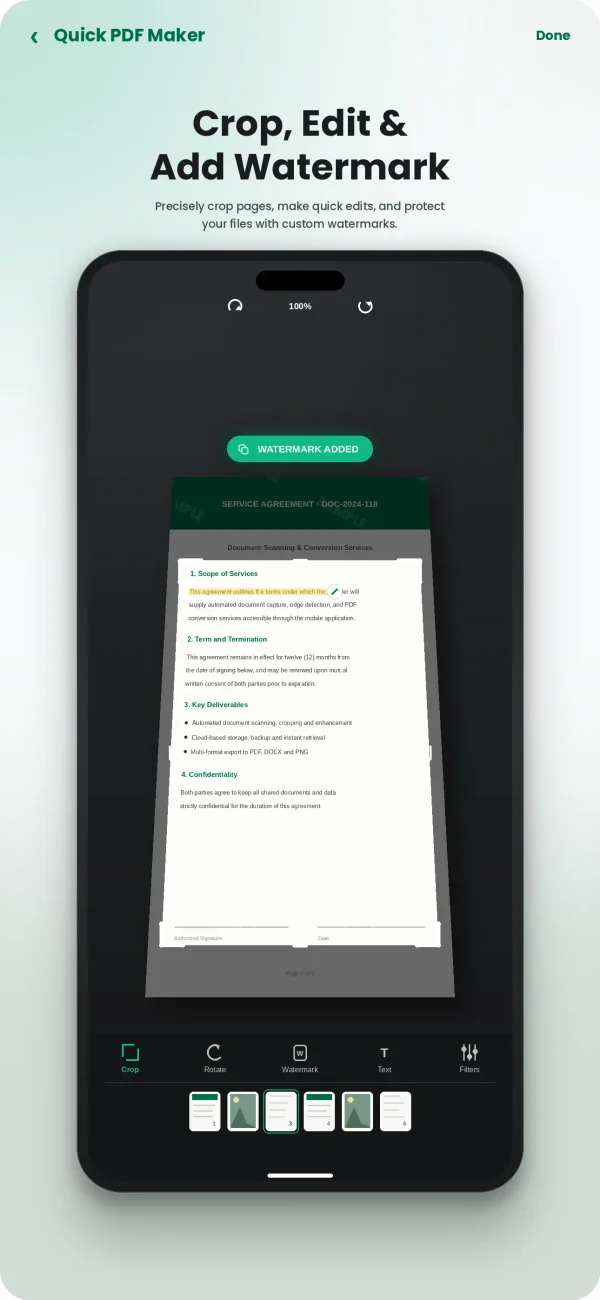
PDF Editor — crop, adjust, and enhance document edges
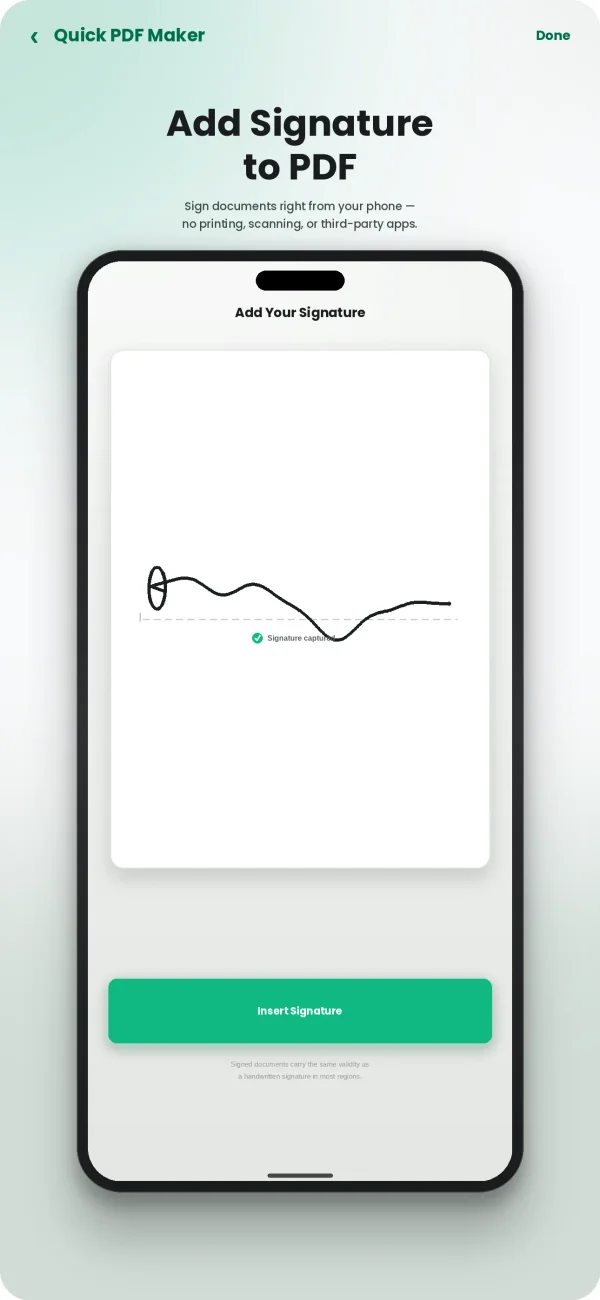
Digital Signature — add handwritten or digital signatures to PDF
OCR Scanner — scan printed text with clarity
PDF Organizer — manage and organize all your scanned documents
PDF Converter — convert documents to PDF format easily
File Sharing — share PDF via email, WhatsApp, or any app
Offline PDF Maker — everything works without internet
Simple Workflow
Capture or import an image
Crop and adjust document edges
Add signature if needed
add custom watermark to your PDF files
Export as PDF file
Share or save instantly to your iPhone
Clean & Organized PDF Documents
Quick PDF Maker is designed to help students, professionals, and businesses keep documents organized without complexity. Your files stay on your device — private, secure, and easy to manage. No subscription required.
Perfect For
Students — scan notes, assignments, and textbooks
Office Work — scan contracts, reports, and business documents
Receipts & Invoices — digitize paper receipts instantly
Forms & Contracts — sign and share legal documents
Personal Storage — keep all your documents in one place
Freelancers — create and send PDF invoices on the go
Teachers — scan and share study material easily
Why Choose Quick PDF Maker?
Free PDF maker for iPhone & iPad
No account or login required
Fast JPG to PDF conversion
High quality document scanner
Add signature to PDF
PDF Watermark
Works completely offline
Simple and clean interface
Quick PDF Maker is an independent document scanning and PDF conversion tool, not affiliated with any other company or brand. Your privacy is our priority — all files stay on your device.
Download Quick PDF Maker now and turn any document into a PDF in seconds!
What’s new
Version 1.3.5 · Aug 26, 2026
Minor bug fix
App privacy
What Mudassir Abbas declares on the App Store about how this app handles data.
-
Data used to track you
May be used to track you across apps and websites owned by other companies.
- Identifiers
-
Data not linked to you
May be collected but is not linked to your identity.
- Identifiers
Privacy practices may vary, for example with the features you use or your age.
Information
- Seller
- Mudassir Abbas
- Category
- Productivity
- Version
- 1.3.5
- Updated
- Aug 26, 2026
- Released
- Jun 17, 2025
- Size
- 18.7 MB
- Requires
- iOS 15.0 or later
- Age rating
- 4+
- Price
- Free
- Languages
- English
- Copyright
- © @2025QuickPdfMaker
You might also like
-
 PDF Maker and EditorProductivity
-
 PDF Pro AIPDF Converter, Editor, AI
-
 NW: Grammar Check & CorrectorNatural Language Processing
-
 HonestPDF: Private PDF ToolsCompress, Redact, Sign Offline
-
 Image Layers – Photo SplitterTurn images into layers
-
 PDF Maker - Photos to PDFJPG & Image to PDF Converter
-
 PDF Maker - Img to pdf covertImage to pdf converter - PDF
-
 Mobile Fast Scanner Image PDFMobile Cam Scanner AI OCR PDF
-
 Daily Notes-Notepad, ChecklistThink Bold, Note It Down
-
 Glazr PPTX Presentation EditorEdit PPTX slides, even offline