Glazr PPTX Presentation Editor
Edit PPTX slides, even offline
Designed for iPhone, iPad, iPod touch
Free · In-app purchases
- Age rating4+
- CategoryProductivity
- DeveloperIbrahim Amer
- LanguagesEnglish+ 3 more
- Size47.6 MB
Links to the official App Store page
Download.org hosts no file of Glazr PPTX Presentation Editor. The button opens its official App Store page, published by Ibrahim Amer. Listing last checked on Nov 15, 2026.
Screenshots


About
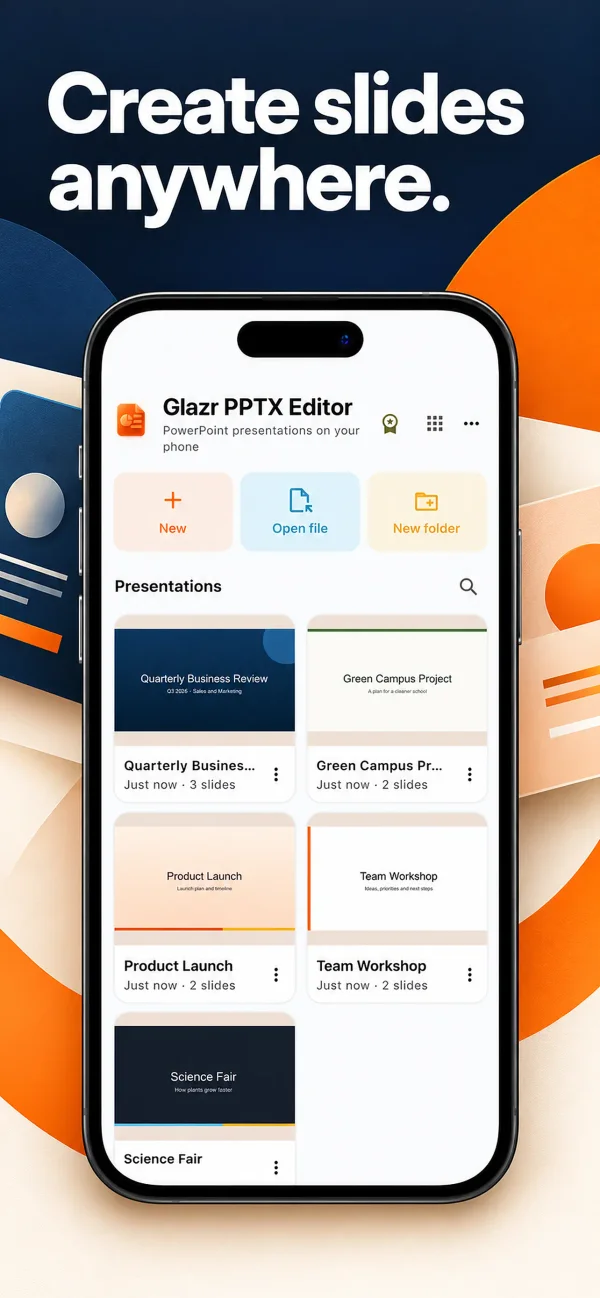
Glazr opens your PowerPoint presentations (.pptx) on your phone or tablet, lets you edit them, and saves them without breaking the parts you didn't touch. Share the file back and it still looks right in PowerPoint, Keynote and Google Slides.
OPEN ANY PRESENTATION
• Open .pptx and .ppsx files from your files, email, chat apps or "Open with"
• Titles, layouts, theme colours and fonts, backgrounds, tables, charts, pictures and groups are shown as designed
• Arabic and other right-to-left text is supported
EDIT TEXT WITHOUT LOSING FORMATTING
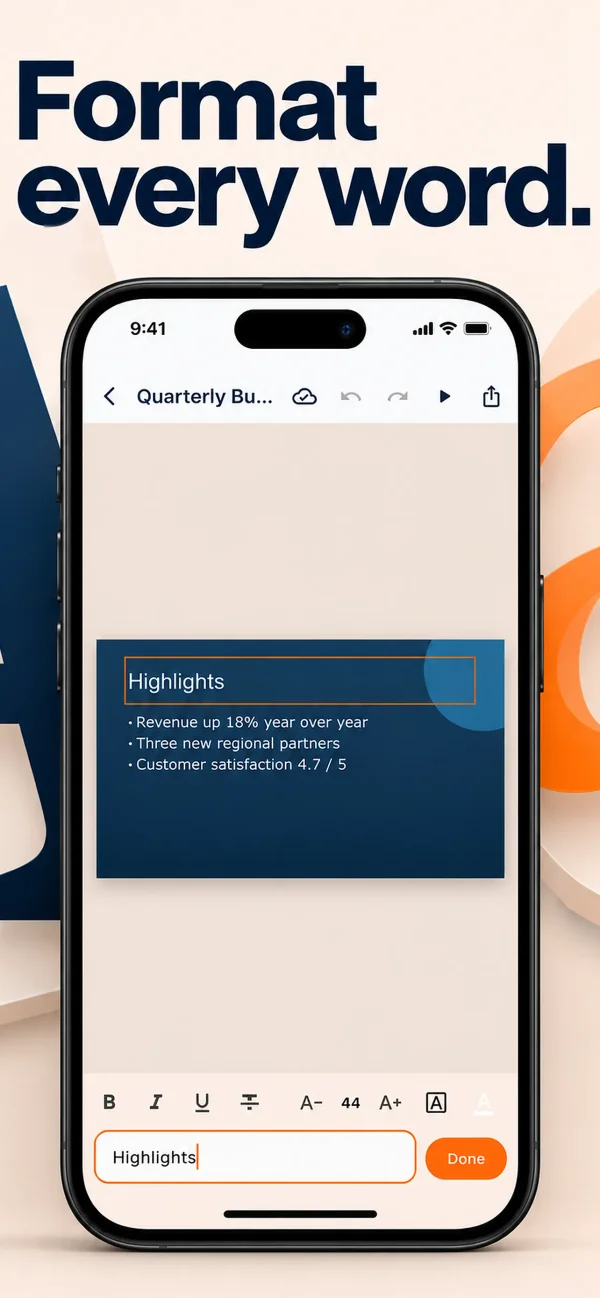
• Fix a word and the rest of the formatting stays
• Bold, italic, underline, strikethrough, size, colour and highlight
• Alignment, bullets, numbering, indent, line spacing and right-to-left paragraphs
SHAPES, PICTURES AND TABLES
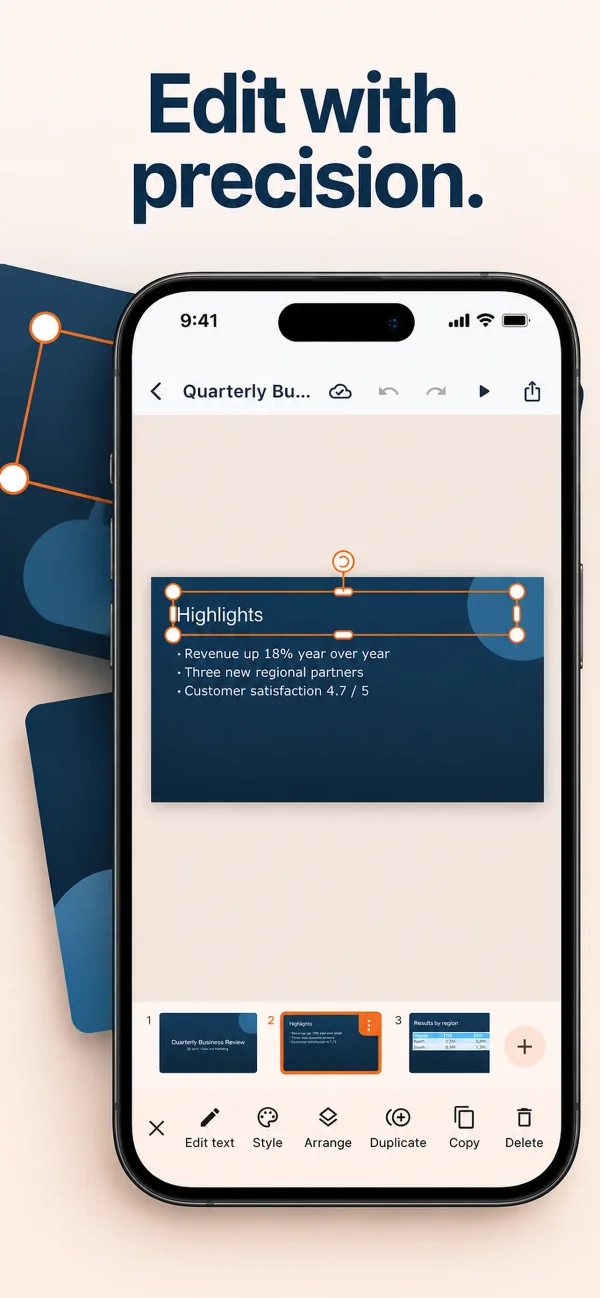
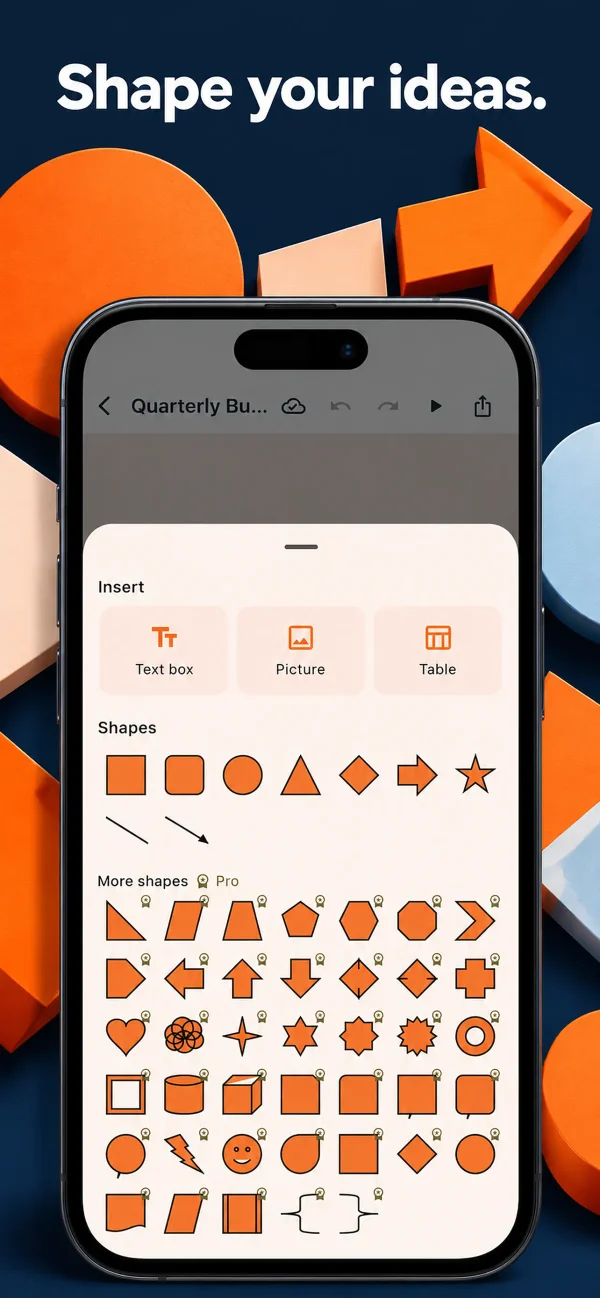
• Add shapes, lines and arrows; change fill, outline, thickness and dashes
• Insert pictures, replace them, crop them and set transparency
• Insert tables, add or delete rows and columns, colour cells
• Move, resize and rotate with snapping guides; flip, align, bring forward or send back
• Copy, paste, duplicate, undo and redo
SLIDES
• Add slides from the presentation's own layouts
• Duplicate, delete, hide and drag to reorder
• Change a slide's layout or background (colour or picture)
• Speaker notes
NEW PRESENTATIONS
• Start from a clean design in widescreen 16:9 or standard 4:3
• Right-to-left layout for Arabic presentations
PRESENT AND SHARE
• Full-screen slideshow with speaker notes; hidden slides are skipped
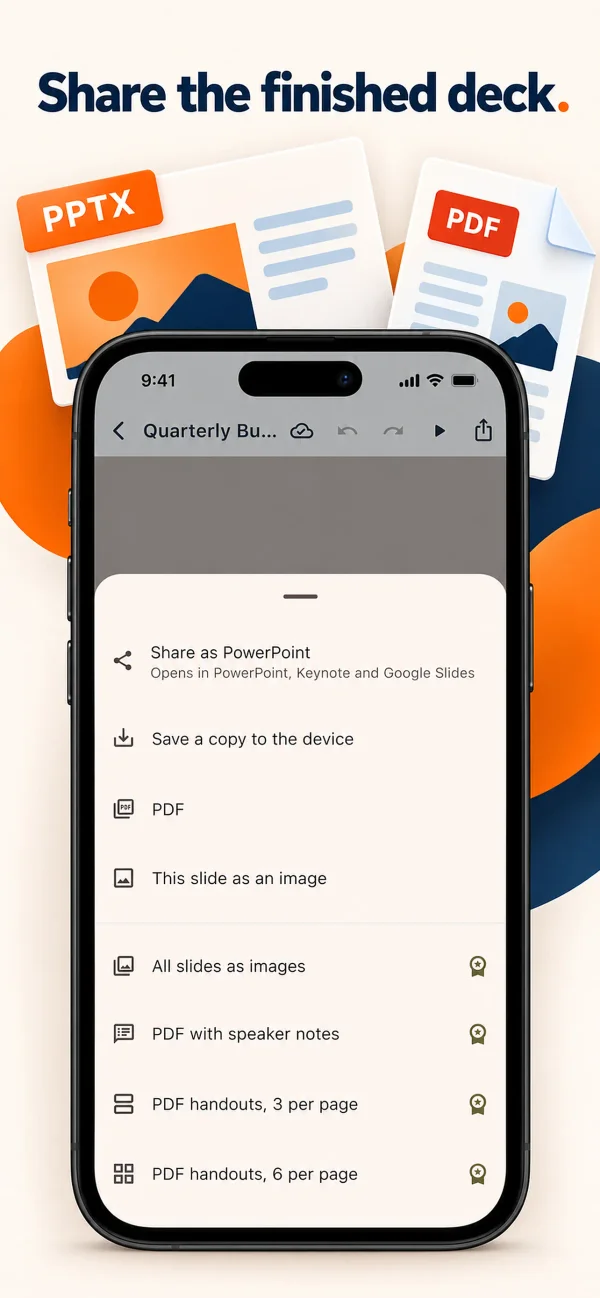
• Share as PowerPoint or save a copy to your device
• Export to PDF or the current slide as an image
YOUR LIBRARY
• Folders, search, rename, duplicate and move
• Changes save automatically, all on your device
• Presentations made with earlier versions of Glazr are kept
GLAZR PRO (one-time purchase, no subscription)
• No ads
• 7 more presentation designs
• 40 extra shapes
• Merge table cells
• Export all slides as images
• PDF with speaker notes and PDF handouts (3 or 6 slides per page)
Available in English, Arabic, French and German, with light and dark themes.
Your presentations are processed on your device and are not uploaded.
What’s new
Version 2.1 · Oct 27, 2026
Glazr 2.0 is rebuilt from the ground up:
• Presentations keep their layout when you save and share them
• Text edits keep the formatting
• Tables, pictures with crop, 49 shapes, speaker notes and slide layouts
• New designs for new presentations, in 16:9 or 4:3
• Full-screen slideshow, PDF and image export
• Faster, works offline, right-to-left support
Your existing presentations are kept.
App privacy
What Ibrahim Amer declares on the App Store about how this app handles data.
-
Data used to track you
May be used to track you across apps and websites owned by other companies.
- Identifiers
-
Data linked to you
May be collected and linked to your identity.
- Identifiers
-
Data not linked to you
May be collected but is not linked to your identity.
- Purchases
- Location
- Usage data
- Diagnostics
Privacy practices may vary, for example with the features you use or your age.
Information
- Seller
- Ibrahim Amer
- Category
- Productivity
- Version
- 2.1
- Updated
- Oct 27, 2026
- Released
- Mar 11, 2026
- Size
- 47.6 MB
- Requires
- iOS 15.0 or later
- Age rating
- 4+
- Price
- Free
- In-app purchases
- Yes
- Languages
- English, Arabic, French, German
- Copyright
- © igy-apps.com
You might also like
-
 PDF Editor: Fill, Sign & ScanEdit, Sign & Fill PDF Forms
-
 Image to PDF offlineConvert Photos to PDF Files
-
 NoteMind AI Meeting Note TakerTranscribe audio to text
-
 OnePrompt - AI Prompt BuilderBetter AI prompts, instantly
-
 Dropify: File TransferSimple. Fast. Secure. Offline.
-
 Luya AiAI Transcripts & Notes
-
 JPG, Photos to PDF ConverterConvert Word to PDF, Print PDF
-
 TalkToNote — Voice Notes & AITranscribe Organize Summarize
-
 Paperly - Read with easeBookmark everything
-
 Humanize AI Pro DetectorAI Detection & Doc Scanner