
QuickConvert: Image Converter
HEIC to JPG, compress photos
Designed for iPhone, iPad
In-app purchases
- Age rating4+
- CategoryProductivity
- DeveloperDt nova
- LanguagesEnglish
- Size3.5 MB
Links to the official App Store page
Download.org hosts no file of QuickConvert: Image Converter. The button opens its official App Store page, published by Dt nova. Listing last checked on Nov 14, 2026.
Screenshots

About
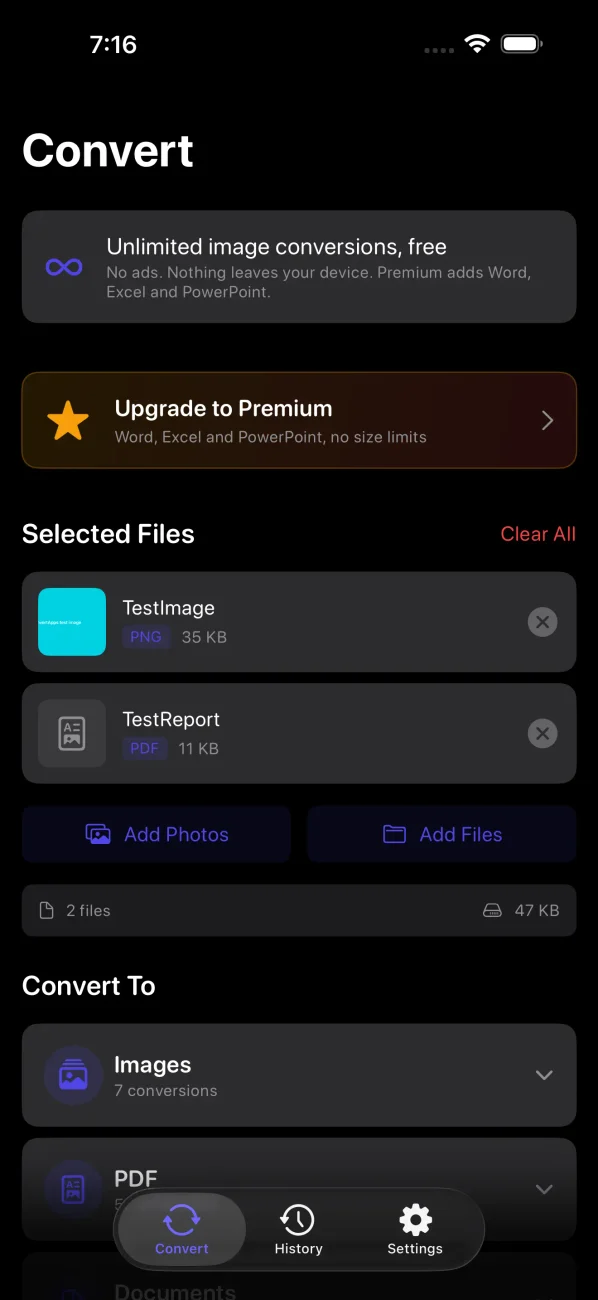
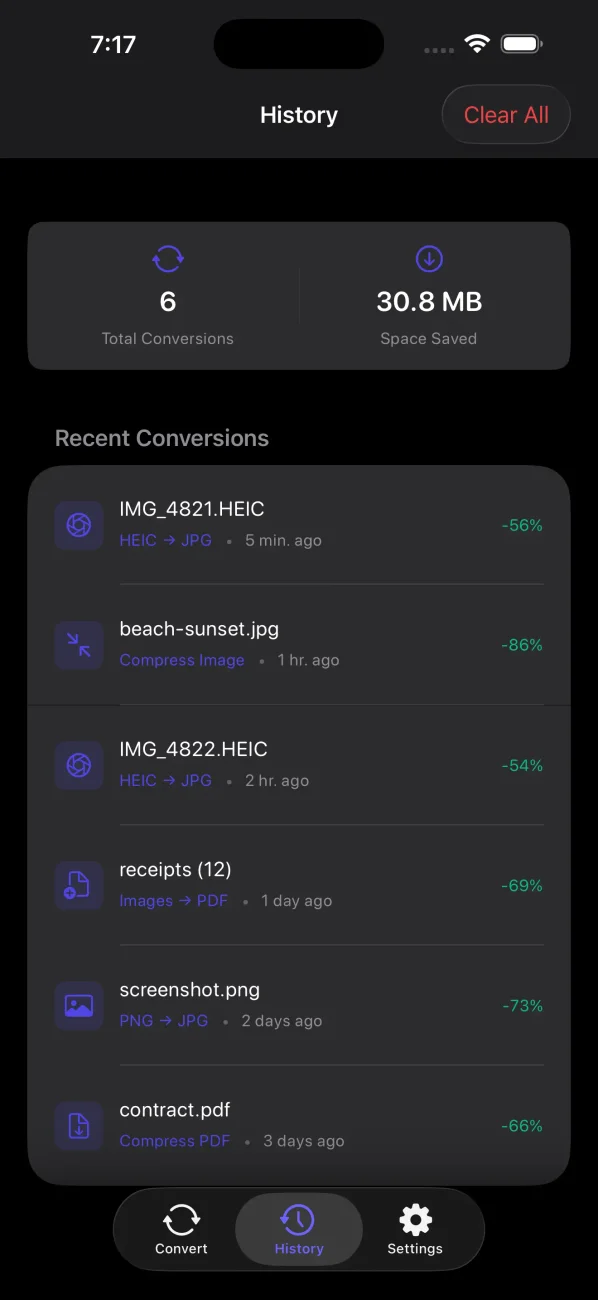
QuickConvert turns HEIC into JPG, shrinks photos that are too big to send, and builds PDFs. On your device, with no ads and nothing uploaded anywhere.
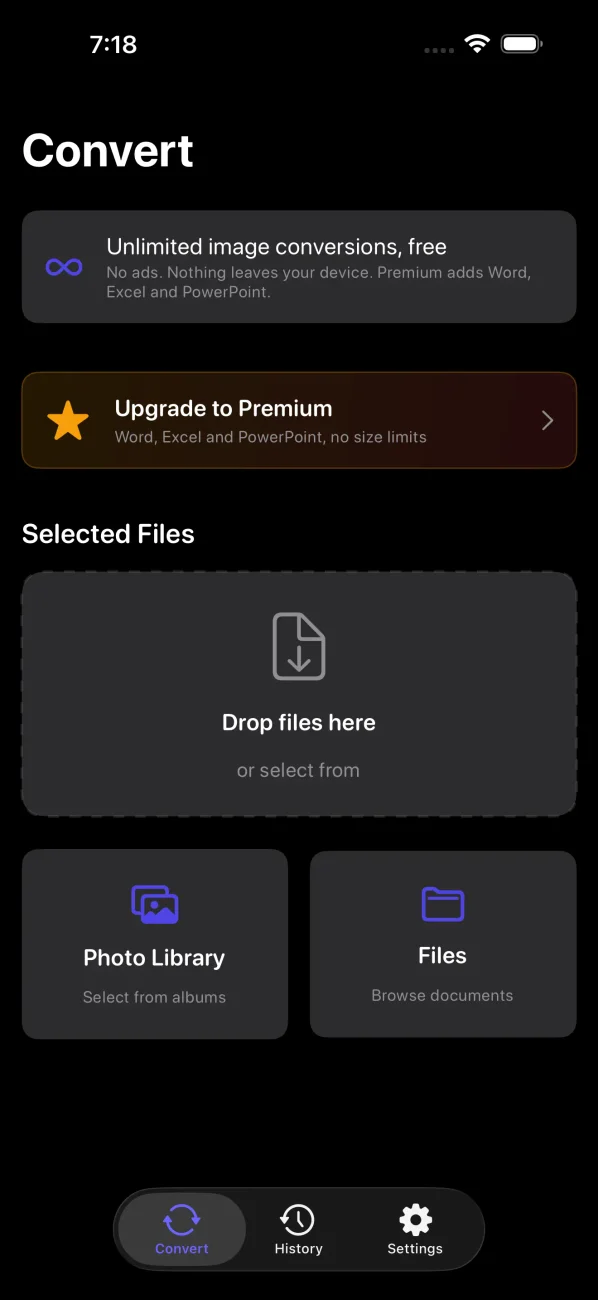
UNLIMITED IMAGE CONVERSIONS, FREE
- HEIC to JPG or PNG, PNG to JPG, JPG to PNG, WebP to either
- Compress photos with a quality slider, and see the real before and after size
- Up to 50 files at once, up to 100 MB each
- Images to PDF, PDF to images, compress, merge and split PDFs
YOUR PHOTOS KEEP THEIR DETAILS
Capture date, location and orientation survive the conversion. Most converters quietly throw all three away, which is how a converted photo ends up sideways and sorted to the wrong place in your library.
NOTHING LEAVES YOUR DEVICE
No account, no sign in, no upload, no server. The app works in airplane mode, which is the simplest proof that your files stay with you.
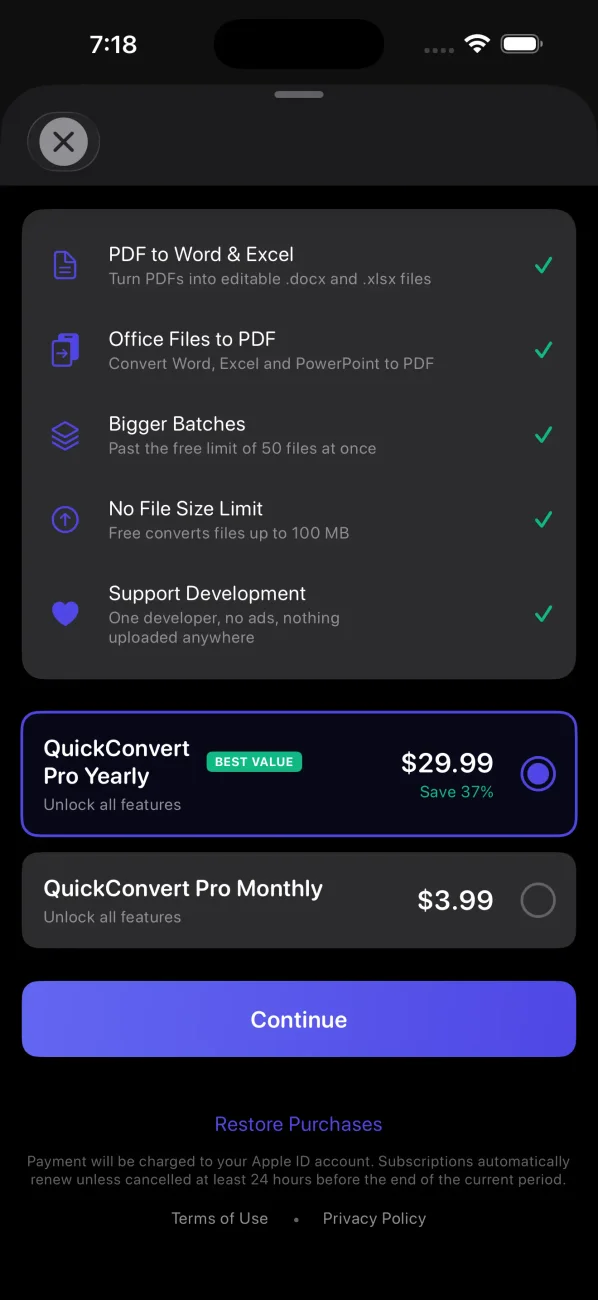
QUICKCONVERT PRO
- PDF to Word and PDF to Excel, as editable .docx and .xlsx
- Word, Excel and PowerPoint to PDF
- Batches beyond 50 files, and files over 100 MB
QuickConvert Pro is a subscription: 3.99 USD per month or 29.99 USD per year, shown in local currency by region. Payment is charged to your Apple Account at confirmation of purchase. It renews automatically for the same price and period unless cancelled at least 24 hours before the end of the current period. Manage or cancel it in your Apple Account settings.
Terms of Use (EULA): https://thedolceway.com/terms
Privacy Policy: https://thedolceway.com/privacy
What’s new
Version 1.1 · Sep 23, 2026
Unlimited image conversions, free. The ten a day cap is gone.
- Convert and compress as many images as you like, up to 50 at a time and 100 MB each.
- Capture date, GPS and orientation now survive every conversion. PNG output was dropping all three.
- Pro is now clearly what it always should have been: Word, Excel and PowerPoint, plus bigger batches and larger files.
App privacy
What Dt nova declares on the App Store about how this app handles data.
-
Data not collected
The developer does not collect any data from this app.
Privacy practices may vary, for example with the features you use or your age.
Information
- Seller
- Dt nova
- Category
- Productivity
- Version
- 1.1
- Updated
- Sep 23, 2026
- Released
- Apr 9, 2026
- Size
- 3.5 MB
- Requires
- iOS 16.0 or later
- Age rating
- 4+
- In-app purchases
- Yes
- Languages
- English
- Copyright
- © 2026 Dt nova
You might also like
-
 Yarn StasherKnit & crochet yarn inventory
-
 TTSPhone Text to Speech PhoneTalk on the phone by typing
-
 Lookupp!Rewarding Human Connection
-
 Sync: File Backup & Cloud SyncBackup, restore & share files
-
 Text to Speech Reader: ReadBitRead Aloud PDF, Book, Web, Doc
-
 File Converter, Online-ConvertConvert files
-
 File Manager - File OrganizerSecure File Manager - Explorer
-
 Setup for HP Smart Printer AppInstant Setup, Print & Scan
-
 Mailcraft AI Email WriterKeyboard, Message, Reply
-
 SyncGene Sync Contact CalendarSync Service and Web app