QuickDock: Shortcuts & Actions
In-Car Shortcuts & App Launch
Designed for iPhone, iPad
- Age rating4+
- CategoryProductivity
- DeveloperMoumita Chakraborty
- LanguagesEnglish
- Size36.9 MB
Links to the official App Store page
Download.org hosts no file of QuickDock: Shortcuts & Actions. The button opens its official App Store page, published by Moumita Chakraborty. Listing last checked on Nov 14, 2026.
Screenshots

About
QuickDock: Shortcuts and Actions
Turn everyday tasks into one-tap actions.
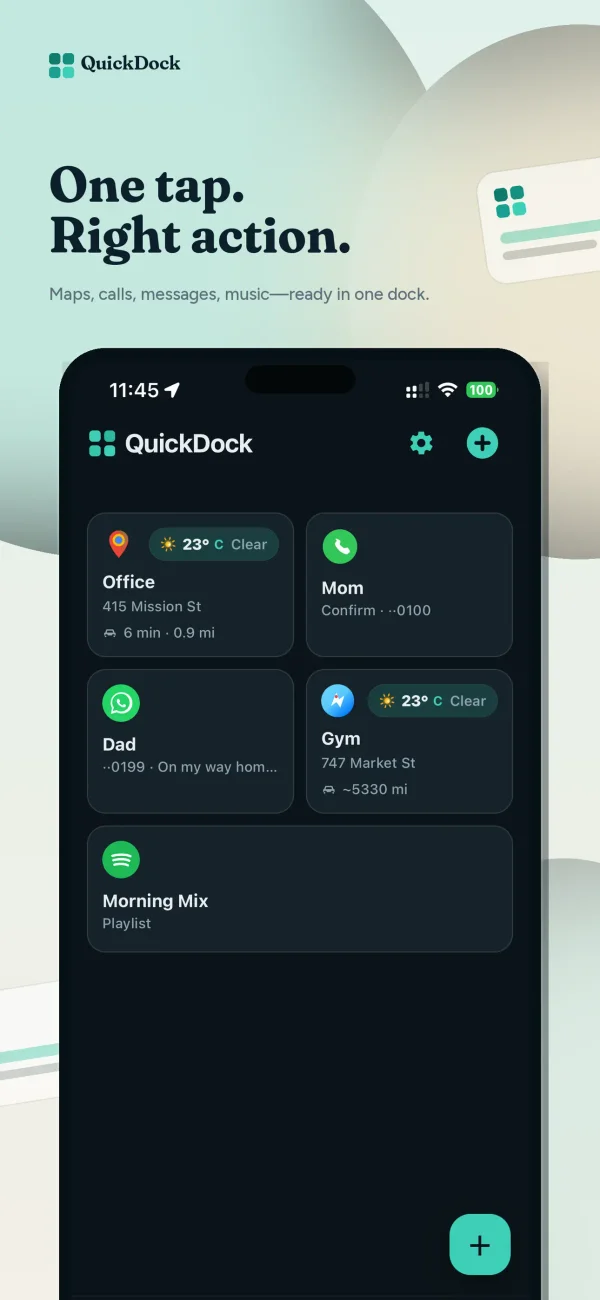
Save an action once, then launch it quickly whenever you need it - from QuickDock, widgets, Lock Screen, Siri, Shortcuts, and now CarPlay.
Stop retyping the same address, number, message, or link. Set it up once and keep it ready.
CARPLAY
Your everyday actions, ready for the road.
QuickDock brings your saved one-tap actions to CarPlay, so you can quickly get to the things you use most.
Navigate to a saved place, call a frequent contact, access messages, start your favourite music, open an app, or launch another saved action - without repeating the same setup every time.
Set it up once on your iPhone. Access it from QuickDock on CarPlay when you need it.
Create actions for:
- Directions to your favourite places
- Calls to your frequent contacts
- Messages with saved content
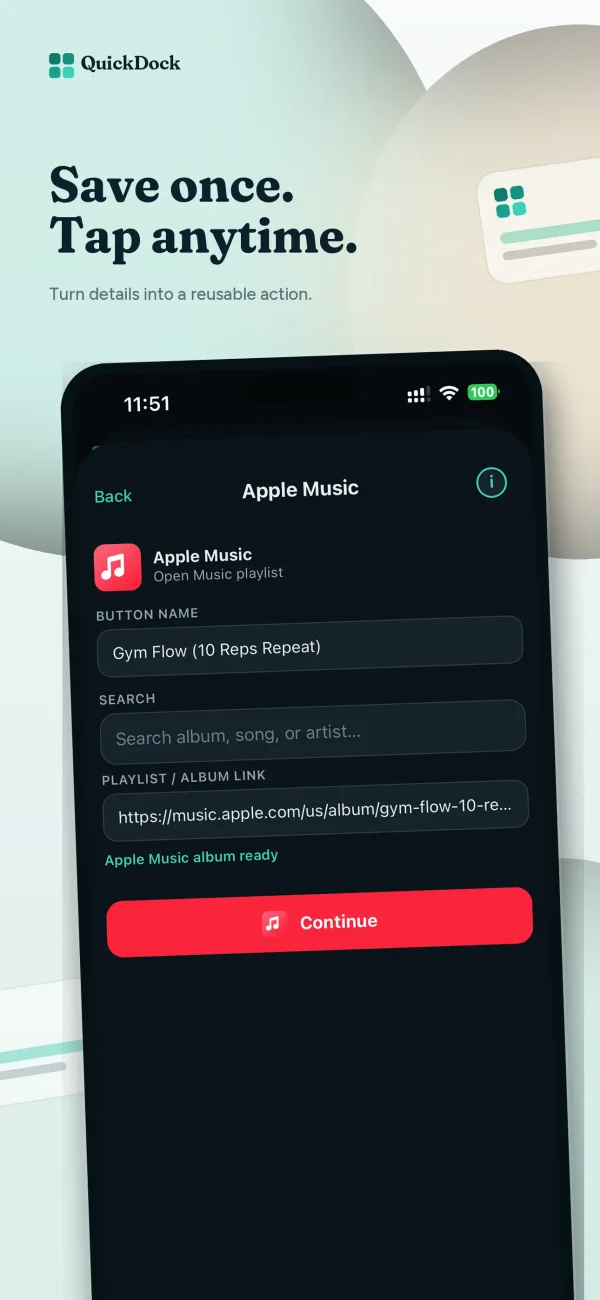
- Music and playlists
- Apps and web links
- Calendar and everyday tasks
- Other actions you use regularly
WIDGETS AND LOCK SCREEN
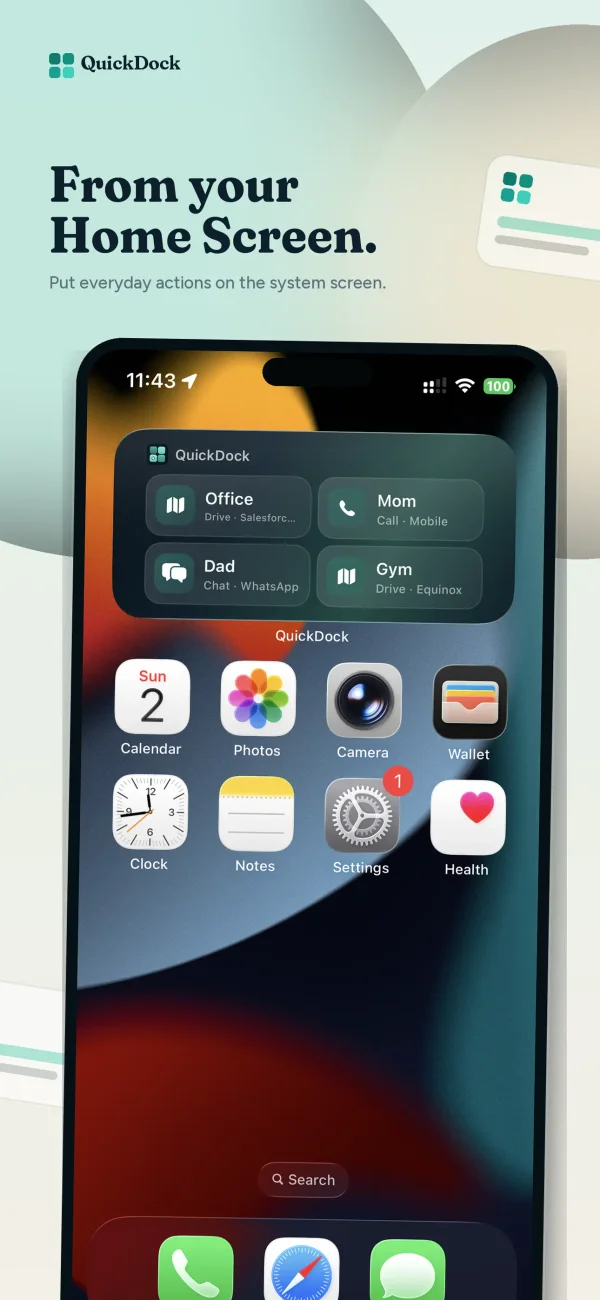
Put your favourite QuickDock actions where you can access them quickly with Home Screen and Lock Screen widgets.
SIRI AND SHORTCUTS
Use Siri or Apple Shortcuts to trigger your saved QuickDock actions without manually navigating through the app.
DIRECTIONS
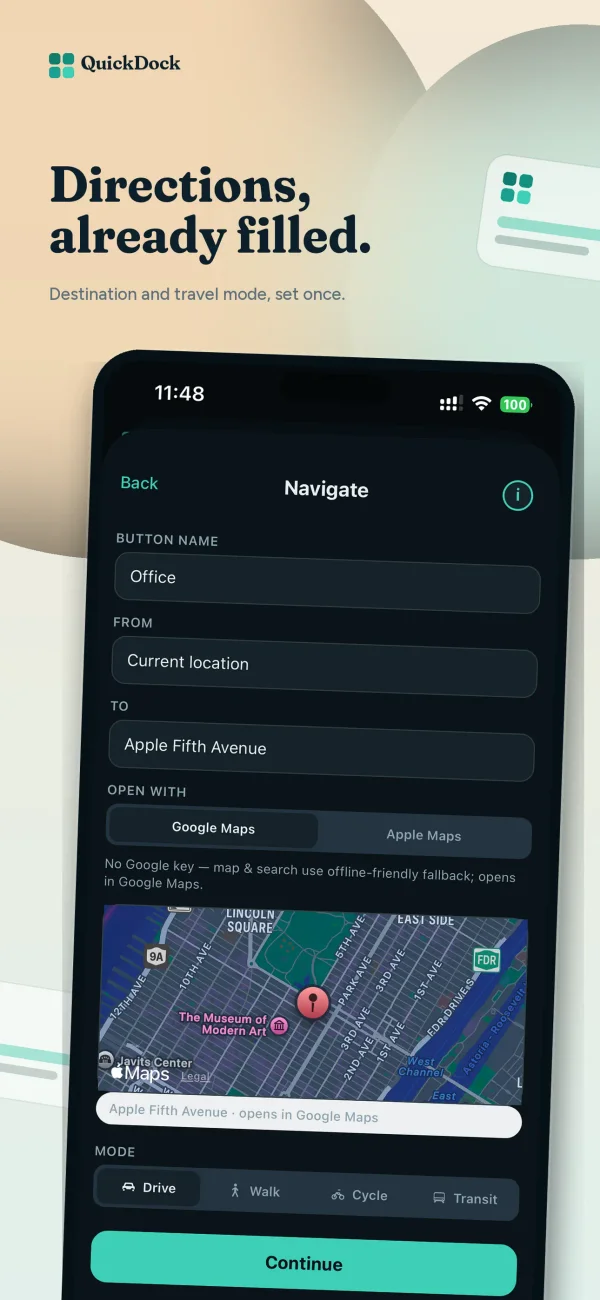
Save places you visit regularly and launch directions with a single tap. Search for a destination, drop a pin, or use a shared map link.
FAST AND FLEXIBLE
Create your own action, give it a name, add the required details, preview it, and save it to your QuickDock.
MAKE IT YOURS
- Light, dark, or system appearance
- Apple Maps or Google Maps
- Miles or kilometres
- Fahrenheit or Celsius
- Preferred date format
- Face ID, Touch ID, or fingerprint protection
- Rearrange your QuickDock whenever you want
PRIVATE BY DESIGN
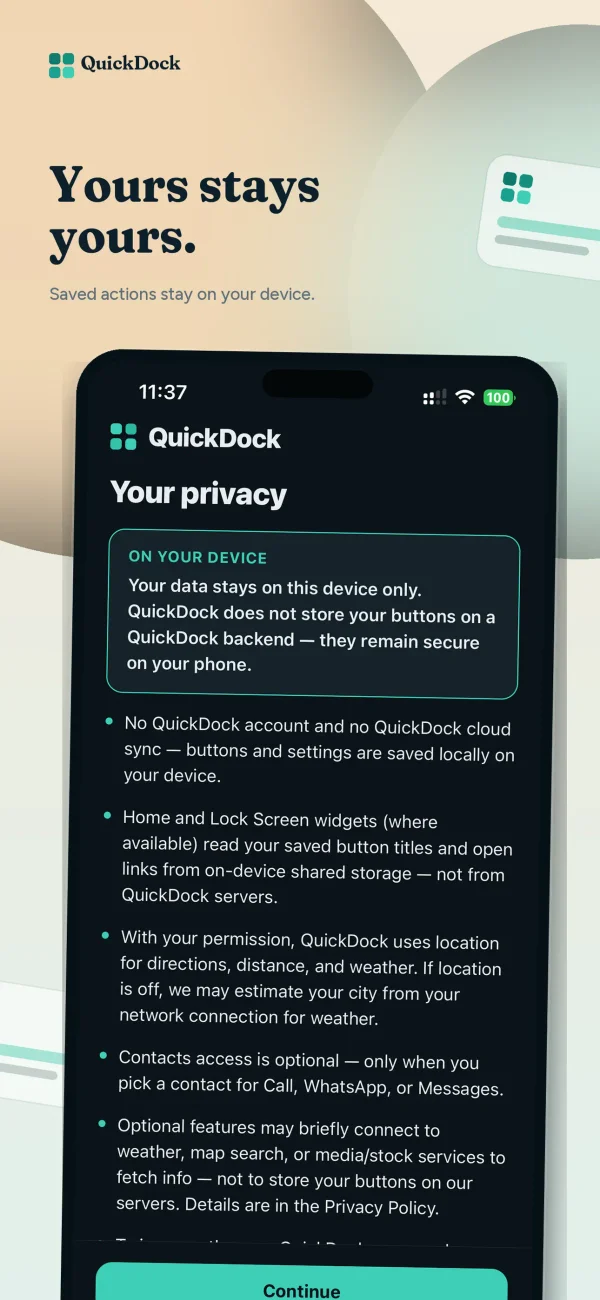
Your QuickDock actions and settings are stored on your device. QuickDock does not require an account or QuickDock cloud sync.
Location is used only when an action requires it, and contacts are accessed only when you choose a contact or number.
QuickDock is an independent app and is not affiliated with or endorsed by Apple, Google, Meta, Spotify, Uber, Lyft, Microsoft, Slack, or any other company mentioned above. All trademarks belong to their respective owners.
What’s new
Version 1.2 · Aug 31, 2026
CarPlay is here!
QuickDock is now available on CarPlay. Access your saved QuickDock actions from your car display and get to your frequently used actions faster.
Also includes performance improvements and bug fixes.
App privacy
What Moumita Chakraborty declares on the App Store about how this app handles data.
-
Data linked to you
May be collected and linked to your identity.
- Location
- Identifiers
- Usage data
- Diagnostics
Privacy practices may vary, for example with the features you use or your age.
Information
- Seller
- Moumita Chakraborty
- Category
- Productivity
- Version
- 1.2
- Updated
- Aug 31, 2026
- Released
- Aug 17, 2026
- Size
- 36.9 MB
- Requires
- iOS 16.0 or later
- Age rating
- 4+
- Languages
- English
- Copyright
- © 2026 QuickDock
You might also like
-
 Orbit DownBeautiful countdown widgets
-
 AgentSteadDeploy openclaw instantly
-
 App for Google Calendar: horaPlanner, Reminder & Schedule
-
 Git BlogMarkdown blogging via GitHub
-
 Clearminutes: AI Meeting NotesPrivate offline transcription
-
 Scan NowFast scanning made easy
-
 CountDelightCountdowns, Tasks & Journals
-
 ObSyncSync Obsidian vaults via Git
-
 Countdown: Days Until & WidgetPhotos, Birthdays & Trips