QuickScan:Document PDF Scanner
Image Converter-Sign Docs-OCR
Designed for iPhone
In-app purchases
- Age rating4+
- CategoryProductivity
- DeveloperHONG KONG GANGSHENG TRADING CO. LIMITED
- LanguagesEnglish+ 1 more
- Size20.8 MB
Links to the official App Store page
Download.org hosts no file of QuickScan:Document PDF Scanner. The button opens its official App Store page, published by HONG KONG GANGSHENG TRADING CO. LIMITED. Listing last checked on Nov 13, 2026.
Screenshots
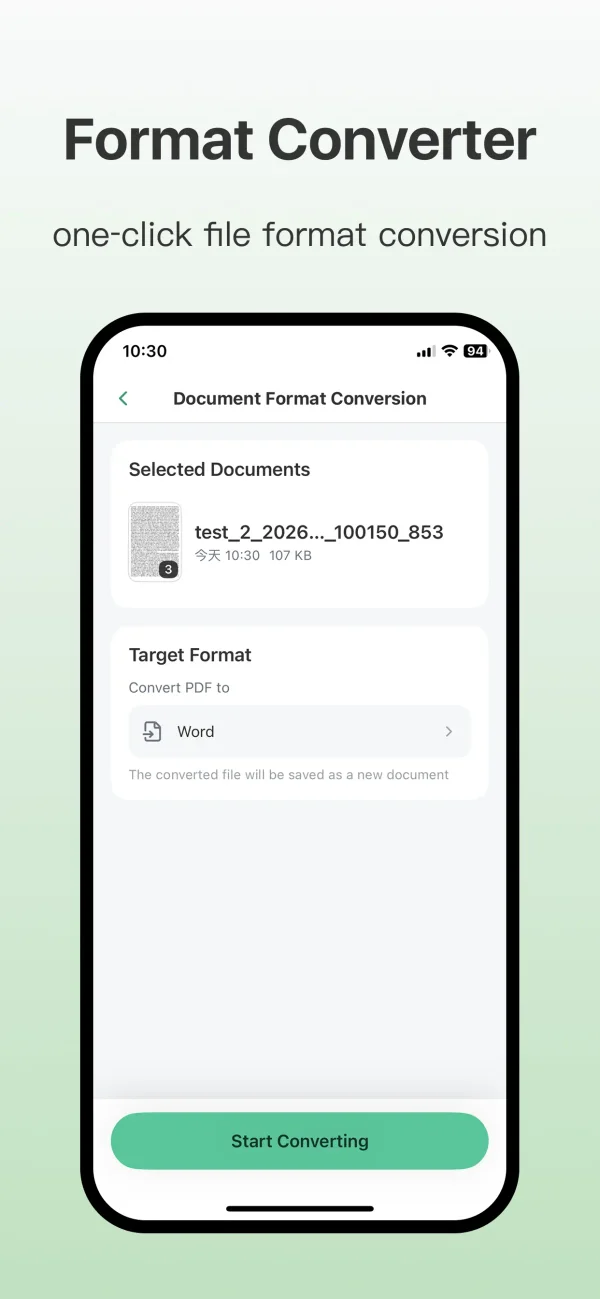
About
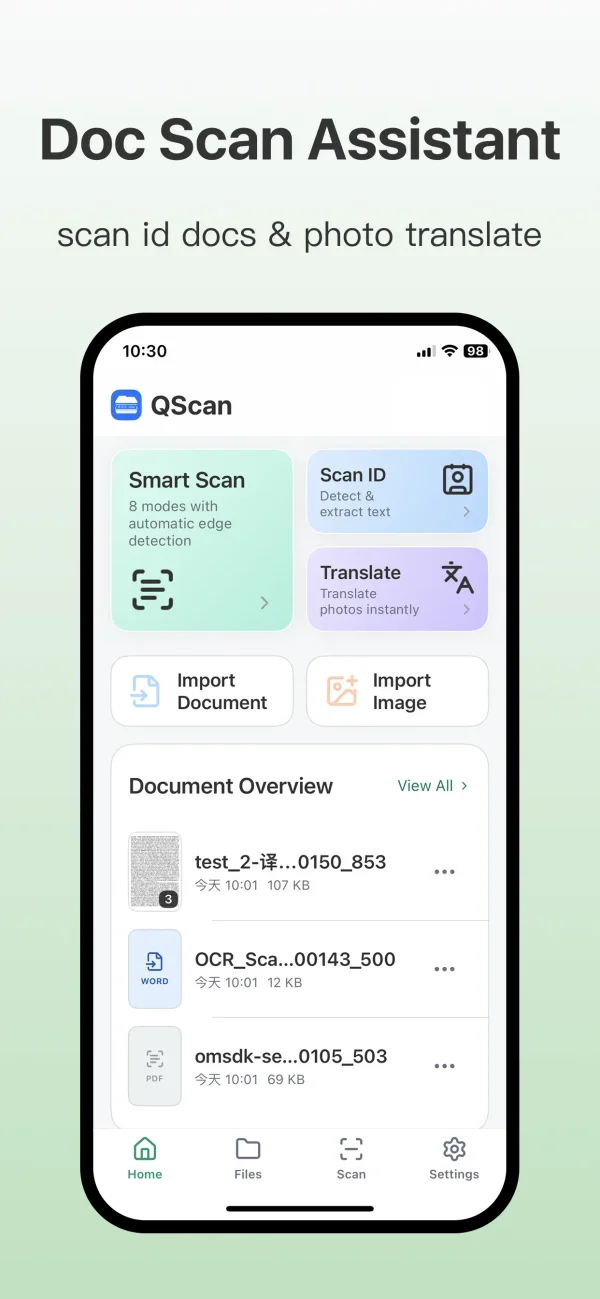
【QuickScan】turns the camera in your pocket into a document workspace: capture paper into clear digital files, then find, edit and send them without switching apps.
Eight Scan Modes
Documents, books, ID cards, business cards, QR codes, exam papers, tables and on-camera translation each come with their own framing guide, so every capture starts out square and readable.
Scan and Translate
Point the camera at text in another language and read it in yours. Choose the target language, pull an image in from your photo library, or switch on the torch when the light is poor.
PDF Toolkit
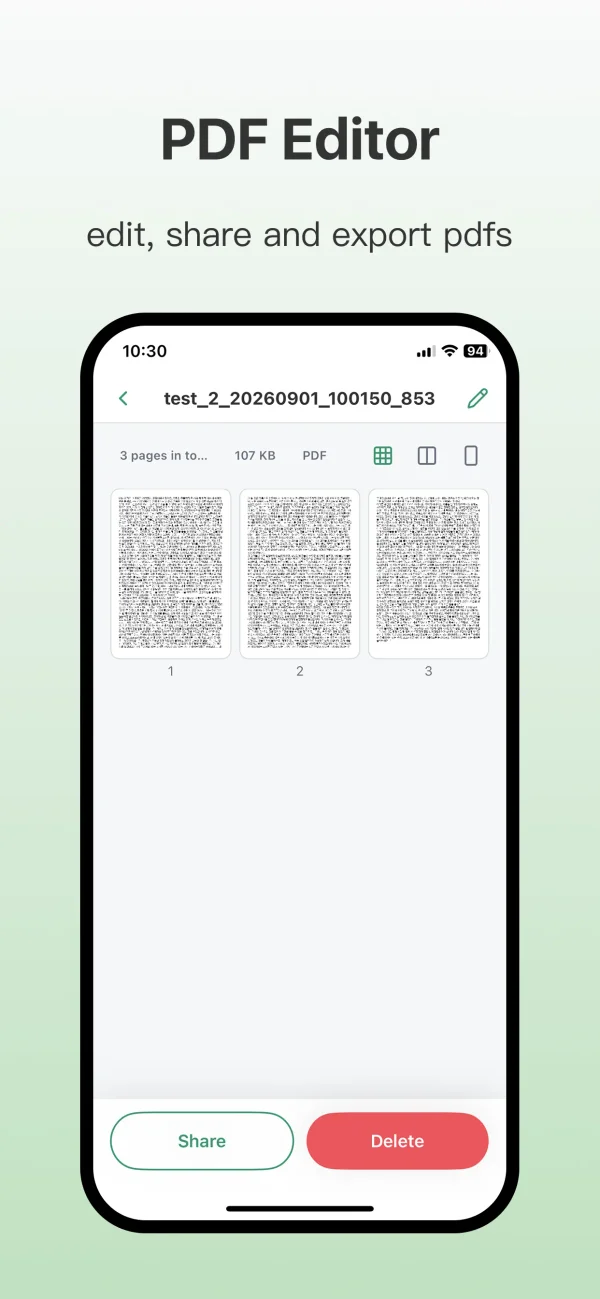
Split, merge, compress, reorder and password-protect PDFs, turn pages into images, and add annotations, watermarks or a handwritten signature before you send anything out.
Format Conversion
Move a document between Word, Excel, PDF and image formats, pull selectable text out of a scan, or translate an entire file in one pass.
Files That Stay Organised
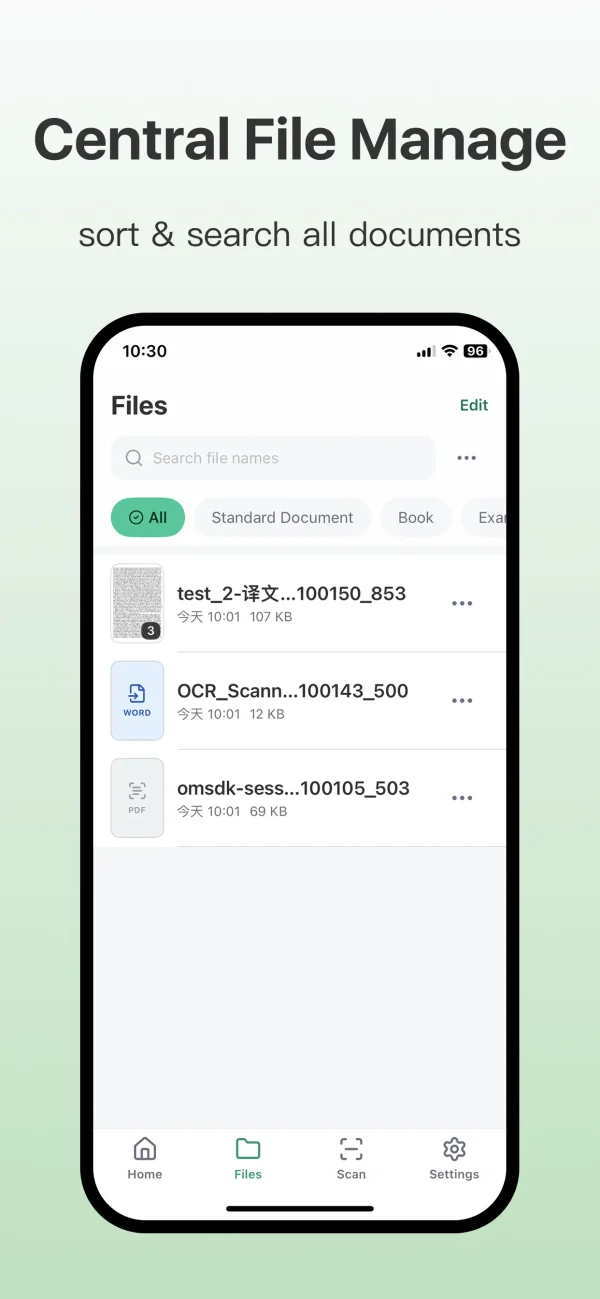
Sort scans into categories and folders, search by name, rename or move what you need, and bring back anything deleted in the last seven days from the Recycle Bin.
Scan it once, keep it organised, send it from anywhere — download 【QScan】 and see how much paperwork it clears off your desk.
To unlock more features, you can choose to upgrade to a premium account
Premium Account Pricing and Terms
$4.99/week*
$39.99/year*
*Prices are shown in US dollars. The actual charge may be converted to your local currency depending on your country or region.
Payment will be charged to your iTunes account at confirmation of purchase.
The subscription renews automatically unless auto-renewal is turned off at least 24 hours before the end of the current period.
The account will be charged for renewal within 24 hours after the end of the current period, and the renewal cost will be shown. Subscriptions may be managed by the user. Auto-renewal may be turned off by going to the user's account settings after purchase.
Cancellation of the current subscription is not allowed during an active subscription period.
Any unused portion of a free trial period, if offered, will be forfeited when the user purchases a subscription to that publication.
EULA: https://www.apple.com/legal/internet-services/itunes/dev/stdeula/
Privacy Policy: https://suhanhui.xyz/saomiao/privacy.html
What’s new
Version 1.0.3 · Nov 3, 2026
Fix bugs.
App privacy
What HONG KONG GANGSHENG TRADING CO. LIMITED declares on the App Store about how this app handles data.
-
Data not collected
The developer does not collect any data from this app.
Privacy practices may vary, for example with the features you use or your age.
Information
- Seller
- HONG KONG GANGSHENG TRADING CO. LIMITED
- Category
- Productivity
- Version
- 1.0.3
- Updated
- Nov 3, 2026
- Released
- Sep 22, 2026
- Size
- 20.8 MB
- Requires
- iOS 16.0 or later
- Age rating
- 4+
- In-app purchases
- Yes
- Languages
- English, Simplified Chinese
- Copyright
- © QuickScan
You might also like
-
 Recording - 录音专家Record Memos & Transcribe it!
-
 Privascan: PDF Scanner & OCRPrivate, Offline, No Watermark
-
 SpeakEasy - AI TranslatorA smart AI translator
-
 Instant Translation .Instant Language Translation
-
 Nyre - Habit TrackerDaily Routine, Habits & Goals
-
 Recording.:Voice Record&EditorVoice Recorder
-
 Translate APP ~ AI Translator.Text, Photo& Voice Translator.
-
 OCR Scanner -instant scanDocument Scanner
-
 Notezilla - Notes & RemindersSimple & nice little app :)
-
 AI Agent-4o Writer:write.aiEmail,Message,Chat,Anything AI