Privascan: PDF Scanner & OCR
Private, Offline, No Watermark
Designed for iPhone
Free · In-app purchases
- Age rating4+
- CategoryProductivity
- DeveloperYoan Gabison
- LanguagesEnglish+ 1 more
- Size3.1 MB
Links to the official App Store page
Download.org hosts no file of Privascan: PDF Scanner & OCR. The button opens its official App Store page, published by Yoan Gabison. Listing last checked on Nov 18, 2026.
Screenshots


About
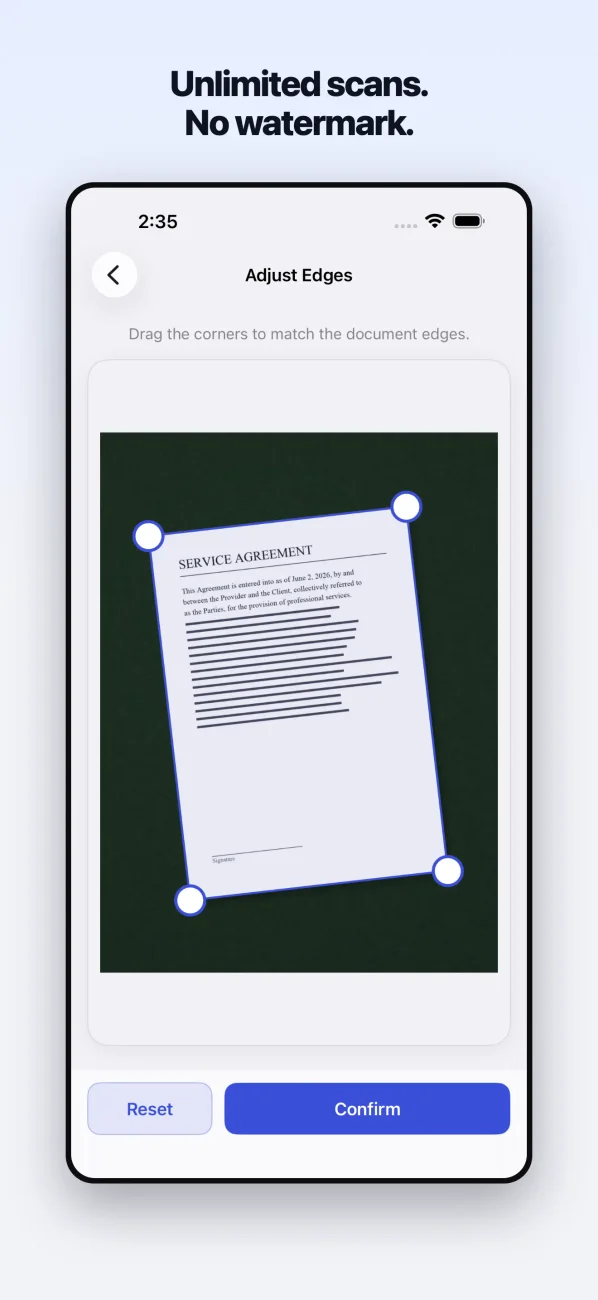
Scan unlimited pages with free on-device OCR — no account, no watermark, no ads, no cloud upload.
Privascan processes your scans on your iPhone. Your documents are never uploaded to us.
Upgrade once for advanced PDF tools, export presets, and folders. No subscription.
FREE
• Unlimited multi-page scanning — no page caps
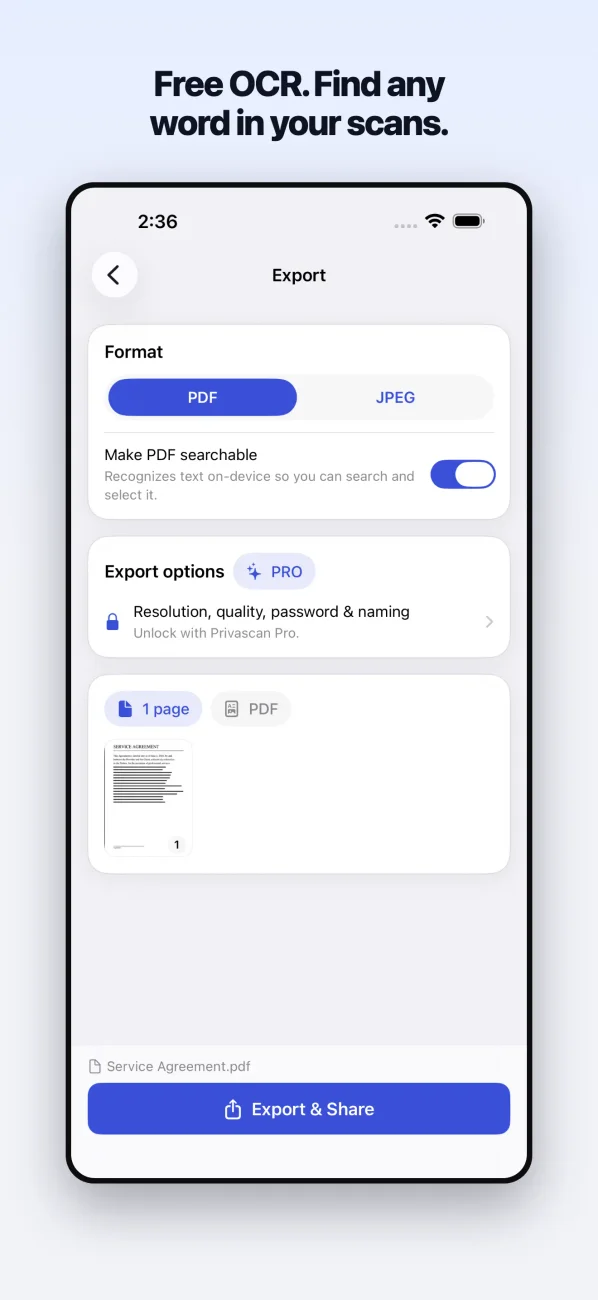
• PDF and JPEG export with no watermark
• Automatic edge detection and precise manual crop
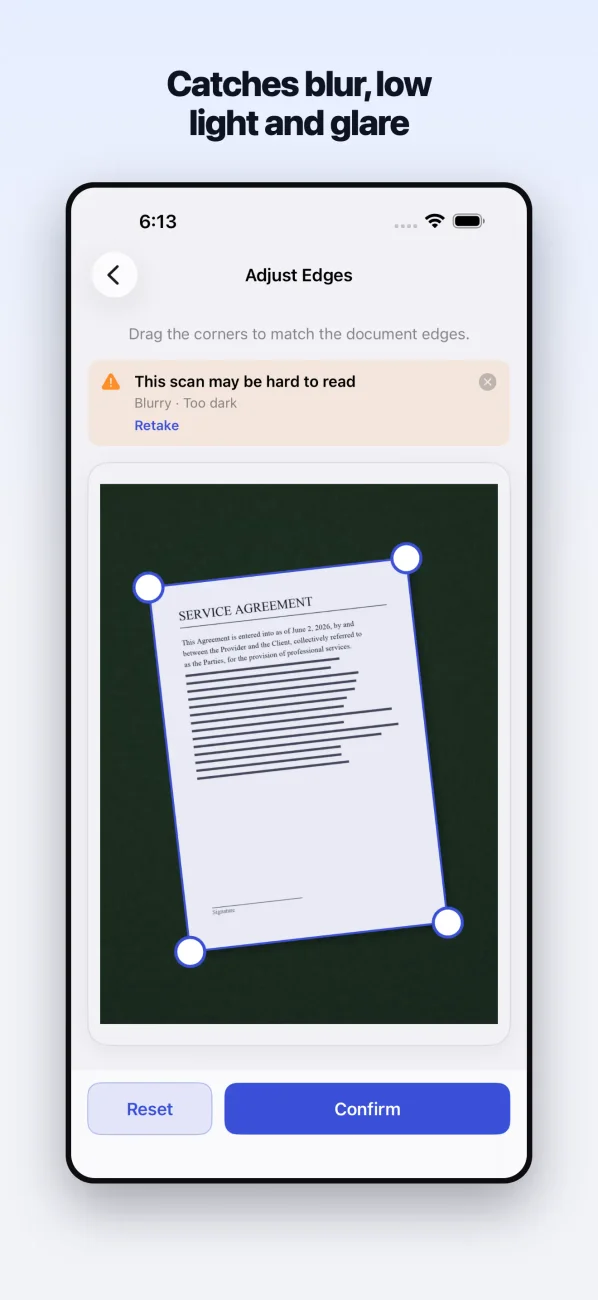
• Warnings for blur, low light, and glare before you save
• Color, black-and-white, and sharpen filters
• On-device OCR and searchable PDFs with selectable text
• Full-text search across your whole library
• Smart file names created from the text on the page
• Import photos and turn them into multi-page PDFs
PRIVASCAN PRO — ONE-TIME PURCHASE
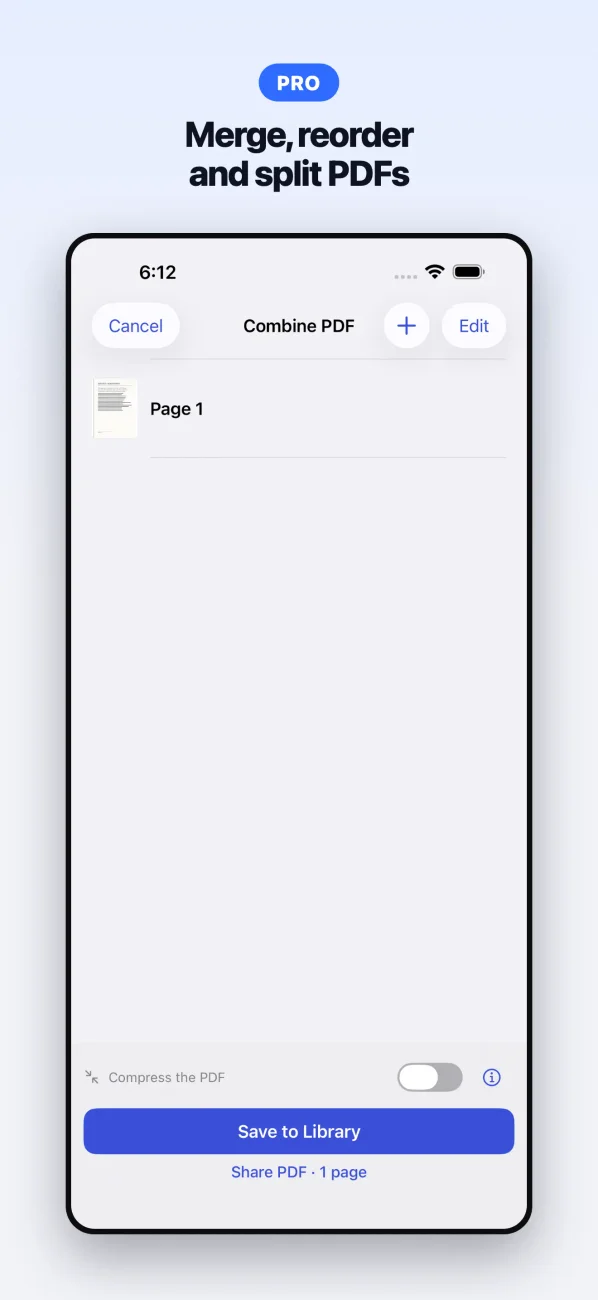
• Merge and reorder PDFs
• Extract or split pages
• Compress PDFs
• Export presets: resolution, quality, file naming, password protection
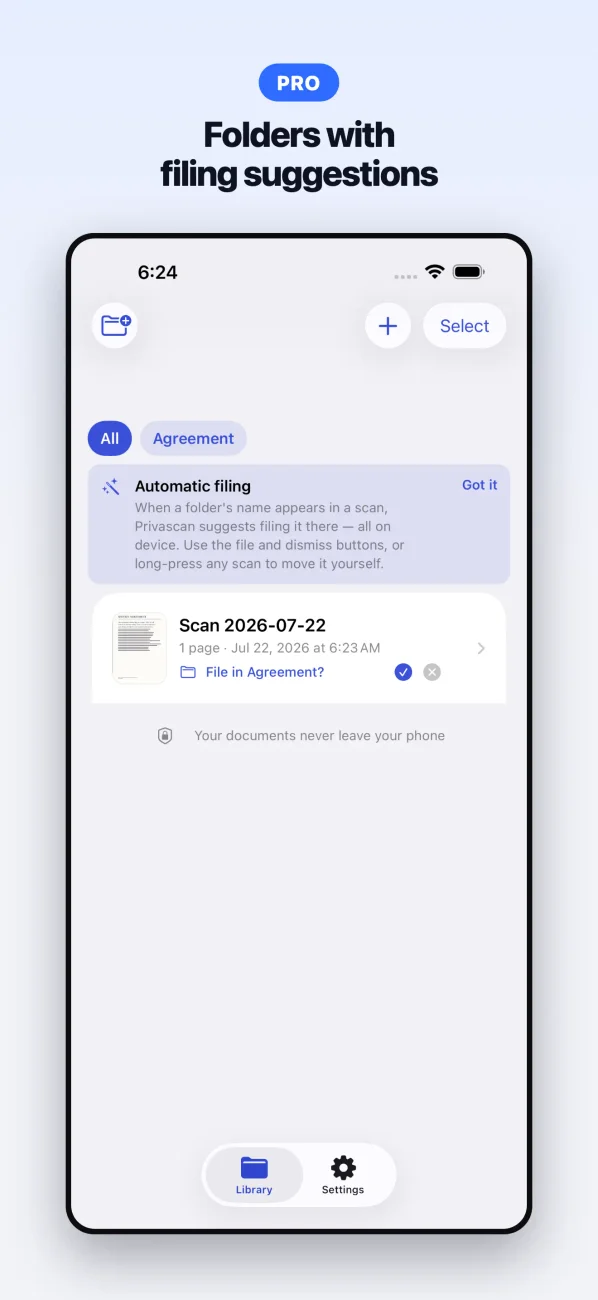
• Folders with smart filing suggestions
PRIVATE BY DESIGN
• No account or sign-up
• No Privascan cloud, no hidden sync
• No ads and no third-party tracking
• Scanning and OCR happen on your iPhone
• Works fully offline — scan in airplane mode
For receipts, contracts, IDs, forms, notes, and everyday paperwork.
One purchase unlocks Pro. No subscription.
What’s new
Version 1.0.1 · Sep 3, 2026
Fixes for small documents:
- ID cards, business cards and other small documents are now cropped automatically instead of keeping the whole photo.
- Auto-capture now fires on cards too.
- A bright card with a dark photo is no longer flagged as glare.
- A document held close enough to fill the frame is cropped instead of being kept as is.
- The quality warning offers Choose Another after a photo import, and Reset only lights up once you have moved a corner.
App privacy
What Yoan Gabison declares on the App Store about how this app handles data.
-
Data not collected
The developer does not collect any data from this app.
Privacy practices may vary, for example with the features you use or your age.
Information
- Seller
- 89P13
- Category
- Productivity
- Version
- 1.0.1
- Updated
- Sep 3, 2026
- Released
- Aug 6, 2026
- Size
- 3.1 MB
- Requires
- iOS 17.0 or later
- Age rating
- 4+
- Price
- Free
- In-app purchases
- Yes
- Languages
- English, French
- Copyright
- © 2026 89P13
You might also like
-
 PDF Scanner — PrivaScanDocument Scanner & OCR
-
 Scanling – PDF Scanner & OCRNo subscription. No account.
-
 PaperGuard: Private ScannerPDF & OCR docs, never uploaded
-
 Paperlane: Scan to PDFDocument Scanner, PDF & OCR
-
 ScanMate: PDF ScannerNo ads. No watermark. Ever.
-
 Ream: Scanner & PDF ToolsScan, sign and shrink PDFs
-
 Scanly - PDF Document ScannerScan, Sign, OCR — No Watermark
-
 scandango: Document ScannerScan, sort and track paperwork
-
 Capy Scan: Document ScannerPDF Scanner with OCR & Sign
-
 Sternzy : DocScanScan to PDF — search & lock