
QuickTap - One Tap Control
Trackpad, buttons & widgets
Designed for iPhone
Free · In-app purchases
- Age rating4+
- CategoryUtilities
- Developer鑫 王
- LanguagesEnglish+ 29 more
- Size15.6 MB
Links to the official App Store page
Download.org hosts no file of QuickTap - One Tap Control. The button opens its official App Store page, published by 鑫 王. Listing last checked on Nov 12, 2026.
Screenshots

About
QuickTap is a minimalist iPhone remote built specifically for Mac. With a single tap, transform your phone into a wireless trackpad, portable keyboard, and shortcut control hub. Leave the physical keyboard and mouse behind.
Q: Why create this app?
A: The idea started simply: after moving, I connected an idle Mac mini to my TV to use as a dedicated media center. While the Mac is incredibly capable, navigating it from the sofa with a traditional mouse and keyboard was awkward and frustrating.
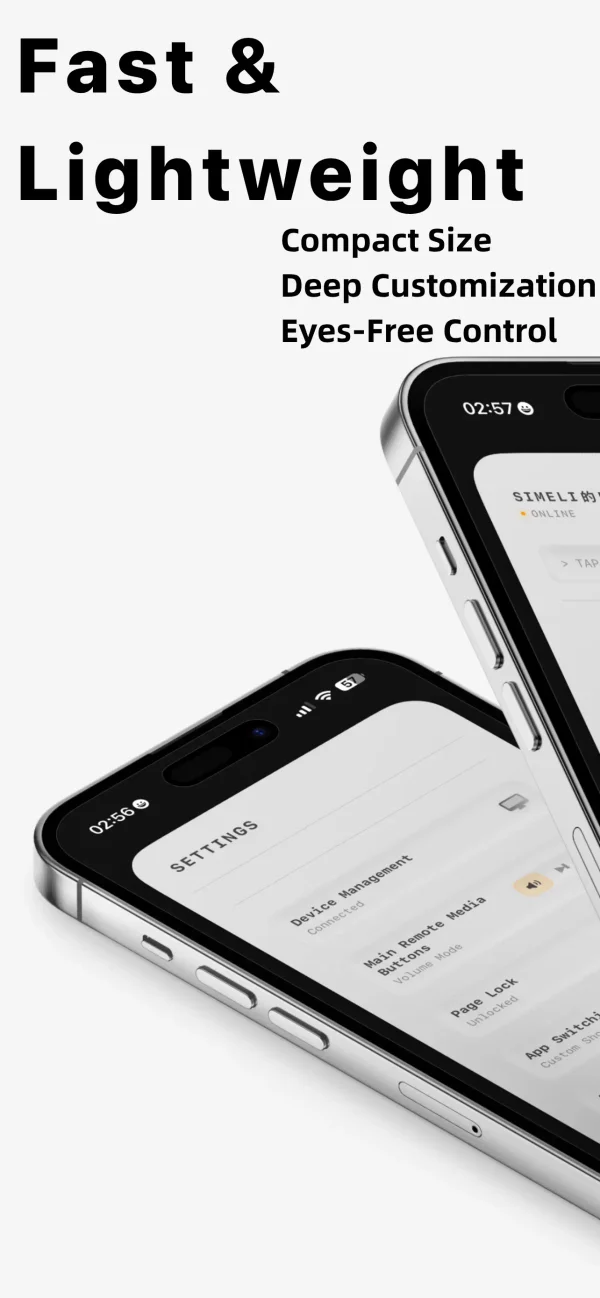
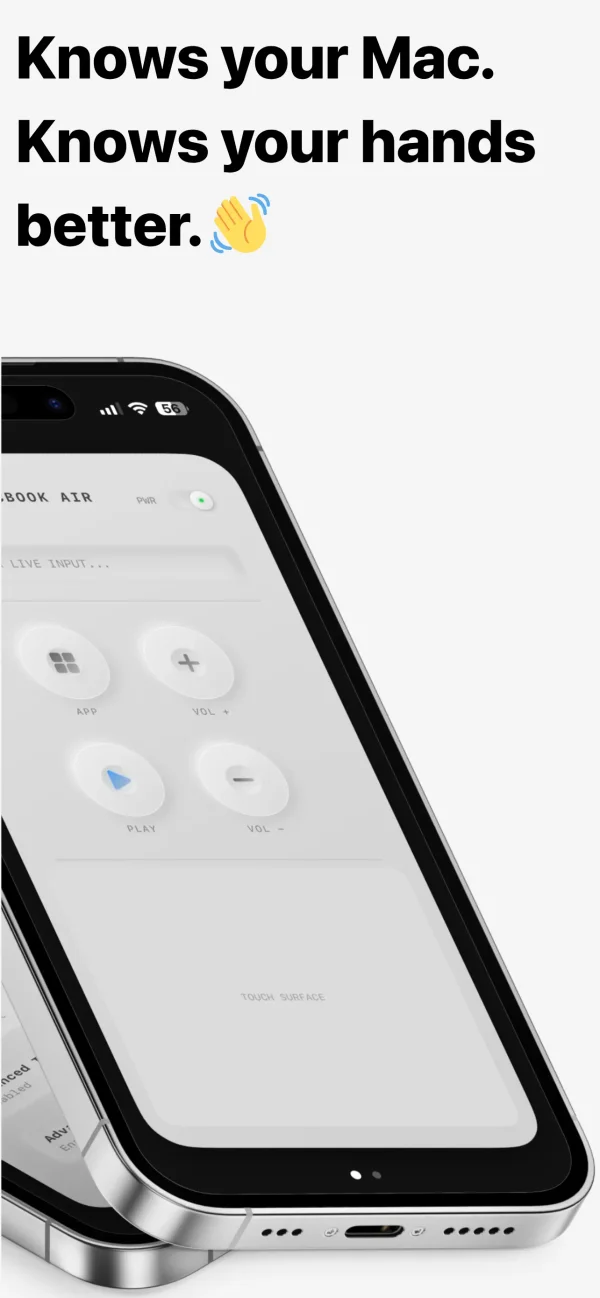
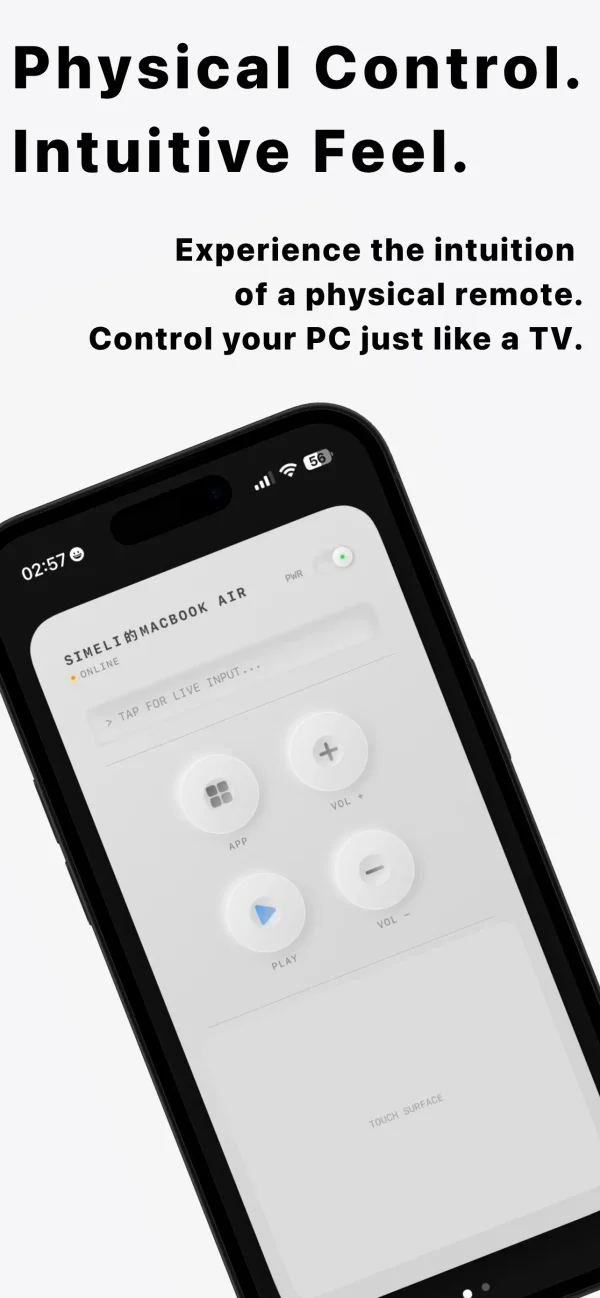
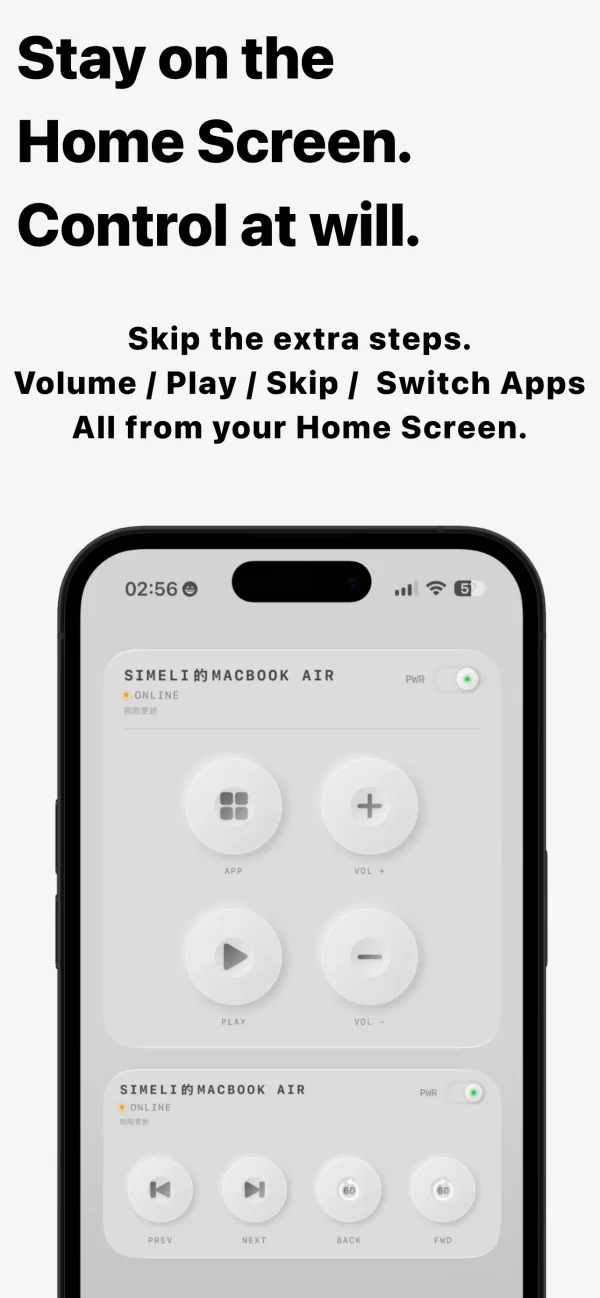
So, I built QuickTap. I stripped away the clutter, focusing entirely on a minimalist control experience. It features four oversized buttons and a trackpad for cursor movement, clipboard-level text input, and Home Screen widgets that let you control your Mac without even opening the app. The result is a fluid, deeply integrated ecosystem. It’s designed to feel exactly like a physical TV remote—intuitive and entirely under your control. Now, when I get home from work, I can finally sink into the sofa and have my entire desktop right at my fingertips.
Core Features:
Fast & Seamless Connection: Prioritizes LAN for ultra-low, zero-latency response.
Immersive Control: Combines a high-precision trackpad with intuitive, "eyes-free" physical button mapping.
Home Screen Widgets: Instant control right from your iPhone Home Screen—no need to open the app.
Lossless Clipboard Input: Type seamlessly on your phone, and the text appears instantly on your Mac.
Endless Customization: Deeply personalize volume control, media playback (next/previous, fast-forward/rewind), seek durations, widget layouts, Siri Shortcuts, and gestures.
Cross-Platform Support: Works flawlessly with both Mac and Windows, with no limit on the number of connected devices.
First-Time Setup:
This app requires a desktop receiver to function. Please visit our support website (https://ouotheblue.cn/quicktap/) to download the free, lightweight server application and start your seamless control experience.
Terms of Use (EULA):
https://www.apple.com/legal/internet-services/itunes/dev/stdeula/
What’s new
Version 3.0.1 · Sep 20, 2026
-Fine-tuned newly added features and fixed related issues.
App privacy
What 鑫 王 declares on the App Store about how this app handles data.
-
Data not collected
The developer does not collect any data from this app.
Privacy practices may vary, for example with the features you use or your age.
Information
- Seller
- 鑫 王
- Category
- Utilities
- Version
- 3.0.1
- Updated
- Sep 20, 2026
- Released
- Mar 20, 2026
- Size
- 15.6 MB
- Requires
- iOS 17.0 or later
- Age rating
- 4+
- Price
- Free
- In-app purchases
- Yes
- Languages
- English, Arabic, Czech, Danish, Dutch, Finnish, French, German, Greek, Hebrew, Hindi, Hungarian + 18 more
- Copyright
- © 2026 OuO the blue
You might also like
-
 MuseTapOne-Hand Remote for Computer
-
 MiniBridge: Portable DisplayHeadless Mac mini, USB/Wi-Fi
-
 XCanvas - Handwritten NotesHandwritten Mind Maps & Text
-
 Done5Utilities
-
 音乐猴节拍器Utilities
-
 星猫键道 - 顶功输入法Utilities
-
 Pixel Master - AI Art StudioAI Photo Transformer
-
 QuickTap: TV RemoteUniversal Wi-Fi TV Remote
-
 Air RouteUtilities
-
 MiniTrackUtilities