- Age rating17+
- CategoryUtilities
- Developer新棋 佘
- LanguagesEnglish+ 1 more
- Size4.9 MB
Links to the official App Store page
Download.org hosts no file of MuseTap. The button opens its official App Store page, published by 新棋 佘. Listing last checked on Nov 12, 2026.
Screenshots


About
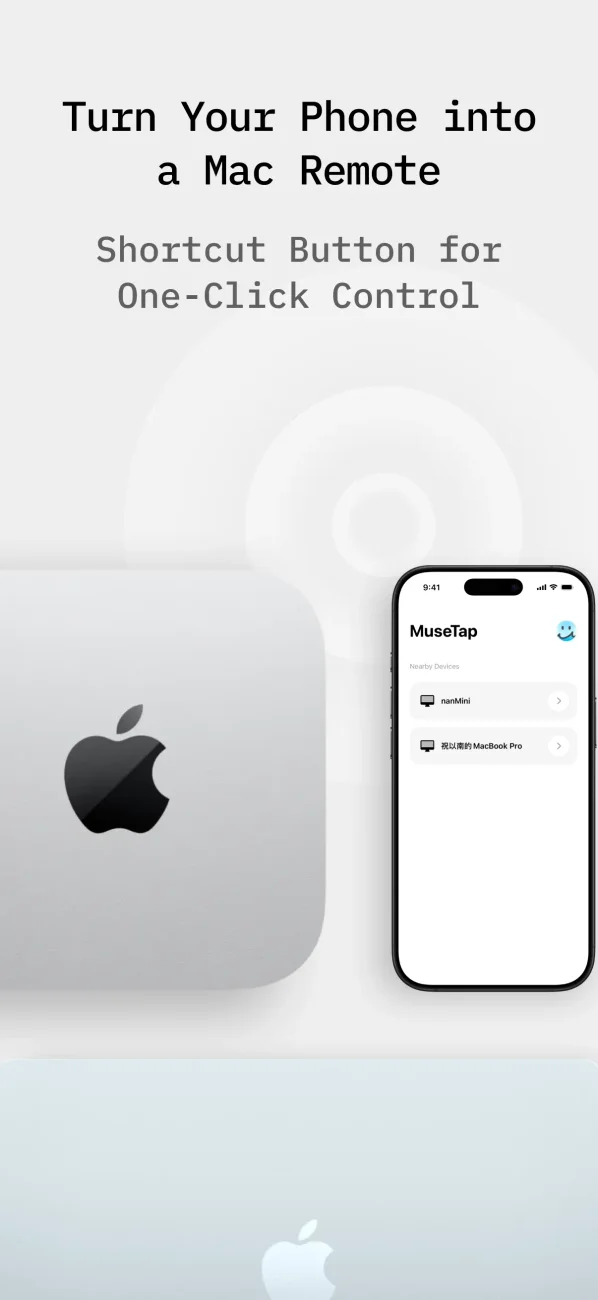
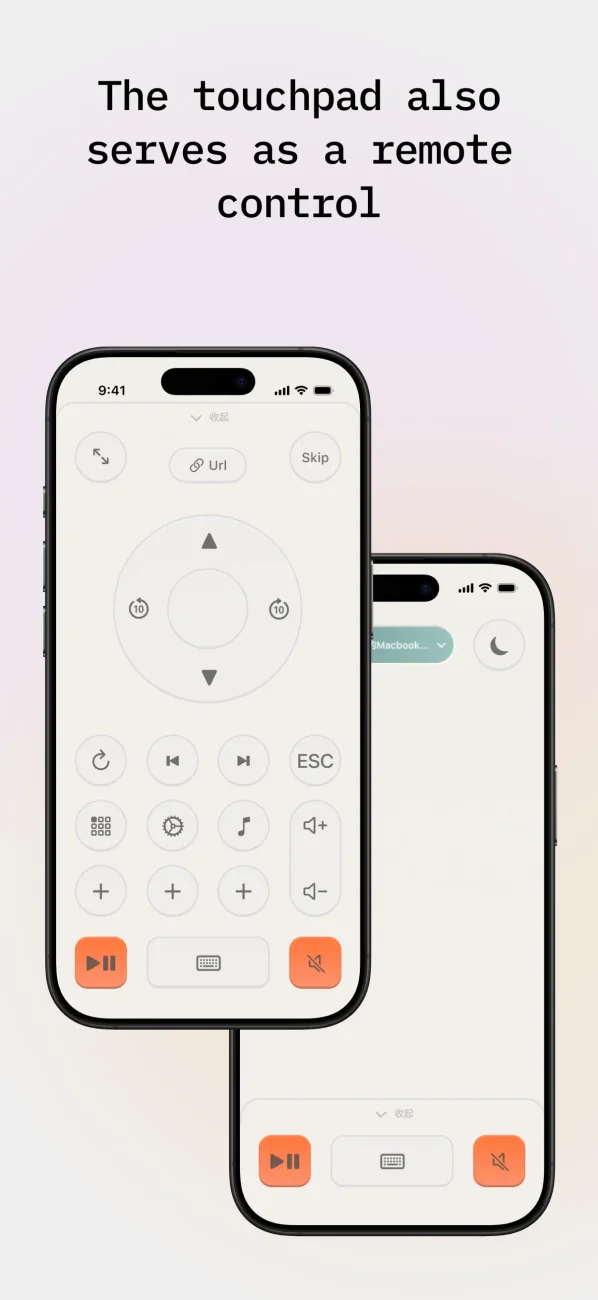
Turn your iPhone into a Mac remote control. On the same local network, it quickly discovers and connects to your Mac.MuseTap is specifically designed for "couch users," refreshing your Mac experience on the living room TV screen with the smooth fluidity of using Apple TV.
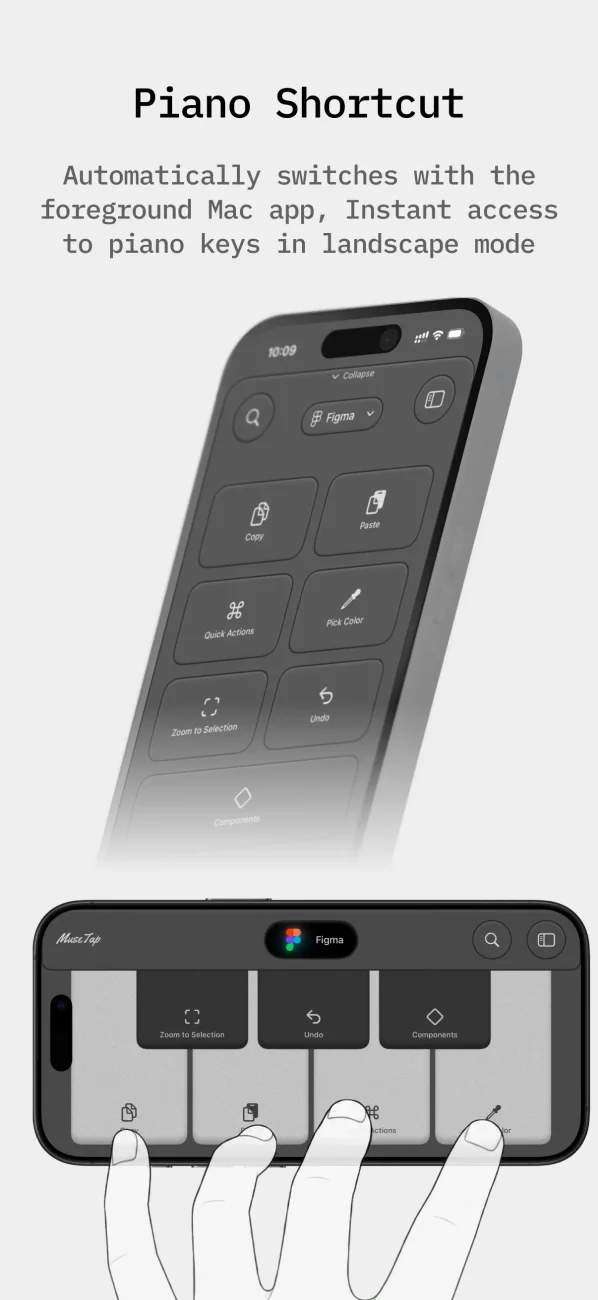
With customizable shortcuts, you can launch apps, open websites with one tap, and freely operate your Mac. MuseTap also provides convenient media and system controls, including play/pause, volume, and display management (e.g., switching displays/screensavers). Pair once, connect faster—perfect for browsing on the couch, controlling media, or using your Mac without leaving your seat.
Main Features
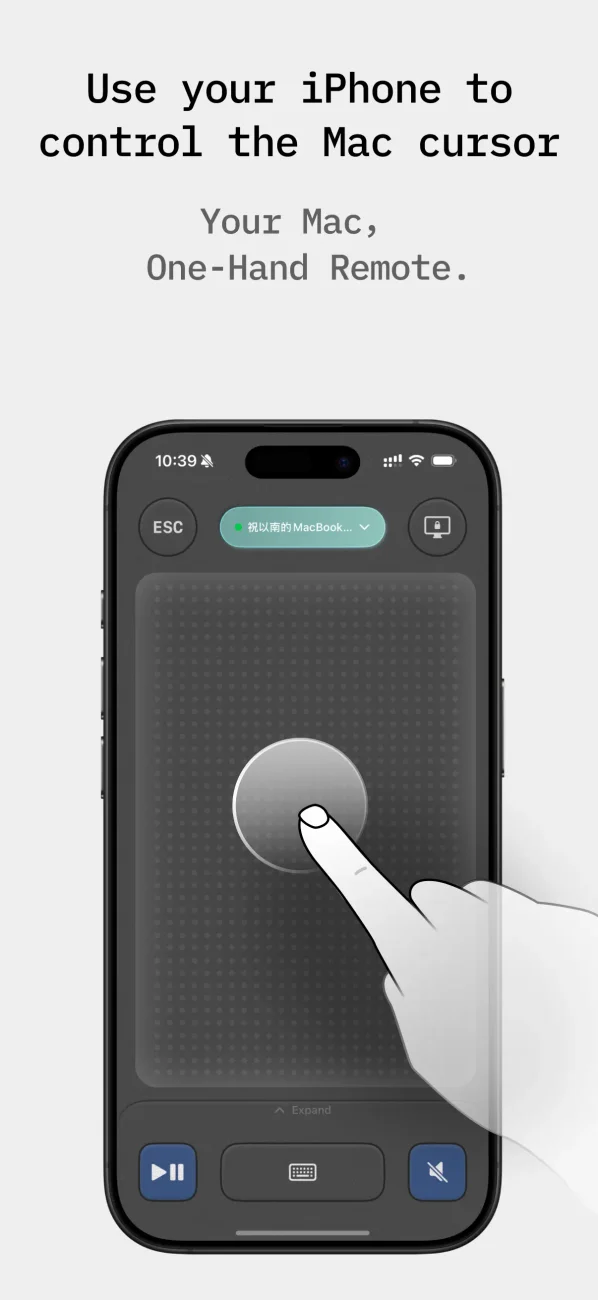
Seamless Touch Control Experience: High-precision touchpad supports gesture swipes, taps, and scrolling. Optimized for large screens with responsive and fluid operation.
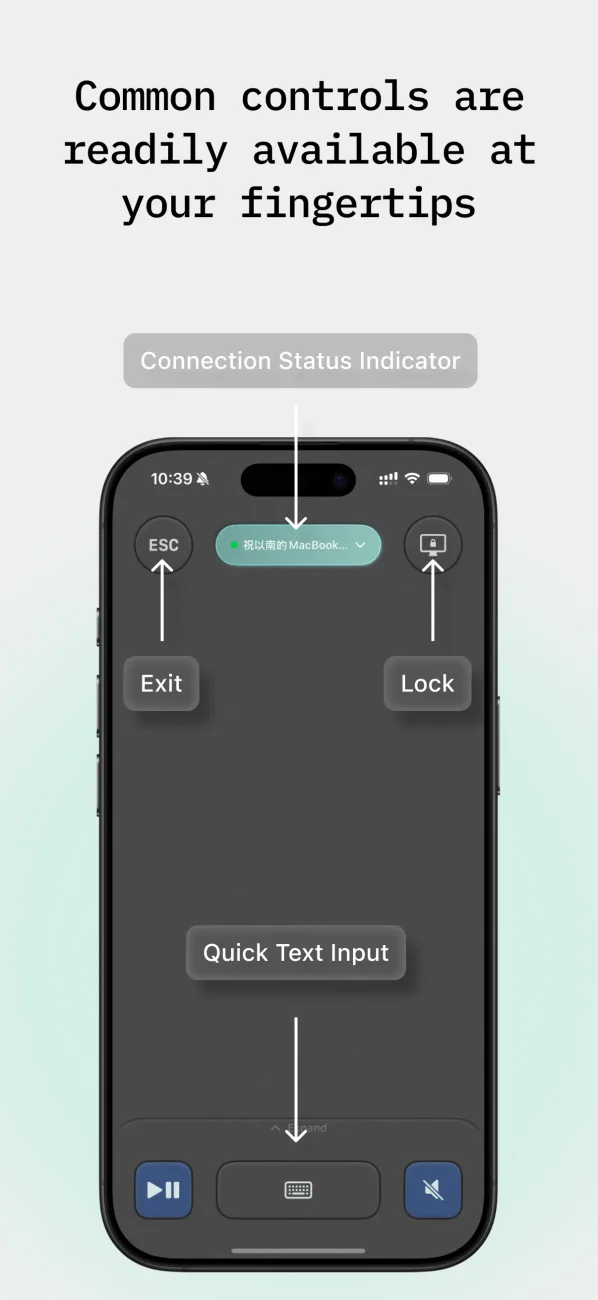
Remote Keyboard Input: Type directly on your Mac using your iPhone's keyboard. Searching for videos, entering passwords, or replying to messages has never been this convenient.
Rapid App Launching: Built-in customizable quick launcher. Open browsers, video software, or specific web pages with a single click, instantly accessing content.
Media and System Controls: Easily adjust volume, play/pause. Supports remote sleep, shutdown, and network wake-on-LAN for your Mac.
Original remote control themes: Featuring multiple custom app icon designs with continuously updated remote control themes.
What’s new
Version 1.3.0 · Oct 30, 2026
This update
-Dot feedback on the trackpad. When your finger touches the trackpad, the dots light up and follow it, so control is easier to see.
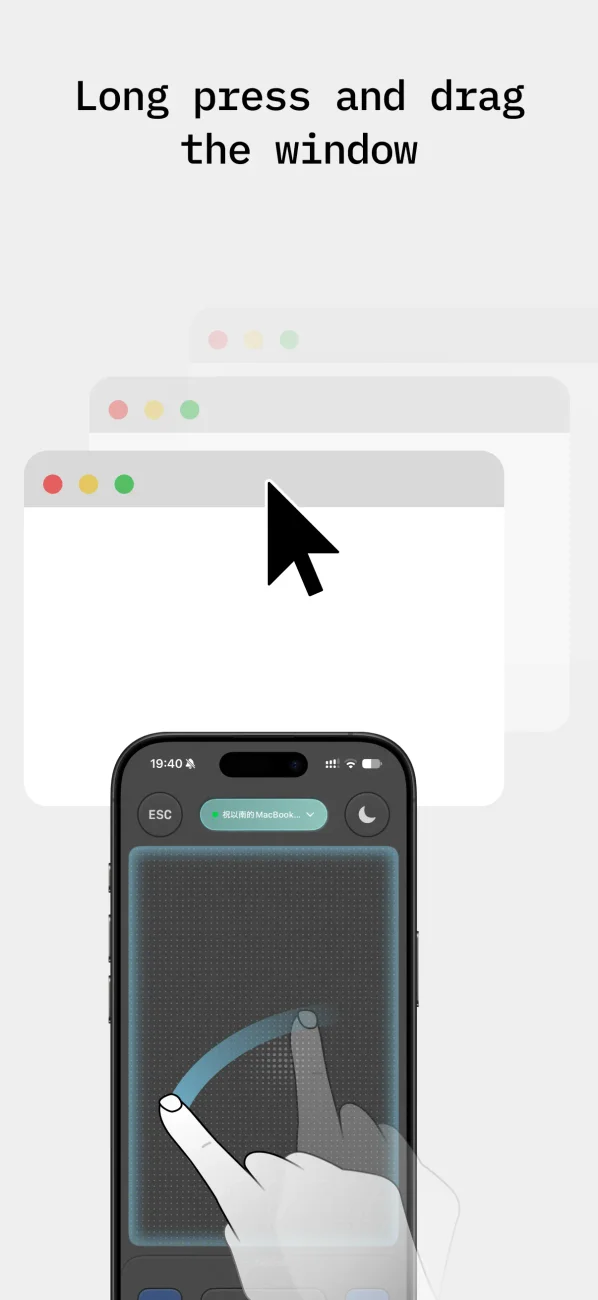
-Press and hold to drag. Hold on the trackpad to drag windows, progress bars, and volume sliders on your Mac.
-A new Pure Black icon. Switch to it in Icon Style.
-A new Pure Black remote theme for OLED screens. It uses less power.
App privacy
What 新棋 佘 declares on the App Store about how this app handles data.
-
Data not collected
The developer does not collect any data from this app.
Privacy practices may vary, for example with the features you use or your age.
Information
- Seller
- 新棋 佘
- Category
- Utilities
- Version
- 1.3.0
- Updated
- Oct 30, 2026
- Released
- Feb 9, 2026
- Size
- 4.9 MB
- Requires
- iOS 17.0 or later
- Age rating
- 17+
- Languages
- English, Simplified Chinese
- Copyright
- © 2025Shukuinan