QuiverBooks
Your library, leveled up
Designed for iPhone, iPad, Mac
Free · In-app purchases
- Age rating4+
- CategoryBooks
- DeveloperShadowForge Limited Liability Company
- LanguagesEnglish+ 8 more
- Size34.6 MB
Links to the official App Store page
Download.org hosts no file of QuiverBooks. The button opens its official App Store page, published by ShadowForge Limited Liability Company. Listing last checked on Nov 23, 2026.
Screenshots






About
Every book you own, in one library.
QuiverBooks reads the formats your library is actually made of — EPUB, MOBI, AZW, PDF, and CBZ comics — with no account, no store, and no lock-in. Bring your own files and start reading.
READ IT YOUR WAY
Paginated or scrolling. Eight fonts, adjustable size, margins, line height, paragraph and letter spacing, justification, hyphenation, and a content width you set yourself. A brightness overlay and warm filter for late nights.
THIRTEEN THEMES
From clean daylight to true dark, plus high-contrast and a spread of premium palettes. Pick one, or let the app follow your system appearance automatically.
COMICS AND PDFS, PROPERLY
CBZ gets panel-by-panel zoom, double-page spreads, and right-to-left manga mode. PDFs get real annotation, including Apple Pencil, plus display modes that suit the page.
ON-DEVICE READING TOOLS
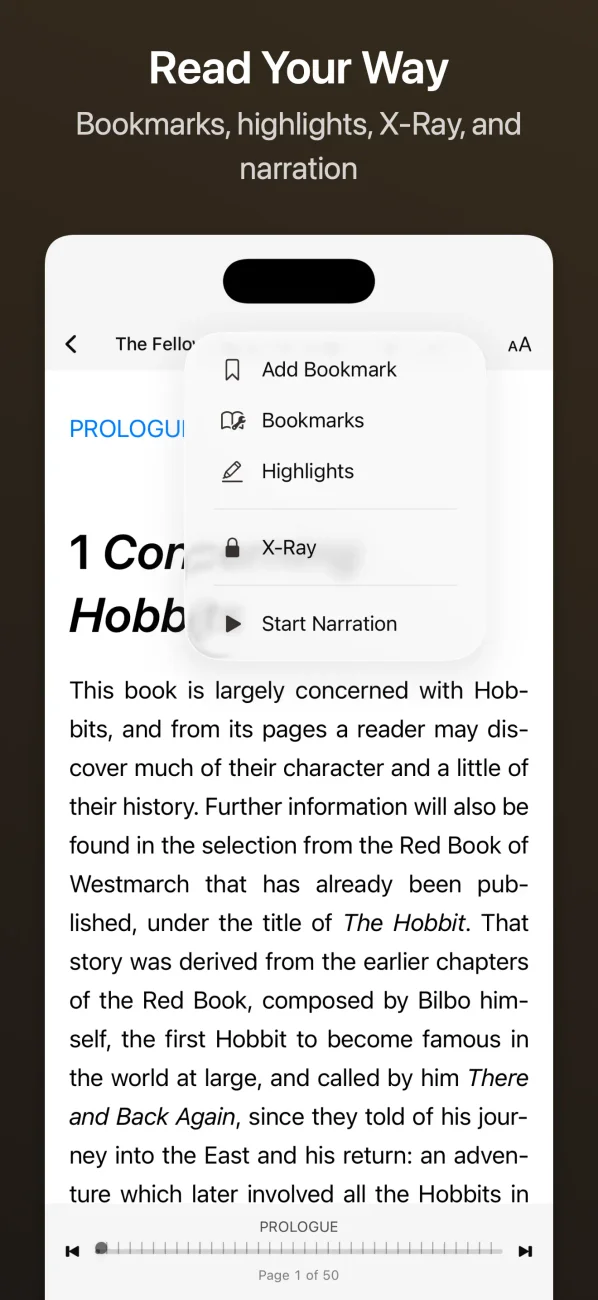
Ask about any passage and get an answer in context. Come back to a book after a month and get a recap of the story so far. An X-Ray index tracks characters, places, and terms as they appear.
All of it runs on your device. All of it works on any book you import — not a curated catalogue. And all of it is spoiler-aware: nothing tells you about a chapter you haven't reached yet.
MARK IT UP
Bookmarks and highlights in five colors, with notes. Export your annotations as Markdown, or send them straight to Readwise.
FIND ANYTHING
Search across an entire book, tap any word for a definition, and jump by chapter from a table of contents that actually works.
READ ALOUD
Built-in text-to-speech with background playback and Lock Screen controls, so a book carries on while you do something else.
BRING YOUR OWN LIBRARY
Import from Files or iCloud Drive, drag and drop on Mac, or connect an OPDS catalogue — including a Calibre server. Fanfiction imports directly from a URL.
MAKE IT A HABIT
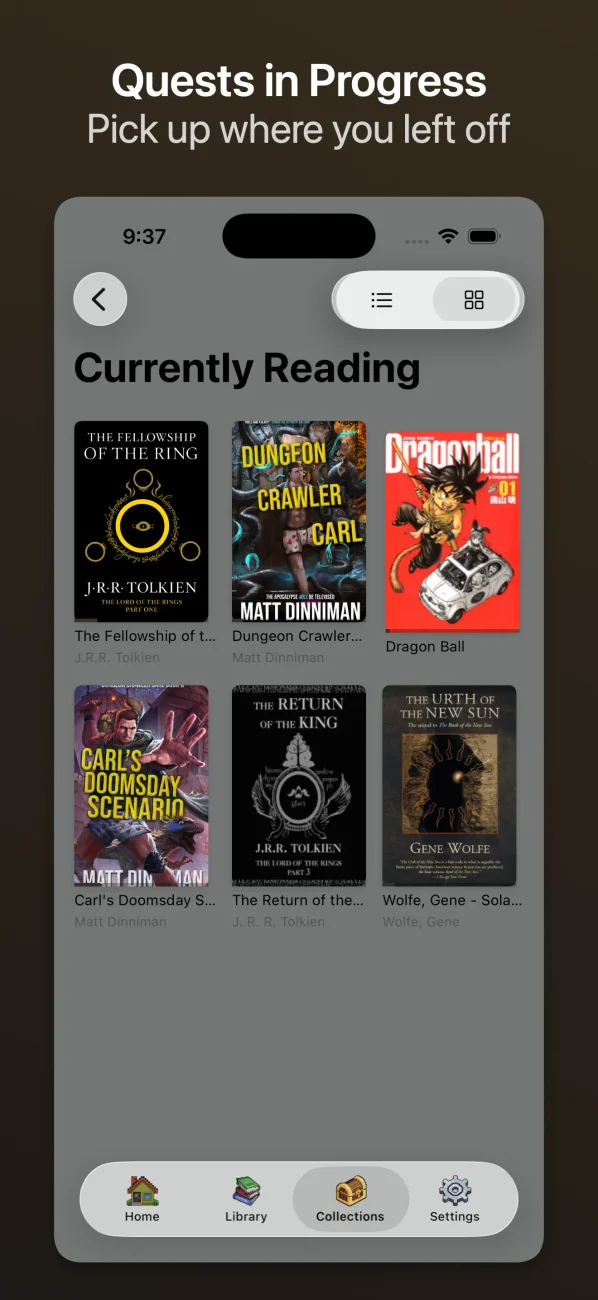
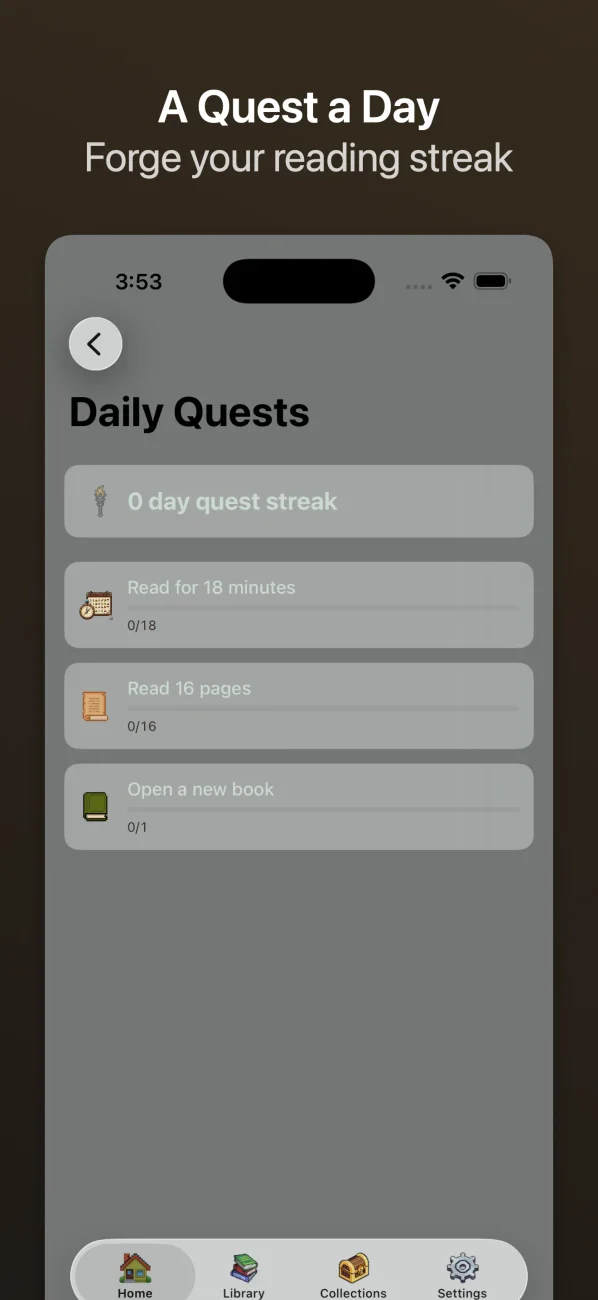
Daily quests, reading streaks, achievements, and a character sheet that levels up as you read. Every bit of it is free, and you can switch it off entirely if it isn't for you.
SYNCS ACROSS YOUR DEVICES
Your library, reading positions, bookmarks, and highlights follow you between iPhone, iPad, and Mac over iCloud. Books live in your own iCloud Drive, where you can reach them.
ASK FOR IT
Open any book with Siri, from Shortcuts, or straight from Spotlight search.
PRIVATE BY DESIGN
No account. No tracking. No analytics. No data collection. Book metadata lookups go to Open Library, and highlight export goes to Readwise only if you connect it yourself. Nothing else leaves your device.
FREE, PRO, AND PATRON
Reading every format is free, forever, along with bookmarks, highlights, search, read-aloud, sync, and the whole gamification system. A one-time Pro unlock adds unlimited annotations, highlight notes, export, the premium themes, and the full font set. Patron adds exclusive themes and alternate app icons. No subscription, ever.
Available in nine languages, on iPhone, iPad, and Mac.
Your library. Your files. Your quiver.
What’s new
Version 1.1.3 · Nov 22, 2026
Your books, your titles, a fresh start when you want one.
• Rename any book: tap the pencil on its detail screen, or use the menu on the book in your library
• Imported books no longer show placeholder titles like "Tagged PDF" or "Untitled" — QuiverBooks uses the file name instead
• Reset one book's reading progress from its detail screen or the library menu. Its reading sessions leave your stats too
• Start over from Settings: Reset All Reading Stats or Reset All Reading Progress. Earned achievements, bookmarks and highlights are kept, and every reset asks first
App privacy
What ShadowForge Limited Liability Company declares on the App Store about how this app handles data.
-
Data not linked to you
May be collected but is not linked to your identity.
- User content
Privacy practices may vary, for example with the features you use or your age.
Information
- Seller
- ShadowForge Limited Liability Company
- Category
- Books
- Version
- 1.1.3
- Updated
- Nov 22, 2026
- Released
- Jun 7, 2026
- Size
- 34.6 MB
- Requires
- iOS 26.0 or later
- Age rating
- 4+
- Price
- Free
- In-app purchases
- Yes
- Languages
- English, French, German, Italian, Japanese, Korean, Russian, Simplified Chinese, Spanish
- Copyright
- © 2026 ShadowForge LLC
You might also like
-
 AcademyxBooks
-
 Romance GoldRomance stories with audio
-
 Make Sense ReadingFocus Reading & Library
-
 Idyllic ReaderEbook, Comic & Manga Reader
-
 Unison ReaderBooks and audiobooks in sync
-
 Into BooksBooks
-
 Auren: Text to Speech ReaderListen to books, PDFs, links
-
 HuxNovelApp for your quality novels.
-
 Compendium AudiobooksListen and Read the Classics
-
 AuthorAZPrivate Vault: No AI. No Cloud