Radio Code for Renault Stereo
Security code generator
Designed for iPhone, iPad, iPod touch
$1.99 · In-app purchases
- Age rating4+
- CategoryUtilities
- DeveloperAleksandr Romanchev
- LanguagesEnglish+ 1 more
- Size38.3 MB
Links to the official App Store page
Download.org hosts no file of Radio Code for Renault Stereo. The button opens its official App Store page, published by Aleksandr Romanchev. Listing last checked on Nov 12, 2026.
Screenshots
About
Sometimes during the repair of the car, the battery is disconnected. After battery reconnected the radio is protected by a four digit code.
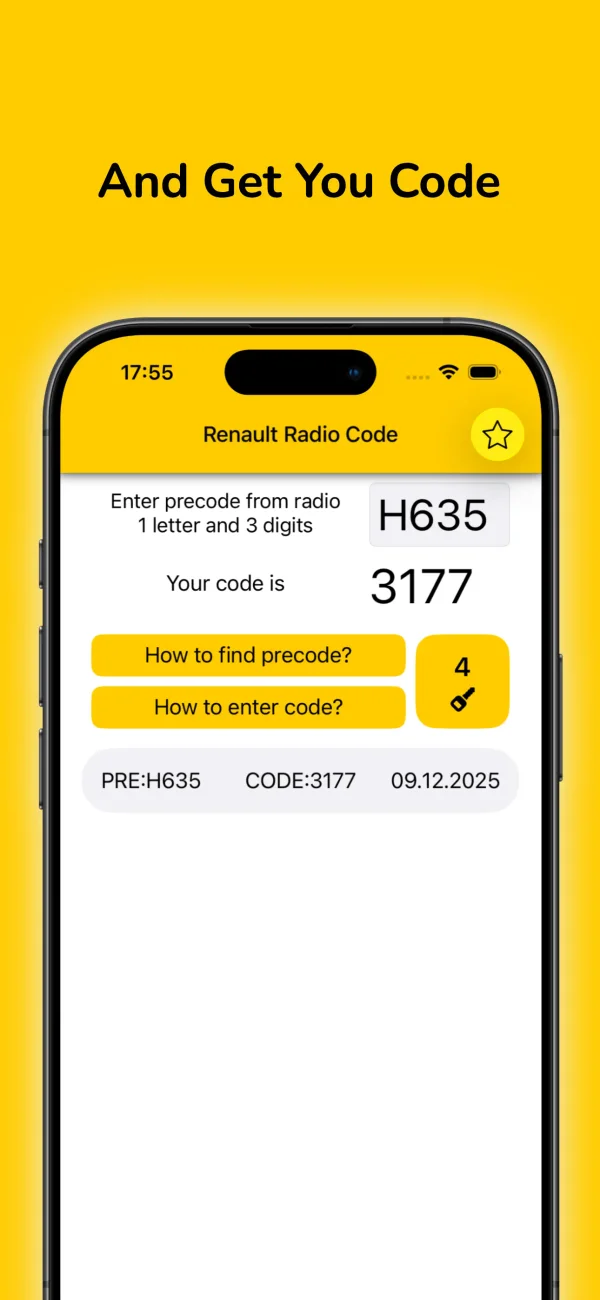
If you don't remember radio code or lost it, you can recover it quickly and easily with this app using precode.
Note: precode is located on the rear side of your radio.
ATTENTION: The number of generated codes is limited. When you purchase app you get 5 TOKENS, which gives you the opportunity to generate 5 codes. After the limit is exhausted, you can buy the required number of tokens by In-App purchases.
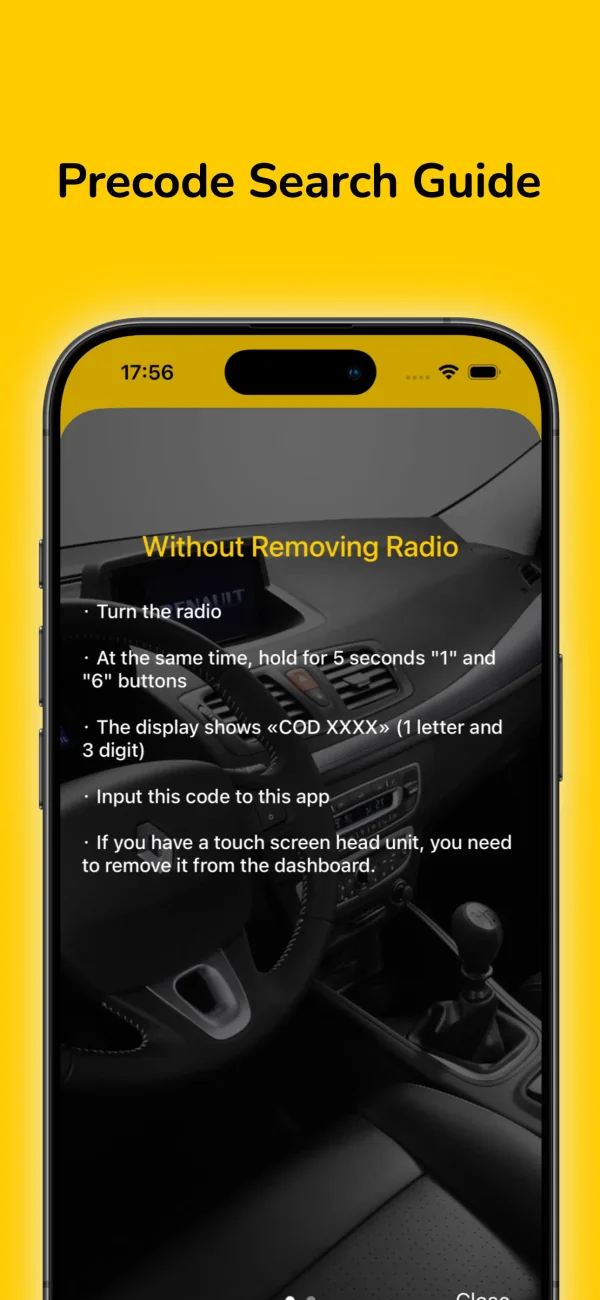
To find the precode:
- Turn the radio on and hold at the same time the button 1 and 6 (In some cases, it is necessary to remove the radio)
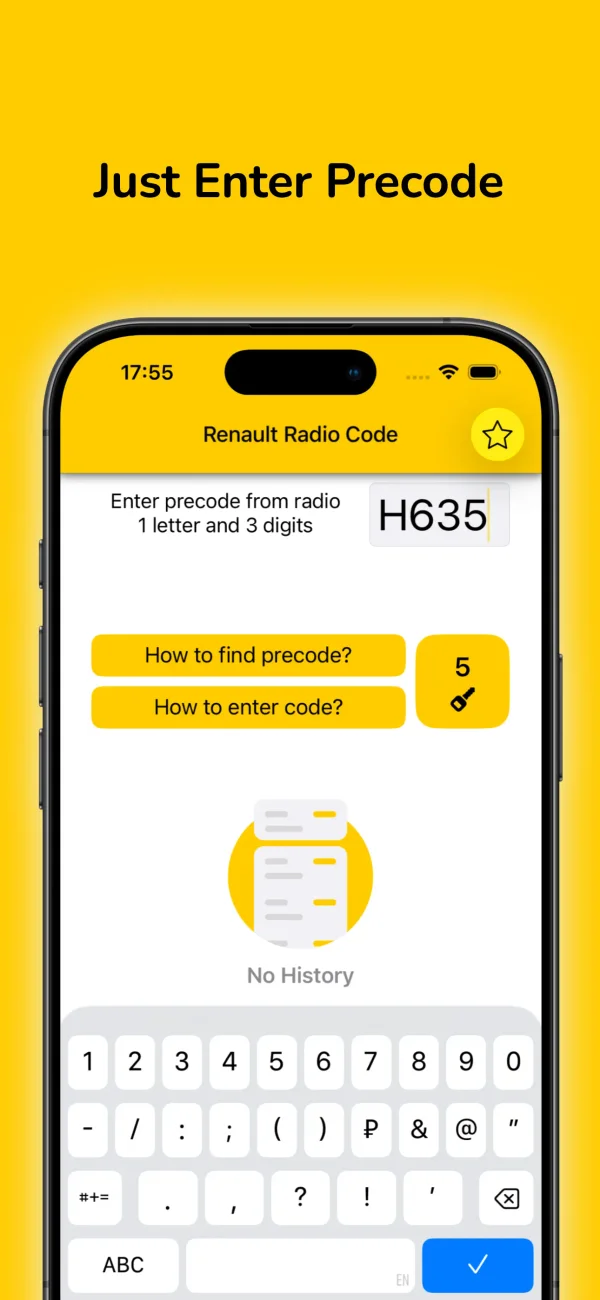
- See the unit precode. The precode consists of 1 letter and 3 digits. For example: V248, D833, H635
- Input precode to this app
How to input radio code ?
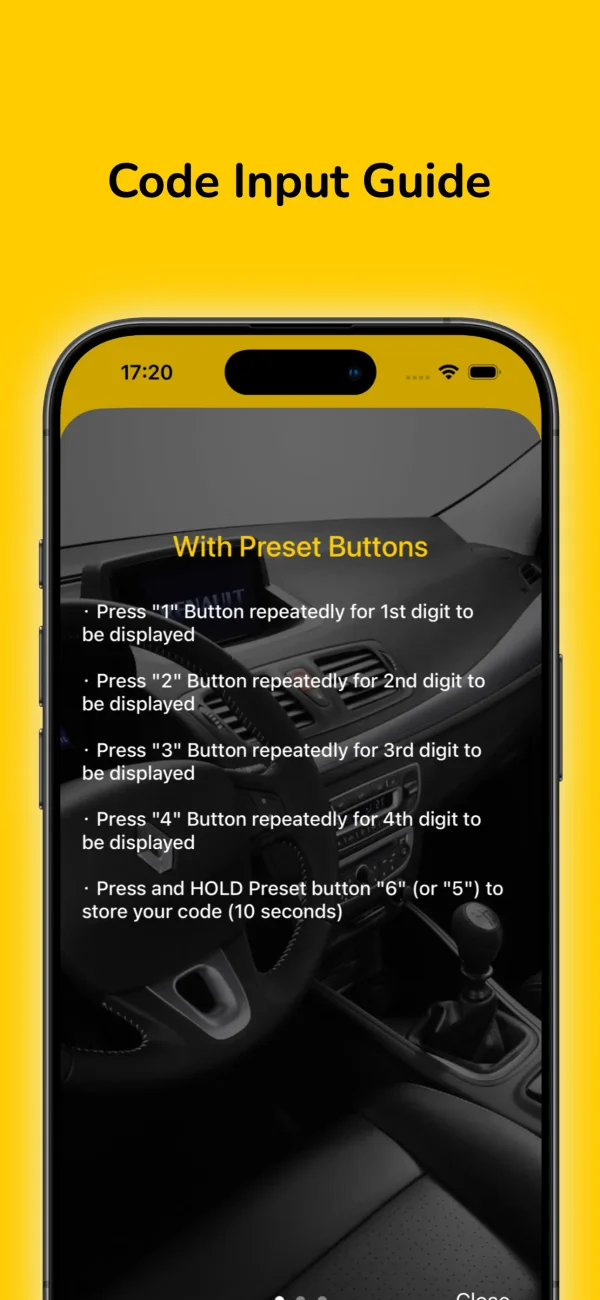
1. With Preset Buttons
・ Press 1 Button repeatedly for 1st digit to be displayed
・ Press 2 Button repeatedly for 2nd digit to be displayed
・ Press 3 Button repeatedly for 3rd digit to be displayed
・ Press 4 Button repeatedly for 4th digit to be displayed
・ Press and HOLD preset button 6 (or 5) to store your code (10 seconds)
2. With Stalk Control
・ Press switch on the CD radio. When CD will display 0 0 0 0.
・ Rotate the thumb wheel for the 1st digit. Next press the bottom button to move on.
・ Rotate the thumb wheel for the 2nd digit. Next press the bottom button to move on.
・ Rotate the thumb wheel for the 3rd digit. Next press the bottom button to move on.
・ Rotate the thumb wheel for the 4th digit.
・ Press and hold the bottom button button to finish.
3. With Remote Control
・ Press the [ ¬] button then rotate the thumb wheel for 1st digit
・ Press the [ ¬] button then rotate the thumb wheel for 2nd digit
・ Press the [ ¬] button then rotate the thumb wheel for 3rd digit
・ Press the [ ¬] button then rotate the thumb wheel for 3rd digit
・ Press and hold the [ ¬] button to store the code (10 seconds)
Please support us with your reviews in AppStore, it's very important for new users! Thank you!
If you experience difficulties with the app, please contact us.
support@kcandr.ru
What’s new
Version 2.1 · Dec 11, 2025
ATTENTION: The number of generated codes is limited in version 2.1. When you update app you get 5 TOKENS, which gives you the opportunity to generate 5 codes. After the limit is exhausted, you can buy the required number of tokens by In-App purchases.
- iOS adoption
- backend updates
- token store
App privacy
What Aleksandr Romanchev declares on the App Store about how this app handles data.
-
Data not linked to you
May be collected but is not linked to your identity.
- Usage data
- Diagnostics
Privacy practices may vary, for example with the features you use or your age.
Information
- Seller
- Aleksandr Romanchev
- Category
- Utilities
- Version
- 2.1
- Updated
- Dec 11, 2025
- Released
- Jun 9, 2016
- Size
- 38.3 MB
- Requires
- iOS 15.6 or later
- Age rating
- 4+
- Price
- $1.99
- In-app purchases
- Yes
- Languages
- English, French
- Copyright
- © Aleksandr Romanchev
You might also like
-
 Radio Code Master: UnlockRenault Dacia Ford Stereo
-
 Car Radio Code Unlock - RenaStereo Decoder & Code Finder
-
 Radio Code RenaultUnlock your radio.
-
 Radio Decoder for RenaultUnlocking your Renault radio
-
 Car Radio Code UnlockCodes for VW, Renault & Ford
-
 Radio code for Renault DaciaRadio code for Renault Dacia
-
 CustomEasyUtilities
-
 HolyricsUtilities
-
 ThinkDiag+Utilities
-
 ShiftPowerUtilities