Radio Decoder for Renault
Unlocking your Renault radio
Designed for iPhone, iPad, iPod touch
Free
- Age rating4+
- CategoryUtilities
- DeveloperLuke Sadler
- LanguagesEnglish+ 3 more
- Size1.9 MB
Links to the official App Store page
Download.org hosts no file of Radio Decoder for Renault. The button opens its official App Store page, published by Luke Sadler. Listing last checked on Nov 24, 2026.
Screenshots
About
Welcome to my ‘Renault Radio Code’ app. This app is, and always will be, free. I strongly believe that you should be able to unlock and use your own personal radio without spending money on apps to tell you the code. If you like this app or appreciate that I am not charging you for this information, please consider leaving a review on the App Store to let others know that this is the real deal :)
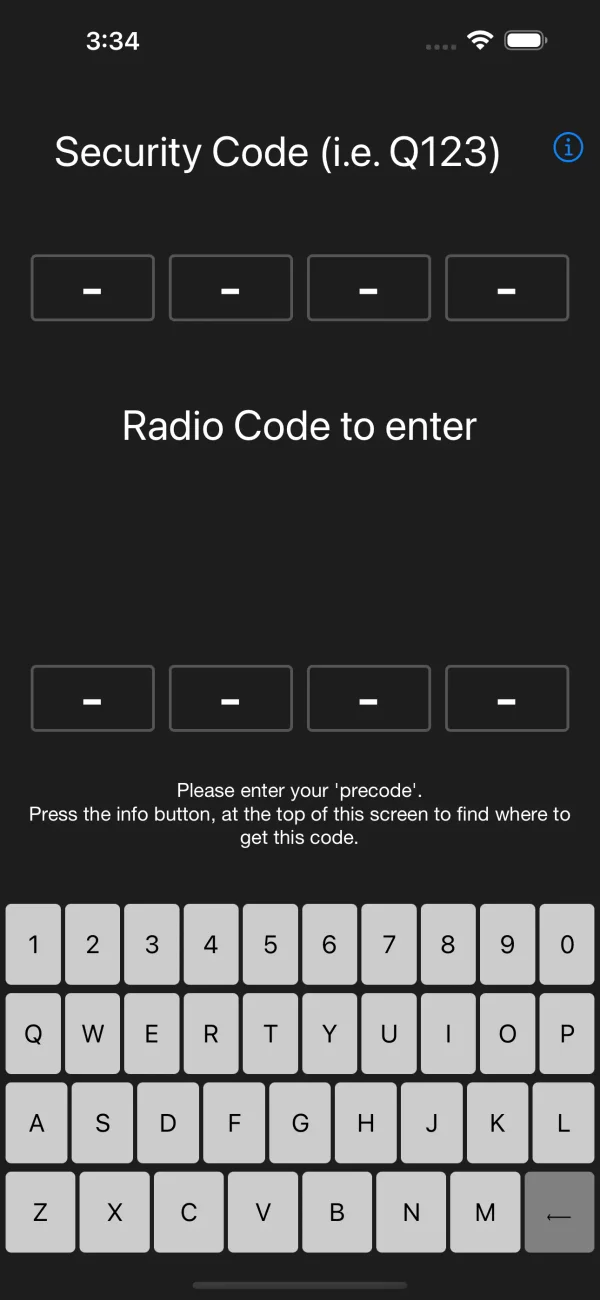
To use this app you will firstly need the security code.
There are 2 ways to get this code:
Method 1
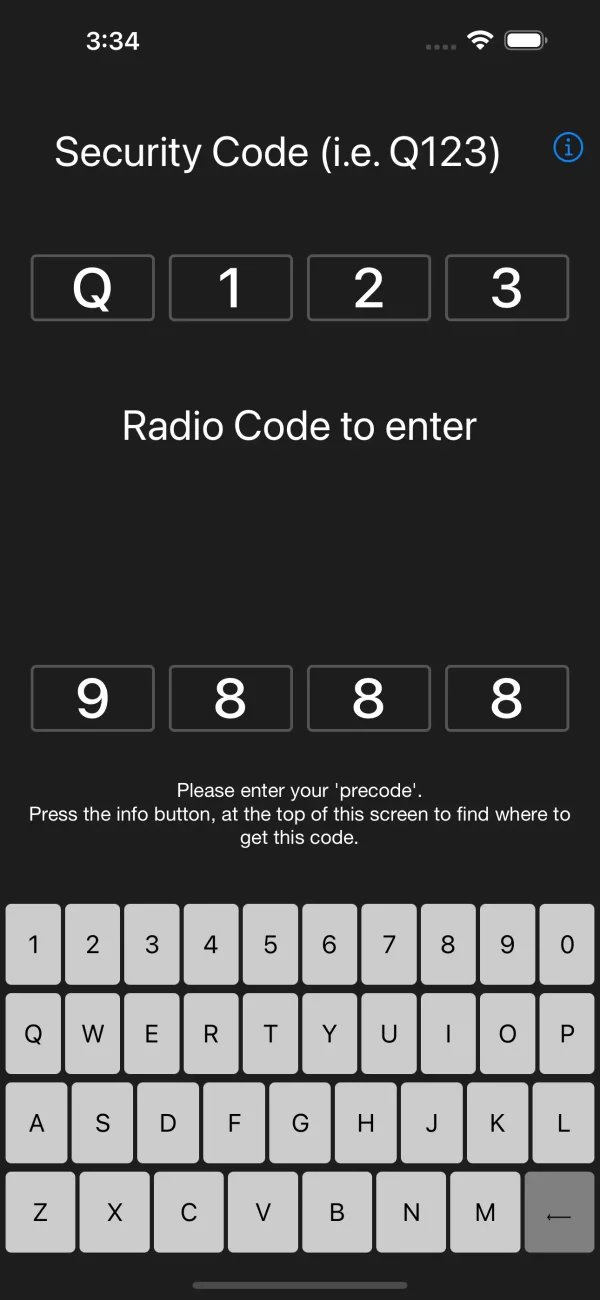
If your radio is still unlocked, press button 1 and 6 at the same time. This will display a code such as Q123.
Method 2
The code can be found on side or back of your radio. A special tool may be required. Ask at your local automobile parts supplier and follow the instructions carefully.
To find the code, you will need to remove the radio unit from the dashboard to locate the 4 digit code. This can be found before the word ‘Security’. For example, it might say ‘Q123-Security’. By entering that code into this app, it will generate your radio code.
Once you have reinstalled the radio back into the car, you will be asked a 4 number code to enable the radio.
Take the 4 numbers, that were generated in this app, and enter it. This will instantly unlock your radio.
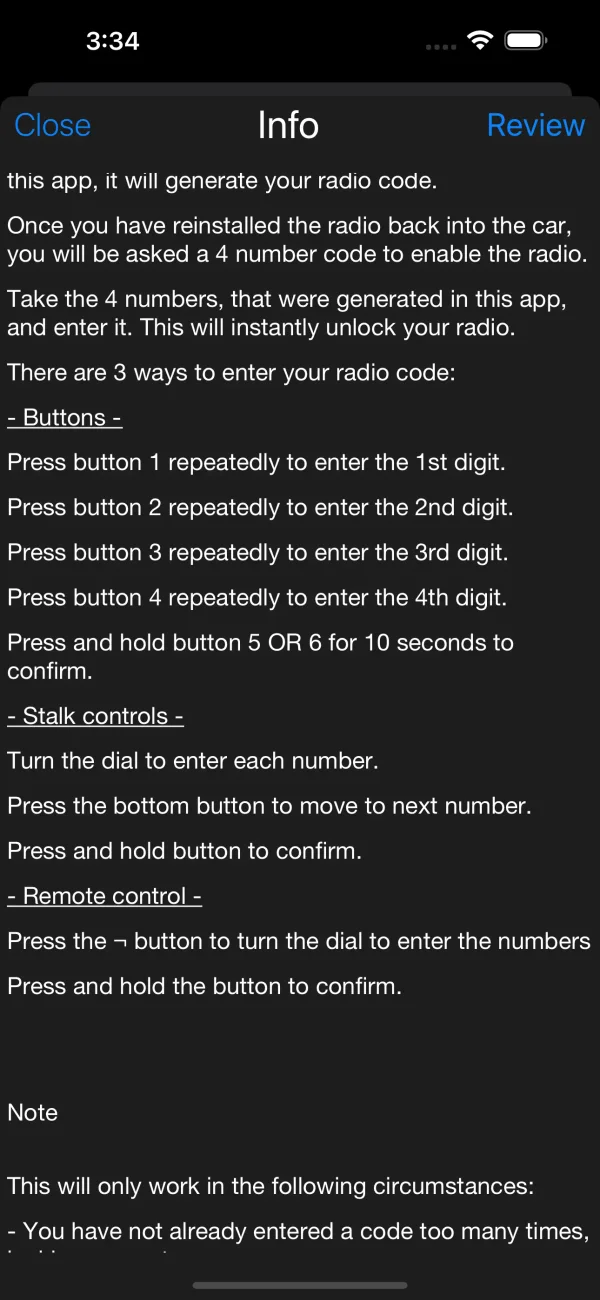
There are 3 ways to enter your radio code:
Buttons
Press button 1 repeatedly to enter the 1st digit.
Press button 2 repeatedly to enter the 2nd digit.
Press button 3 repeatedly to enter the 3rd digit.
Press button 4 repeatedly to enter the 4th digit.
Press and hold button 5 or 6 for 10 seconds to confirm.
Stalk controls
Turn the dial to enter each number.
Press the bottom button to move to next number.
Press and hold button to confirm.
Remote control
Press the ¬ button to turn the dial to enter the numbers
Press and hold the button to confirm.
Note
This will only work in the following circumstances:
- You have not already entered a code too many times, locking you out.
- You enter the ‘Radio Code to enter’ code correctly into a Renault radio.
I will not be held responsible for the following (but not limited to) incidents:
- A code is entered incorrectly, causing a lockout/ bricking
- A code is entered in to a 3rd party radio, causing lockout/ bricking
- You don’t like the user interface of this app.
Happy repairing.
What’s new
Version 1.0.4 · Aug 26, 2025
Update info view layout
App privacy
What Luke Sadler declares on the App Store about how this app handles data.
-
Data not linked to you
May be collected but is not linked to your identity.
- Usage data
Privacy practices may vary, for example with the features you use or your age.
Information
- Seller
- Luke Sadler
- Category
- Utilities
- Version
- 1.0.4
- Updated
- Aug 26, 2025
- Released
- Mar 27, 2019
- Size
- 1.9 MB
- Requires
- iOS 13.0 or later
- Age rating
- 4+
- Price
- Free
- Languages
- English, French, Portuguese, Turkish
- Copyright
- © Luke Sadler 2024
You might also like
-
 Radio Code RenaultUnlock your radio.
-
 Radio code for Renault DaciaRadio code for Renault Dacia
-
 Radio Code Master: UnlockRenault Dacia Ford Stereo
-
 Car Radio Code UnlockCodes for VW, Renault & Ford
-
 Car Radio Code Unlock - RenaStereo Decoder & Code Finder
-
 Radio Code: VW, Skoda, SeatGolf, Polo, Passat, RNS, RCD
-
 Ford Radio Code GeneratorFocus, Fiesta, Mondeo, Transit
-
 Radio Code Generator & FinderCar Radio Code Unlocker
-
 CustomEasyUtilities
-
 OBDocker - OBD2 Car ScannerDiagnose, Service, Modify Cars