Radio Decoder for Renault
Unlocking your Renault radio
iPhone, iPad, iPod touch向けに設計
無料
- 対象年齢4+
- カテゴリユーティリティ
- 開発元Luke Sadler
- 言語英語ほか3言語
- サイズ1.9 MB
App Storeの公式ページにリンクしています
Download.orgはRadio Decoder for Renaultのファイルを一切ホストしていません。ボタンを押すと、Luke Sadlerが公開しているApp Storeのアプリページが開きます。ページの最終確認:2026/11/24。
スクリーンショット
概要
開発元はこのテキストをお使いの言語で提供していません。
Welcome to my ‘Renault Radio Code’ app. This app is, and always will be, free. I strongly believe that you should be able to unlock and use your own personal radio without spending money on apps to tell you the code. If you like this app or appreciate that I am not charging you for this information, please consider leaving a review on the App Store to let others know that this is the real deal :)
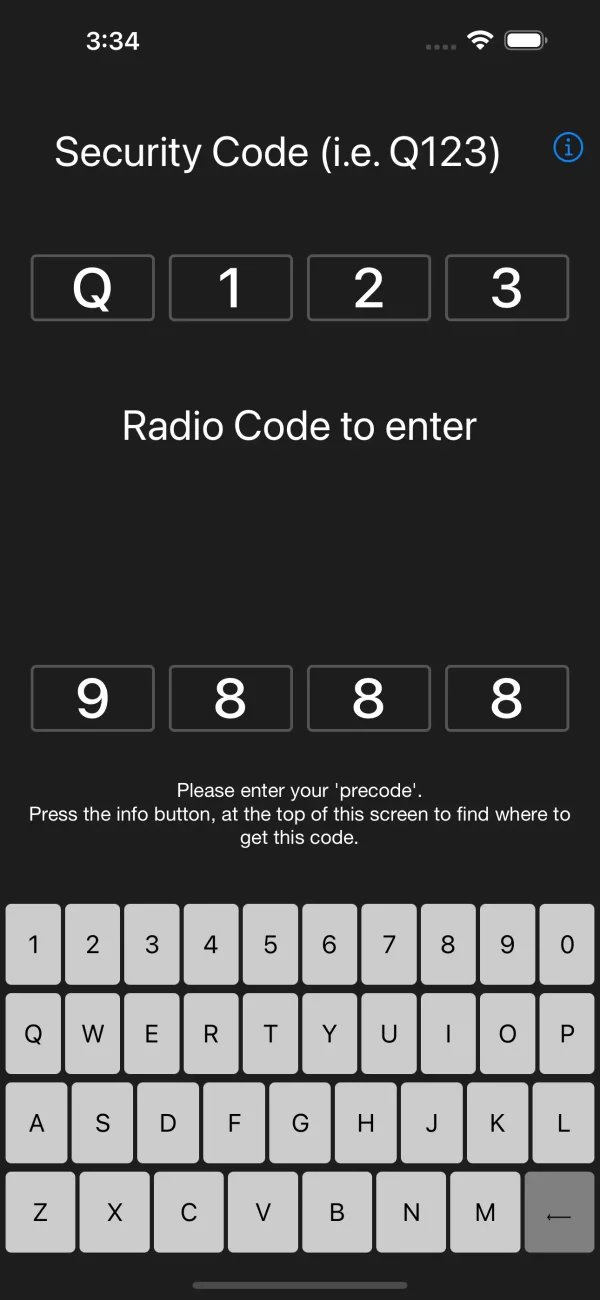
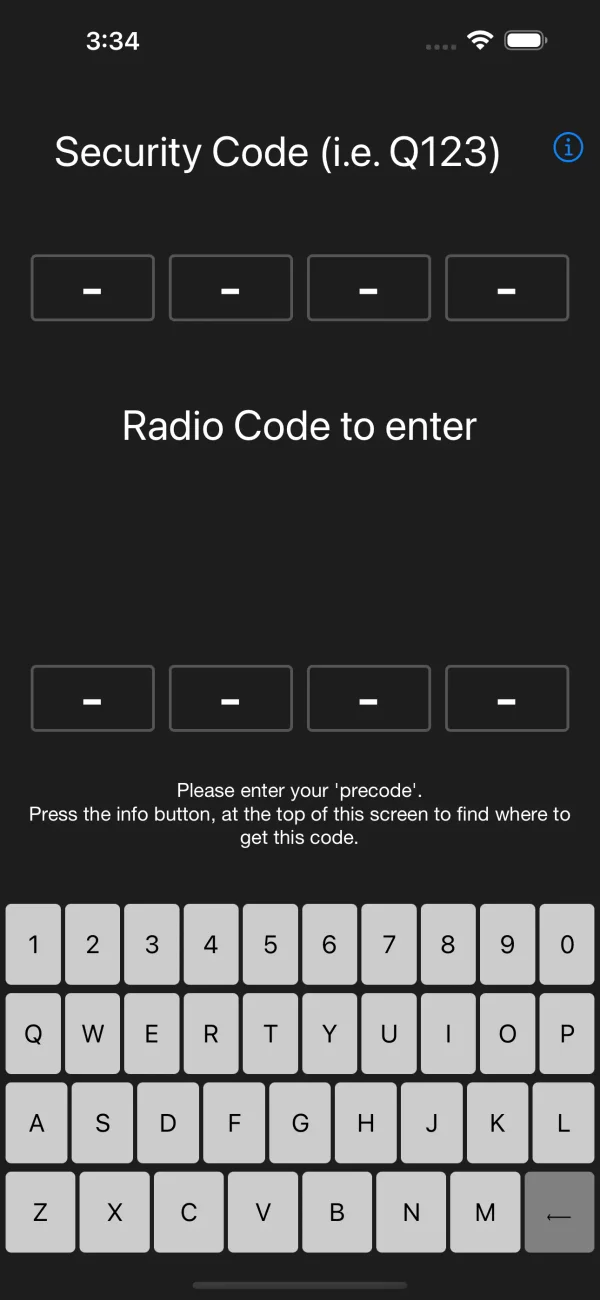
To use this app you will firstly need the security code.
There are 2 ways to get this code:
Method 1
If your radio is still unlocked, press button 1 and 6 at the same time. This will display a code such as Q123.
Method 2
The code can be found on side or back of your radio. A special tool may be required. Ask at your local automobile parts supplier and follow the instructions carefully.
To find the code, you will need to remove the radio unit from the dashboard to locate the 4 digit code. This can be found before the word ‘Security’. For example, it might say ‘Q123-Security’. By entering that code into this app, it will generate your radio code.
Once you have reinstalled the radio back into the car, you will be asked a 4 number code to enable the radio.
Take the 4 numbers, that were generated in this app, and enter it. This will instantly unlock your radio.
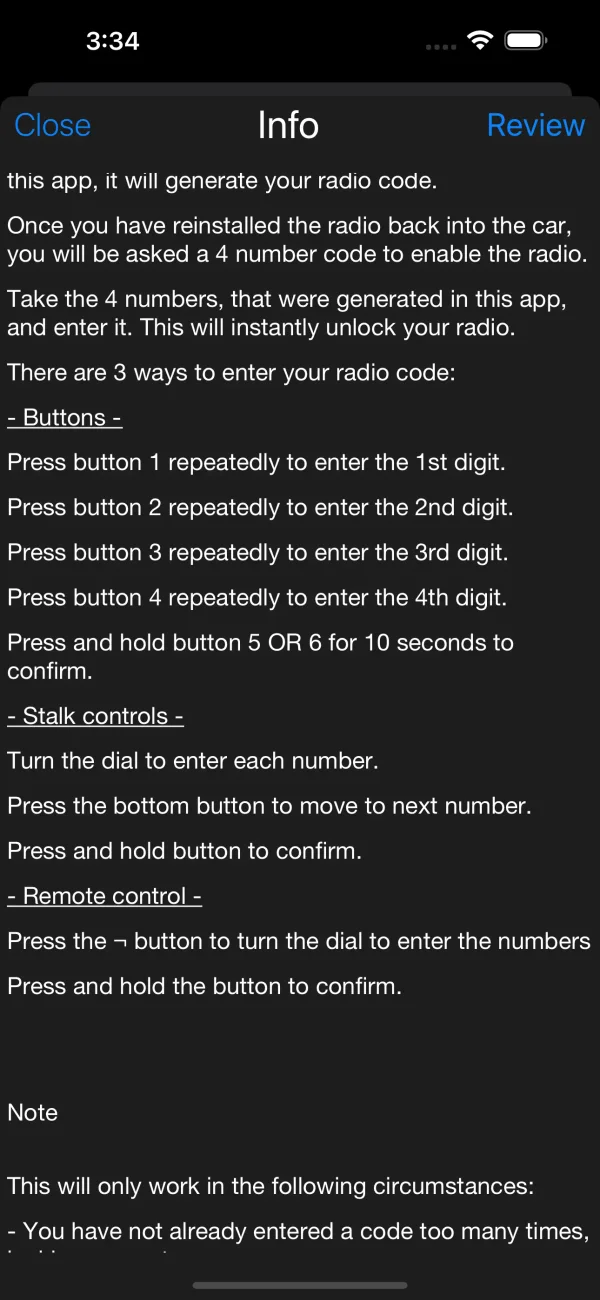
There are 3 ways to enter your radio code:
Buttons
Press button 1 repeatedly to enter the 1st digit.
Press button 2 repeatedly to enter the 2nd digit.
Press button 3 repeatedly to enter the 3rd digit.
Press button 4 repeatedly to enter the 4th digit.
Press and hold button 5 or 6 for 10 seconds to confirm.
Stalk controls
Turn the dial to enter each number.
Press the bottom button to move to next number.
Press and hold button to confirm.
Remote control
Press the ¬ button to turn the dial to enter the numbers
Press and hold the button to confirm.
Note
This will only work in the following circumstances:
- You have not already entered a code too many times, locking you out.
- You enter the ‘Radio Code to enter’ code correctly into a Renault radio.
I will not be held responsible for the following (but not limited to) incidents:
- A code is entered incorrectly, causing a lockout/ bricking
- A code is entered in to a 3rd party radio, causing lockout/ bricking
- You don’t like the user interface of this app.
Happy repairing.
新機能
バージョン 1.0.4 · 2025/8/26
Update info view layout
アプリのプライバシー
このアプリのデータの取り扱いについて、Luke SadlerがApp Storeで申告している内容です。
-
ユーザーに関連付けられないデータ
収集される場合がありますが、ユーザーの識別情報には関連付けられません。
- 使用状況データ
プライバシーの取り扱いは、ご利用の機能やお客様の年齢などに応じて異なる場合があります。
情報
- 販売元
- Luke Sadler
- カテゴリ
- ユーティリティ
- バージョン
- 1.0.4
- 更新日
- 2025/8/26
- リリース
- 2019/3/27
- サイズ
- 1.9 MB
- 必要条件
- iOS 13.0以降
- 対象年齢
- 4+
- 価格
- 無料
- 言語
- 英語, フランス語, ポルトガル語, トルコ語
- 著作権
- © Luke Sadler 2024
こちらもおすすめ
-
 Radio Code Renaultユーティリティ
-
 ルノーダシアのラジオコードルノーダシアのラジオコード
-
 Radio Code Master: Unlockユーティリティ
-
 Car Radio Code Unlockユーティリティ
-
 Car Radio Code Unlock - Renaユーティリティ
-
 Radio Code: VW, Skoda, Seatユーティリティ
-
 Ford Radio Code Generatorユーティリティ
-
 Radio Code Generator & Finderユーティリティ
-
 CustomEasyユーティリティ
-
 OBDocker - OBD2 Car Scannerユーティリティ