Ragondin Assistant
Private AI that runs offline
Designed for iPhone
In-app purchases
- Age rating12+
- CategoryProductivity
- DeveloperRagondin Dev
- LanguagesEnglish
- Size145.2 MB
Links to the official App Store page
Download.org hosts no file of Ragondin Assistant. The button opens its official App Store page, published by Ragondin Dev. Listing last checked on Nov 12, 2026.
Screenshots


About
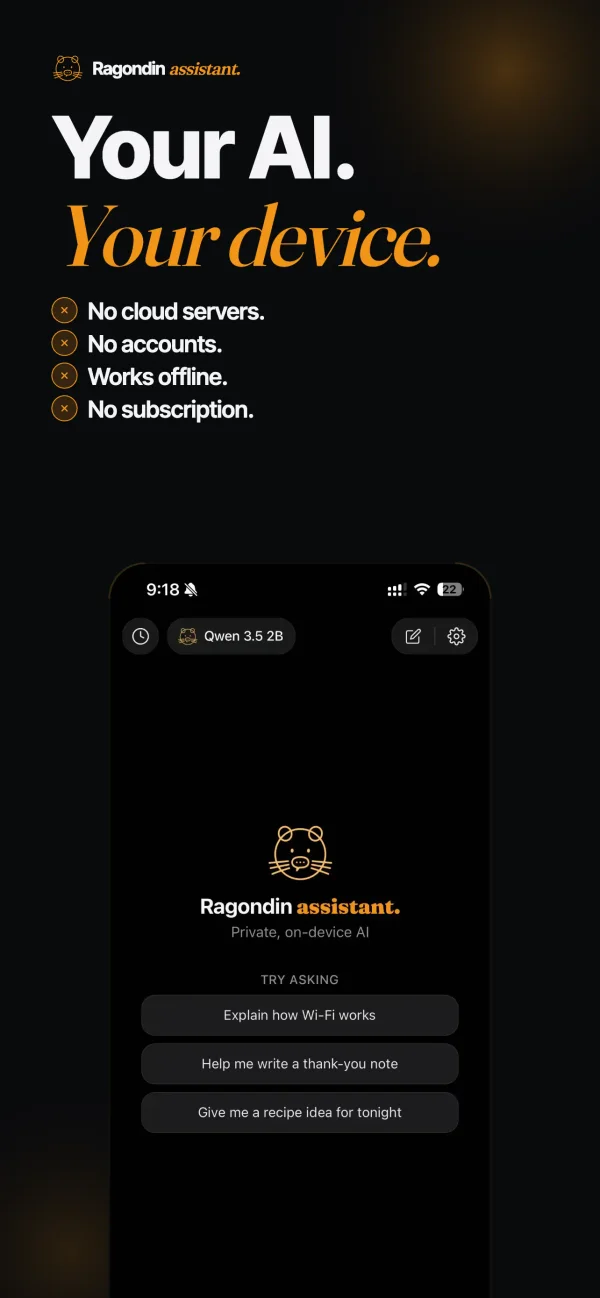
Ask questions, summarize, and draft messages with an AI that runs on your iPhone. It keeps answering with no internet, no account, and nothing sent to a server.
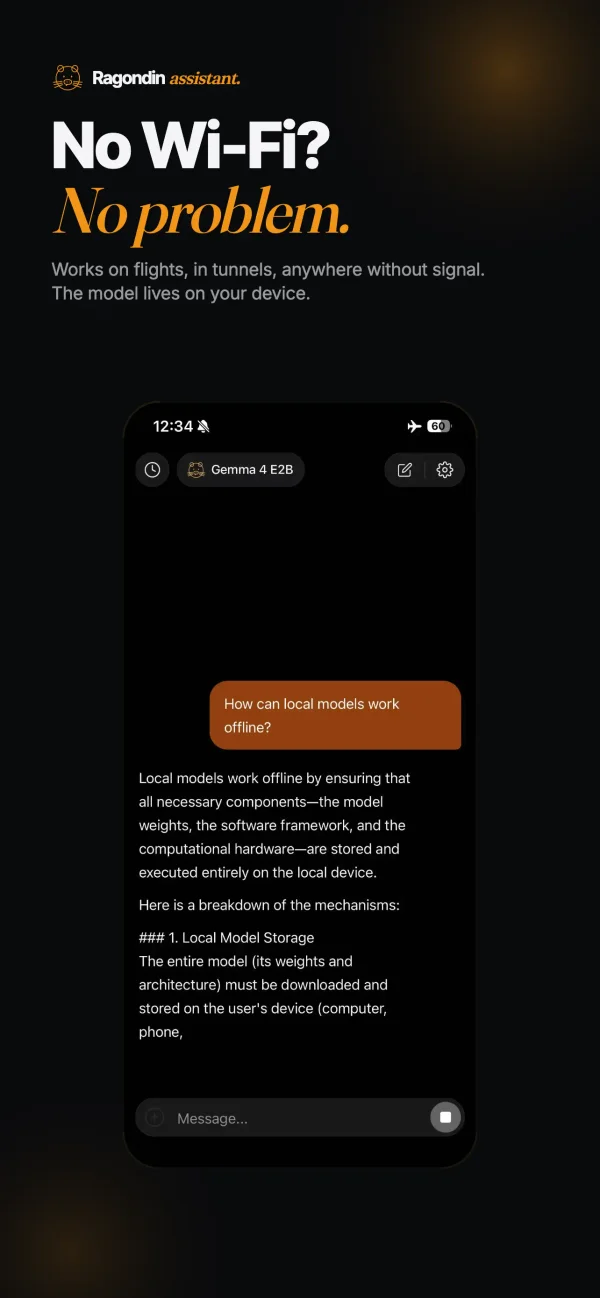
Ragondin Assistant downloads an AI model to your phone once, then runs it right there: on a plane, on the subway, or in airplane mode.
BEFORE YOU START
• The first launch downloads one model, picked to fit your iPhone: about 0.5 to 1.6 GB. Use Wi-Fi and keep the app open until it finishes. The download pauses if you leave the app and picks up again when you come back.
• Answers are made by your iPhone’s own chip: quick on recent iPhones, slower on older ones. A model small enough for a phone knows less than a large cloud chatbot.
• You can add bigger models later, up to about 4 GB each. The model list shows which ones fit your phone’s memory.
WHAT YOU CAN DO
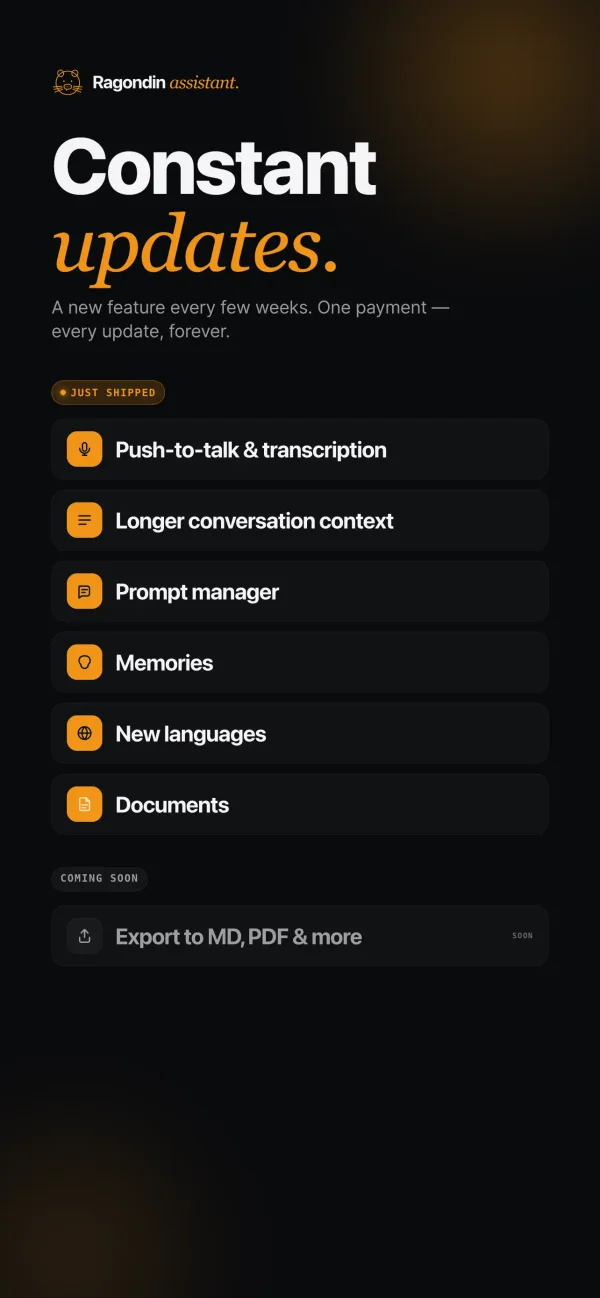
• Ask questions and think ideas through
• Summarize text, notes and PDFs
• Draft and rewrite emails and messages
• Dictate instead of typing (speech-to-text also runs on the phone)
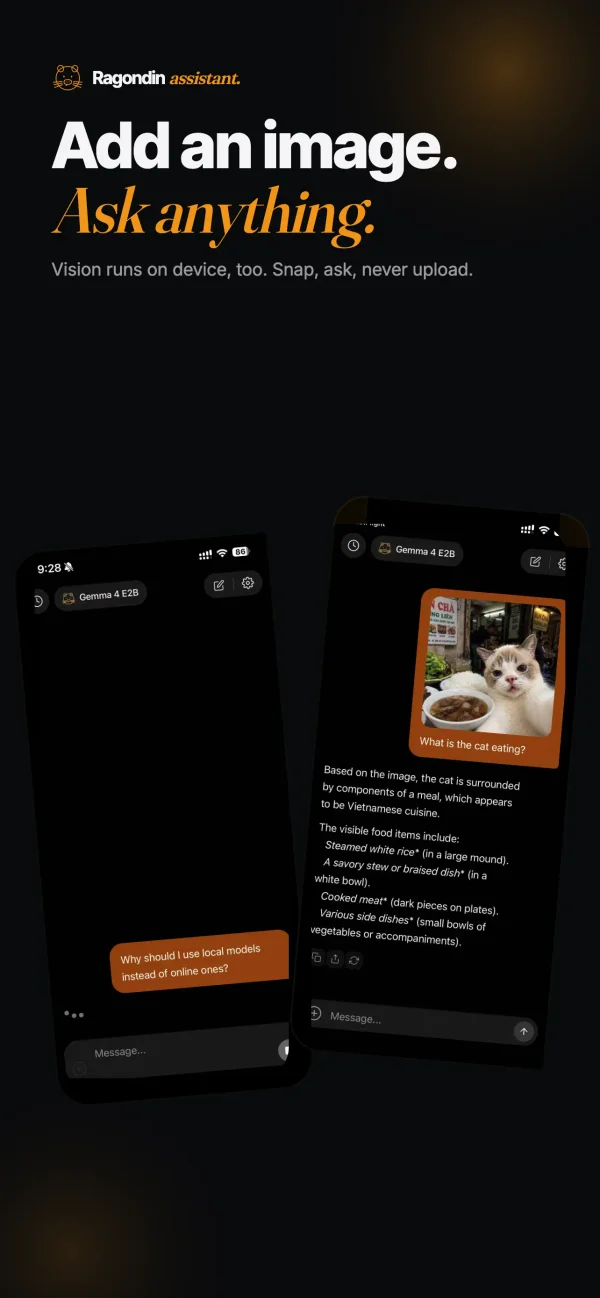
• Ask about a photo: a menu, a receipt, a screenshot. This needs the photo-reading model, about 4 GB with image understanding
• Make pictures right on the phone, offline, on an iPhone with 8 GB of memory (iPhone 15 Pro, iPhone 16 or newer). It takes a one-time download of about 6 GB, and a 512-pixel picture takes a few minutes. With a linked Core, the Core makes your pictures instead.
• Save your own instructions and reuse them in any chat
• Let it remember useful facts from your chats; you can read, edit or delete every memory
• Use the app in English, French or Chinese
PRIVATE BY DEFAULT
Out of the box, your messages, photos and conversations are processed and stored on your iPhone. There is no account, no sign-up and no analytics in the app.
Three optional features use the internet. All three are off until you turn them on:
• Web Search sends your search query from your phone to DuckDuckGo.
• Web Scraping opens the web pages the AI asks to read, straight from your phone, so those sites see the request.
• Linking a Ragondin Core (a computer you or your team runs) sends your chats to that Core, so you can use its bigger models and find your conversations on your other devices.
WORKS OFFLINE
Once your model is downloaded, chatting needs no connection at all. Use it while traveling, on flights, or anywhere without a signal.
PRICING
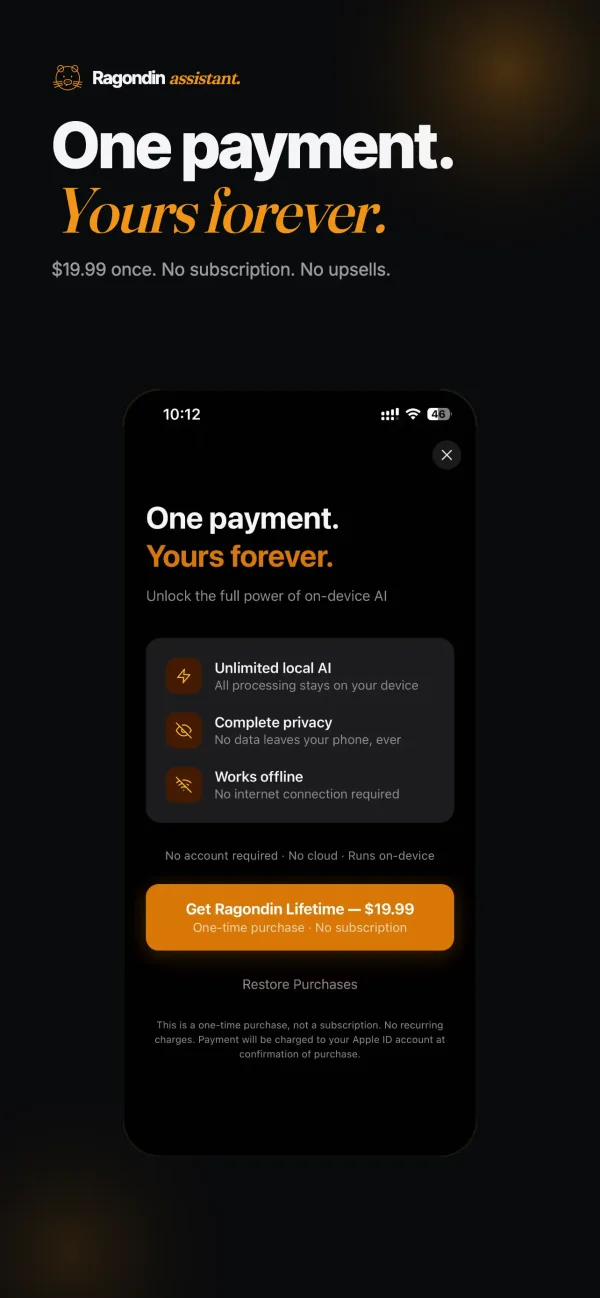
Try every feature free for 7 days, with no payment to start. To keep using the app after the trial, unlock it with a single in-app purchase. It is a one-time purchase, not a subscription: no recurring charges.
REQUIREMENTS
• iOS 16.4 or later
• Free storage for the model you choose: 0.5 GB to about 4 GB, plus about 6 GB for making pictures on the phone
• The largest models need an iPhone with 6 to 8 GB of memory
• Making pictures on the phone needs 8 GB of memory: iPhone 15 Pro, iPhone 16 or newer
Terms of Use: https://assistant.ragondin.ai/terms
Privacy Policy: https://assistant.ragondin.ai/privacy-policy
OPEN-SOURCE MODELS
Ragondin Assistant uses Gemma and Qwen open-source models.
“Gemma” is a trademark of Google LLC.
“Qwen” is a trademark of Alibaba Cloud.
Ragondin Assistant is independently developed and is not affiliated with, endorsed by, or sponsored by Google or Alibaba.
What’s new
Version 1.0.5 · Oct 31, 2026
Pictures arrive in Ragondin Assistant.
• Ask for a picture and the answer carries a card: the prompt, the model and what it will cost. Nothing is made until you tap Generate.
• Make pictures right on the phone, offline, on an iPhone with 8 GB of memory (iPhone 15 Pro, iPhone 16 or newer), or with your linked Ragondin Core.
• Finished pictures show as thumbnails, open in a full-screen viewer, and collect in a gallery.
• With a linked Core, answers can read the web and draw on your Brain.
• Models are named for what they do: Fastest, Quick, Everyday, Best.
• A failed answer now says why, and a long chat retries with a shorter window.
• Clearer privacy wording: only Web Search, Web Scraping and Core linking send data out, and all three are off until you turn them on.
App privacy
What Ragondin Dev declares on the App Store about how this app handles data.
-
Data linked to you
May be collected and linked to your identity.
- User content
Privacy practices may vary, for example with the features you use or your age.
Information
- Seller
- Ragondin Dev Inc
- Category
- Productivity
- Version
- 1.0.5
- Updated
- Oct 31, 2026
- Released
- May 25, 2026
- Size
- 145.2 MB
- Requires
- iOS 16.4 or later
- Age rating
- 12+
- In-app purchases
- Yes
- Languages
- English
- Copyright
- © 2026 Ragondin Dev
You might also like
-
 QuickLLM - AI Model ManagerOn-device AI, RAG & Summaries
-
 GraspAIChatBedrock AI in your pocket
-
 Jin MobileDictate, Notes, Meetings, AI
-
 OS OneYour personal agent
-
 Stashwise: AI Second BrainTeach AI to use your knowledge
-
 Quenderin: Offline AI ChatOn-device, private LLM
-
 HANK - AI Side HustleWorks for you while you sleep.
-
 rag-boton-device-ai chat w/ documents
-
 Deep Chatbot: All AI in OneChat GPT,Claude,Gemini & Ask
-
 ScribenAI pen: notes, memory, action