Random Picker: Name Wheel
Spin to Pick, Group & Match
Designed for iPhone, iPad, Mac
Free
- Age rating4+
- CategoryEducation
- DeveloperJulius Bjerrekaer
- LanguagesEnglish+ 4 more
- Size5.2 MB
Links to the official App Store page
Download.org hosts no file of Random Picker: Name Wheel. The button opens its official App Store page, published by Julius Bjerrekaer. Listing last checked on Nov 20, 2026.
Screenshots
About
Spin the wheel. Pick a name. Make groups. Pair names with outcomes. Name Wheel makes random selection fast, fair, and fun — for classrooms, team meetings, giveaways, parties, chore nights, and anywhere you need to choose randomly.
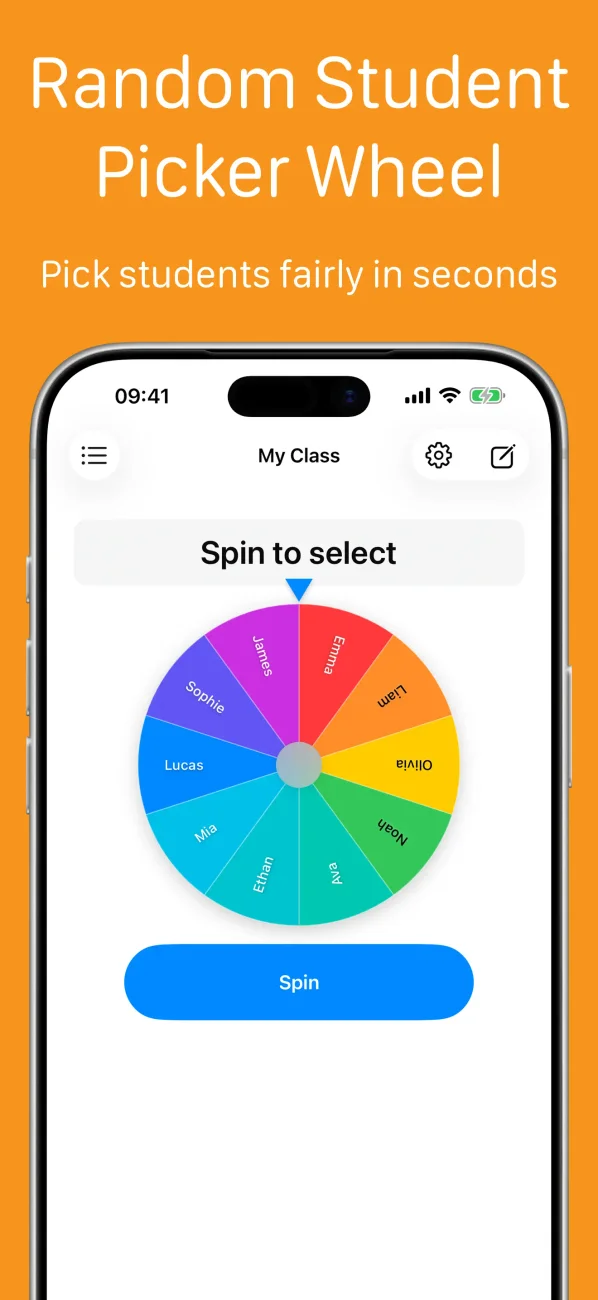
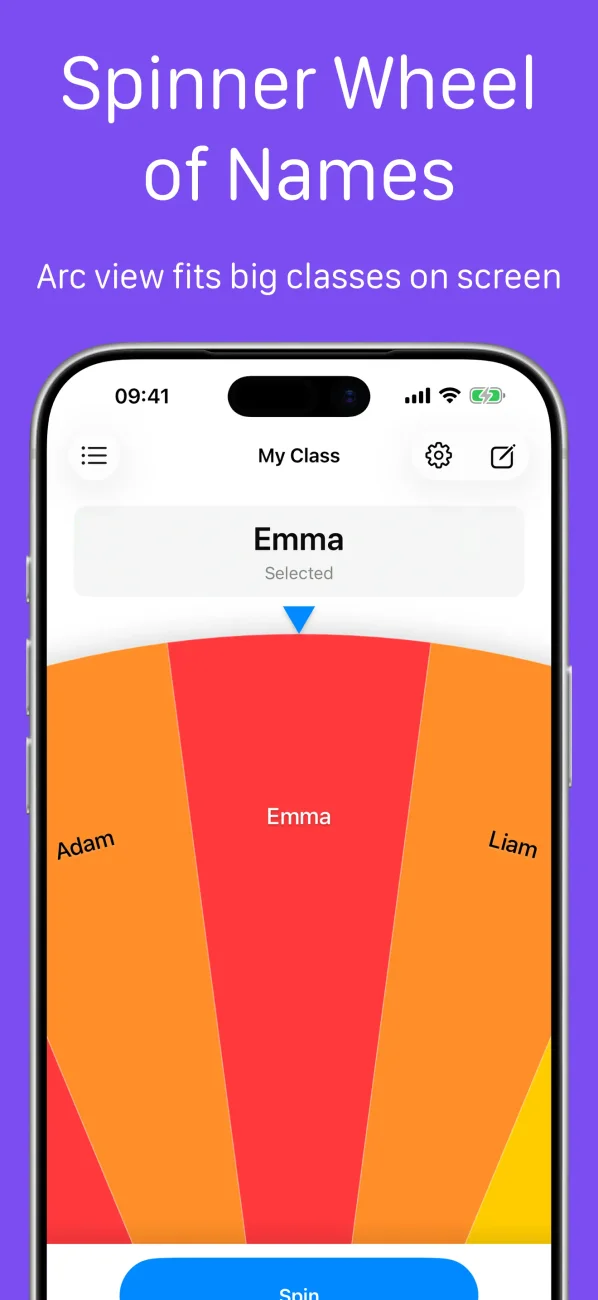
SPIN THE WHEEL
- Colorful spinning wheel with smooth, satisfying animations
- Multiple color themes
- Arc mode for big lists — names stay readable even with 60+ entries
- Remove After Selection: picked names drop off until you reset
- Sound effects with every spin
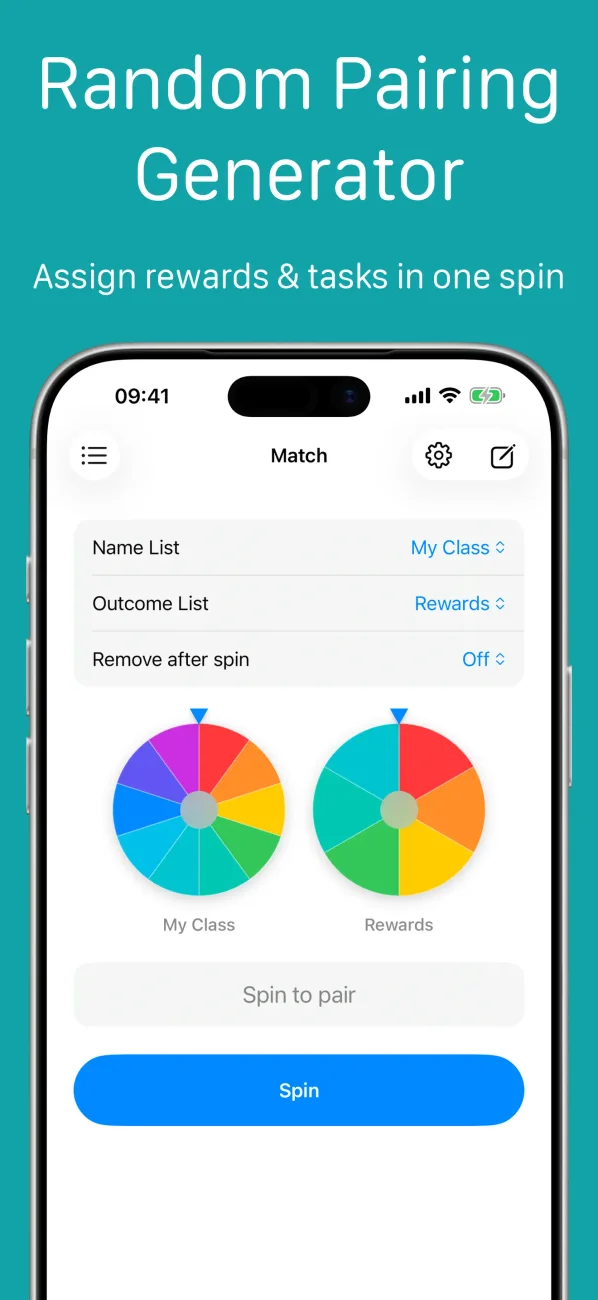
MATCH — NEW IN 3.0
Pair every name with a random outcome from a second list. Perfect for:
- Assigning prizes in a class raffle (name → prize)
- Handing out chores or tasks (person → chore)
- Building random pairings for games, icebreakers, or team exercises
Set "Remove after spin" to Names, Outcomes, or Both — and every spin deals a unique, non-repeating pair until everyone is matched.
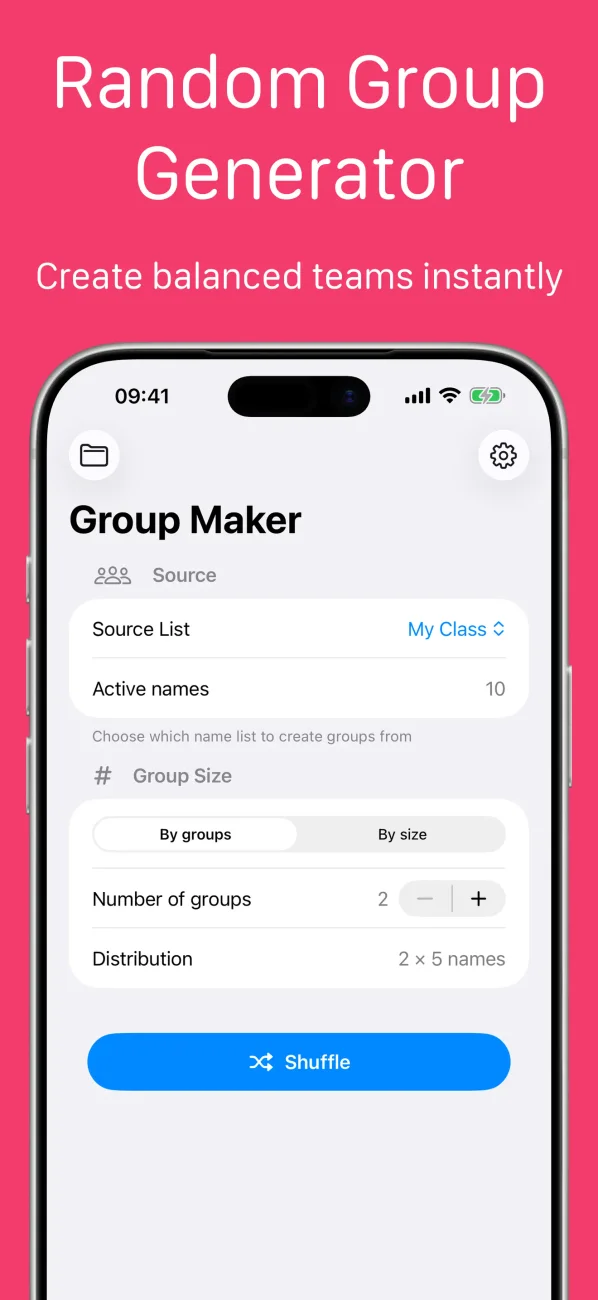
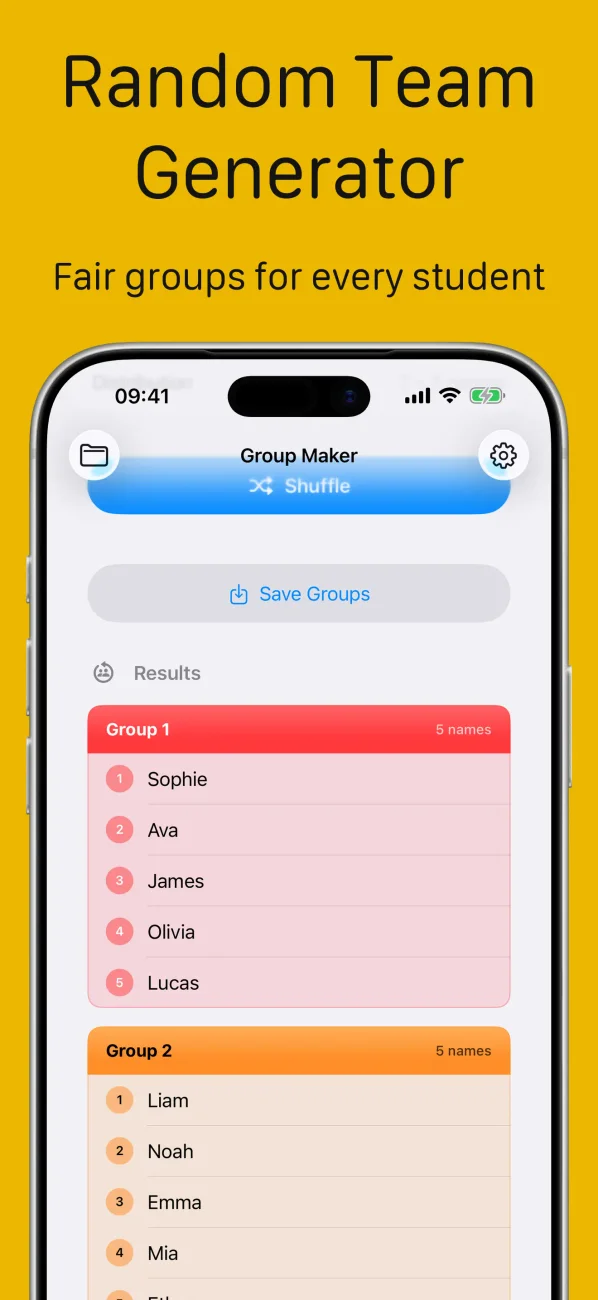
GROUP MAKER
Randomly split any list into balanced groups in seconds.
- Split by number of groups or by group size (new in 3.0)
- "At most / at least" control gives you exact group-size guarantees
- Save group sets to revisit later
- Export as PDF (color-coded), CSV, or plain text
FOR TEACHERS
- Call on students without bias — spin instead of scanning the room
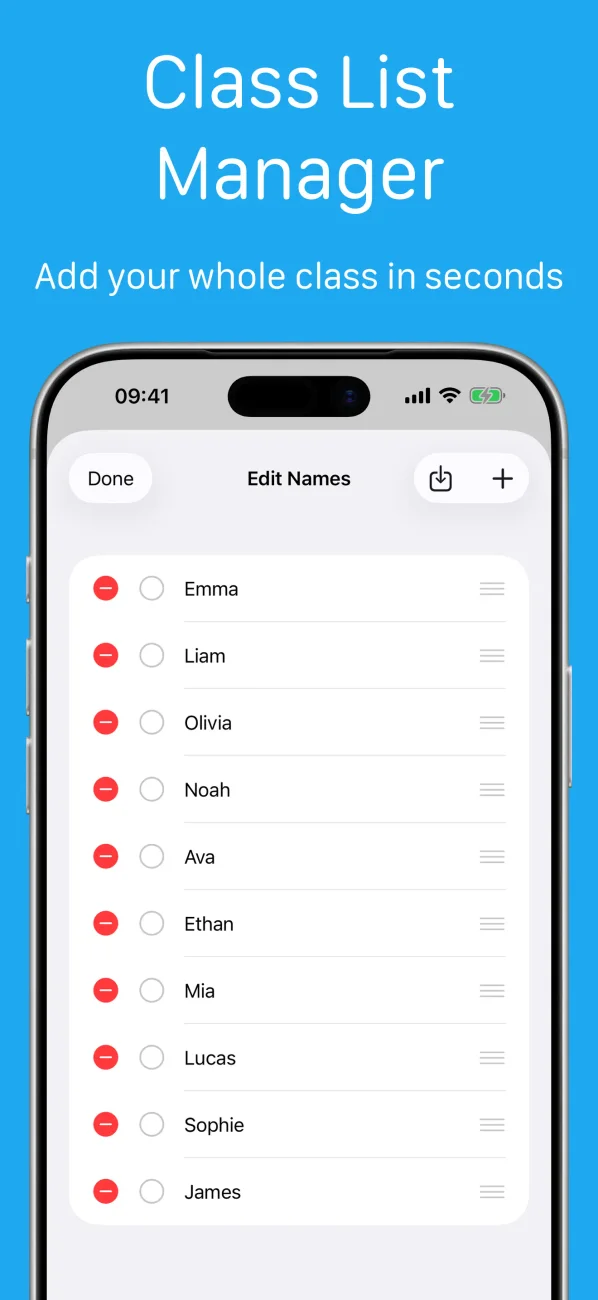
- Import class rosters from a spreadsheet or paste from any CSV
- Up to 120 names per list; create a separate list for every class period
- Remove After Selection tracks who has and hasn't been picked
- Group Maker splits a class into project teams in one tap
FOR TEAMS & EVENTS
- Pick who presents at standup — no more awkward volunteers
- Run a raffle or giveaway with a dramatic on-screen spin
- Assign tasks, roles, or seating randomly and transparently
- Great for icebreakers, party games, and decision-making
YOUR LISTS, EVERYWHERE
iCloud sync keeps your name lists, group sets, and settings in sync across iPhone, iPad, and Mac automatically. Set up once — use on every device.
BUILT FOR EVERYONE
- Full VoiceOver support
- Reduce Motion: wheel snaps to result without spinning
- Dark mode
- Available in English, Danish, French, German, and Spanish
- Keyboard shortcuts on Mac
Name Wheel is a native app for iPhone, iPad, and Mac. No account required.
What’s new
Version 3.1 · Aug 25, 2026
Fixes for class lists that didn't survive a round trip:
- Names containing quotation marks, like Bob "Bobby" Smith, now export and import unchanged
- Lists saved from Excel, Numbers, or older systems import correctly, including files that aren't UTF-8
- Class lists with unusual line endings no longer collapse into a single entry
- Exported files are safe to open in Excel and Google Sheets
Three crashes fixed: launching when iCloud isn't available, reordering names while iCloud syncs a change in, and Group Maker with very large group counts.
New Vivid color theme.
iCloud sync between Mac and iPhone now picks up changes right away instead of waiting for the next launch.
Coming from an older version? Version 3.0 added Match for pairing names with prizes or tasks, a rebuilt Group Maker that splits by group size, five languages, and full Reduce Motion and VoiceOver support.
App privacy
What Julius Bjerrekaer declares on the App Store about how this app handles data.
-
Data not linked to you
May be collected but is not linked to your identity.
- Identifiers
- Usage data
Privacy practices may vary, for example with the features you use or your age.
Information
- Seller
- Julius Bjerrekaer
- Category
- Education
- Version
- 3.1
- Updated
- Aug 25, 2026
- Released
- Jan 7, 2026
- Size
- 5.2 MB
- Requires
- iOS 26.0 or later
- Age rating
- 4+
- Price
- Free
- Languages
- English, Danish, French, German, Spanish
- Copyright
- © 2026 Julius Bjerrekær
You might also like
-
 Groups - Random Team GeneratorStudent Name Picker for Class
-
 Popsicle Sticks: Teacher PicksRandom Name Picker
-
 Clear Touch CollageWireless share your device
-
 myClassroom: Class ToolsFor Teachers and Classrooms
-
 Additio App, Teacher gradebookGradebook and lesson planner
-
 UASDEducation
-
 Edutin AcademyAprende en línea y certificate
-
 EventlinkEducation
-
 INDOT TrafficwiseReference
-
 Bible: Read, Listen Holy BibleHoly Bible Podcasts, Books