- Age rating4+
- CategoryProductivity
- DeveloperRemote Controlled Lighting Ltd
- LanguagesEnglish
- Size8.2 MB
Links to the official App Store page
Download.org hosts no file of RCL iDirect. The button opens its official App Store page, published by Remote Controlled Lighting Ltd. Listing last checked on Nov 15, 2026.
Screenshots

About
iDirect is a lighting control system developed by RCL to manage and control their remote controlled spotlights. Designed to take full advantage of the iPad’s larger screen, iDirect provides a simple yet powerful interface for adjusting spotlights in pan, tilt and intensity.
Easy Setup – Designed with the user in mind.
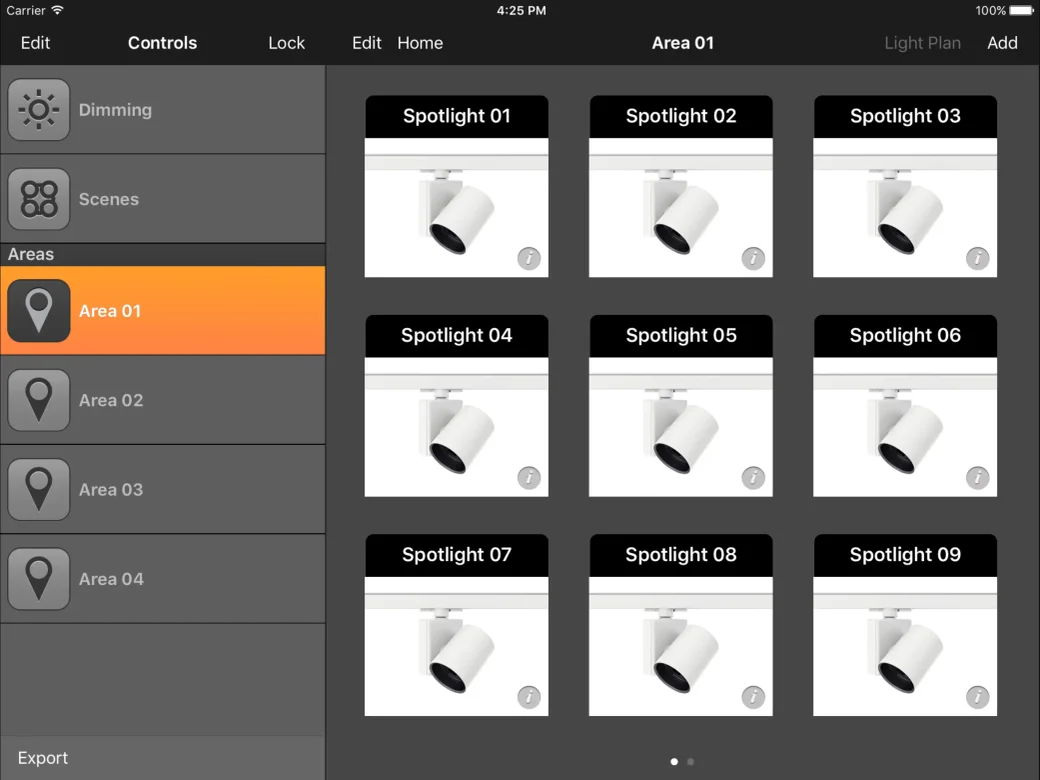
Easy to setup and use, iDirect allows spotlights to be added from within the app. Simply select the light’s model, finish and lamp type and follow the on screen instructions to complete the process. Spotlights are added to 'Light Tables', with each light represented by a tile. Spotlight tiles can be renamed and distributed across different 'Areas' for easy navigation.
Light Plans - Select lights from a reflected ceiling plan.
Light Plans allow spotlights to be added to an imported reflected ceiling plan. Fixtures can be positioned precisely and adjusted in scale to suit the layout. Pinch-to-Zoom functionality makes spotlight selection quick and easy. Multiple Light Plans can be imported for different Areas, allowing for easier navigation and selection.
Gesture Pad - Control spotlights using simple gestures.
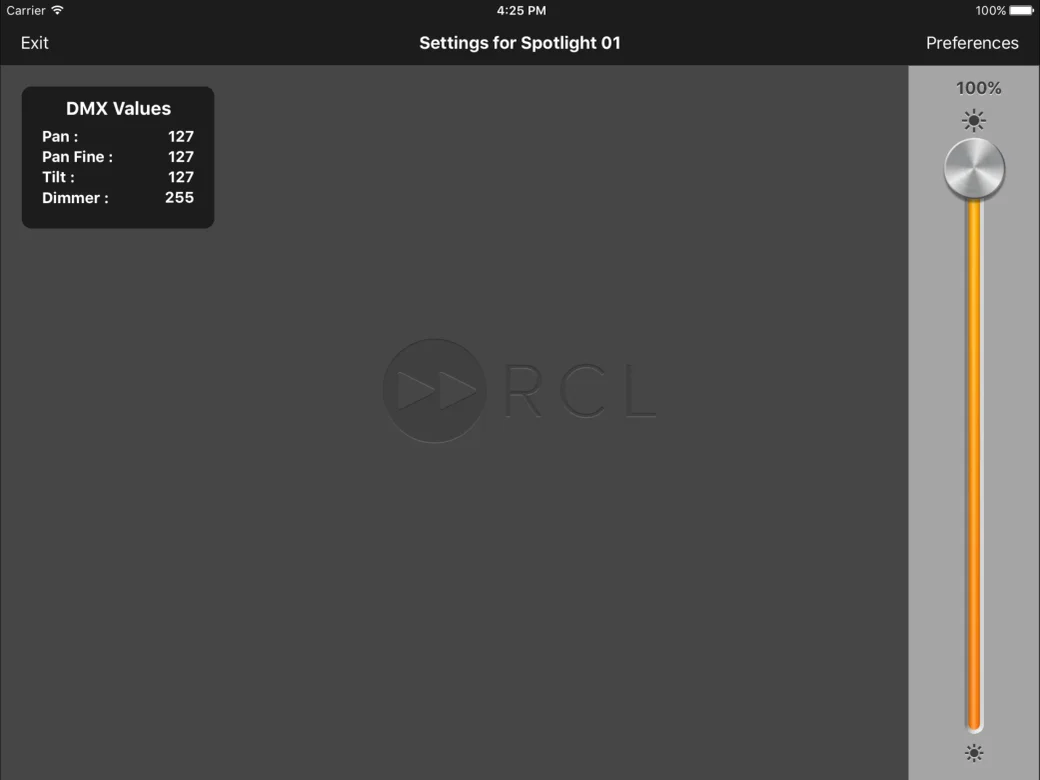
Adjust spotlights individually using simple, intuitive gestures. The iPad’s larger screen allows lights to be controlled easily in pan, tilt and dim level. Multi-gestures can be used for fine-tuning or apply the ‘Axis Lock’ for even greater accuracy.
Dimming - Centralised dimming for individual areas.
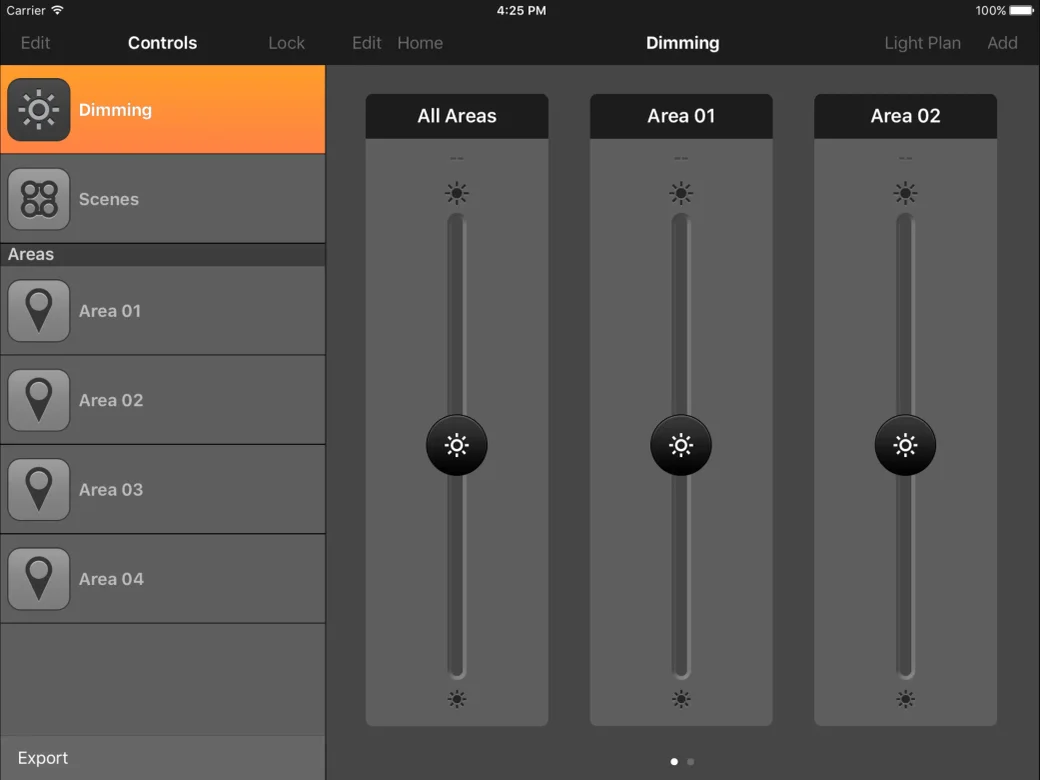
Control the intensity of all spotlights in a single Area from one central location. A dimmer is automatically created for each new Area added. Dimming overrides the intensity of individual spotlights within the same 'Area'. Use the ‘All Areas’ dimmer to adjust the dim level across all Areas simultaneously.
Scenes - Record scenes to save you time.
A great time saving option, Scenes allow lighting schemes to be quickly recorded and recalled from within the app. Once lights have been set to the desired position and intensity, a new 'Scene' can be created which saves the settings. Scenes can be set across different Areas, allowing for even greater flexibility.
Please Note: iDirect requires connection to an Ethernet to DMX512 converter.
What’s new
Version 1.20 · Jan 15, 2025
We continue to update this application, to ensure our customers existing systems remain supported. In this update we have resolved an issue with file import affecting iOS 17.7.3 and iOS 18.2 and later. For our latest wireless control app search for "RCL Control". This update requires an iPad that can support iOS 12.5.7 or later.
App privacy
What Remote Controlled Lighting Ltd declares on the App Store about how this app handles data.
-
Data not collected
The developer does not collect any data from this app.
Privacy practices may vary, for example with the features you use or your age.
Information
- Seller
- Remote Controlled Lighting Limited
- Category
- Productivity
- Version
- 1.20
- Updated
- Jan 15, 2025
- Released
- Nov 14, 2012
- Size
- 8.2 MB
- Requires
- iOS 12.5.7 or later
- Age rating
- 4+
- Price
- Free
- Languages
- English
- Copyright
- © Remote Controlled Lighting Ltd
You might also like
-
 Ctrl for iPadCustom Control Redefined
-
 StageLight - DMX ControllerThe smart lighting control app
-
 Assemble for VolunteersProductivity
-
 Convert Text to Handwriting AIHandwritten Notes & Homework
-
 domoveaProductivity
-
 iMemo AI Note Taking & SummaryTranscribe Meeting & Lecture
-
 AI Voice Changer TTS: StellaiText to Speech & AI Dubbing
-
 Barcode Scanner - Orca ScanInventory & Asset Tracker
-
 N Calendar - Planner & AgendaClear and Calm Calendar App
-
 Notewise - AI Notes, PDF, DocsWrite. Record. Draw. Remember.