
StageLight - DMX Controller
The smart lighting control app
Designed for iPad
Free · In-app purchases
- Age rating4+
- CategoryProductivity
- DeveloperMarko Seifert
- LanguagesEnglish+ 1 more
- Size32.3 MB
Links to the official App Store page
Download.org hosts no file of StageLight - DMX Controller. The button opens its official App Store page, published by Marko Seifert. Listing last checked on Nov 20, 2026.
Screenshots

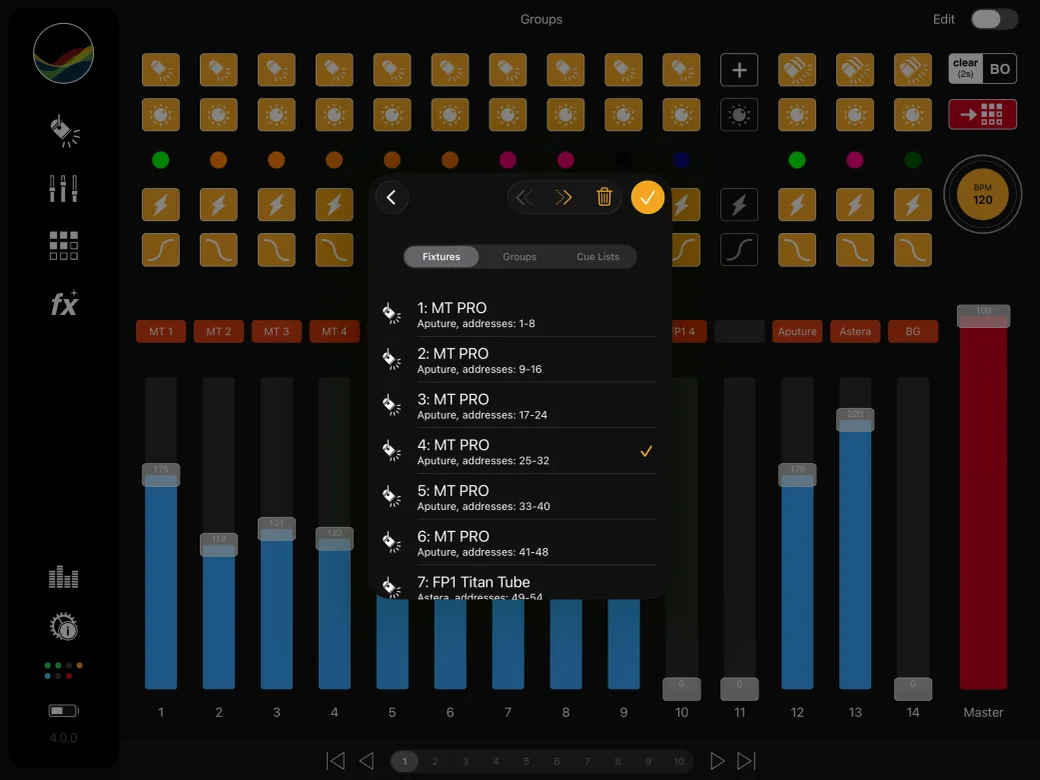
About
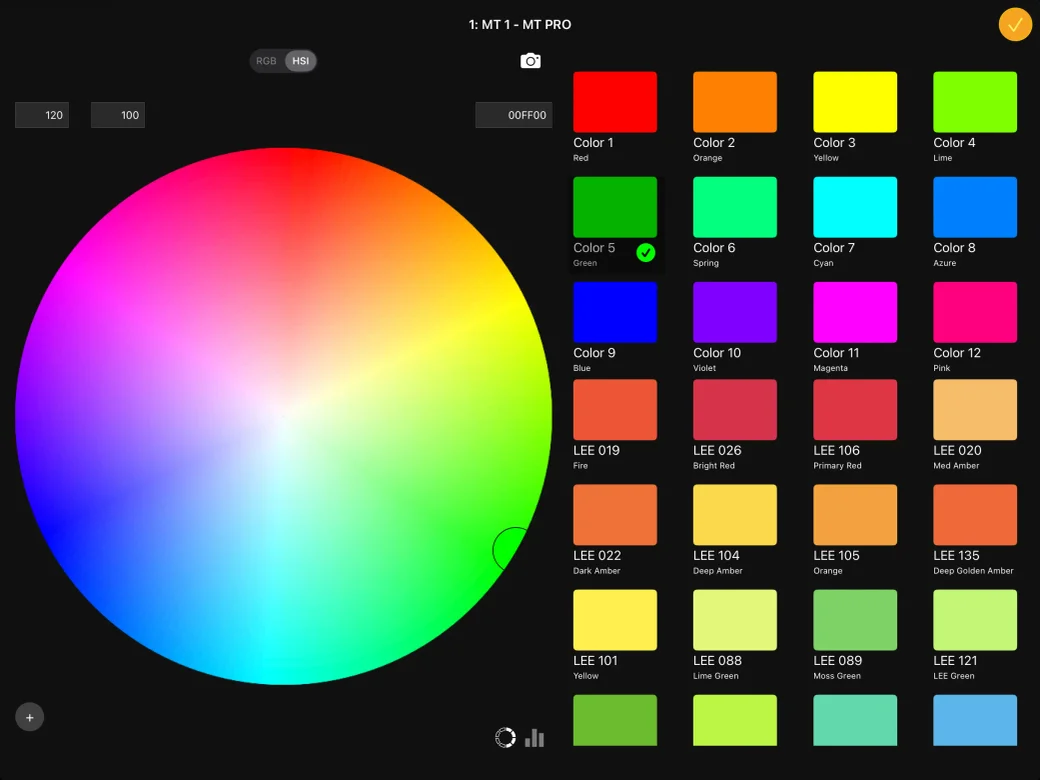
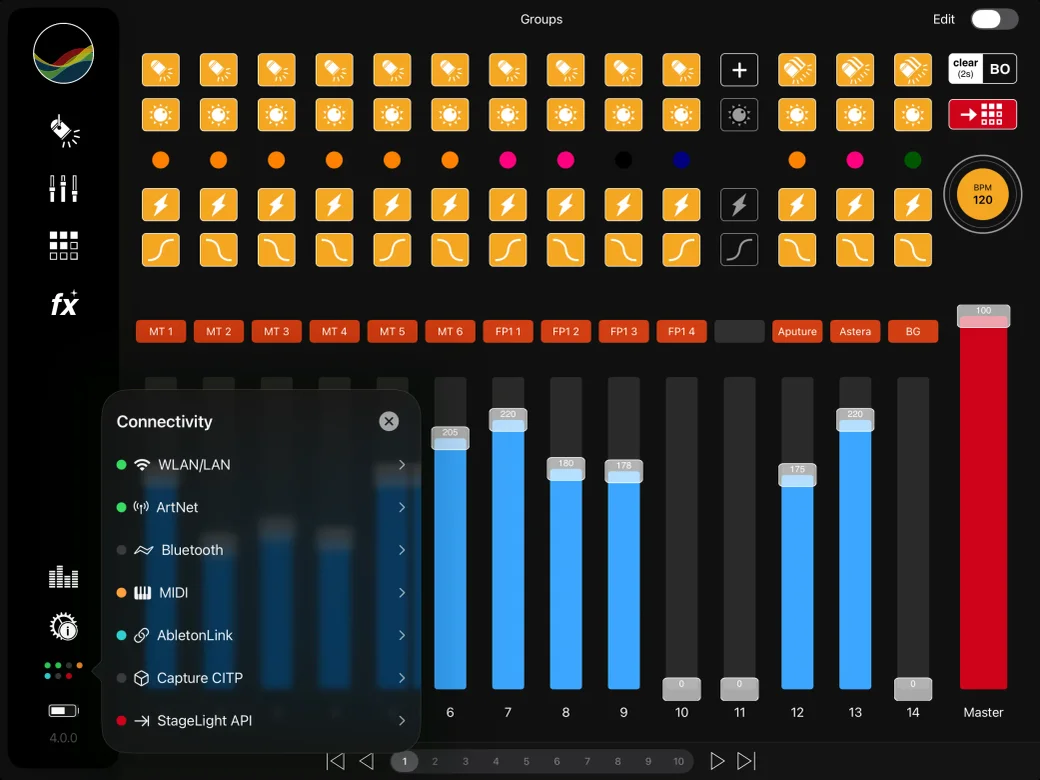
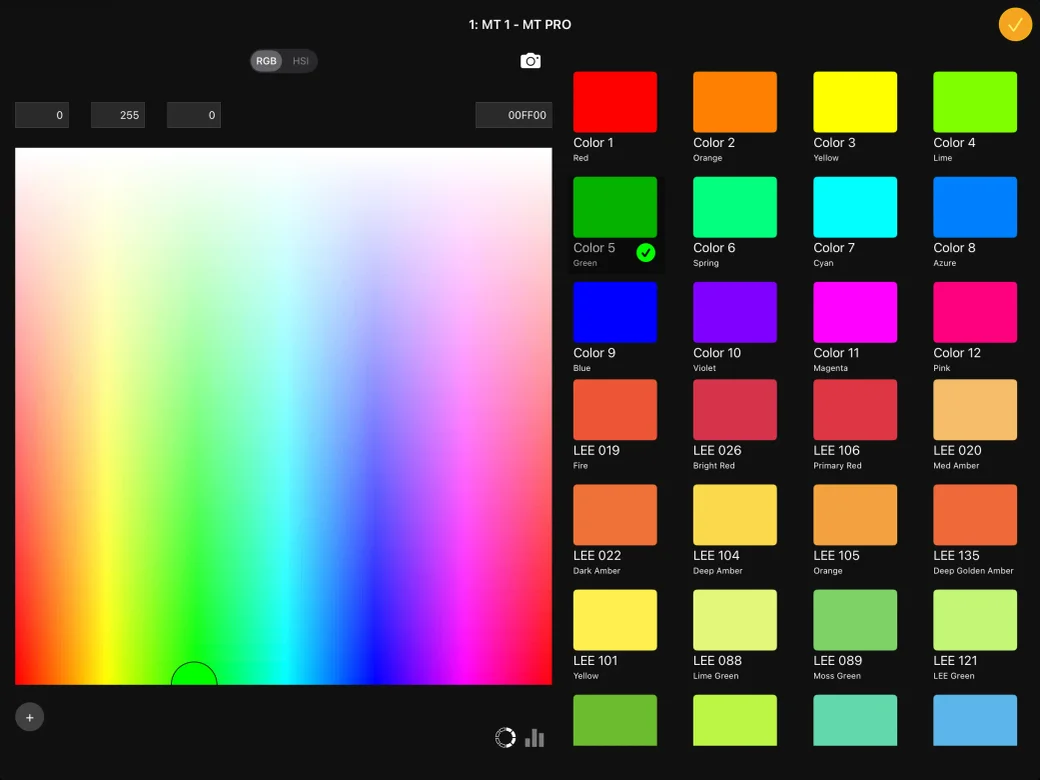
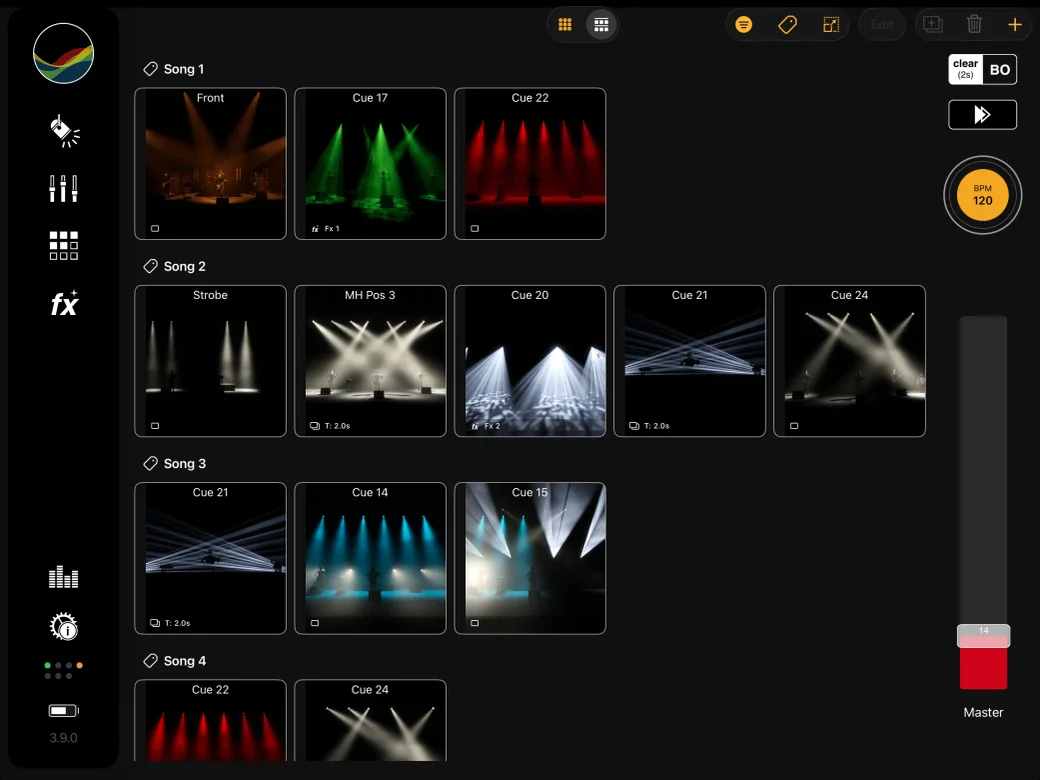
StageLight is a professional lighting control app for the iPad based on Art-Net (DMX512 over IP). The software combines the classic hardware lighting console feeling with a modern and intuitive user interaction design. The user interface is characterized by intelligent use of available space in combination with a high level of flexibility.
MULTIPLE UNIVERSES
Manage and control fixtures and groups across up to 10 DMX universes.
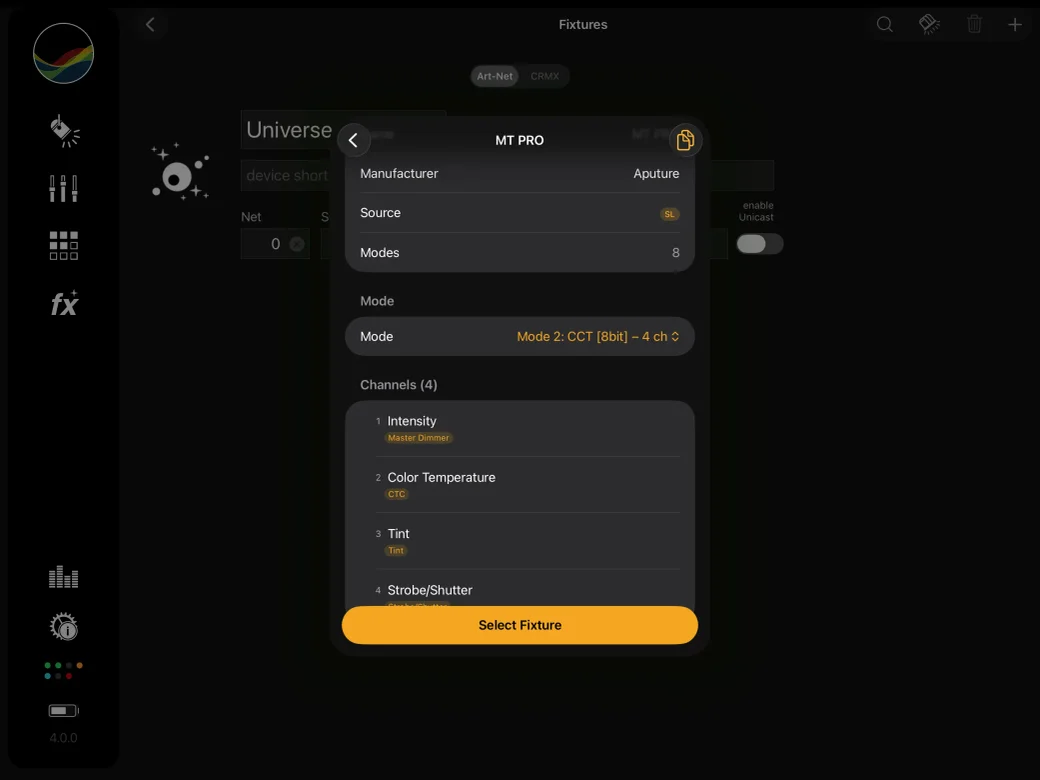
FIXTURE LIBRARY
StageLight offers an extensive fixture library based on the Open Fixture Library.
New additions include GDTF file import, continued support for StageLight legacy fixtures, and a fixture editor for creating and customizing your own fixtures.
MIDI
Connect a MIDI controller and turn StageLight into a hardware-style lighting console, or synchronize cue lists with your preferred DAW.
CONTROL CHANNELS
StageLight is fixture-based. You can assign a single device, a group, or a cue list to a channel across up to 200 pages.
IMPORT AND EXPORT
Import and export projects or custom fixtures. Project export supports selectable options for fixture patching, cue lists / effects, and settings.
Additional print exports are available, including patch sheets, fixture labels, and fixture lists.
Use any sharing service such as iCloud, Dropbox, or AirDrop to share projects with friends, colleagues, or between different iPads.
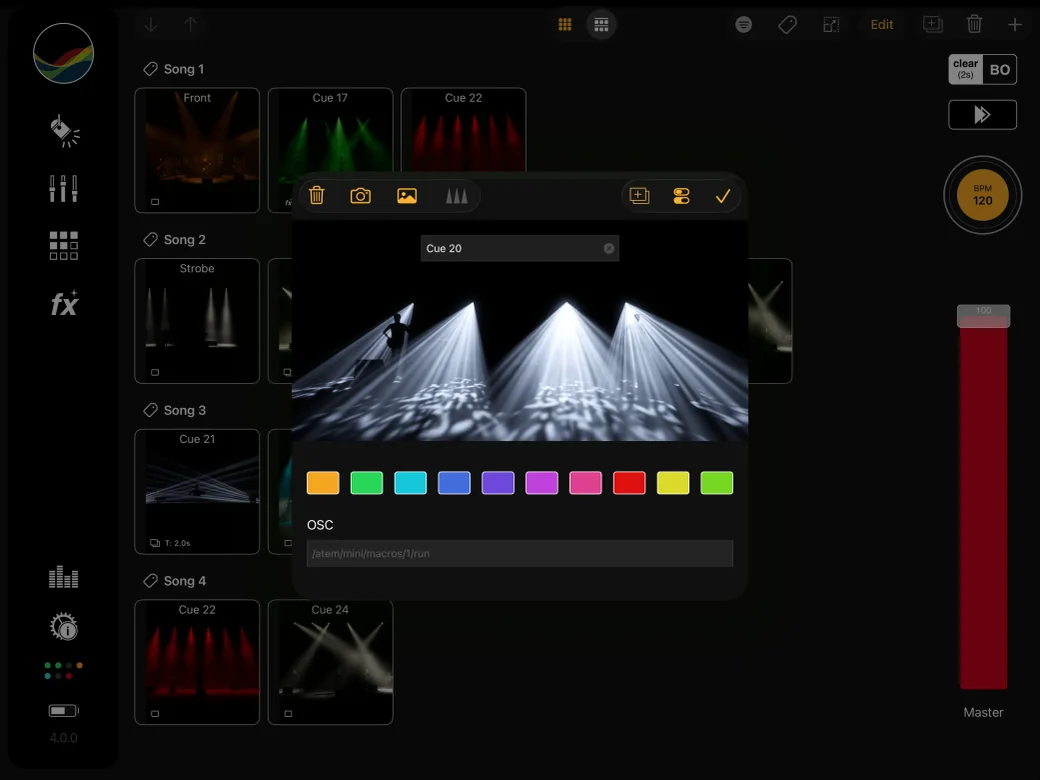
CUES AND CUE LISTS
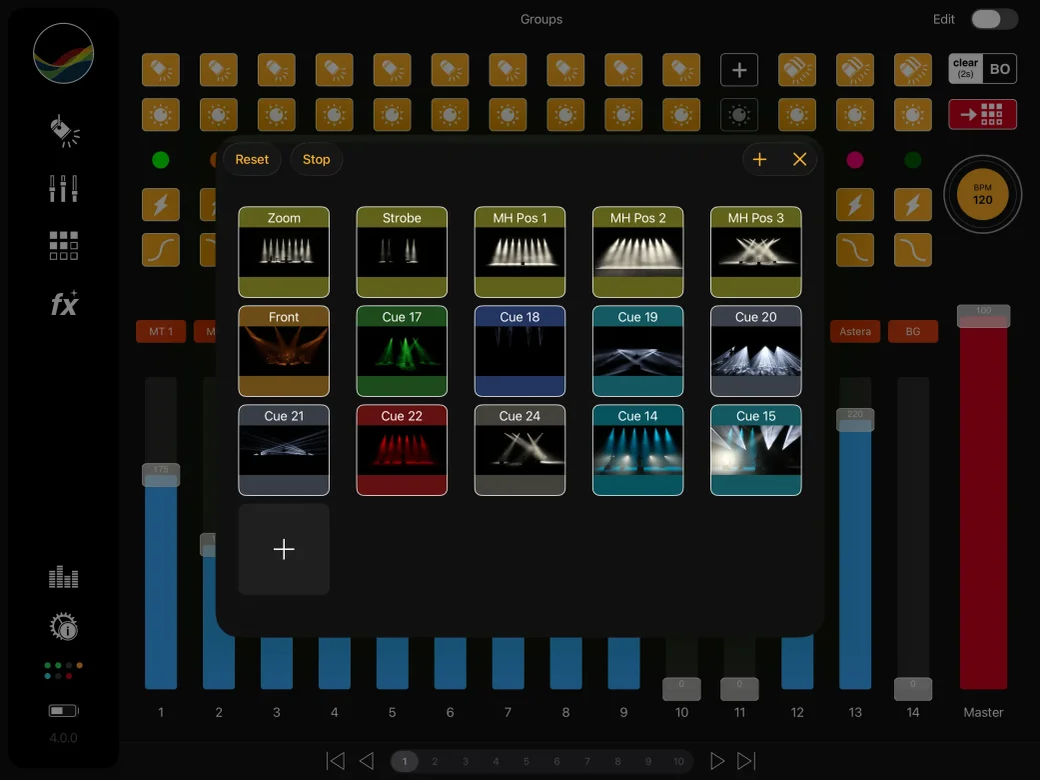
Record cues and play them back in cue lists as sequences or chases. Various trigger and sync options are supported, including Global BPM, Ableton Link, and MIDI Clock.
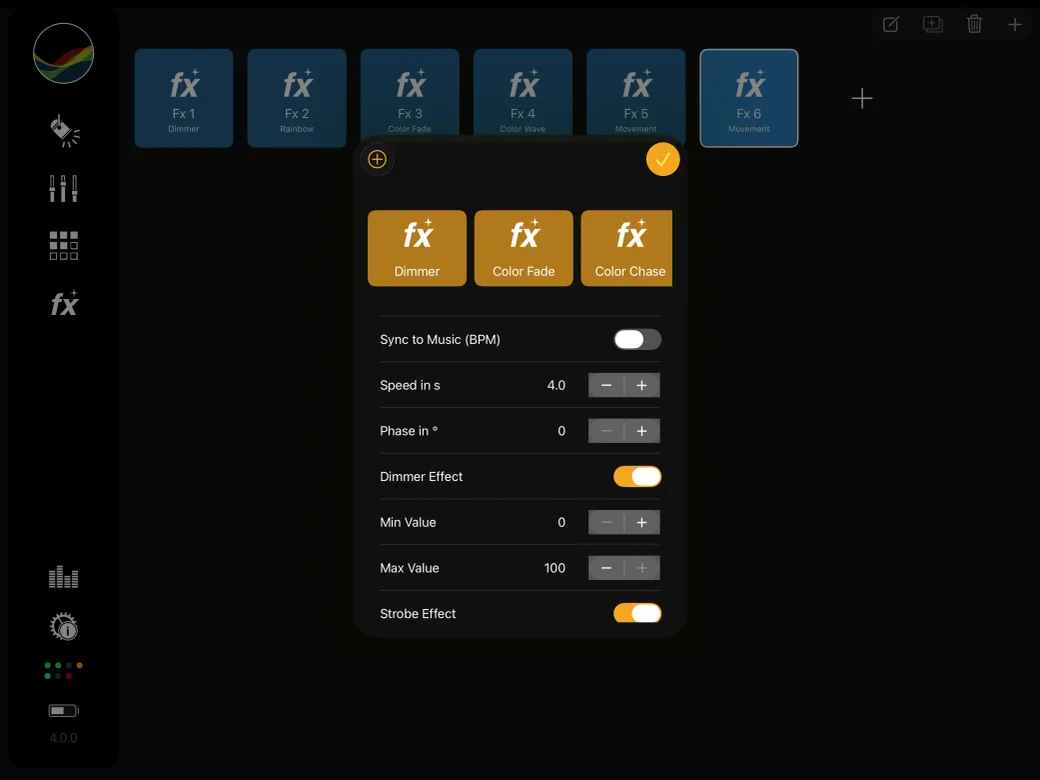
EFFECTS
Effects in StageLight enable dynamic lighting transitions directly inside cue lists. This allows you to combine static scenes with moving or rhythm-based effects to create more vivid and flexible shows.
ABLETON LINK
Ableton Link is a technology that synchronizes beat, phase, and tempo between Ableton Live and other Link-enabled applications (DAWs) over the network.
In StageLight, Ableton Link is used to synchronize chaser tempo.
CITP
StageLight uses the Controller Interface Transport Protocol (CITP) to record cues, retrieve thumbnails, and select fixtures in Capture.
OSC
In StageLight, you can use the Open Sound Control (OSC) protocol to control supported devices with OSC commands.
CRMX & W-DMX
StageLight supports LumenRadio's Bluetooth DMX protocol, enabling communication with all LumenRadio and OEM products.
STAGELIGHT API
The StageLight API allows external control of key functions such as cue lists, fixture channels, and tempo. It is relevant for integrations with Companion and Stream Deck and extends StageLight with flexible connectivity to external control systems.
What’s new
Version 4.1.0 · Nov 19, 2026
StageLight 4.1 makes effects more useful with RGB fixtures and pixel-based lights, and speeds up fixture setup and mixer control.
What's new:
- Effects support RGB fixtures without a physical dimmer by using a virtual dimmer
- New segment mode runs effects across the LEDs or pixels inside bars and matrix fixtures
- Create matrix fixtures by choosing rows, columns, and a channel layout: Dimmer, RGB, DRGB, or RGBD
- Add a specific DMX channel from a fixture or group directly to the mixer, such as a strobe, color wheel, or dimmer
App privacy
What Marko Seifert declares on the App Store about how this app handles data.
-
Data not collected
The developer does not collect any data from this app.
Privacy practices may vary, for example with the features you use or your age.
Information
- Seller
- Marko Seifert
- Category
- Productivity
- Version
- 4.1.0
- Updated
- Nov 19, 2026
- Released
- Jun 28, 2016
- Size
- 32.3 MB
- Requires
- iOS 18.6 or later
- Age rating
- 4+
- Price
- Free
- In-app purchases
- Yes
- Languages
- English, German
- Copyright
- © Marko Seifert
You might also like
-
 Ctrl for iPadCustom Control Redefined
-
 Titan RemoteProductivity
-
 Vectorworks RemoteProductivity
-
 Cue to Cue Theatre EditionYour Digital Prompt Book
-
 dmx calculatoreasy dmx calculator
-
 PhotometricsProductivity
-
 Vectorworks NomadProductivity
-
 Camera for OBS StudioTurn your device into a webcam
-
 Planning by WorshipToolsService planning made simple
-
 Duet DisplayBe Twice As Productive