
Readme Later: AI Reader
Save articles & PDFs later
Designed for iPhone, iPad
In-app purchases
- Age rating4+
- CategoryProductivity
- DeveloperSikarin Punsawat
- LanguagesEnglish
- Size66.1 MB
Links to the official App Store page
Download.org hosts no file of Readme Later: AI Reader. The button opens its official App Store page, published by Sikarin Punsawat. Listing last checked on Nov 15, 2026.
Screenshots
About
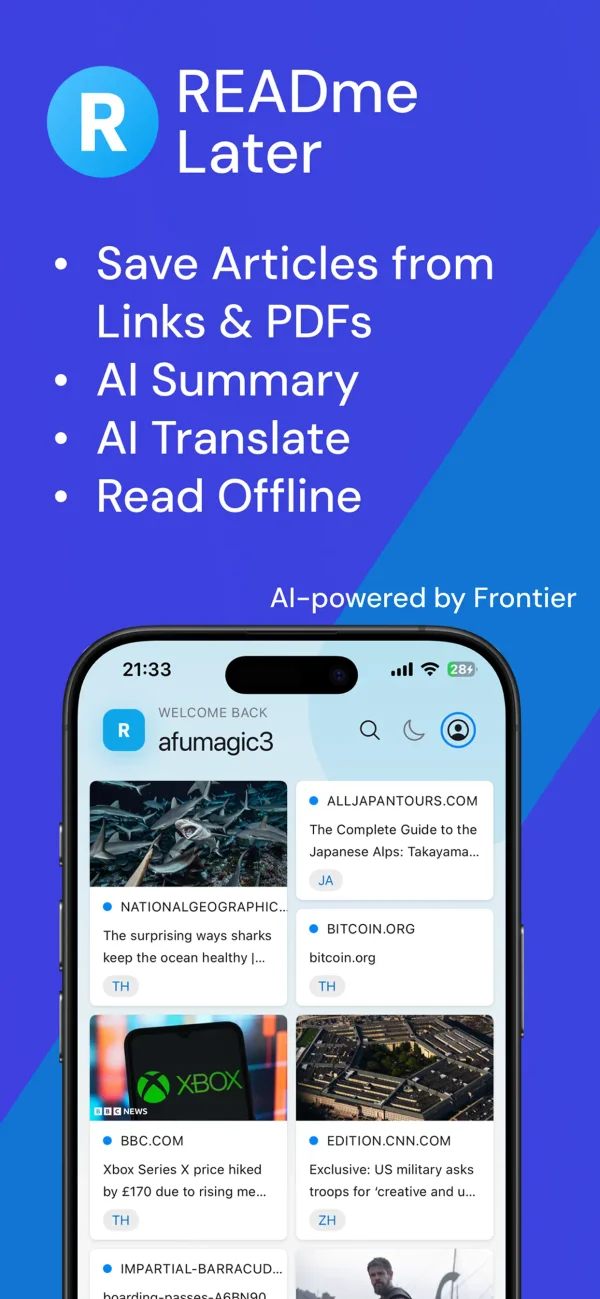
Readme Later is a read-later and reading-list app for iPhone. Save article links or import PDFs, then open them in a clean, distraction-free reader—with AI summaries, translations, and offline reading when you need them.
WHAT IS README LATER?
A personal library for everything you mean to finish. Paste a URL or drop in a PDF. We fetch and clean the content so you can read without ads, clutter, or endless browser tabs.
WHO IT’S FOR
• Readers who save more articles than they finish
• Students and professionals collecting essays, papers, and short PDFs
• Anyone who wants a calm place to catch up—on the train, offline, or later tonight
WHAT YOU CAN DO
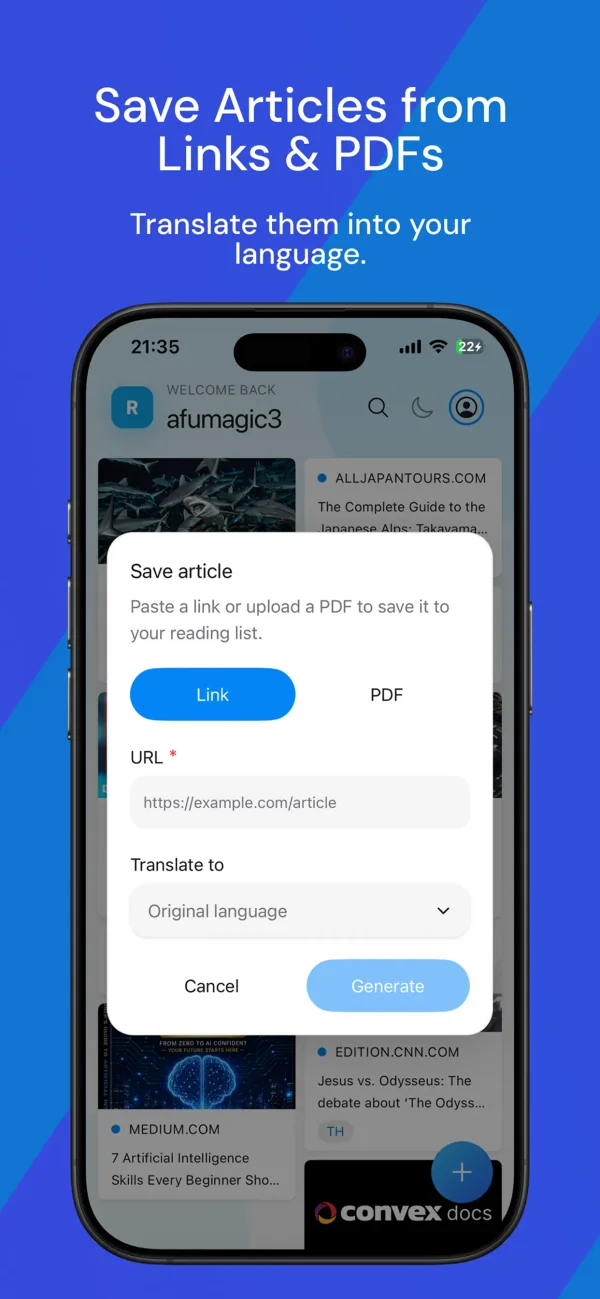
• Save web articles from any link in seconds
• Import PDFs from your device into the same reading list
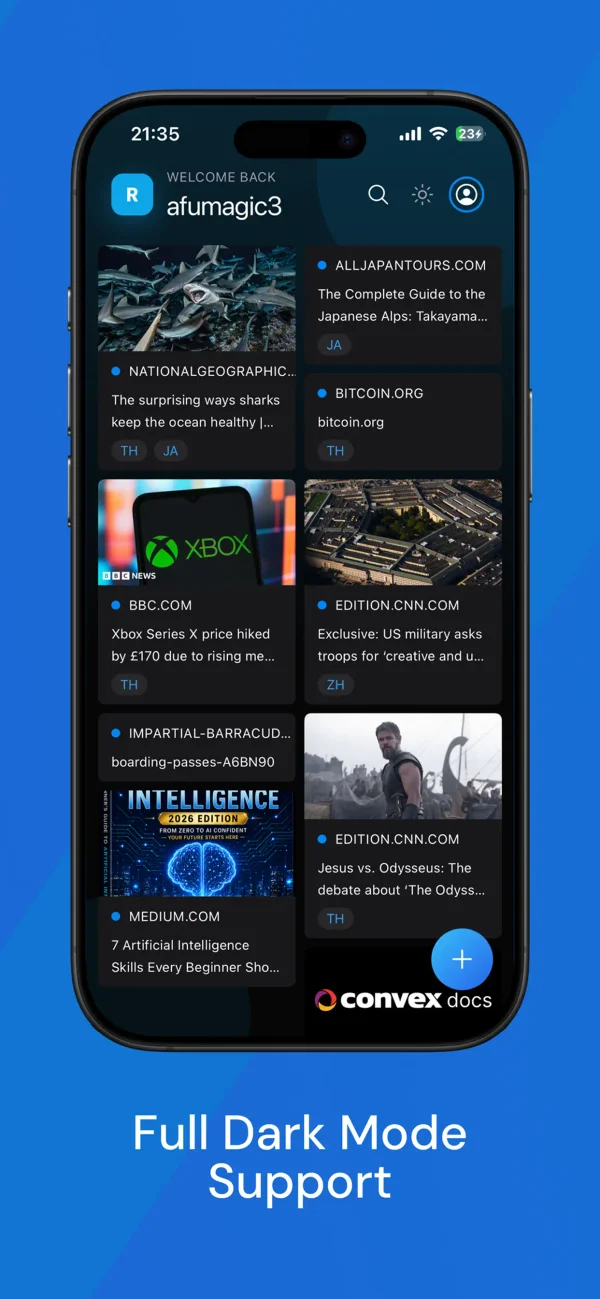
• Read in a clean, immersive reader (light & dark mode)
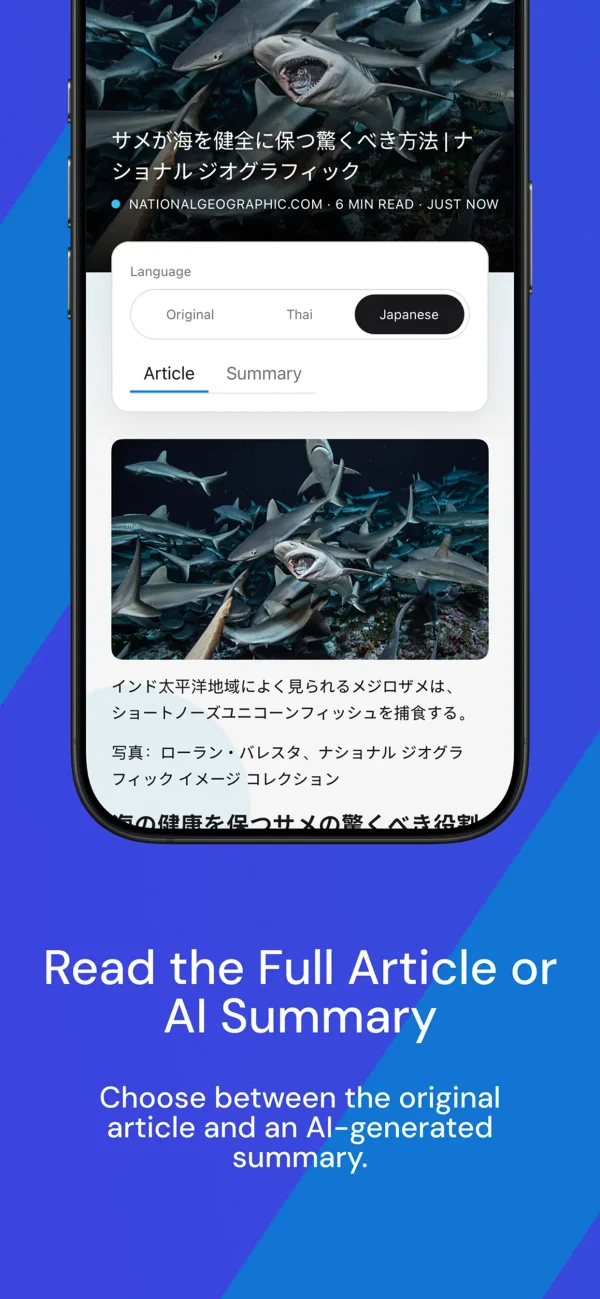
• Generate AI summaries when you don’t have time for the full piece
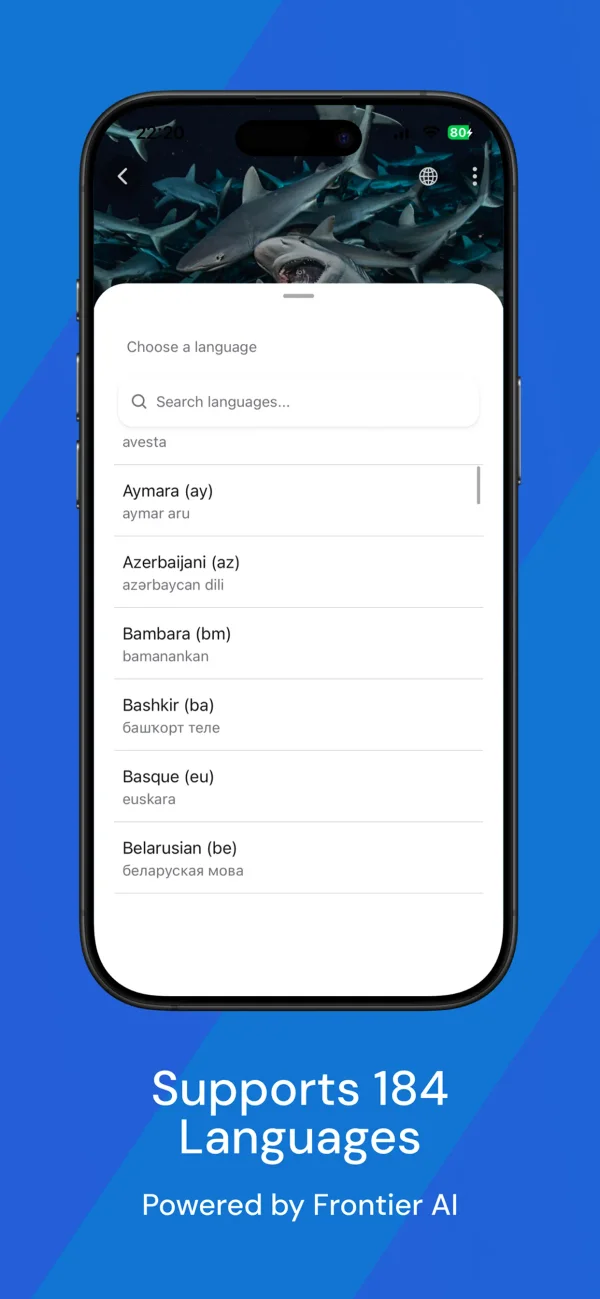
• Translate articles into the language that works for you
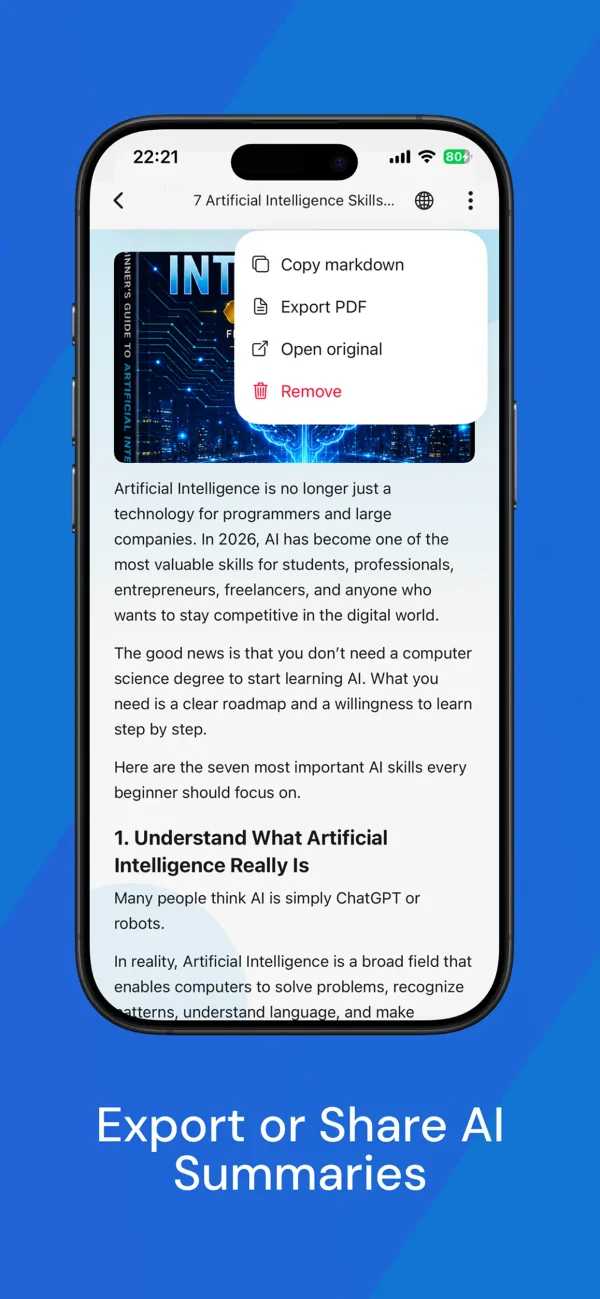
• Edit, share, or export when you need to pass something on
• Search your library by title to find what you saved
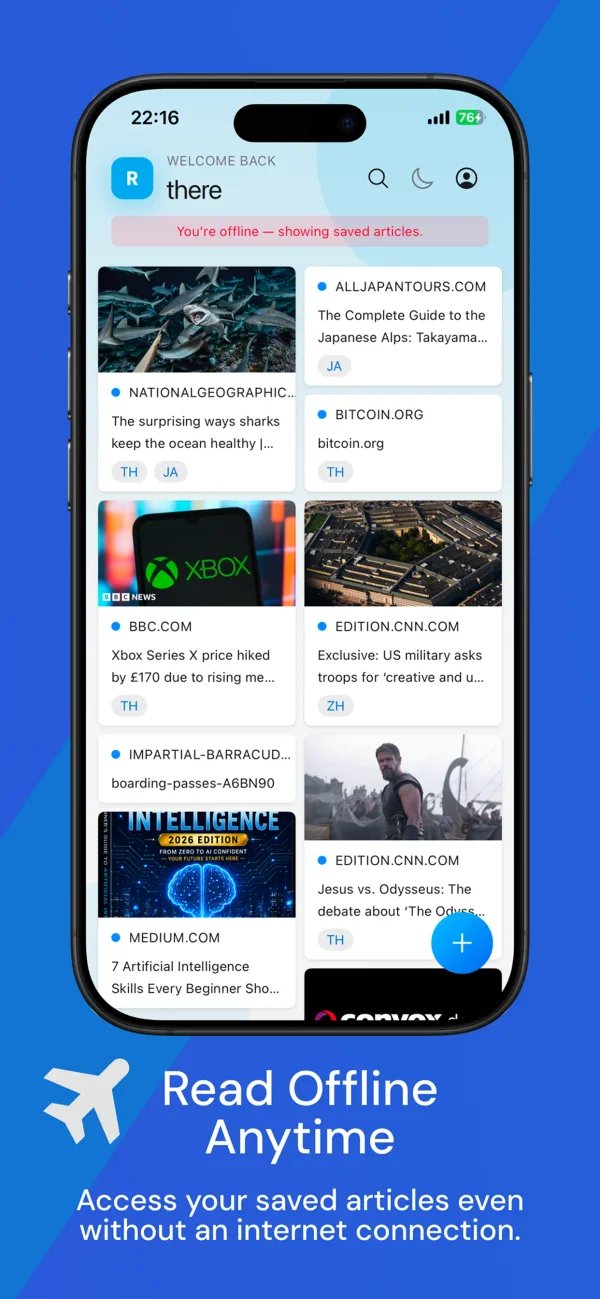
• Read offline and sync across devices with Premium
HOW IT WORKS
1. Paste an article URL or upload a PDF
2. Readme Later prepares a clean reading version
3. Open it anytime from your reading list
4. Summarize, translate, share, or keep reading offline
FREE VS PREMIUM
Free: create an account and start a starter reading list.
Premium: unlimited saves, full access to what you save, AI summaries & clean reading tools, translations, offline reading, and sync across your devices. Choose weekly, monthly, or yearly—no free trial required to subscribe.
WHY PEOPLE SWITCH TO A READ-LATER APP
Browser bookmarks and open tabs are easy to ignore. Readme Later turns “I’ll read this later” into a focused list with a real reader—so catching up feels doable, not guilty.
TRUST & PRIVACY
Sign in with email. Your library is yours. We built Readme Later for people who want fewer distractions and clearer reading—not another noisy feed.
FAQ
What can I save?
Article links from the web and PDFs from your device (within supported size/page limits).
Does it work offline?
Yes—Premium includes offline reading for saved articles so you can open them without a connection.
Is there an AI summary?
Yes—ask for an AI summary when you want the gist before (or instead of) reading the full article.
Can I translate articles?
Yes—translate saved content into languages you prefer.
Is it free?
Yes to start. Free includes a starter reading list. Upgrade anytime for unlimited saves, offline reading, AI tools, and sync.
Download Readme Later and give every “read later” a real home.
TERMS & PRIVACY (required for subscriptions)
Privacy Policy: https://impartial-barracuda-992.convex.site/privacy-policy.html
Terms of Use (EULA): https://www.apple.com/legal/internet-services/itunes/dev/stdeula/
App privacy
What Sikarin Punsawat declares on the App Store about how this app handles data.
-
Data linked to you
May be collected and linked to your identity.
- Purchases
- Contact info
- Identifiers
Privacy practices may vary, for example with the features you use or your age.
Information
- Seller
- Sikarin Punsawat
- Category
- Productivity
- Version
- 1.0.39
- Updated
- Aug 20, 2026
- Released
- Aug 20, 2026
- Size
- 66.1 MB
- Requires
- iOS 16.4 or later
- Age rating
- 4+
- In-app purchases
- Yes
- Languages
- English
- Copyright
- © 2026, READme Later
You might also like
-
 Side Brain: Read Later & AIBookmark, summarise, translate
-
 TimeTrack: Work & Study TimerTime Log, Hours & Stopwatch
-
 tetrify: Text YourselfSelf Chat for To-Dos, Notes
-
 WoofVox: Dog Voice TranslatorDecode Barks, Understand Pet
-
 AI Agent Assistant: Agentic AIAI Agents for everybody. Easy!
-
 Timelines Time TrackingPersonal & Work Hours Tracker
-
 ScrollFit - PushUp App BlockerReduce Screen Time
-
 Capacities – Notes & PKMCollect, connect, and reflect.
-
 Auto Redial - Phone Call RetryBusy Line Dialer - Fast Repeat
-
 Cubox: AI Read-It-Later AppSave Once. Know Forever.