
ReadySnap
Fix files that will not upload
Designed for iPhone, iPad, iPod touch
Free · In-app purchases
- Age rating4+
- CategoryUtilities
- DeveloperSuzhou Totoro Network Technology Co., Ltd.
- LanguagesEnglish
- Size22.1 MB
Links to the official App Store page
Download.org hosts no file of ReadySnap. The button opens its official App Store page, published by Suzhou Totoro Network Technology Co., Ltd. Listing last checked on Nov 17, 2026.
Screenshots




About
ReadySnap helps when a file is too large or unsupported and a website, email, job application, school portal, medical form, government form, marketplace, or online upload page rejects it.
Use ReadySnap when you see problems like:
- File is too large to upload
- Website says file type is unsupported
- Online form needs a file under 5MB
- Strict portal needs a file under 2MB
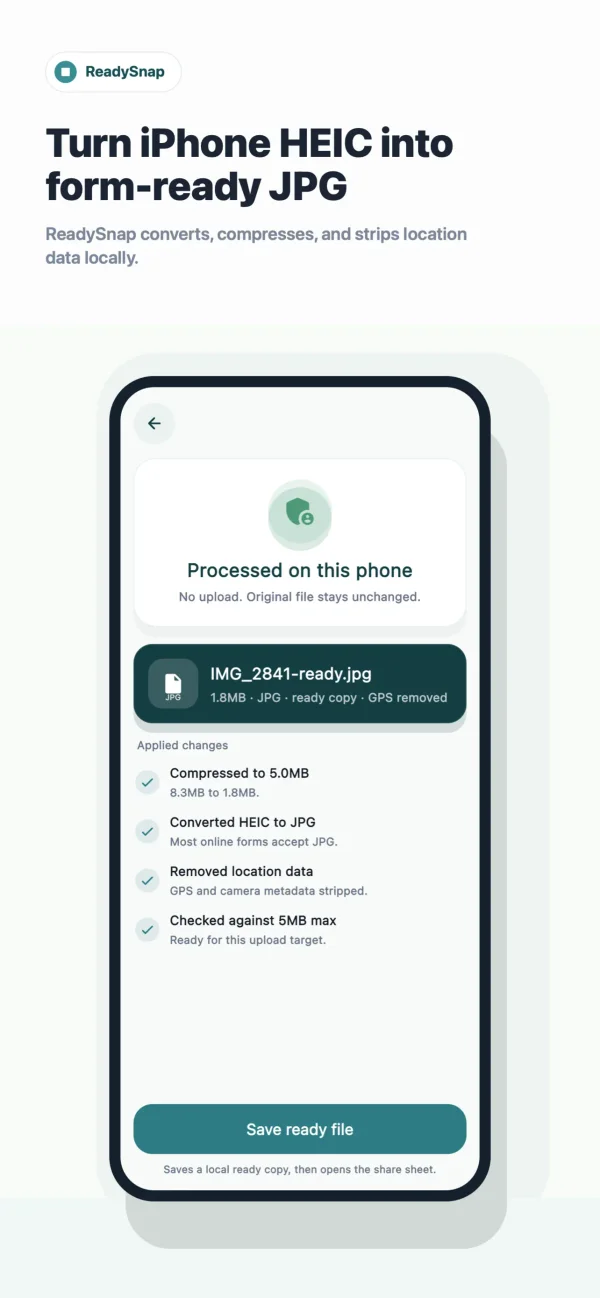
- iPhone HEIC photo will not upload
- PDF scan is too big for a form
- Profile photo needs JPG
- Passport or visa photo needs a square JPG
- Email attachment is over the limit
- Video needs to be smaller before sending
- Photo should be shared without location data
ReadySnap creates local ready-copy files from photos, videos, PDFs, and common image formats. Your original file stays unchanged.
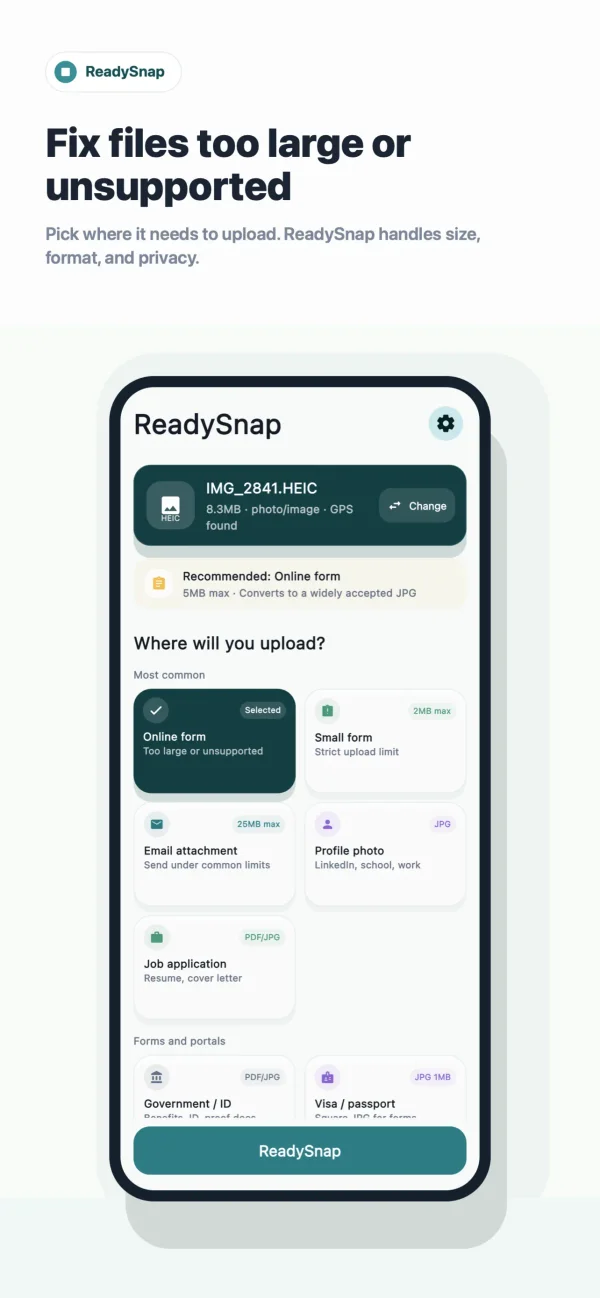
Pick a file first. ReadySnap suggests a sensible upload target for photos, PDFs, or videos, then shows clear file-type hints before making the ready copy.
Choose what you need:
- Online form rejected it
- Strict 2MB form uploads
- Email attachments
- Profile photo uploads
- Job application upload
- Benefits, ID, and government forms
- Visa and passport photos
- Medical and insurance uploads
- School portal files
- Marketplace listings
- WhatsApp video
- Files with location data removed before sharing
- Custom size and cleanup settings
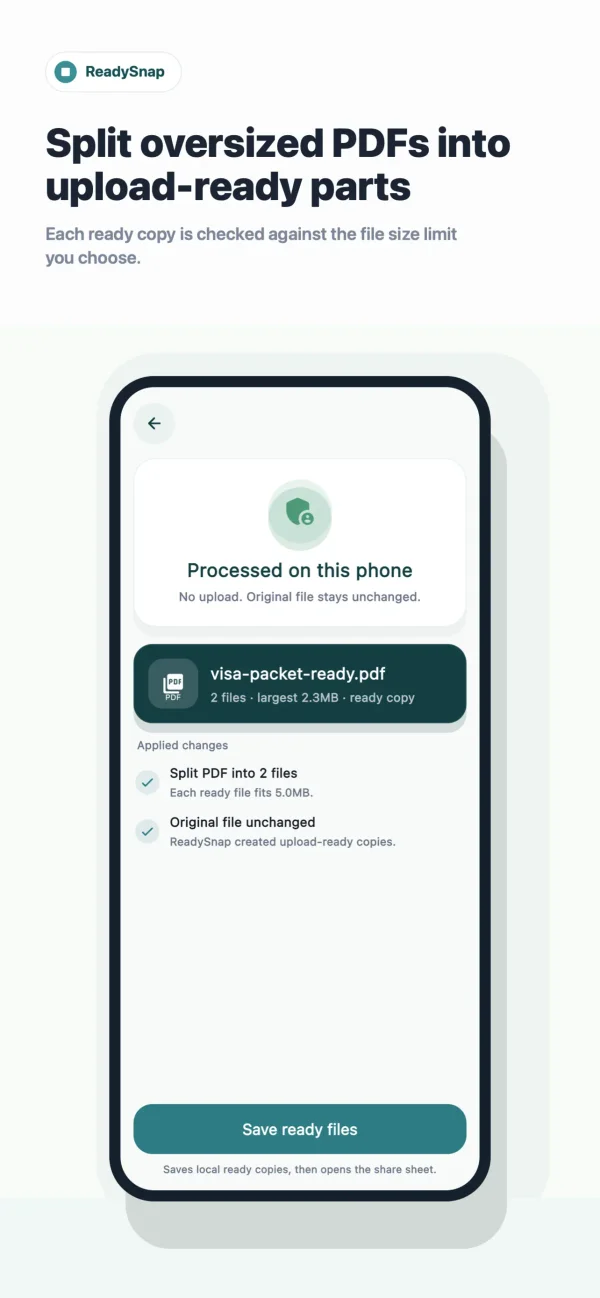
ReadySnap can convert iPhone HEIC/HEIF photos plus WEBP, GIF, TIFF, and BMP images to JPG, compress images for 5MB and stricter 2MB form limits, create square profile-photo copies from supported JPG/PNG/WEBP/GIF/TIFF/BMP files, prepare PDFs, split oversized PDFs into smaller parts, and remove photo location metadata. Animated GIFs are saved as static JPG copies for form uploads. Supported videos can be prepared as MP4 files when the device can export a smaller copy. Saved ready files appear in Recent files for quick sharing later, and old entries can be removed one by one or cleared from the list.
If you are looking for an app to compress a file for an online form, convert HEIC to JPG for upload, reduce a PDF under a size limit, make an email attachment smaller, or remove GPS data before sharing a photo, ReadySnap is built for that upload-before-submit moment.
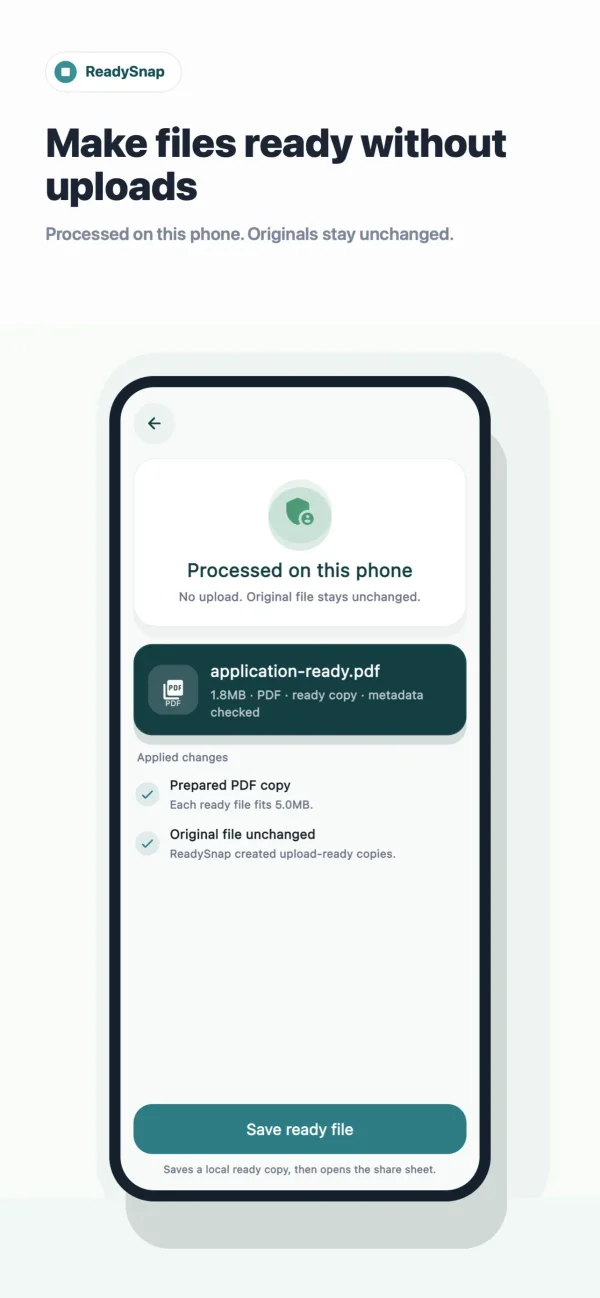
Your original file stays unchanged. No uploads. Processing happens on your device whenever the selected file type is supported locally.
ReadySnap is an independent utility and is not affiliated with any government agency, school, employer, email provider, or online service.
ReadySnap includes an optional one-time in-app purchase, ReadySnap Pro, for unlimited ready-file saves after the free starter allowance.
App privacy
What Suzhou Totoro Network Technology Co., Ltd. declares on the App Store about how this app handles data.
-
Data not collected
The developer does not collect any data from this app.
Privacy practices may vary, for example with the features you use or your age.
Information
- Seller
- Suzhou Totoro Network Technology Co., Ltd.
- Category
- Utilities
- Version
- 1.0
- Updated
- Jul 6, 2026
- Released
- Jul 6, 2026
- Size
- 22.1 MB
- Requires
- iOS 13.0 or later
- Age rating
- 4+
- Price
- Free
- In-app purchases
- Yes
- Languages
- English
- Copyright
- © 2026 Olimsoft
You might also like
-
 Flow Audio CompressorCompress & trim audio offline
-
 Audio Cutter: Trim EditorMute, fade and export
-
 Keylish: Pinyin & LanguagesTranslation hints as you type
-
 DRINUtilities
-
 AirBox-Your File ManagerUtilities
-
 Iridium SatFinderIridium Satellite Locator
-
 SafetyUkraineStay Safe in Ukraine
-
 Contacts to Excel , PDF , CSVConvert to XLSX, PDF, CSV, VCF
-
 StriletsBallistic calculator
-
 Smart QR Scanner & Code MakerScan, Create & Share Barcodes