
- Age rating4+
- CategoryUtilities
- DeveloperMais Hub
- LanguagesEnglish+ 4 more
- Size22.5 MB
Links to the official App Store page
Download.org hosts no file of Real Net Speed. The button opens its official App Store page, published by Mais Hub. Listing last checked on Nov 23, 2026.
Screenshots
About
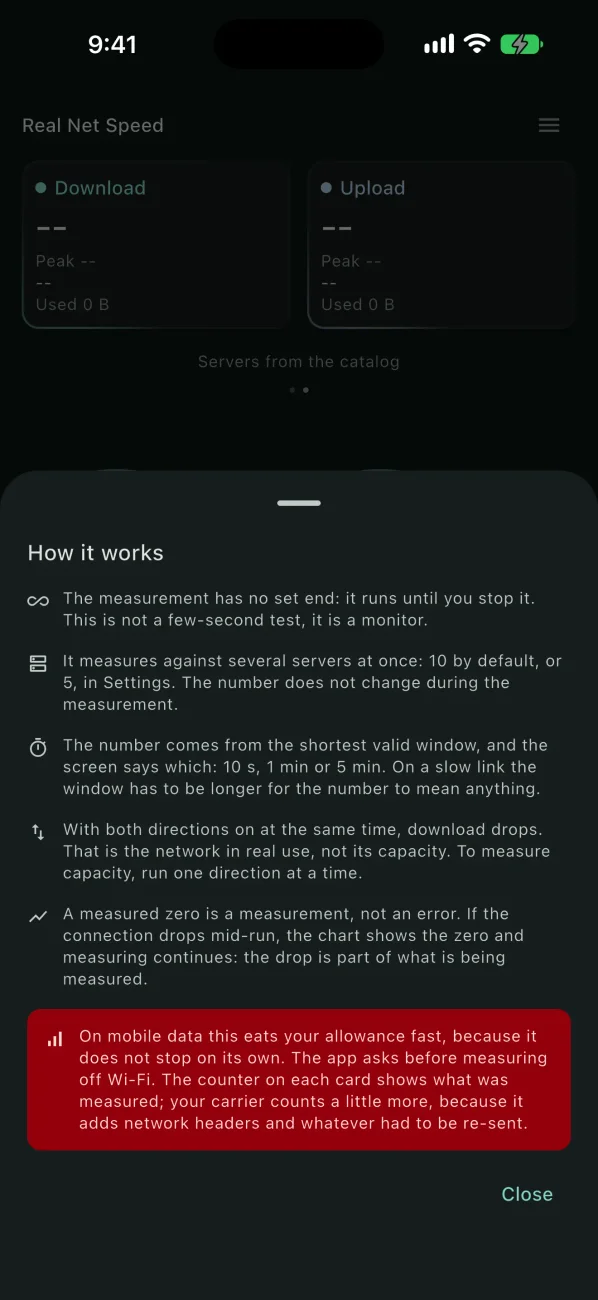
The measurement has no set end: it runs until you stop it. This is not a few-second test, it is a monitor.
BOTH DIRECTIONS AT ONCE
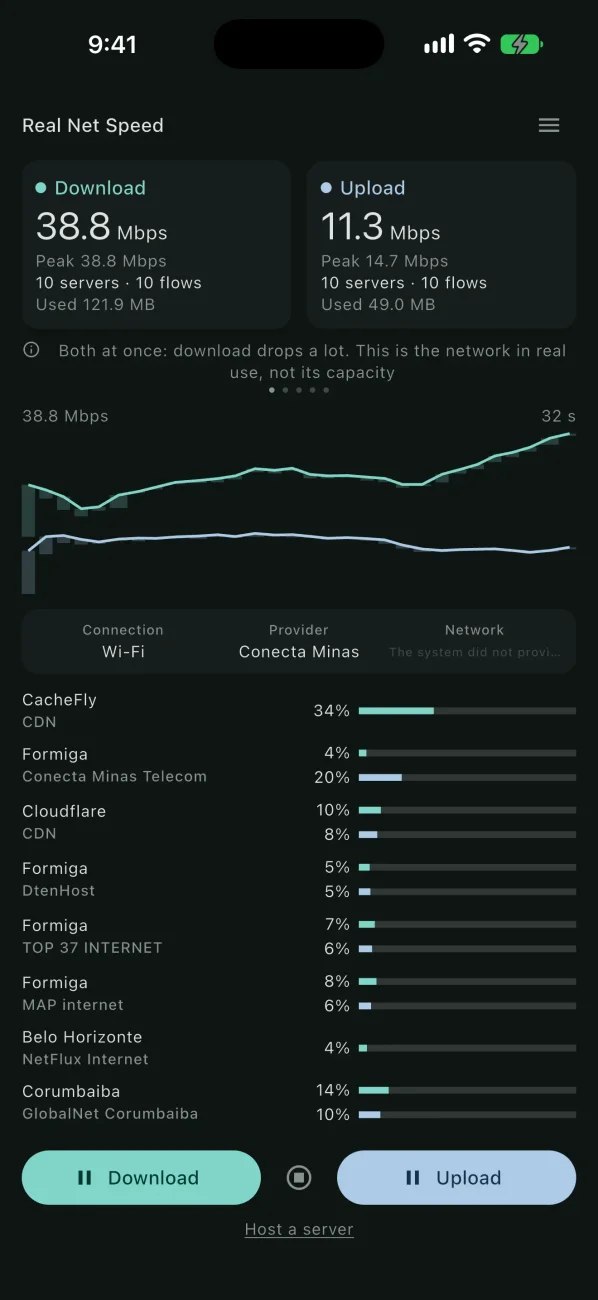
Download and upload have independent controls. With both directions on at the same time, download drops. That is the network in real use, not its capacity — to measure capacity, run one direction at a time.
SEVERAL SERVERS, IN PARALLEL
It measures against several servers at once. Your device picks which, by each one's latency before starting — and the number of servers grows while that keeps improving the rate. The screen shows how much each one is delivering.
THE NUMBER SAYS WHERE IT CAME FROM
The number comes from the shortest valid window, and the screen says which: 10 s, 1 min or 5 min. On a slow link the window has to be longer for the number to mean anything.
YOU CHOOSE WHERE TO MEASURE
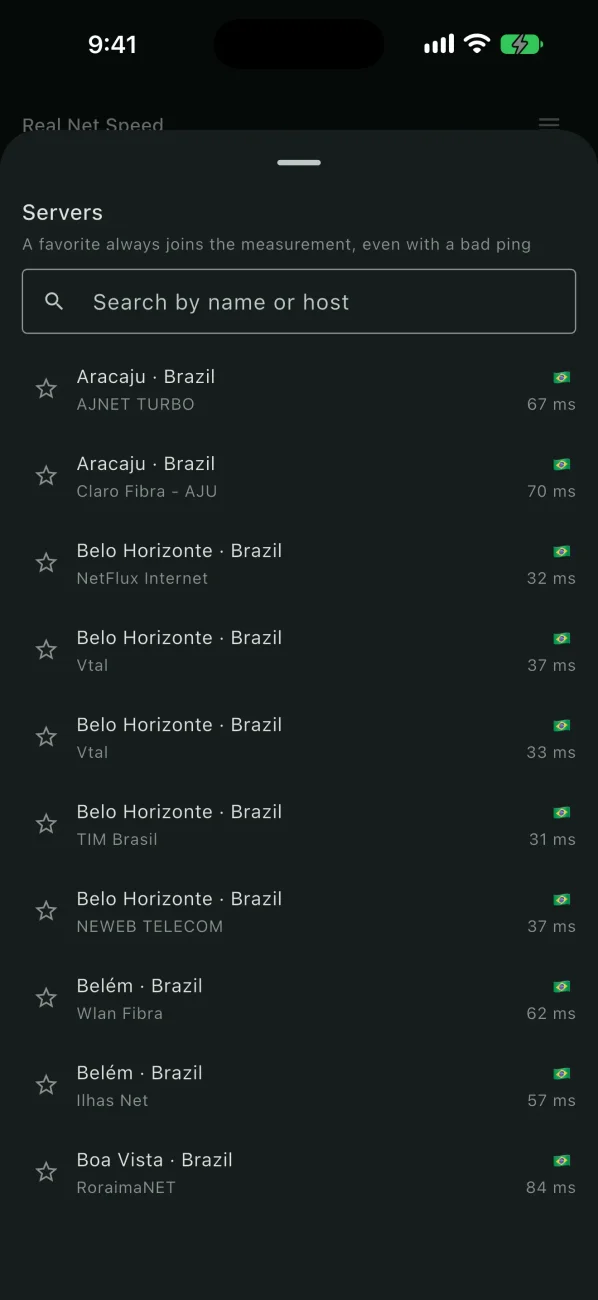
Automatic or a specific country, with favourite servers that always take part. The list shows each server's city and provider, and "CDN" for content delivery servers.
YOUR HISTORY STAYS WITH YOU
Every measurement goes into the history with download and upload apart, the connection and the provider. Offline, the history stays on the device and syncs when the network is back.
NOTICES ONLY IF YOU WANT THEM
Notifications with app notices and news, if you allow them. No ads, and you can turn them off anytime in the system settings.
A MEASURED ZERO IS A MEASUREMENT
A measured zero is a measurement, not an error. If the connection drops mid-run, the chart shows the zero and measuring continues: the drop is part of what is being measured.
WHAT IT COSTS IS IN PLAIN SIGHT
On mobile data this eats your allowance fast, because it does not stop on its own. The app asks before measuring off Wi-Fi, and the counter on each card shows what was measured.
With your permission, after each measurement a technical record is sent to improve the meter — with no account and without keeping your IP address. What is sent, and why, is in the privacy policy.
No sign-up and no ads.
What’s new
Version 2.13.0 · Nov 22, 2026
A cleaner measurement screen that is easier to read.
• Below the cards, your IP and the address name, always in view
• A spinning circle on the card while the number takes shape
• The list shows only the servers measuring now; one that fails is replaced on its own
• Connection, Provider and Network show only what exists
• Stability fixes
App privacy
What Mais Hub declares on the App Store about how this app handles data.
-
Data linked to you
May be collected and linked to your identity.
- Location
- Identifiers
- Usage data
- Diagnostics
-
Data not linked to you
May be collected but is not linked to your identity.
- Identifiers
- Usage data
Privacy practices may vary, for example with the features you use or your age.
Information
- Seller
- MAIS HUB LTDA
- Category
- Utilities
- Version
- 2.13.0
- Updated
- Nov 22, 2026
- Released
- Jun 3, 2026
- Size
- 22.5 MB
- Requires
- iOS 15.0 or later
- Age rating
- 4+
- Languages
- English, Simplified Chinese, Spanish, Indonesian, Portuguese
- Copyright
- © 2026 Mais Hub
You might also like
-
 EasyNetPulseSurveillez votre connexion
-
 All In One Usage MonitorYour usage all in one place
-
 SpeedyTransLightning Fast Transcription
-
 GlassDNSMobile DNS Configuration Tool
-
 NetGlance: Network SpeedLive upload & download speed
-
 NetFlow XMonitor Device Network Flow
-
 NetSense Wi-Fi CheckSpot weak zones before install
-
 D230 ToolUtilities
-
 Q BoosterBlazing Speed, Total Privacy
-
 WebDarkreading in dark mode.