
RecallBox
Tidy screenshots, effortlessly
Designed for iPhone, iPad
Free · In-app purchases
- Age rating17+
- CategoryProductivity
- Developer玉杰 罗
- LanguagesEnglish+ 4 more
- Size13.0 MB
Links to the official App Store page
Download.org hosts no file of RecallBox. The button opens its official App Store page, published by 玉杰 罗. Listing last checked on Nov 18, 2026.
Screenshots

About
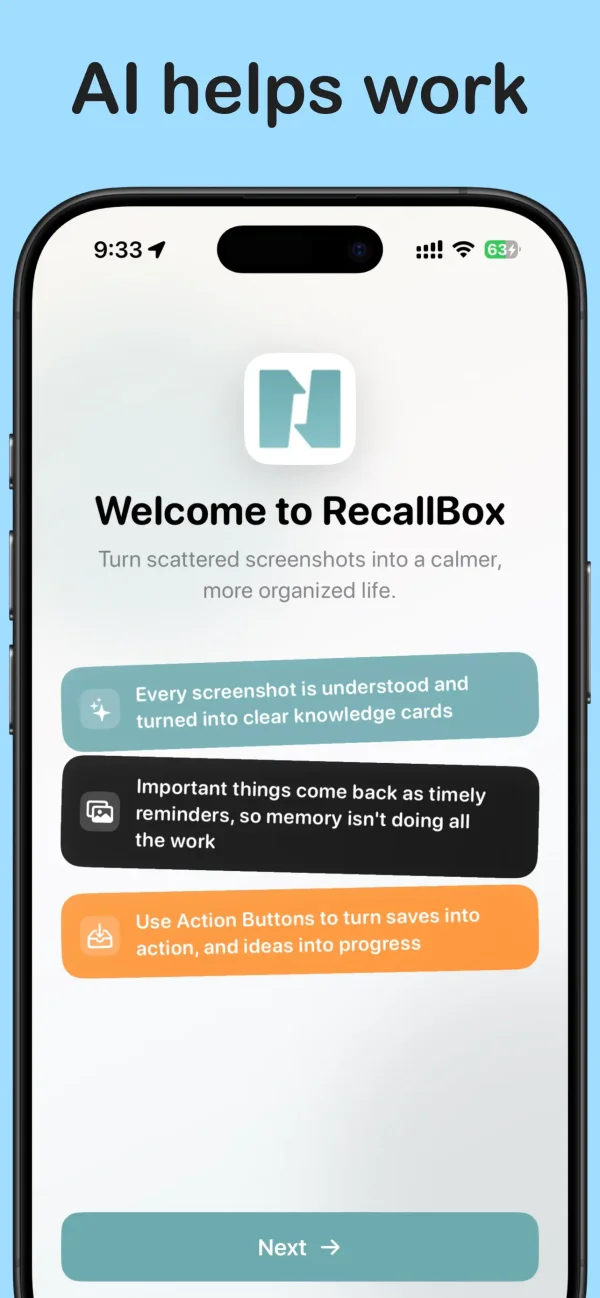
RecallBox is an intelligent tool for organizing screenshots, links, and knowledge, designed for anyone who has too many screenshots, scattered information, and trouble finding things when they need them.
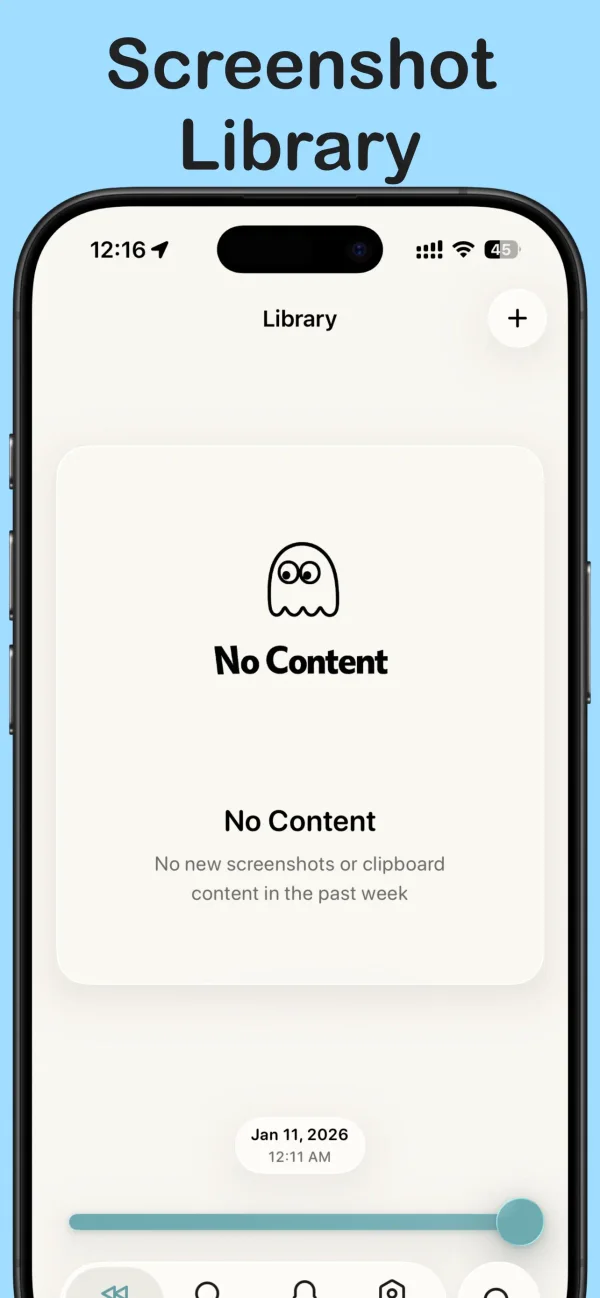
Quickly collect important information: You can bring everyday content into RecallBox through automatic photo library import, Shortcuts, the Action Button, manual image selection, or by saving web links directly. The app organizes all materials in a timeline, making it easy to look back, browse, and find what you need.
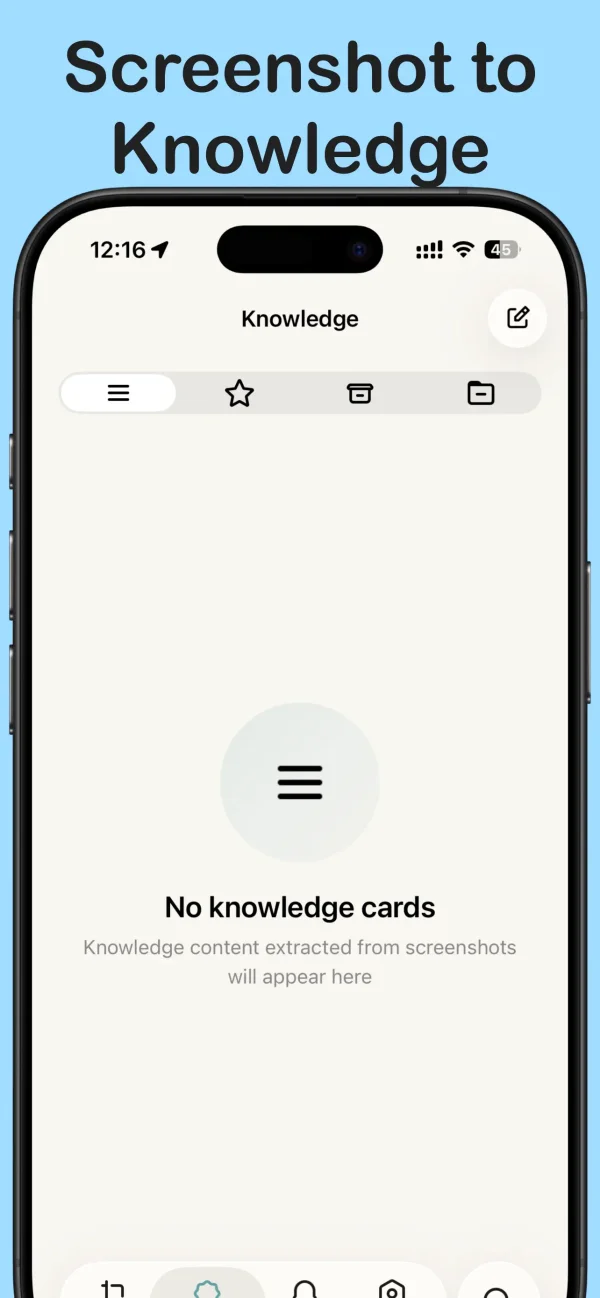
AI-powered knowledge cards: With AI, RecallBox can automatically identify key information in screenshots and links, extract titles, tags, summaries, quotes, tables, and structured content, and turn them into searchable, reusable knowledge cards. Meeting schedules from chats, study material screenshots, payment records, delivery updates, travel pages, web articles, and quick ideas can all be transformed from scattered materials into a clear and organized personal knowledge base.
Smart to-dos and reminders: For content that includes times, deadlines, meetings, tasks, delivery milestones, or travel details, RecallBox can intelligently generate reminders and supports local notifications, system Reminders, and Calendar integration. Important items are grouped by Today, Overdue, and the next 7 days, helping you follow up on time without relying entirely on memory.
Efficient search and long-term management: RecallBox also supports full-text search, tag organization, favorites, archiving, iCloud sync, and cleanup of processed screenshots. You can keep the knowledge content while removing the original screenshots from your system photo library, making information easier to find, your photo library cleaner, and everyday organization simpler.
Give your screenshots, links, and temporary information to RecallBox, and turn scattered content into structured knowledge that is searchable, remindable, and manageable.
Terms of use: https://www.apple.com/legal/internet-services/itunes/dev/stdeula/
What’s new
Version 1.1.1 · Nov 15, 2026
What’s New
1. Tag management. Create, rename, and delete tags, apply tags to multiple saved items at once, and organize all your untagged items in one place.
2. Knowledge Graph. Explore connections between your tags.
3. Batch import. Import multiple photos and videos into your library at once. Duplicates are skipped automatically.
App privacy
What 玉杰 罗 declares on the App Store about how this app handles data.
-
Data not collected
The developer does not collect any data from this app.
Privacy practices may vary, for example with the features you use or your age.
Information
- Seller
- 玉杰 罗
- Category
- Productivity
- Version
- 1.1.1
- Updated
- Nov 15, 2026
- Released
- Jan 12, 2026
- Size
- 13.0 MB
- Requires
- iOS 18.0 or later
- Age rating
- 17+
- Price
- Free
- In-app purchases
- Yes
- Languages
- English, Japanese, Korean, Simplified Chinese, Spanish
- Copyright
- © 2026 LuoYujie
You might also like
-
 Einko - One-tap Save AllTodos & Events & Bookmarks
-
 回头看看Productivity
-
 ScreenNote - AI Auto NotesSearch screenshots with OCR
-
 CaptainShot Screenshot LibraryScreenshots, finally useful
-
 Logue - Timeline for IdeasStructure thoughts over time
-
 Kepori: Read Later & CollectSave, read and rediscover
-
 三省-复盘Productivity
-
 了了 - Lia For YouProductivity
-
 SnapSense - Image AI InsightsAnalyze Anything with AI
-
 TaskMaker AIProductivity