Recallock: App Blocker & Study
Screen time limit + flashcards
Designed for iPhone
Free · In-app purchases
- Age rating4+
- CategoryProductivity
- DeveloperPravit Vanadilok
- LanguagesEnglish+ 2 more
- Size11.8 MB
Links to the official App Store page
Download.org hosts no file of Recallock: App Blocker & Study. The button opens its official App Store page, published by Pravit Vanadilok. Listing last checked on Nov 13, 2026.
Screenshots

About
Recallock turns your scrolling into studying.
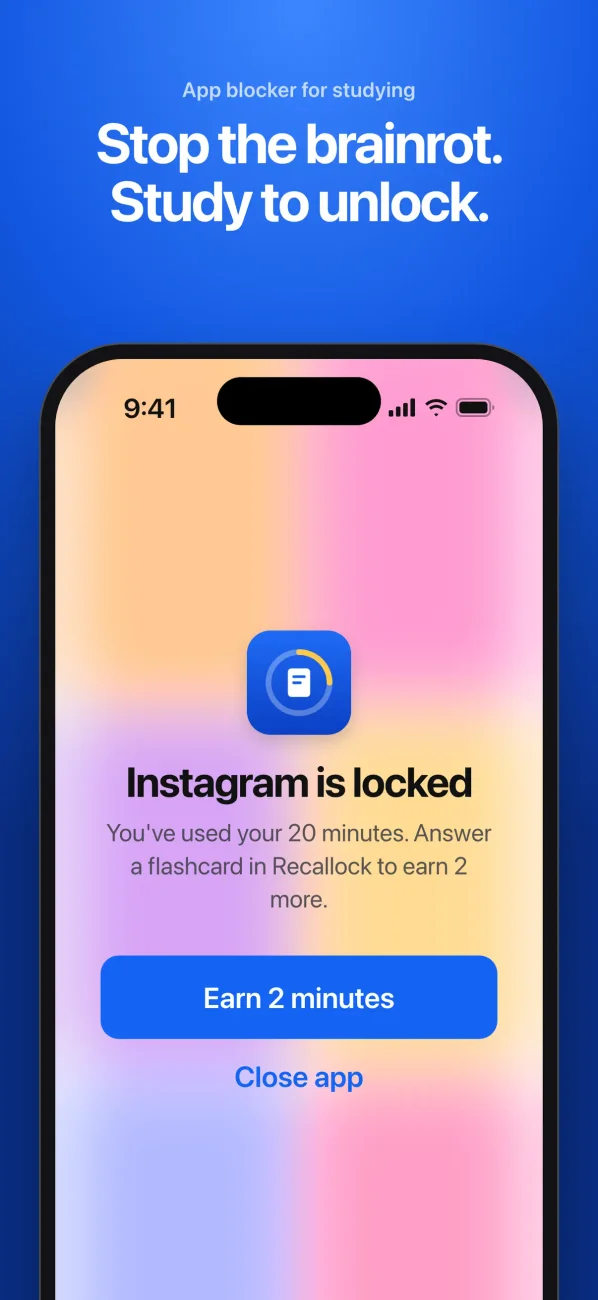
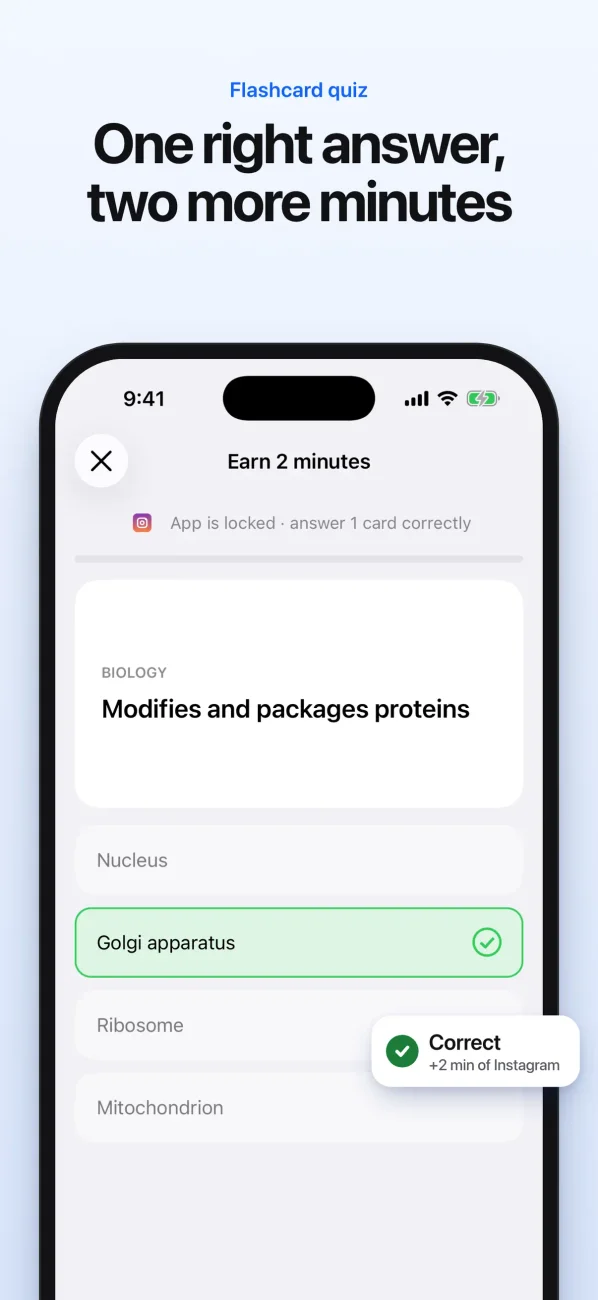
Set a daily time limit for the apps that eat your day. When the time runs out, the app locks. To get 2 more minutes, answer one of your own flashcards correctly. Get it wrong and you simply see the next card — no penalty.
HOW IT WORKS
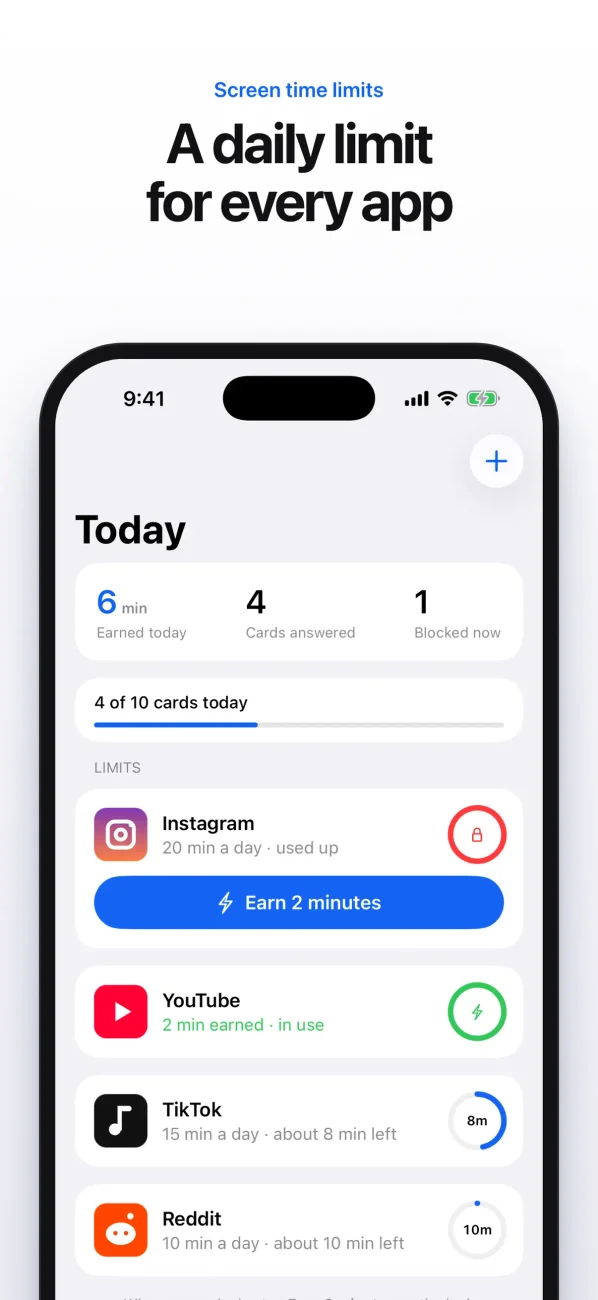
• Pick up to 9 apps and give each one a daily limit
• When a limit runs out, Screen Time locks the app until midnight
• Tap "Earn 2 minutes", answer a card, and you're back in
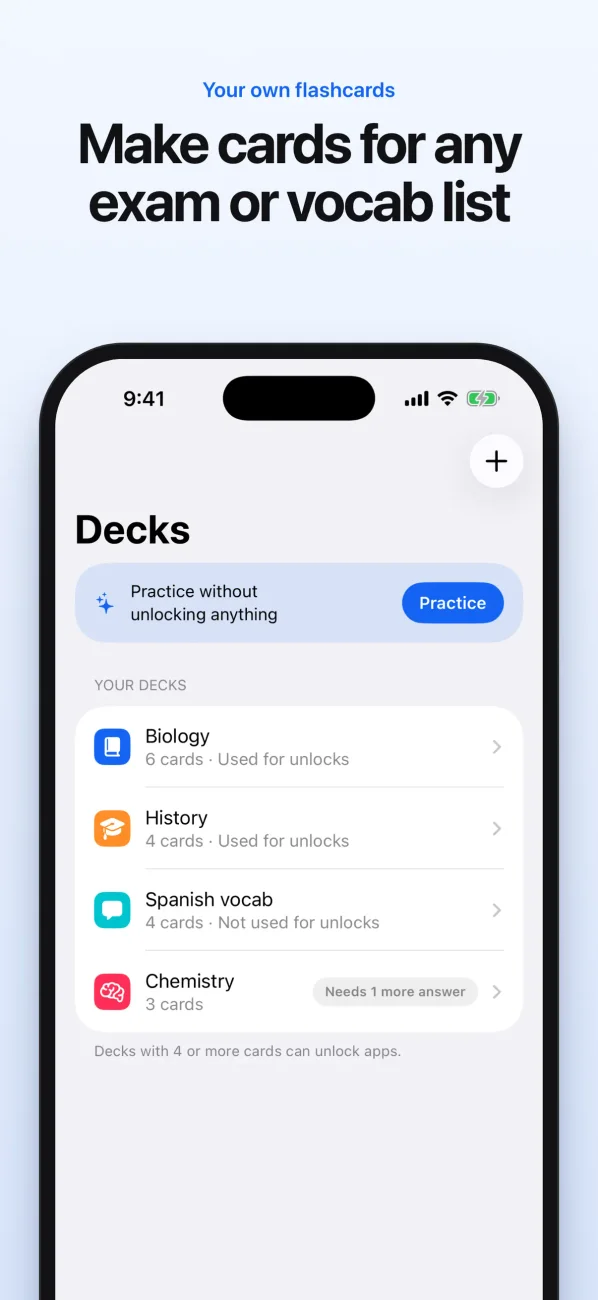
YOUR OWN FLASHCARDS
• Build decks for exams, languages or anything you're learning
• Multiple-choice questions made from your own cards
• Cards you get wrong come up more often
• Practice mode any time, without unlocking anything
STAY ON TRACK
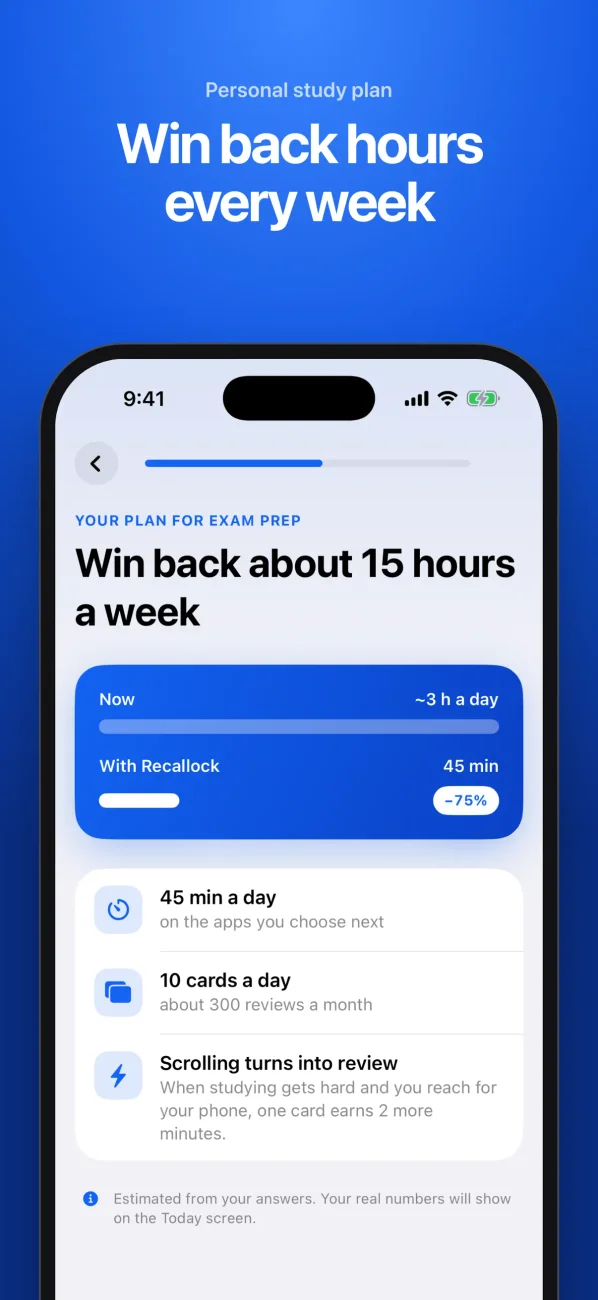
• A personal plan with a daily limit and a cards-a-day goal
• See today's cards and minutes earned at a glance
• Optional strict mode: changing a limit or turning strict mode off takes 5 correct answers
PRIVATE BY DESIGN
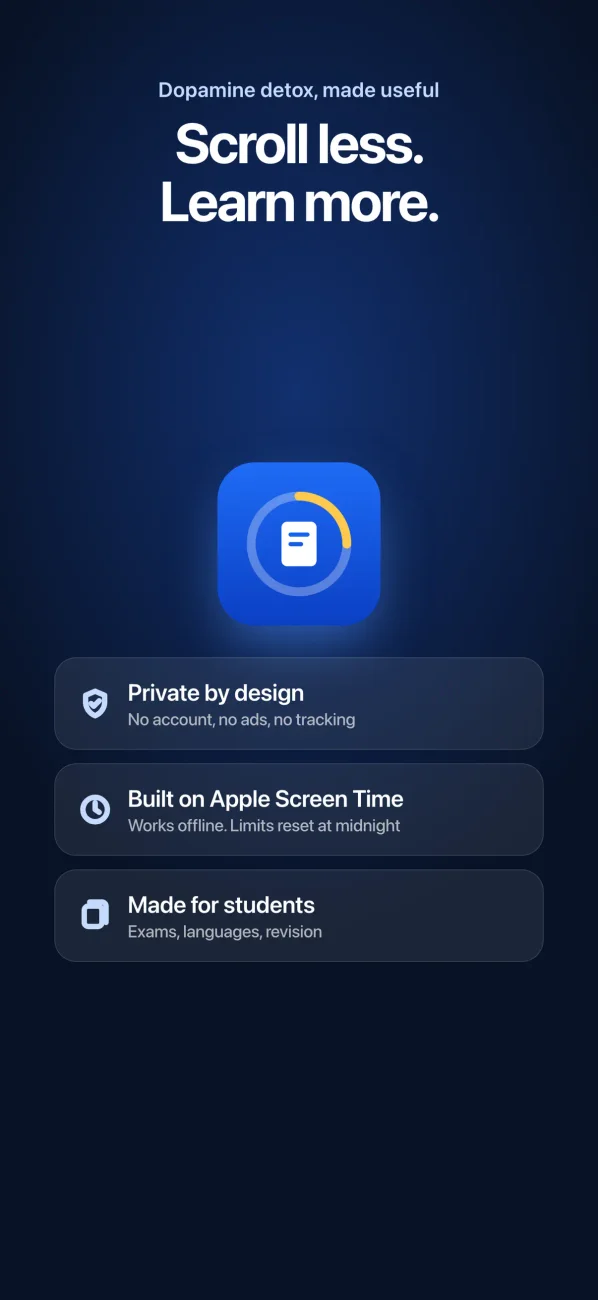
No account, no ads, no tracking. Your cards, limits and stats stay on your iPhone. Recallock uses Apple's Screen Time, so it never sees which apps you picked by name.
SUBSCRIPTION
Recallock requires a subscription: weekly with a 3-day free trial, or yearly with a 7-day free trial. Payment is charged to your Apple ID. Subscriptions renew automatically unless cancelled at least 24 hours before the end of the current period. Manage or cancel any time in Settings → Apple ID → Subscriptions.
Terms of Use: https://tryflashlock.com/terms/
Privacy Policy: https://tryflashlock.com/privacy/
What’s new
Version 1.0.9 · Nov 12, 2026
A fresh look: a new blue color and icon, a clearer setup with a single progress bar, and friendlier empty screens. Plus small fixes.
App privacy
What Pravit Vanadilok declares on the App Store about how this app handles data.
-
Data linked to you
May be collected and linked to your identity.
- Purchases
- Usage data
-
Data not linked to you
May be collected but is not linked to your identity.
- Purchases
- Usage data
Privacy practices may vary, for example with the features you use or your age.
Information
- Seller
- Pravit Vanadilok
- Category
- Productivity
- Version
- 1.0.9
- Updated
- Nov 12, 2026
- Released
- Oct 15, 2026
- Size
- 11.8 MB
- Requires
- iOS 17.4 or later
- Age rating
- 4+
- Price
- Free
- In-app purchases
- Yes
- Languages
- English, German, Japanese
- Copyright
- © 2026 Pravit Vanadilok
You might also like
-
 App Blocker & Focus - IsshinScreen time limits that stick
-
 OmniBlock: App Blocker & FocusBlock apps & sites on schedule
-
 nagimo: Auto App Lock at HomeScreen time limits by location
-
 DigiBound: Screen Time BlockerAutomatic Bedtime App Limits
-
 MultipleTimers ProRuns simultaneously
-
 OpLoop: App Blocker & FocusScreen time detox with friends
-
 FlowDo: Simple Order To-DoDecide the order, act faster.
-
 App Blocker: Schedule & LimitsScreen Time,Focus,Routine,TODO
-
 TodoLock: Beat ProcrastinationLock Apps Until Tasks Are Done
-
 Transcribe Voice AI Note TakerAudio to Text Notes AI Summary