ReceiptSplit: Split & Scan
AI Bill Splitter & Expenses
Designed for iPhone, iPad
Free · In-app purchases
- Age rating4+
- CategoryFinance
- DeveloperAdam Drojewski
- LanguagesEnglish+ 6 more
- Size13.4 MB
Links to the official App Store page
Download.org hosts no file of ReceiptSplit: Split & Scan. The button opens its official App Store page, published by Adam Drojewski. Listing last checked on Nov 14, 2026.
Screenshots



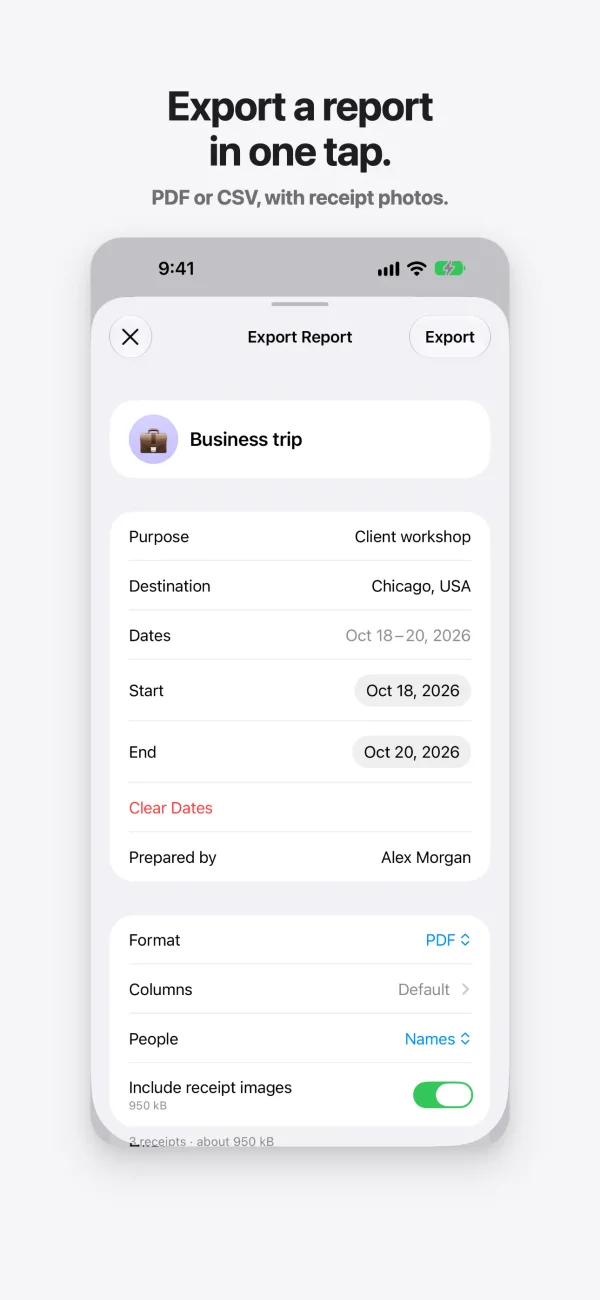
About
Split the bill by item. Only you need the app.
Scan the receipt, tap who had what, and send everyone their share with a payment link. Your friends get a text. They don't need the app, an account, or a signup.
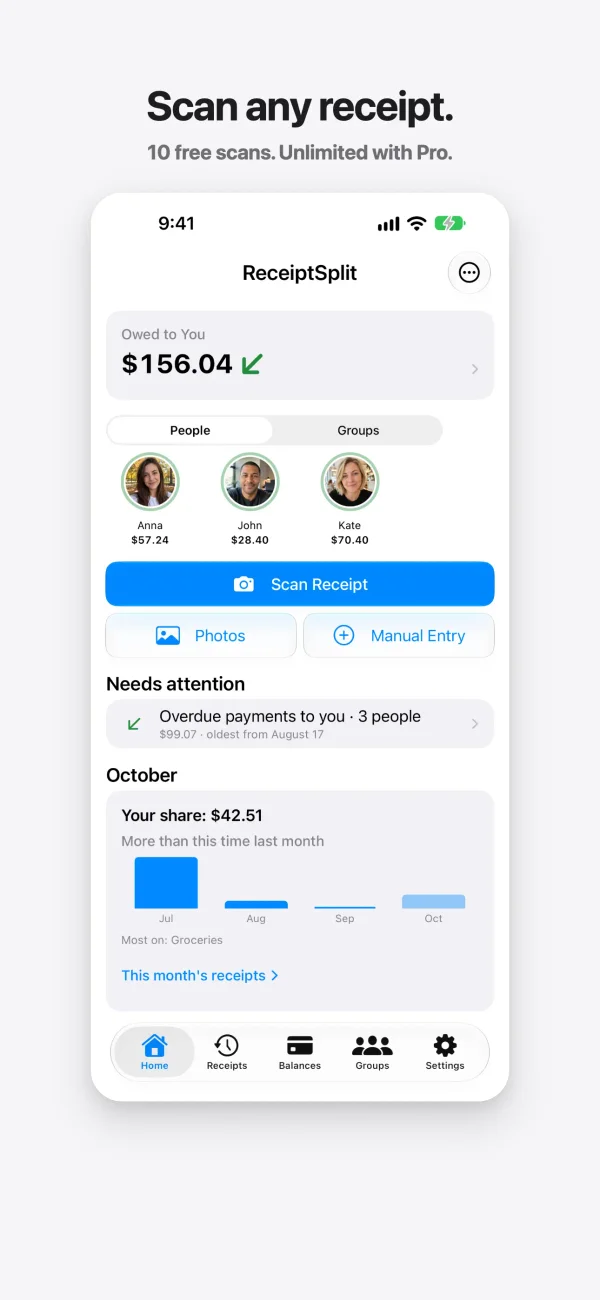
Scan any receipt
AI reads every item, price, tax, and tip. Long receipts can be scanned in up to three pages, in any language, with the currency detected for you.
Split by item, fair to the cent
Assign each item to whoever ordered it. Tax and tip are shared in proportion, so nobody pays for someone else's steak.
Request money in one tap
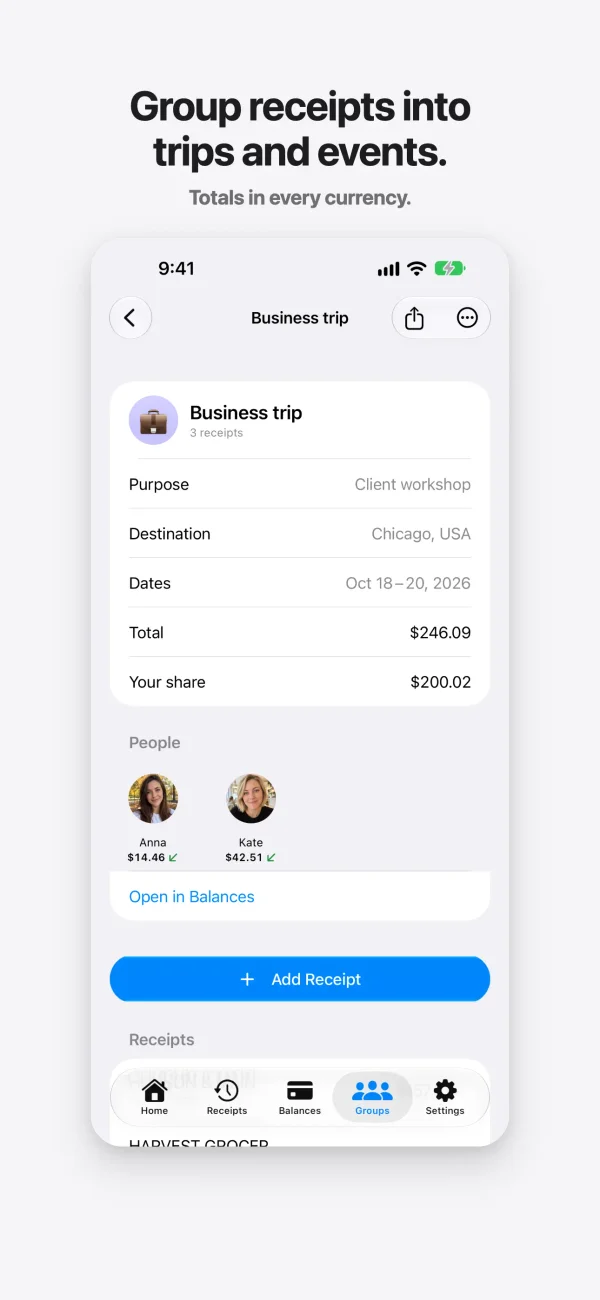
Send an itemized breakdown with a Venmo, PayPal, Cash App, or Revolut link — or a Pix code. Share it by text, email, or any messaging app, or export a PDF for a group trip.
See every balance at a glance
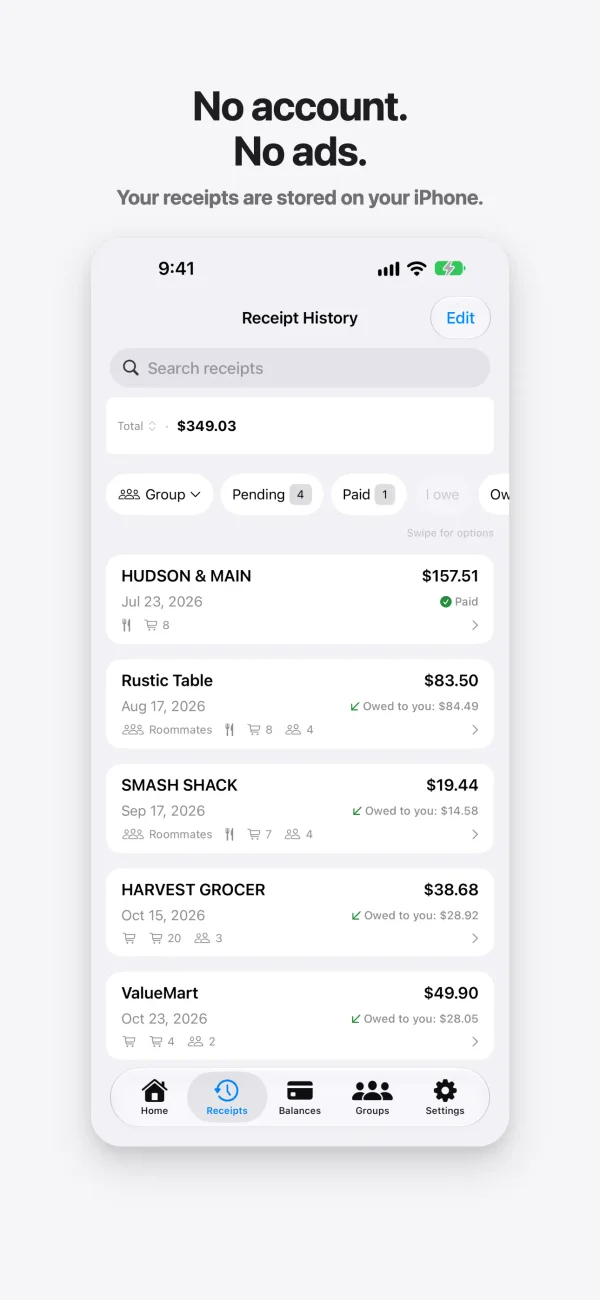
Know who has paid and who hasn't. Record payments, see the history of each receipt, and get balance reminders, so you don't have to chase anyone.
Ask Siri
Say "What do I owe in ReceiptSplit" to hear your balance, or use it in Shortcuts.
Keep your warranties
Add a warranty date to any receipt and get a reminder 30 days before it runs out.
Private by design
No account. No ads. No tracking. Your receipts and balances are stored on your iPhone. To read a scan, only the receipt photo is sent to an AI service, and we don't store it.
Enter receipts by hand at any time — it's free, unlimited, and works offline.
10 free AI scans. Unlimited with Pro.
Terms of Use (EULA): https://www.apple.com/legal/internet-services/itunes/dev/stdeula/
Privacy Policy: https://receiptsplit.work/privacy
What’s new
Version 1.8.1 · Nov 9, 2026
- Add a receipt from Files: pick a PDF or an image, and it is read like a photo
- Export a CSV with the receipt photos, saved as one ZIP
- Add a note to any receipt, and find it later with search
- New report presets: Expense report with notes, and Shared costs
- Bug fixes and performance improvements
App privacy
What Adam Drojewski declares on the App Store about how this app handles data.
-
Data not linked to you
May be collected but is not linked to your identity.
- Location
- Contact info
- Contacts
- User content
- Usage data
- Diagnostics
Privacy practices may vary, for example with the features you use or your age.
Information
- Seller
- Adam Drojewski
- Category
- Finance
- Version
- 1.8.1
- Updated
- Nov 9, 2026
- Released
- Mar 17, 2026
- Size
- 13.4 MB
- Requires
- iOS 18.5 or later
- Age rating
- 4+
- Price
- Free
- In-app purchases
- Yes
- Languages
- English, French, German, Italian, Polish, Portuguese, Spanish
- Copyright
- © 2026 DevCod
You might also like
-
 Tabify - AI Receipt SplitterReceipt splitting made easy
-
 Split Pay: Get Paid BackEverything stays on-device
-
 Split - Receipt ScannerBill Splitting Made Simple
-
 SPLIIT Pro: Bill SplitterAI Receipt Scanner & Split
-
 SplitEven: AI Bill SplitterScan Bills. Pay What You Owe.
-
 Splitzz – Dinner Bill SplitterScan receipts, share the bill
-
 Split Bills: HalvShared Expenses with Friends
-
 Splitski - AI Receipt SplitScan & split bills
-
 SpliteaSplit receipts with friends
-
 SplitEase - split all billsSplit all bills