- Age rating4+
- CategoryFinance
- DeveloperBrian Kim
- LanguagesEnglish
- Size2.2 MB
Links to the official App Store page
Download.org hosts no file of Split Pay: Get Paid Back. The button opens its official App Store page, published by Brian Kim. Listing last checked on Nov 12, 2026.
Screenshots
About
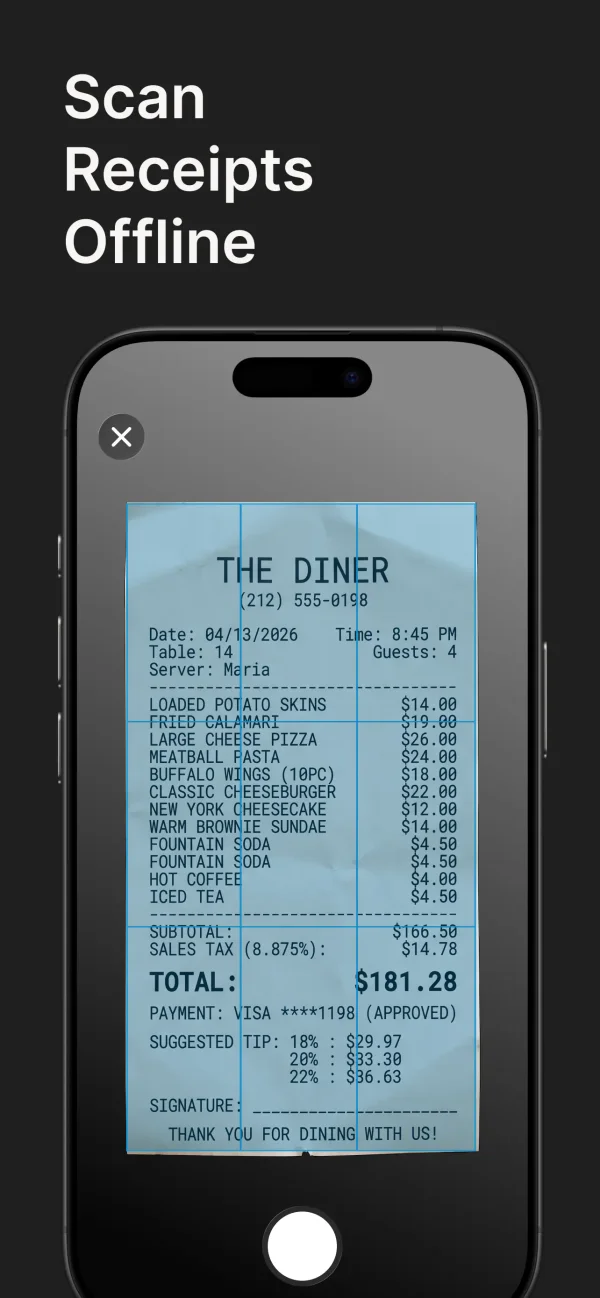
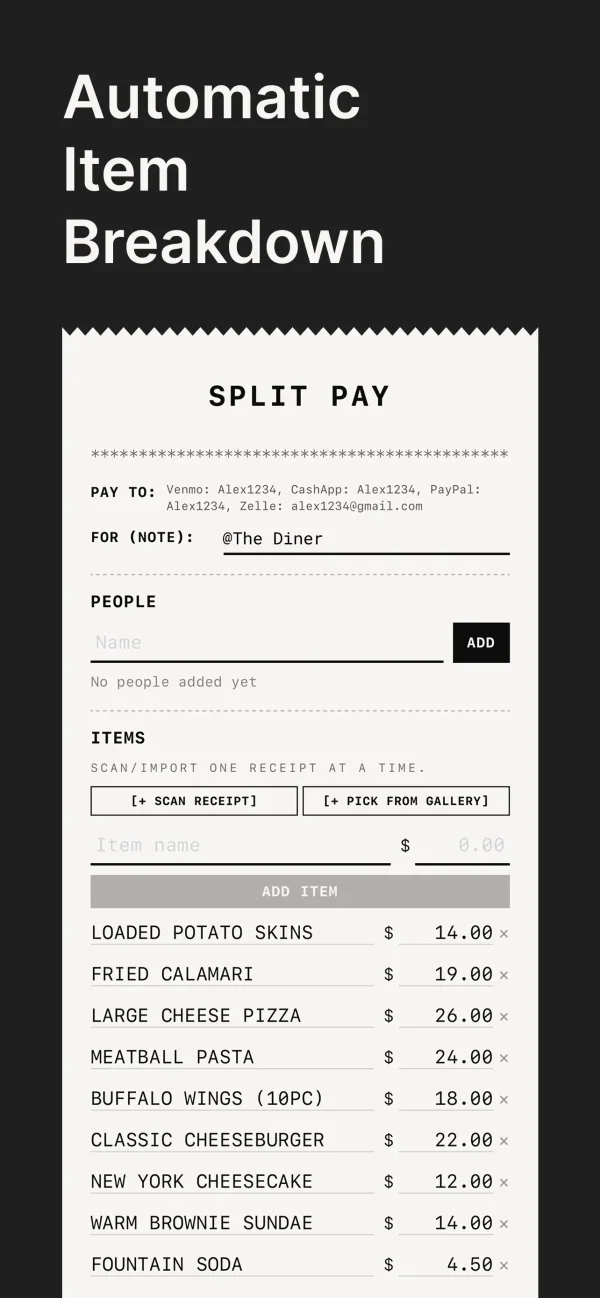
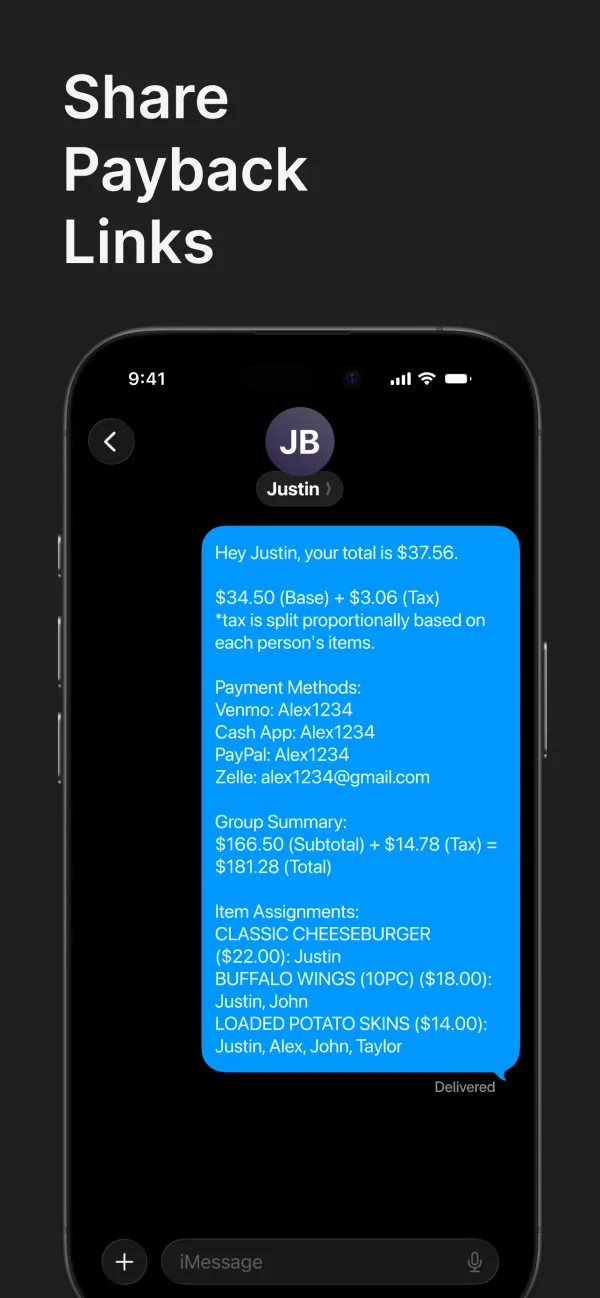
Split Pay: Get Paid Back helps you scan a receipt, assign every item, and send reimbursement details fast without doing the math yourself.
Full receipt scanning requires iOS 26.0 or later and a compatible Apple Intelligence iPhone, including iPhone 15 Pro, iPhone 15 Pro Max, and iPhone 16 models or later. On other supported devices, you can still split bills manually.
Use Split Pay to:
- Scan a receipt and pull in line items
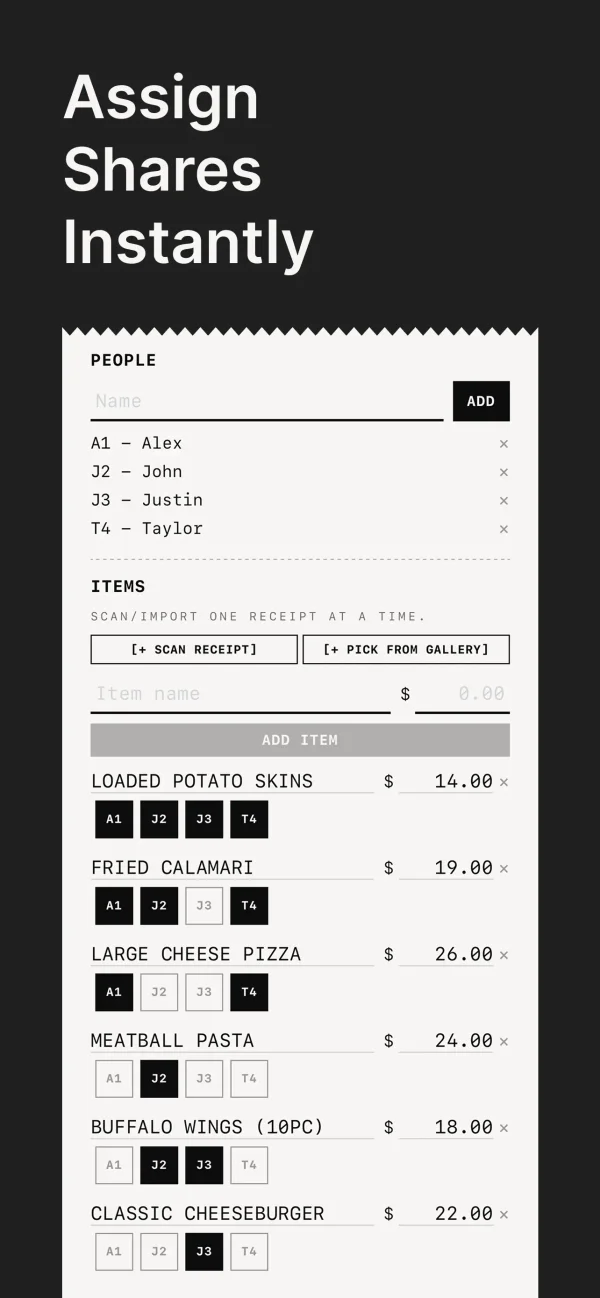
- Add people and assign items in a tap
- Split shared dishes fairly
- Apply tax, tip, extra charges, and discounts proportionally
- Generate share-ready payment details for Venmo, Cash App, PayPal, and Zelle
- Copy or share each person’s total instantly
Why people use Split Pay:
- No account creation required
- No subscription or in-app purchase required
- Private, local-first bill splitting
- Fast manual fallback when scanning is unavailable
- Built for real group dinners, takeout, trips, and any
App privacy
What Brian Kim declares on the App Store about how this app handles data.
-
Data not collected
The developer does not collect any data from this app.
Privacy practices may vary, for example with the features you use or your age.
Information
- Seller
- Brian Kim
- Category
- Finance
- Version
- 1.0
- Updated
- Apr 17, 2026
- Released
- Apr 16, 2026
- Size
- 2.2 MB
- Requires
- iOS 26.0 or later
- Age rating
- 4+
- Price
- Free
- Languages
- English
- Copyright
- © 2026 Brian Kim
You might also like
-
 ReceiptSplit: Split & ScanAI Bill Splitter & Expenses
-
 PaySplit: Split Bills & RentRoommate & trip expenses
-
 SplitIt! - Fast & EasySplit Bills Easy and Fast!
-
 VenoPay Unlimited Virtual CardUnlimited Virtual Debit Cards
-
 Yes MoneyYes Money
-
 Fyatu - Virtual Debit CardsInstant Payment Cards Issuing
-
 Split! Rent, Bills, ExpensesSettle Friend & Group Balances
-
 Help Pay RentHelp Pay Rent App
-
 Pay with SublimeSplit up and save on bills
-
 Rently - Flex Rent PaymentsThe flexible way to pay rent.