
RecoBooth — Studio Recorder
Remove room echo and noise
Designed for iPhone, iPad
In-app purchases
- Age rating4+
- CategoryUtilities
- DeveloperToshihiko Arai
- LanguagesJapanese+ 8 more
- Size21.4 MB
Links to the official App Store page
Download.org hosts no file of RecoBooth — Studio Recorder. The button opens its official App Store page, published by Toshihiko Arai. Listing last checked on Nov 23, 2026.
Screenshots
About
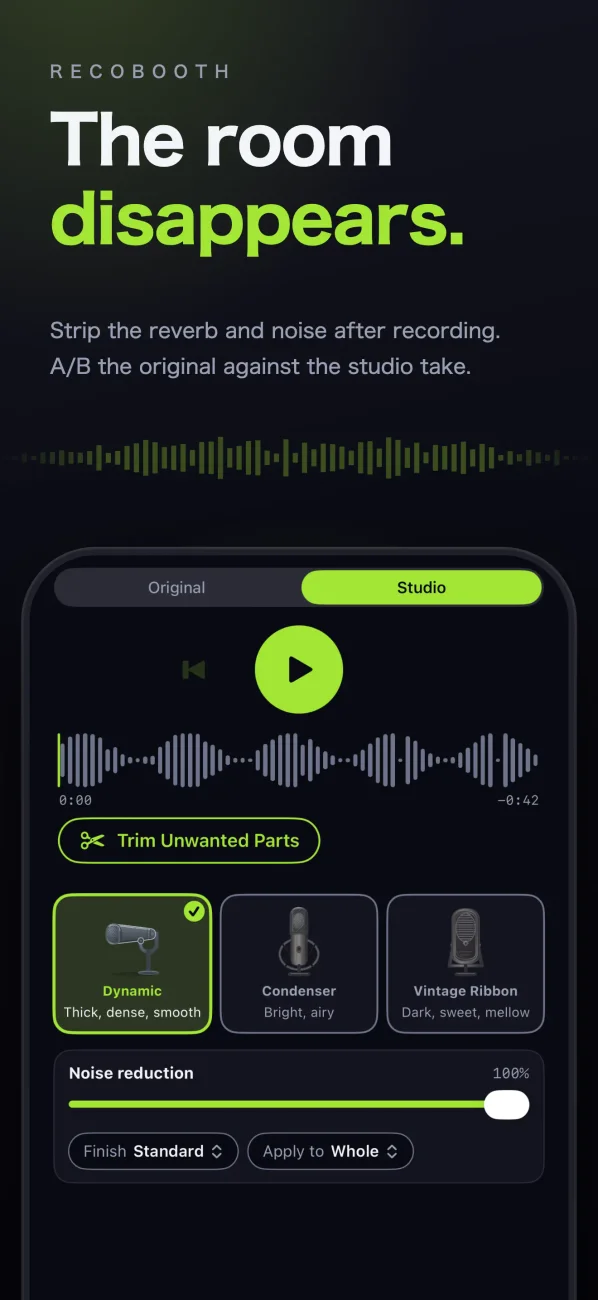
RecoBooth is a voice recorder that removes room reverb and noise, making your voice sound like it was recorded in a studio.
Voices recorded in ordinary rooms pick up reflections from walls and ceilings. The moment you stop recording, RecoBooth's on-device AI noise and reverb removal (DeepFilterNet3) turns it into a clean, dry voice in seconds.
■ Great for
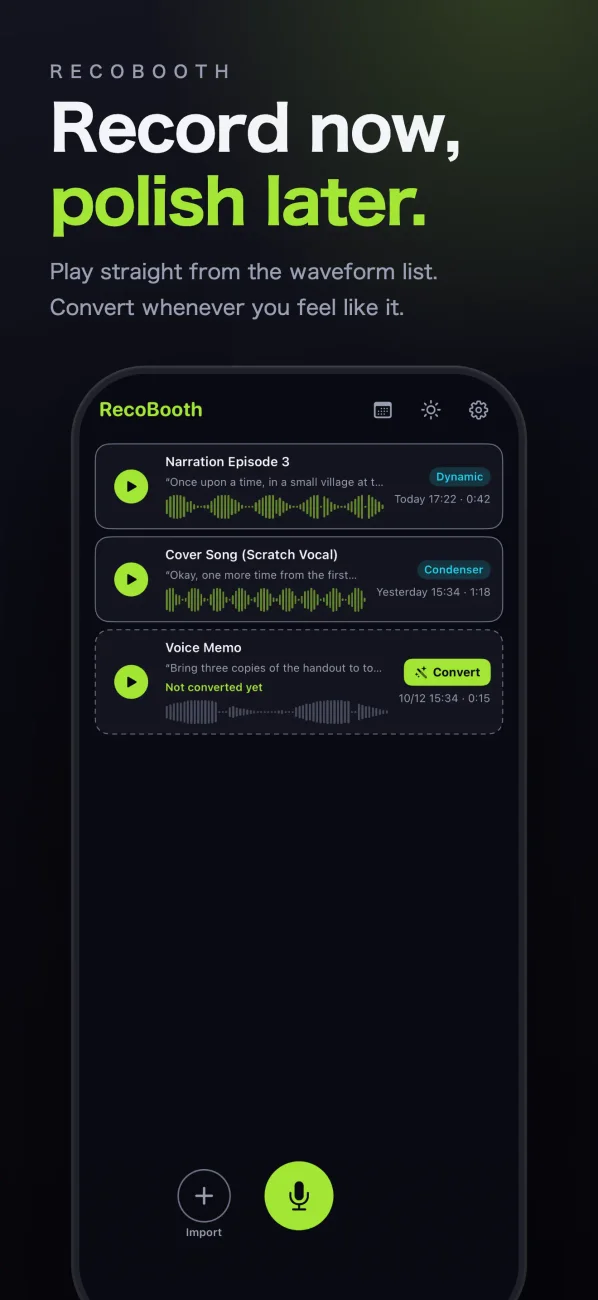
- Narration, reading practice, voice memos
- Cover songs and scratch takes
- Voice tracks for videos and podcasts
■ Features
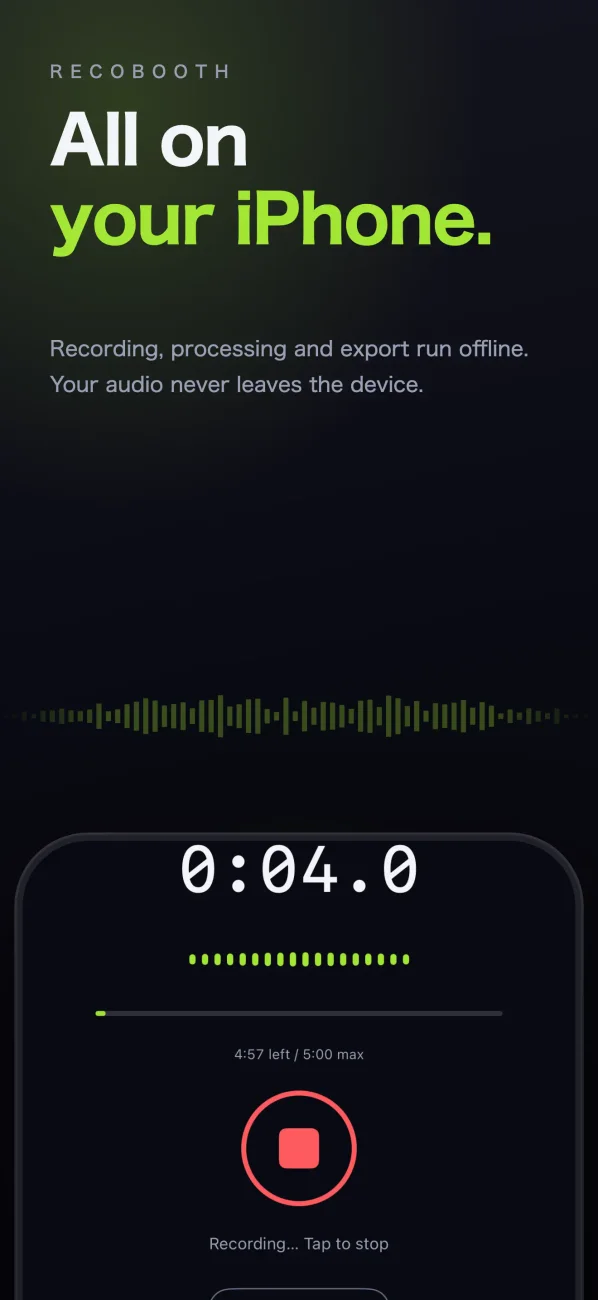
- All processing happens on your device, so it works offline
- One-tap A/B comparison between original and studio sound
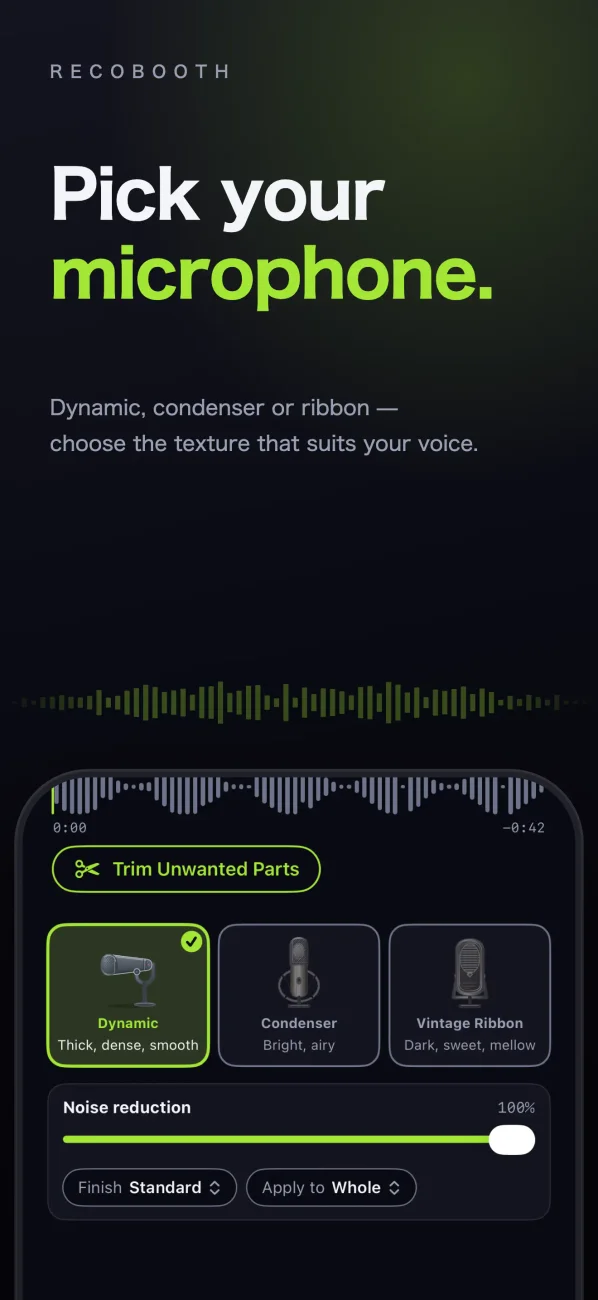
- Mic characters (dynamic / condenser / ribbon) to shape the tone
- Detects and suppresses room resonances automatically
- Shows the microphone in use, including external mics and audio interfaces
- Waveform trimming, with export levelled to around -14 LUFS
- Import a video, clean up just its audio, and export it back (the video is never re-encoded)
- Import audio files too, such as Voice Memos (m4a, mp3, wav and more)
- Background recording — keep recording with the screen off
- iPad support. On a wide landscape screen your recordings stay in a list on the left while the studio fills the right
- Five accent colours, light / dark appearance, and full text-size support
■ RecoBooth Pro (one-time purchase)
- Export lossless WAV — the format to hand to your editing software
- Record or import audio and video up to 2 hours at a time (5 minutes on the free version)
- No more full-screen ad after each conversion
- Future Pro features are included at no extra cost
Recordings and imported audio or video are up to 5 minutes each (2 hours with Pro), captured at 48 kHz, exported as M4A or, with Pro, WAV.
What’s new
Version 26.11.11 · Nov 11, 2026
- Redesigned the Pro screen. Compare Free and Pro side by side, with an explanation that matches what you were doing (WAV export, importing a long file, the calendar, and more)
- After upgrading, you go straight back to what you were doing
- The notice shown when a recording stops at 5 minutes now opens the Pro screen
- The Pro screen is shown larger on iPad
App privacy
What Toshihiko Arai declares on the App Store about how this app handles data.
-
Data not linked to you
May be collected but is not linked to your identity.
- Identifiers
- Usage data
- Diagnostics
Privacy practices may vary, for example with the features you use or your age.
Information
- Seller
- Toshihiko Arai
- Category
- Utilities
- Version
- 26.11.11
- Updated
- Nov 11, 2026
- Released
- Aug 19, 2026
- Size
- 21.4 MB
- Requires
- iOS 17.0 or later
- Age rating
- 4+
- In-app purchases
- Yes
- Languages
- Japanese, Italian, Spanish, German, French, Simplified Chinese, Traditional Chinese, English, Korean
- Copyright
- © 2026 Toshihiko Arai
You might also like
-
 Noise Reducer - OffgridVoxRemove Echo from Voice & Video
-
 Echo Remover: Voice CleanupTame reverb in call recordings
-
 ShhVoiceSilent Voice Memos to Text
-
 Voice Recorder & DictationTranscribe Dictate Audio Memo
-
 Video Lite: Compress & ResizeShrink & reduce file size
-
 Origin Album - encrypted albumEncrypted Privacy Album Manage
-
 RecwaveRetro UI, No-Ads Recording
-
 SpecWaveSPL Meter, Spectrum, Audio Gen
-
 NagiVoice - AI音声合成・声クローンUtilities
-
 超シンプル名刺管理Utilities