Recopy - Copy & Paste
Copy, Organize, Search, Paste
Designed for iPhone, iPad, Mac
Free · In-app purchases
- Age rating4+
- CategoryUtilities
- DeveloperEnmilu
- LanguagesEnglish+ 16 more
- Size14.6 MB
Links to the official App Store page
Download.org hosts no file of Recopy - Copy & Paste. The button opens its official App Store page, published by Enmilu. Listing last checked on Nov 16, 2026.
Screenshots

About
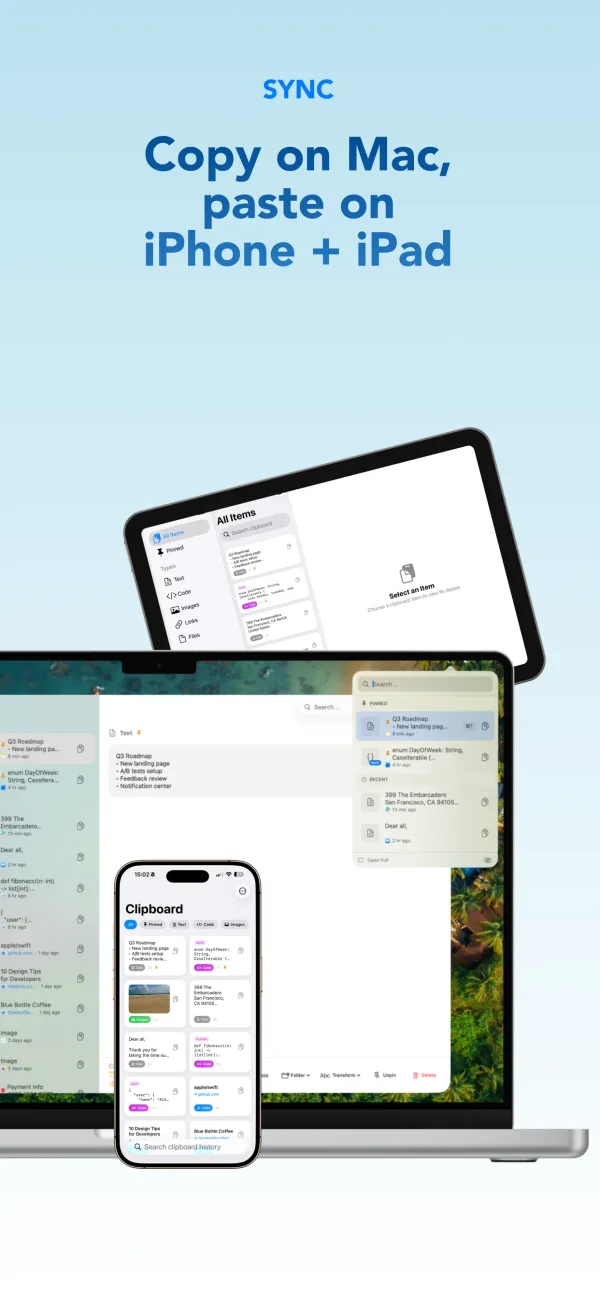
Your clipboard history, synced across all your devices.
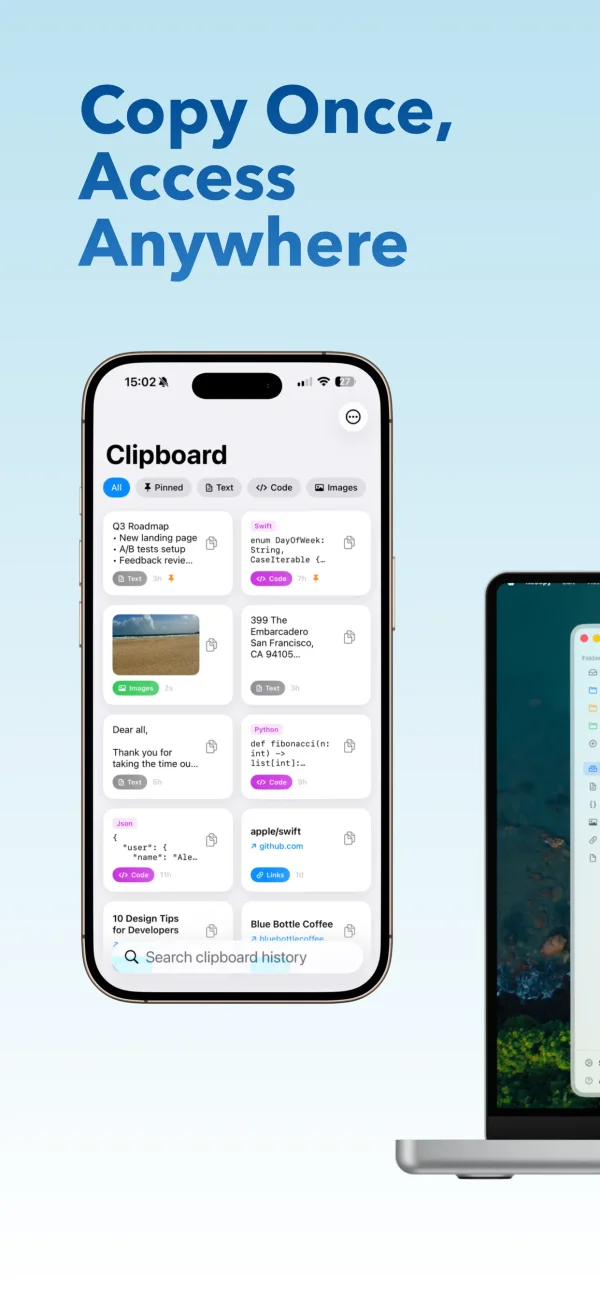
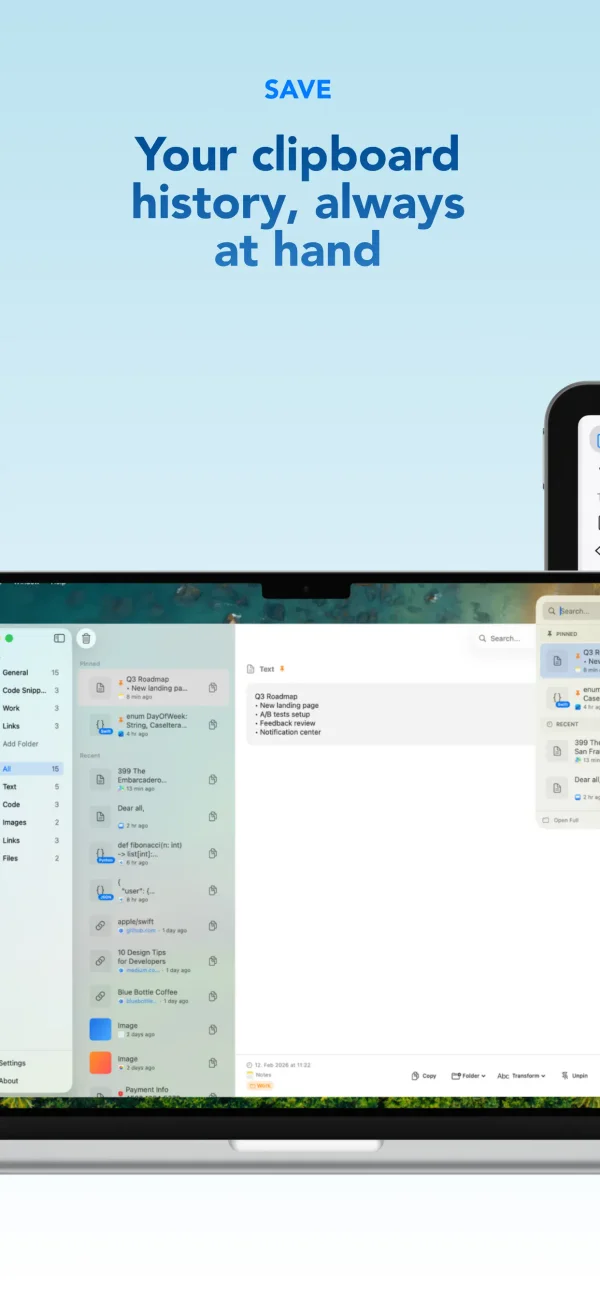
Recopy saves everything you copy — text, code, links, images, and files — and keeps it in sync. Copy a screenshot on your Mac, and it's on your iPhone.
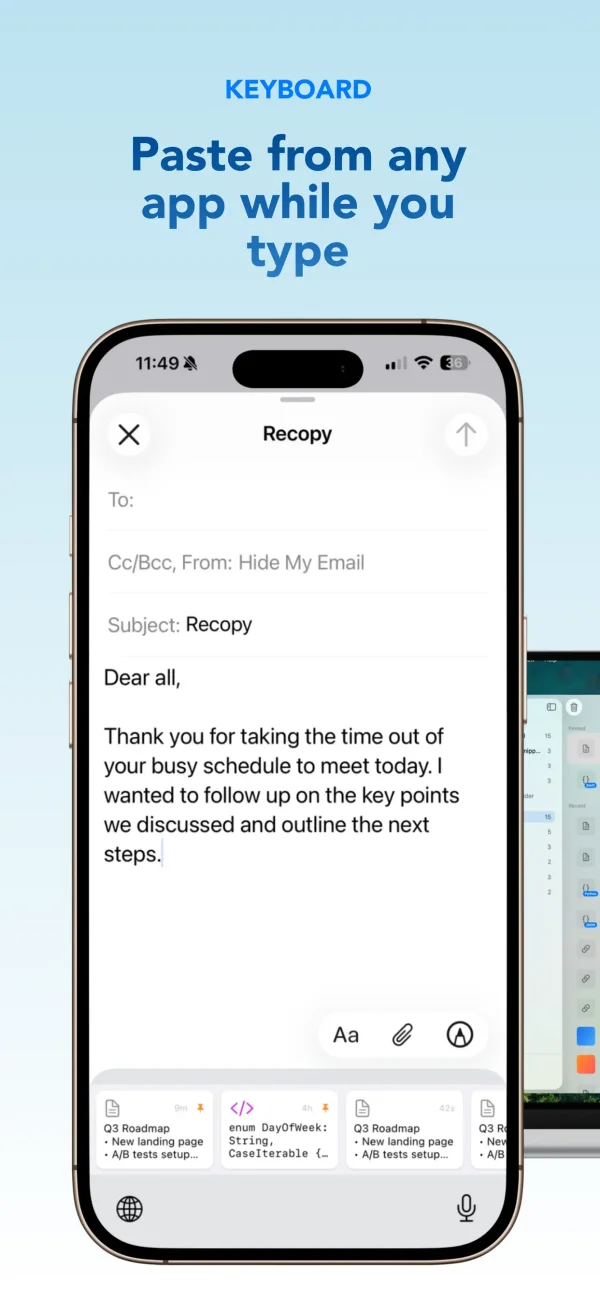
PASTE FROM ANY APP
The Recopy keyboard extension puts your full clipboard history in any text field. No app switching.
SAVE FROM ANYWHERE
Send content to Recopy from any app with the Share extension. Recopy also captures your clipboard automatically when you open the app.
SMART & SAFE CONTENT
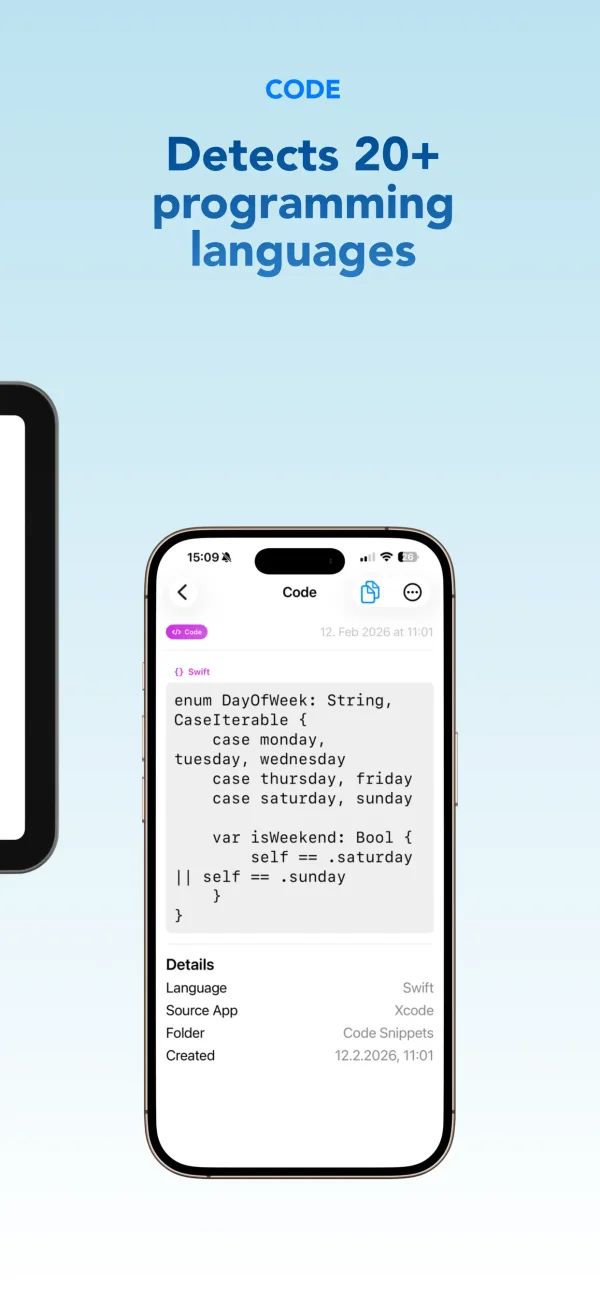
• Code recognized in 20+ languages
• Links show rich previews
• Credit cards, API keys, and generated passwords are detected and badged automatically
STAY ORGANIZED
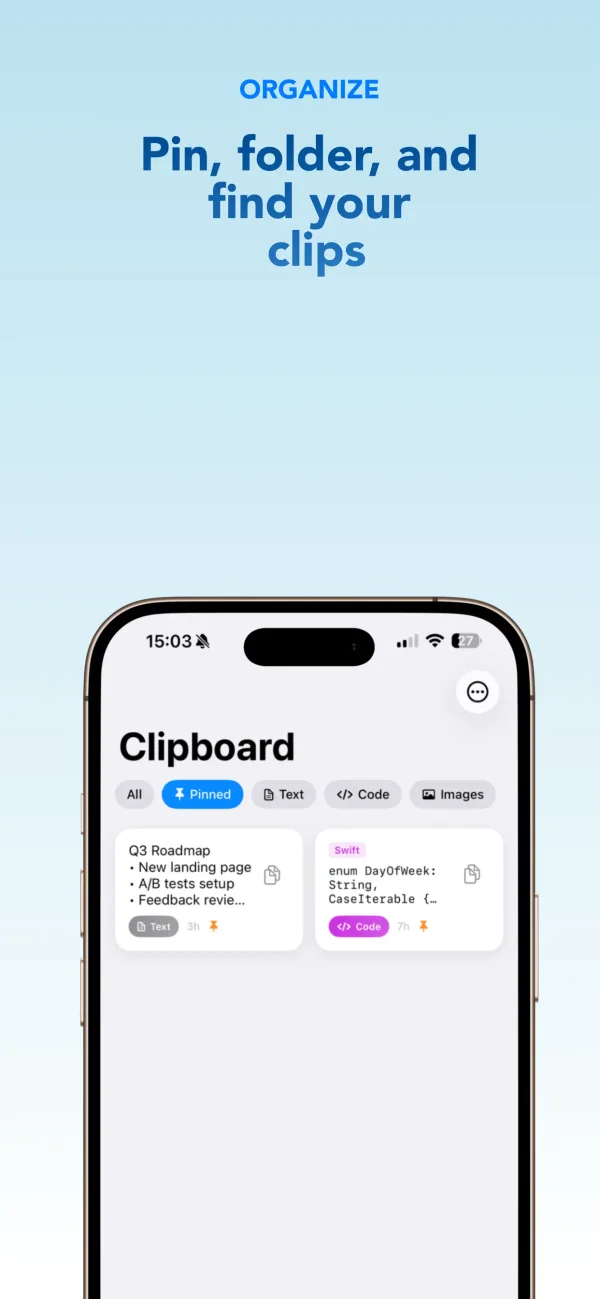
• Pin important clips to the top
• Create folders to group related items
• Filter by type: text, code, images, links, files
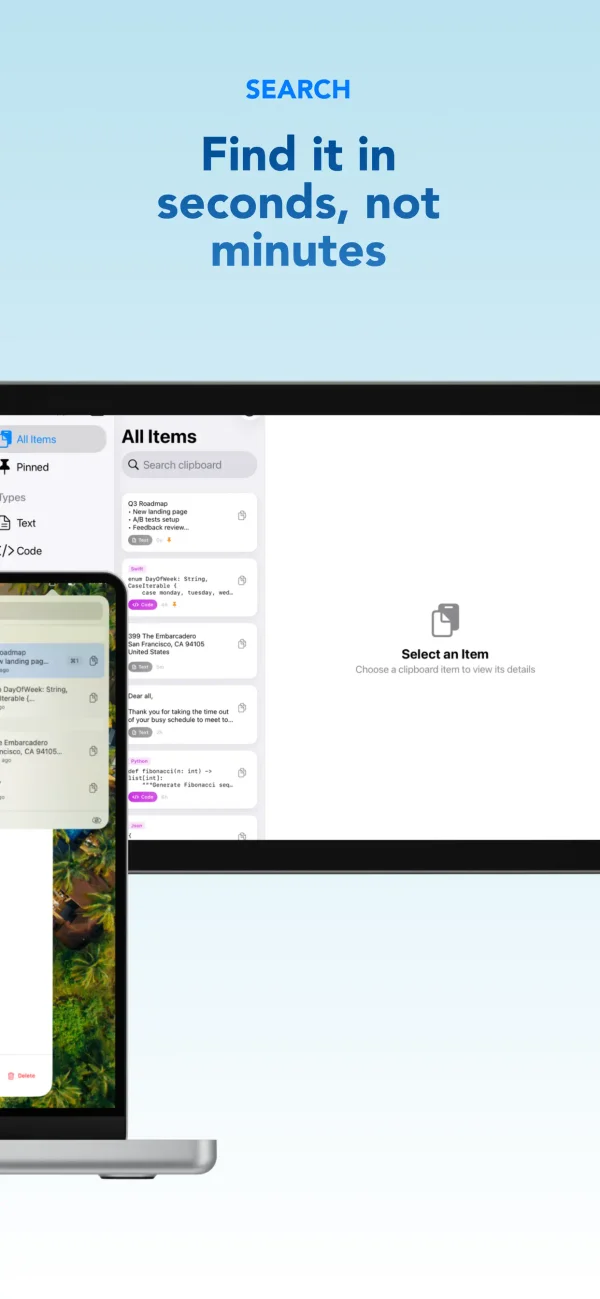
• Search across your full history
ICLOUD SYNC
Your clipboard syncs across Mac, iPhone, and iPad — now including images. Deletions sync too. Turn on "Sync images" in Settings to upload from this device.
FREE & PRO
Start free with 10 items of history. Upgrade to Pro for unlimited history, iCloud sync, folders, and more.
Terms of Use (EULA): https://www.apple.com/legal/internet-services/itunes/dev/stdeula/
What’s new
Version 1.2.0 · Jul 17, 2026
• Images from your Mac now appear in your iPhone history (enable "Sync images" in Settings to also upload from this device)
• Major iCloud sync reliability overhaul — deletions now sync too
• Smarter sensitive-data protection: generated passwords, JWTs, and current API-key formats are detected and badged
• Search improvements and faster, smoother lists
• Many fixes across capture, sync, and the keyboard extension
App privacy
What Enmilu declares on the App Store about how this app handles data.
-
Data not collected
The developer does not collect any data from this app.
Privacy practices may vary, for example with the features you use or your age.
Information
- Seller
- Enmilu, LLC
- Category
- Utilities
- Version
- 1.2.0
- Updated
- Jul 17, 2026
- Released
- Feb 23, 2026
- Size
- 14.6 MB
- Requires
- iOS 17.0 or later
- Age rating
- 4+
- Price
- Free
- In-app purchases
- Yes
- Languages
- English, Czech, Danish, Dutch, French, German, Hebrew, Italian, Japanese, Korean, Norwegian Bokmål, Portuguese + 5 more
- Copyright
- © 2025 Enmilu LLC
You might also like
-
 Copy Paste ClipBoard ManagerHistory, Keyboard & Snippets
-
 SimplePasteVaultClipboard History & Manager
-
 Swift PasteKeyboard & Clipboard Manager
-
 CapypasteQuick Access to Your Snippets
-
 Local Calendar SyncAvoid cross-calendar conflicts
-
 Ebook FormatFlipUtilities
-
 ClipSmart: Text, Crop & KeysPowerful tools 4 smarter tasks
-
 ClipMemo - Clipboard HelperAuto-categorise & quick paste
-
 ClipKeep: Clipboard ManagerSave Snippets, Copy Anytime
-
 Mage Clip: Privacy Pasteboardquick input your address, ID