
Reczen - Live Stream Screen
Livestream Screen Recorder
Designed for iPhone, iPad, iPod touch
Free
- Age rating4+
- CategoryPhoto & Video
- Developer宝锋 张
- LanguagesEnglish+ 15 more
- Size24.9 MB
Links to the official App Store page
Download.org hosts no file of Reczen - Live Stream Screen. The button opens its official App Store page, published by 宝锋 张. Listing last checked on Nov 24, 2026.
Screenshots
About
Break the boundaries and kickstart a new era of professional-grade live streaming and screen recording—all with just a single iPhone.
This app innovatively integrates dual-channel independent audio track control, a Live Bulletin Board (Stream Board) and Home Screen widgets. It delivers a lightweight, stable, and low-latency system while perfectly addressing the core pain points of mobile broadcasting. Without relying on complex PC gear or capture cards, a single iOS device is all you need to unlock a professional live workflow combining HD recording, fast streaming, floating notice boards, and post-video editing.
FEATURES
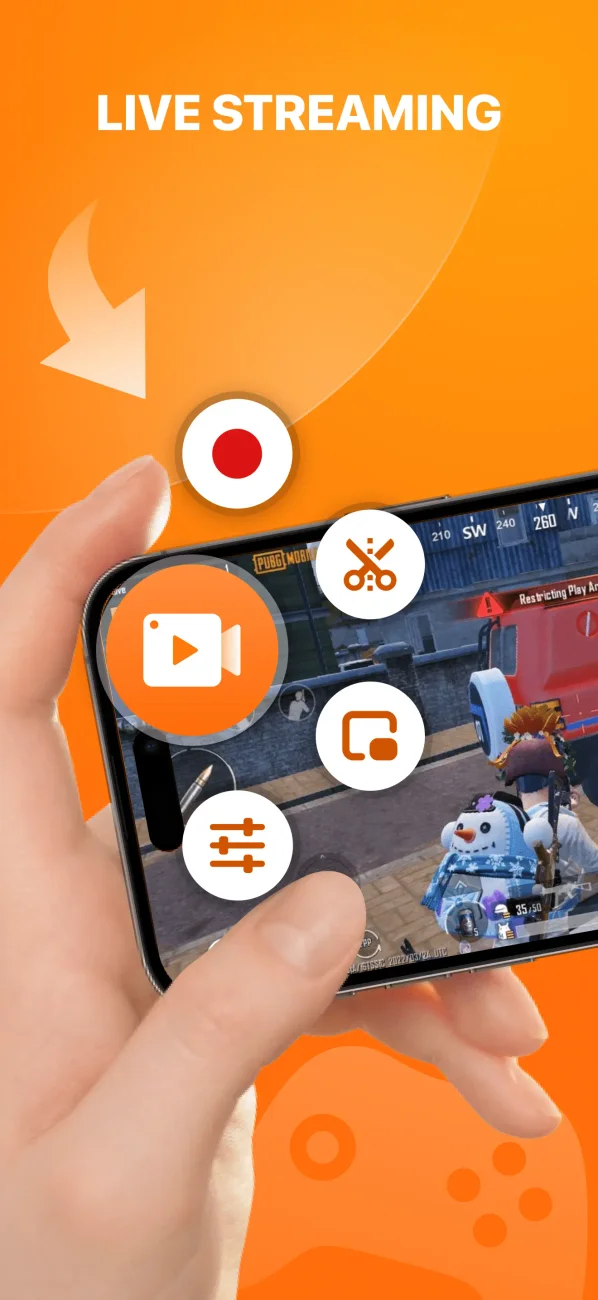
Live Streaming
- Native Major Platform Linking: Link your accounts smoothly and stream with a single tap directly to YouTube Live and Twitch.
- Custom RTMP Protocol: Supports manual entries of standard RTMP server URLs and Stream Keys, offering broad compatibility with most third-party streaming platforms and private streaming servers.
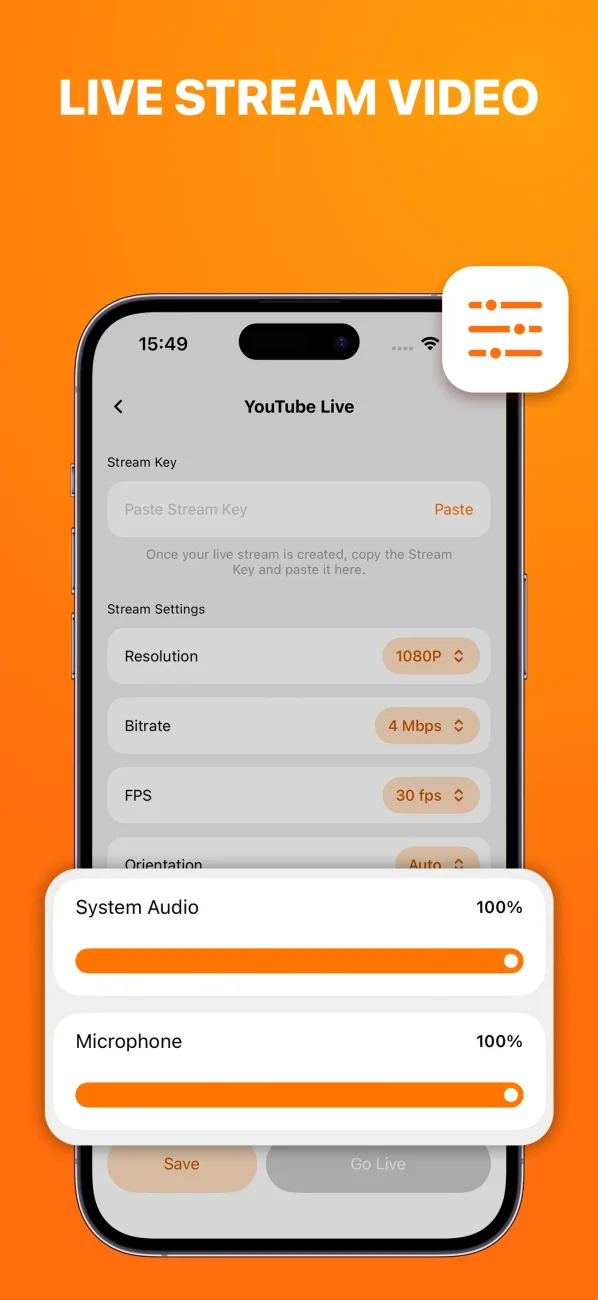
Dual-Channel Independent Audio Control
- Break Traditional Recording Limits: Exclusively provides separate adjustment sliders for App System Audio (game sound/software audio) and Microphone Audio (live commentary).
- Perfect Voice Balancing: Seamlessly lower background game volume and boost your commentary during streams. Enjoy precise, blind-operating controls and wave goodbye to the industry headache of competing audio sources.
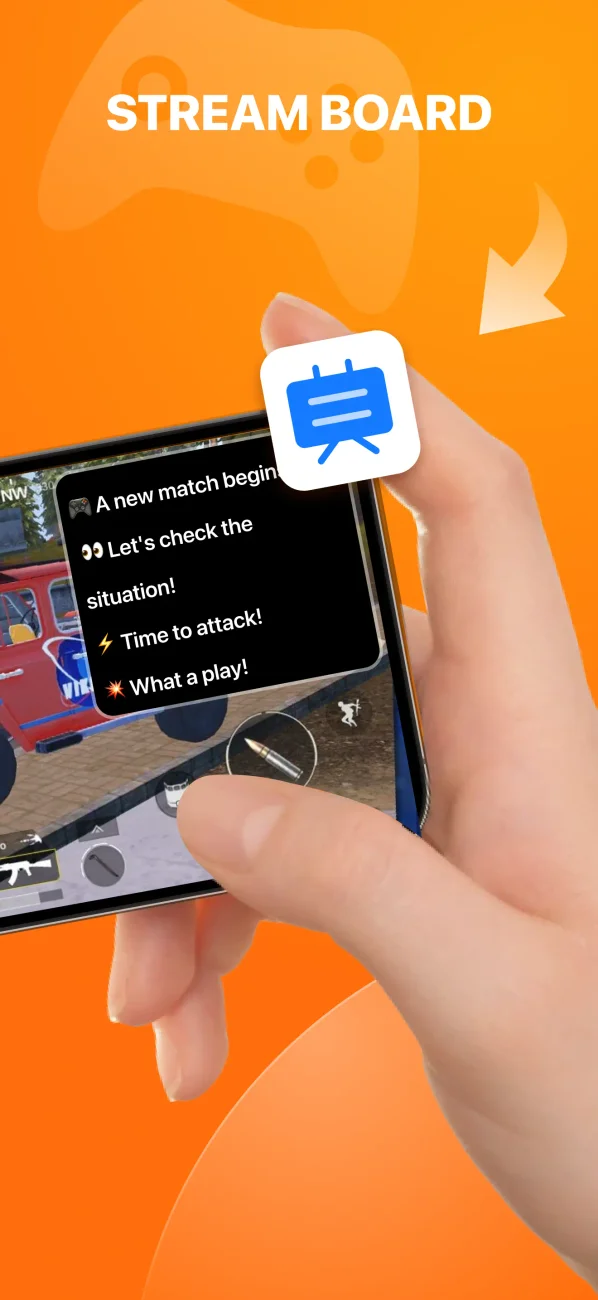
Live Bulletin Board (Stream Board)
- Dynamic Floating Display: An information-docking tool tailored specifically for single-screen mobile creators. Powered by system-level Picture-in-Picture (PiP) tech, it transforms your critical notes into a sleek screen overlay.
- Versatile Real-World Scenarios: Drop your fan group IDs, today's playlist, or sponsor ads onto the board to save yourself from verbal repetitions.
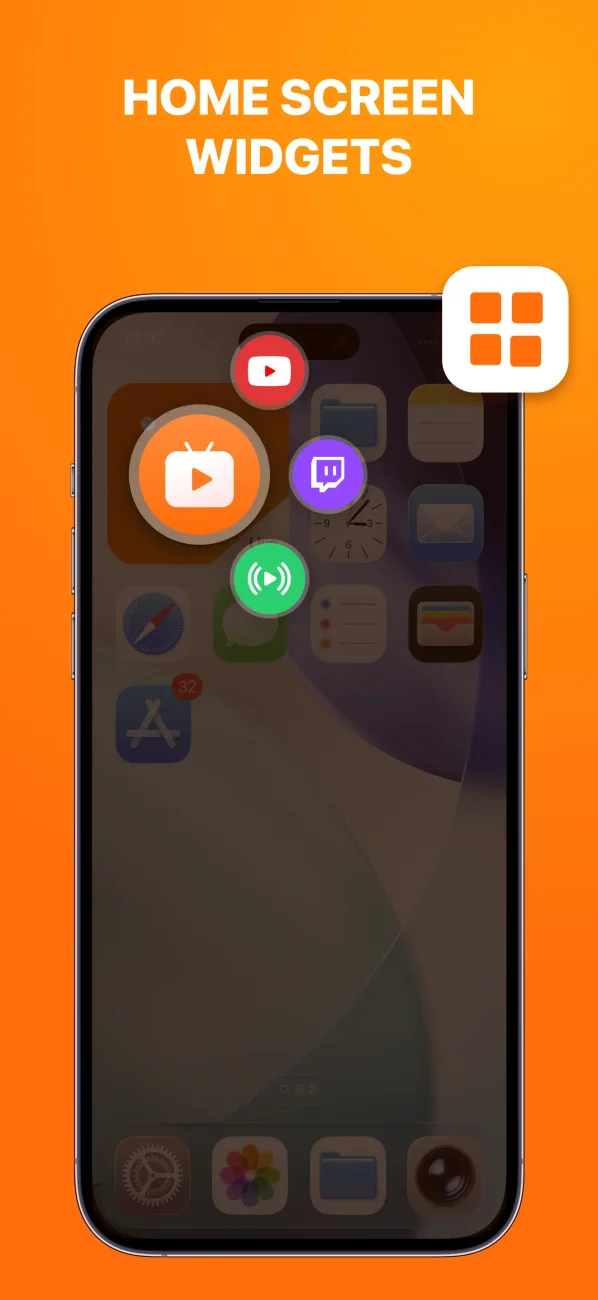
Home Screen Widgets
- One-Tap Instant Streaming: Solidify your go-to setups (e.g., YouTube + 1080p + preset audio ratio) into quick-launch templates.
- Minimalist Cross-App Interaction: Skip manual setups. Simply tap the widget on your iOS home screen, and the app instantly pre-configures everything in the background and calls up the native screen-recording component for peak efficiency.
Professional Screen Recording
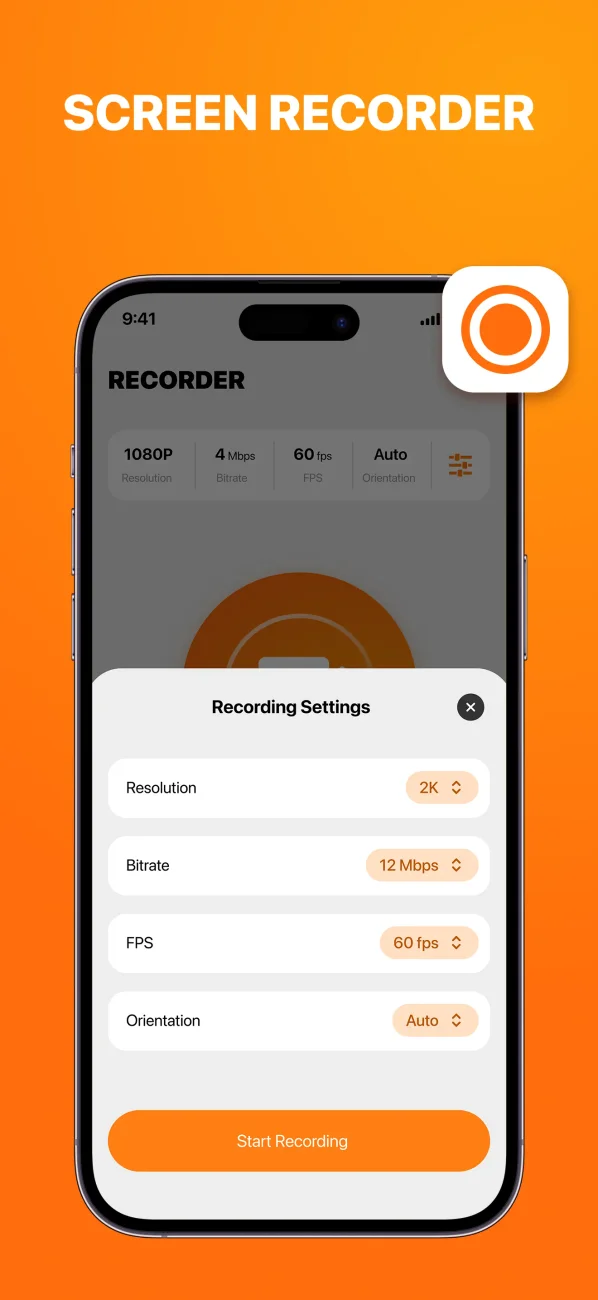
- Supports 240p, 480p, 720p, 1080p up to 2K resolution.
- Toggle freely between 24, 25, 30, 50, and 60 FPS.
- Customize bitrates dynamically from 2 Mbps to 12 Mbps.
- Equipped with Landscape, Portrait, and Auto-adaptive modes.
Video Editing
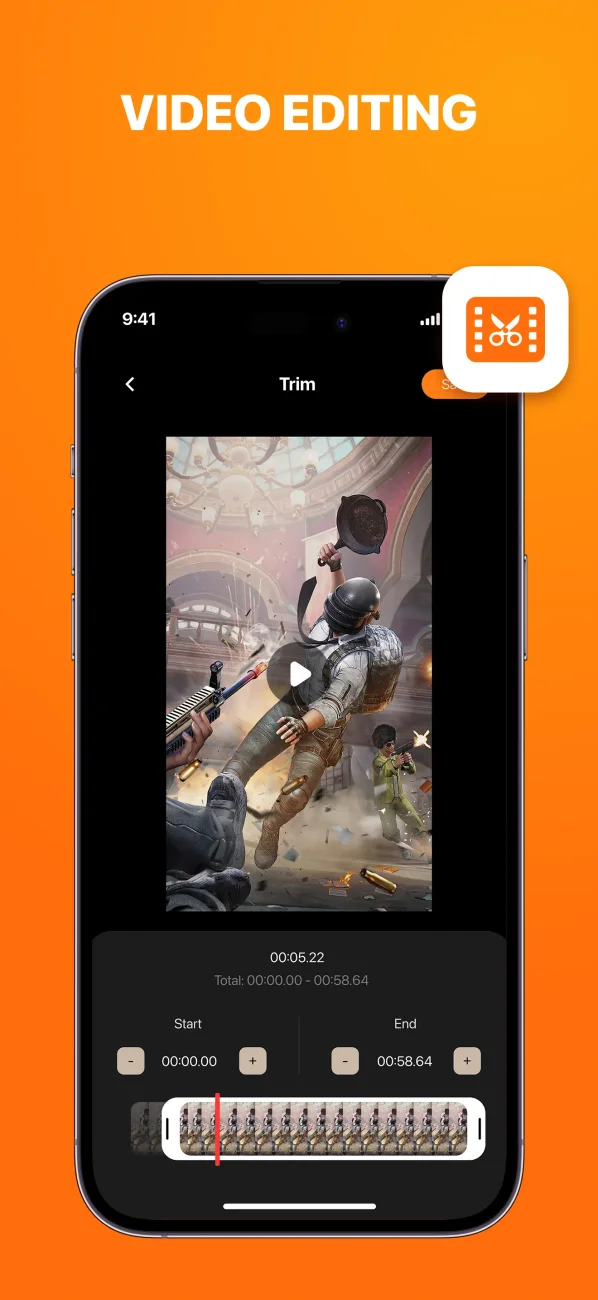
- Visual Timeline Design: Drag and drop handles quickly to clip and export your live stream highlights with pinpoint accuracy.
- HD Post-Voiceovers: Add high-fidelity voice commentary over your recorded video footage to elevate your post-production explainers.
- FaceCam Overlay: Smoothly overlay your front-facing camera footage onto the screen recordings, perfectly capturing your real-time reactions and expressions.
Who It’s For
- Mobile Streamers & Gamers: Stream to YouTube & Twitch with one tap, perfectly balancing game audio and live voice commentary.
- Educators & Online Teachers: Record lessons or stream live. Sync core key points in real-time using the Live Bulletin Board.
- Video Content Creators: Ditch complex gear. Record your screen anytime with FaceCam overlays and HD post-voiceovers.
Why Choose Us
- Lightweight & Stable: Optimized for iOS with ultra-low resource usage enjoy smooth, lag-free recording even during intense gaming.
- Streamlined Workflow: One-tap home screen widgets and PiP overlays let you control everything seamlessly on a single mobile screen.
- Pro Grade Control: Industrial-grade video options and dual-channel audio isolate controls bring OBS-level mastery to your phone.
App privacy
What 宝锋 张 declares on the App Store about how this app handles data.
-
Data used to track you
May be used to track you across apps and websites owned by other companies.
- Identifiers
-
Data not linked to you
May be collected but is not linked to your identity.
- Identifiers
Privacy practices may vary, for example with the features you use or your age.
Information
- Seller
- 宝锋 张
- Category
- Photo & Video
- Version
- 1.0
- Updated
- Aug 20, 2026
- Released
- Aug 20, 2026
- Size
- 24.9 MB
- Requires
- iOS 15.6 or later
- Age rating
- 4+
- Price
- Free
- Languages
- English, Arabic, French, German, Indonesian, Italian, Japanese, Korean, Portuguese, Russian, Simplified Chinese, Spanish + 4 more
- Copyright
- © BAOFENG
You might also like
-
 Screen Recorder - RecGenAI Record Screen For Phone
-
 Recven - Screen RecorderScreen Record, Mark & Redact
-
 iRecordScreen: Screen Recorder4K, FaceCam & Internal Audio
-
 Screen Recorder ‧ Video EditorVideo Rec, FaceCam, 4K, Voice
-
 DU Recorder - Screen RecorderRecord and Livestream Screen
-
 FaceCam - Camera RecorderRecording Screen Reactions
-
 Screen Recorder - Record it!Face Cam, Recording App
-
 Screen Recorder,Video RecorderV Recorder, FaceCam, 4K, Voice
-
 Screen Recorder ™ Record ShotCapture Recording for iPhone
-
 Screen Lab: Recorder & EditorRecord with Face Cam, FaceSwap