
FaceCam - Camera Recorder
Recording Screen Reactions
Designed for iPhone, iPod touch
Free · In-app purchases
- Age rating4+
- CategoryPhoto & Video
- DeveloperCoffee to code ehf.
- LanguagesEnglish
- Size7.7 MB
Links to the official App Store page
Download.org hosts no file of FaceCam - Camera Recorder. The button opens its official App Store page, published by Coffee to code ehf. Listing last checked on Nov 12, 2026.
Screenshots


About
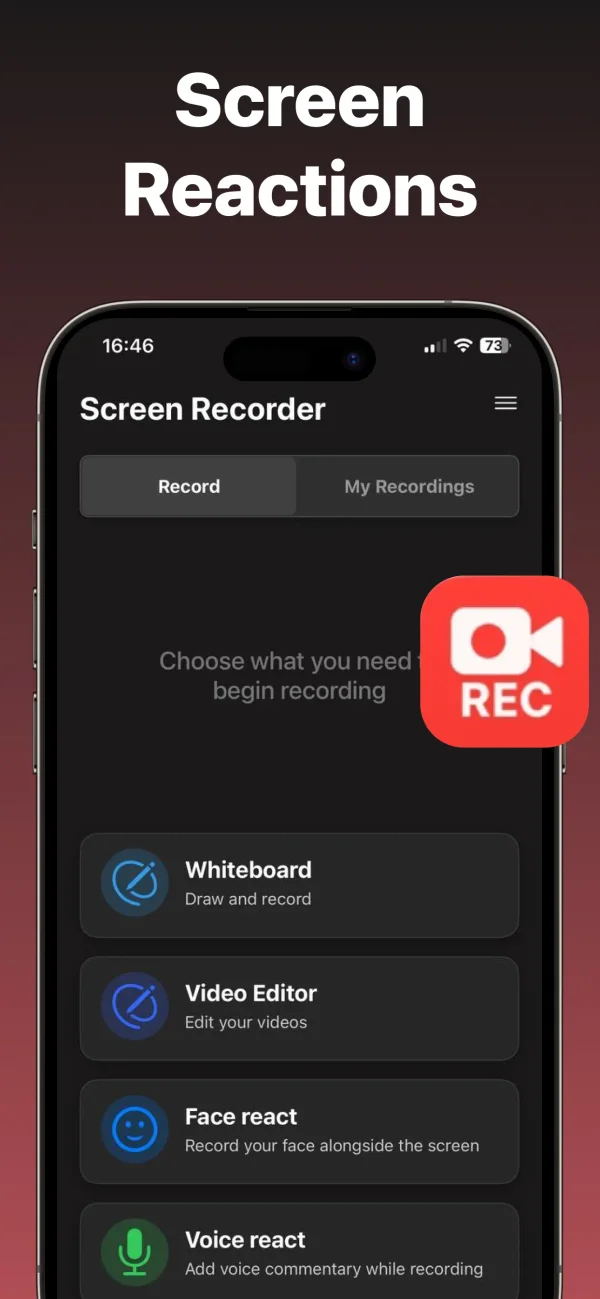
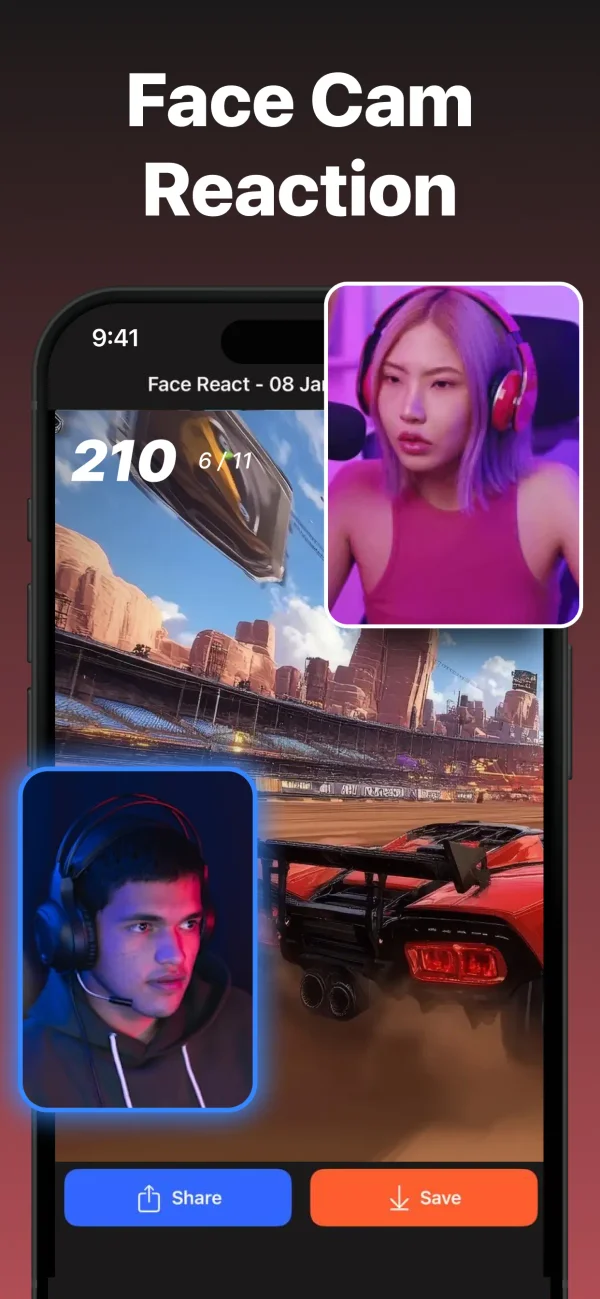
"Our app is the perfect tool for turning ordinary screen recordings into engaging and interactive videos. Whether you're a gamer, teacher, or content creator, the app lets you record your screen and simultaneously overlay your webcam reactions, making every video live, personal, and authentic.
With it, you can easily create gameplay recordings, tutorials, live streams, or product demos, showcasing your emotions and comments. The intuitive interface lets you adjust the camera position and size, ensuring your reactions perfectly blend with the main video.
Content creators can use the app to record reaction videos, walkthroughs, educational lessons, or professional presentations that stand out on TikTok, YouTube, Instagram, and other social media platforms. The app delivers smooth performance and high-quality recordings, ensuring your videos always look crisp and professional.
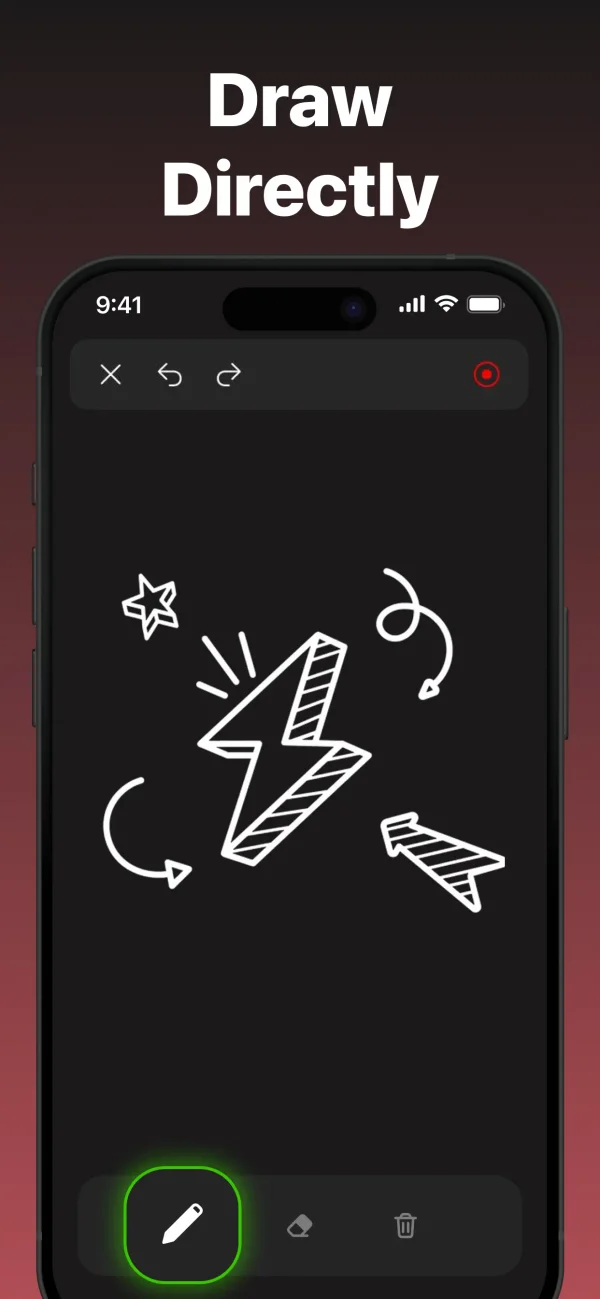
The app also features a suite of creative tools for enhancing your content: add custom overlays, customize layouts, and remove watermarks to create a unique style for your videos. Whether you want your videos to be fun and casual or professional and stylish, the app easily adapts to your needs.
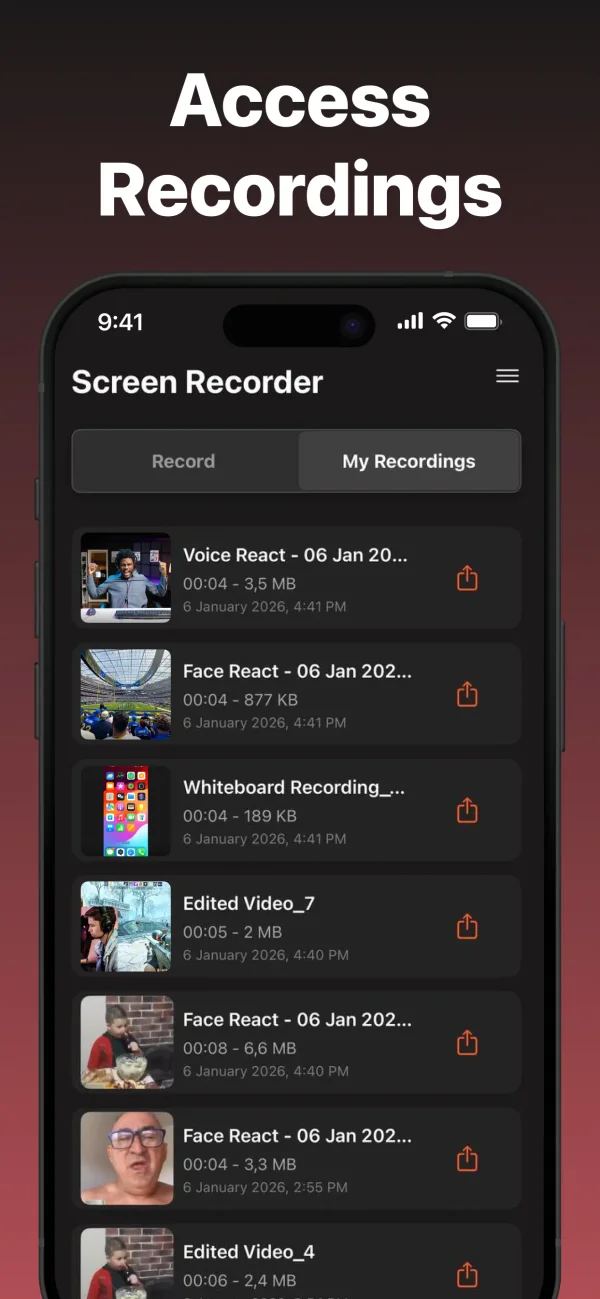
You can export your recordings in high quality and instantly share them on social media, expanding your audience and increasing subscriber engagement.
Some advanced features, such as premium export options, custom overlays, watermark removal, and additional cloud storage, are available with a paid subscription. Subscriptions can be canceled at any time, maintaining full control over your plan.
Our app is more than just a screen recorder. It's a complete creative studio in your pocket, designed for those who want to express themselves, engage with their audience, and create unique video content with ease.
Privacy Policy:
https://docs.google.com/document/d/1q0iAaCJmBz_raXUh1wdghrYHeUcSeLkQyXeiY3oTq58/edit?usp=sharing
Terms of Use:
https://docs.google.com/document/d/1V1EQNWhHuHCkvT-Oa-fqqyGm5CdGU0q35ztOraBwVl4/edit?usp=sharing"
What’s new
Version 1.0.1 · May 15, 2026
Bug fixes and performance improvements
App privacy
What Coffee to code ehf. declares on the App Store about how this app handles data.
-
Data not collected
The developer does not collect any data from this app.
Privacy practices may vary, for example with the features you use or your age.
Information
- Seller
- Coffee to code ehf.
- Category
- Photo & Video
- Version
- 1.0.1
- Updated
- May 15, 2026
- Released
- May 21, 2026
- Size
- 7.7 MB
- Requires
- iOS 15.6 or later
- Age rating
- 4+
- Price
- Free
- In-app purchases
- Yes
- Languages
- English
- Copyright
- © Adrian Brooks
You might also like
-
 Face Cam: Camera RecorderRecording screen reactions
-
 HD Face Cam Screen RecorderRecord Reactions & Gameplay
-
 Facecam Screen Recorder: PIPReaction, Tutorial Video Maker
-
 Screenmi: Screen Rec FacecamRecord Screen with Facecam
-
 Screen Lab: Recorder & EditorRecord with Face Cam, FaceSwap
-
 Screen Recorder : FaceCam4K Game Clips Creator Sound
-
 ReactCam: Reaction VideosFacecam, Screen Recorder & AI
-
 Video Editor, Face Cam & GIFScreen Recorder & Live Stream
-
 iRecordScreen: Screen Recorder4K, FaceCam & Internal Audio
-
 Float Cam - Background cameraUse phone while recording