
Reflow - Score Editor
Guitar Tab & Score Editor
Designed for iPhone, iPad
Free · In-app purchases
- Age rating4+
- CategoryMusic
- DeveloperGargant
- LanguagesEnglish+ 9 more
- Size103.9 MB
Links to the official App Store page
Download.org hosts no file of Reflow - Score Editor. The button opens its official App Store page, published by Gargant. Listing last checked on Nov 21, 2026.
Screenshots

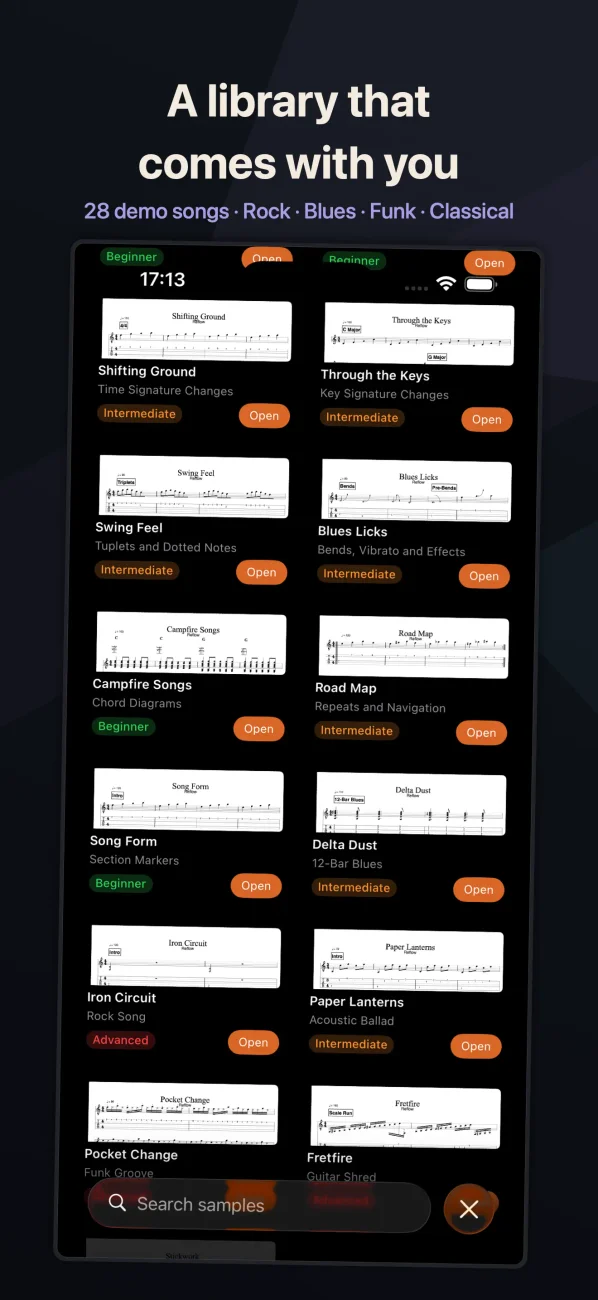

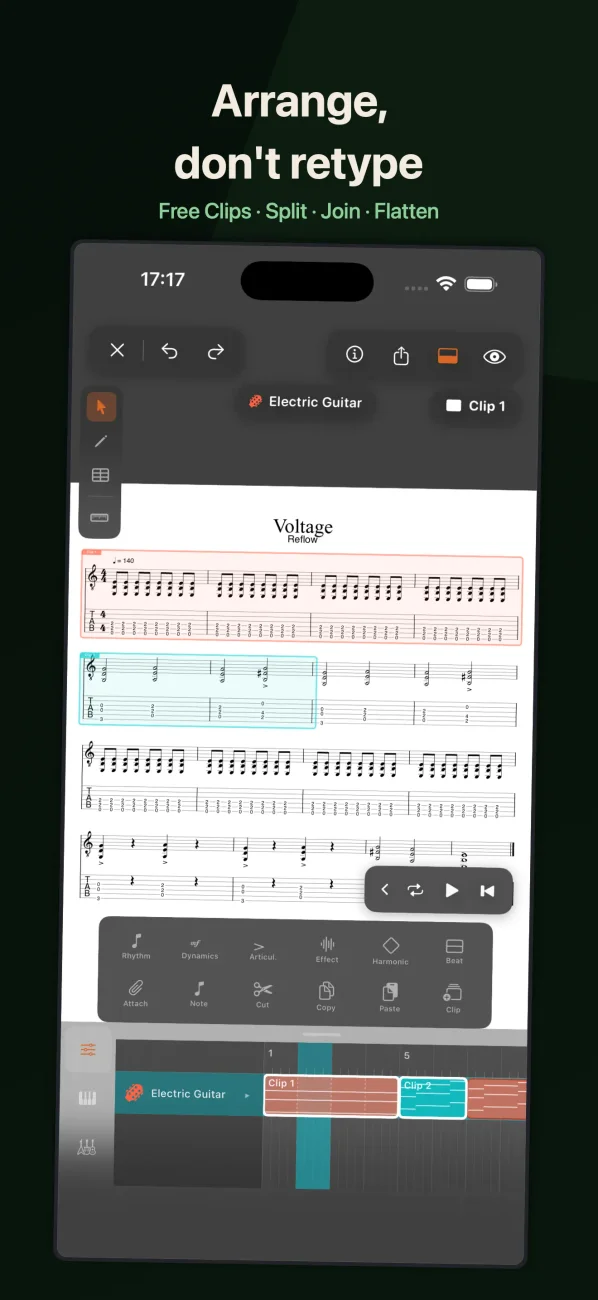

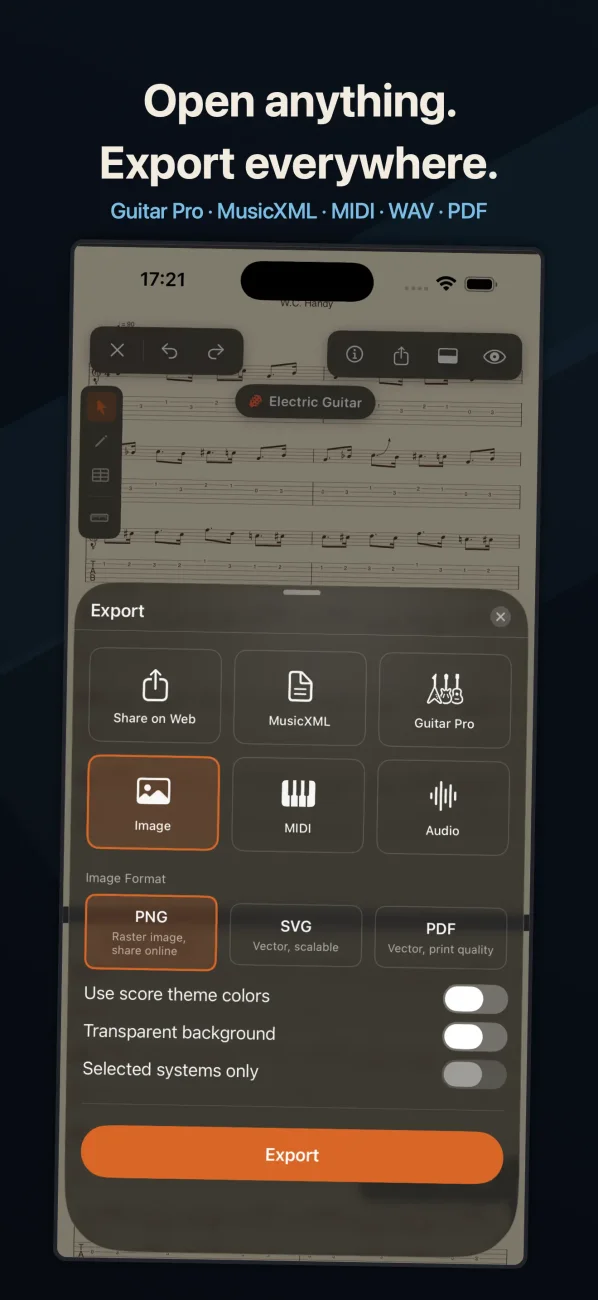
About
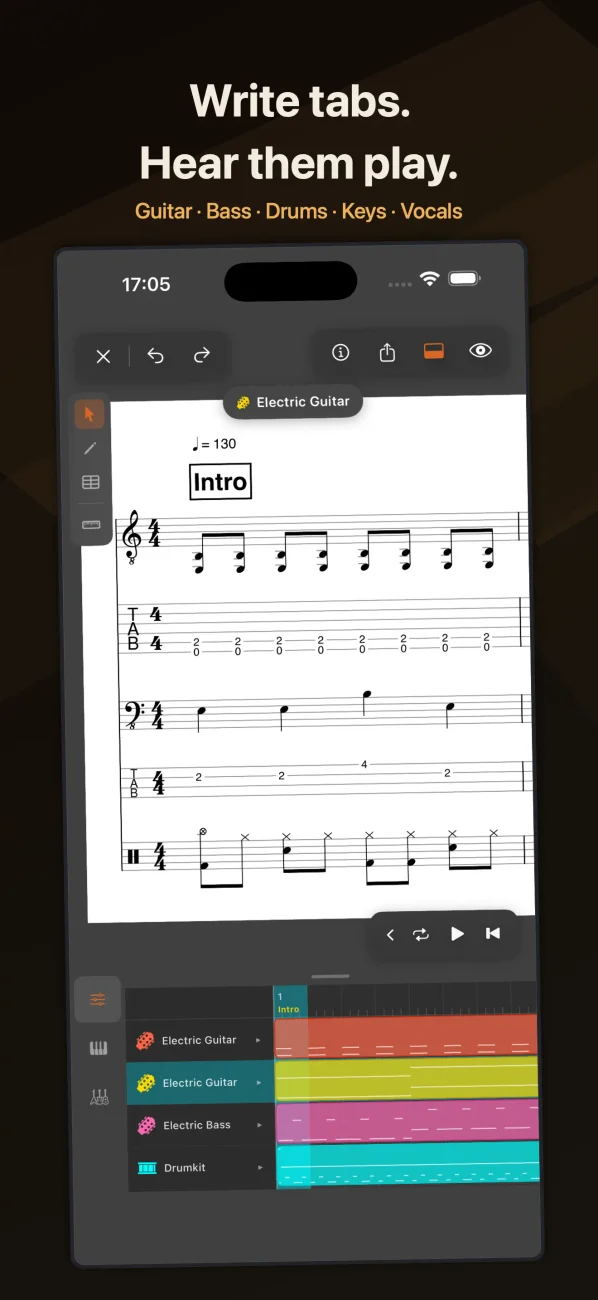
Reflow is a tablature and notation editor for guitar, bass and drums, on iPhone, iPad and Mac. Open your Guitar Pro files, write tab and drum notation, and hear every track play while you edit.
OPENS YOUR GUITAR PRO FILES
- Guitar Pro 3 to 8: .gp3, .gp4, .gp5, .gpx (Guitar Pro 6) and .gp
- Tracks, tunings, capo, bends, slides, harmonics, palm mutes, grace notes, voltas, lyrics, volume and pan come across as written
- MusicXML and MIDI files too, with a choice of how each MIDI track becomes a staff
- You don't need Guitar Pro installed to open them, and the file you opened stays as it was
TAB FOR GUITAR AND BASS
- Guitar, bass (4, 5 and 6 strings), 7-string, banjo, ukulele, any tuning, with a capo
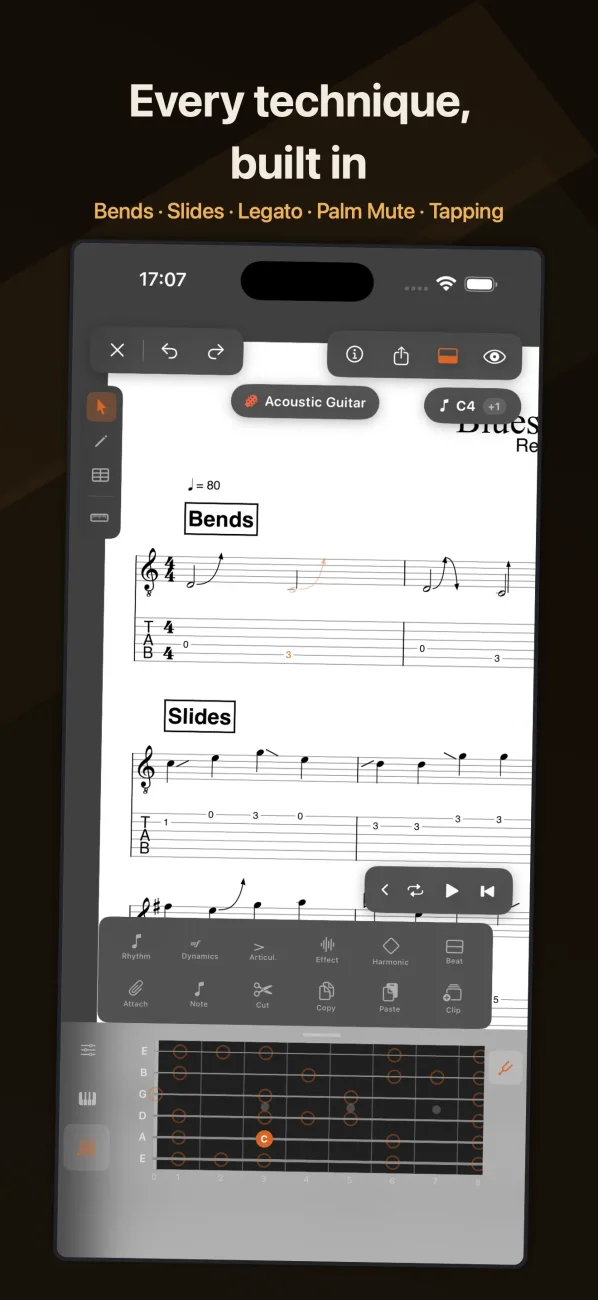
- Bends, slides, hammer-ons and pull-offs that play legato, harmonics, palm mute, vibrato, tapping, slap and pop
- Standard notation kept in step above the tab
- Lyrics, chord names and chord diagrams, with a library of voicings
DRUMS, WRITTEN AS DRUMS
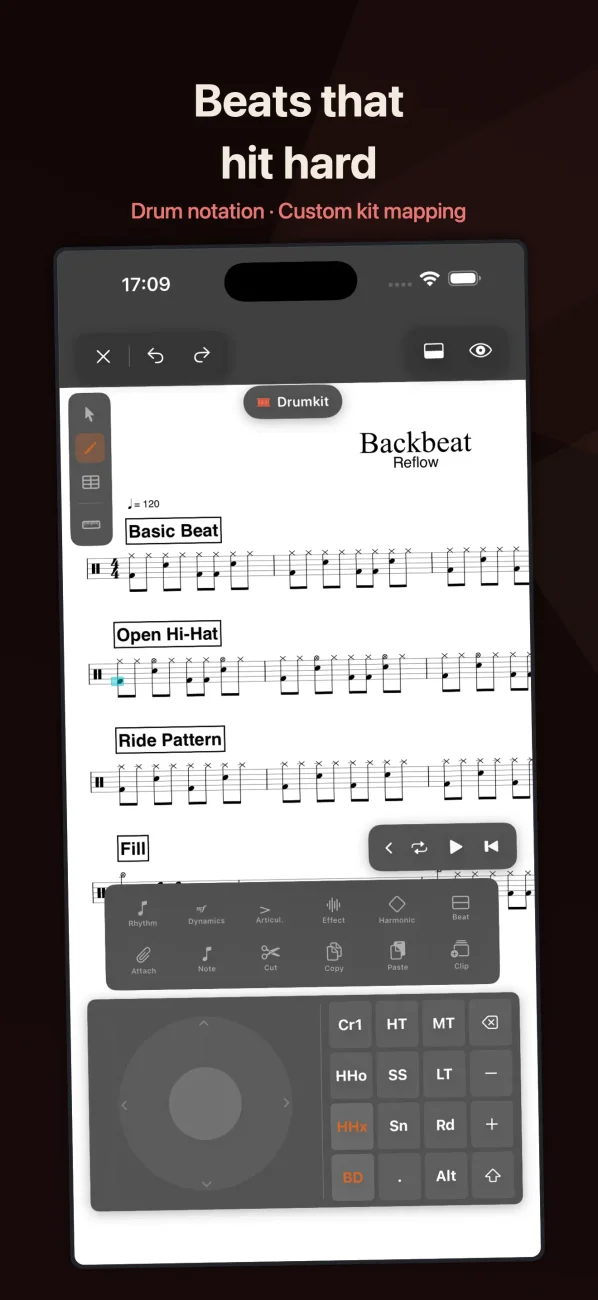
- Drum notation on a percussion staff, every kit piece where a drummer expects it
- A drum pad to enter hits, and a kit map you can change
NOTATION
- Grand staff for keys, up to four voices, tuplets, repeats, D.C. and D.S. that play back
- Dynamics, key and time signature changes, transposition
HEAR IT, PRACTICE IT
- Every track plays with its instrument; edit while it plays and hear the change
- The speed trainer: loop a passage, start it slow, and it speeds up a step each time round
- Loops, a metronome, a count-in, and playback from a quarter speed to double
READ IT ON ANY SCREEN
- Fit to Screen lays the score out for your screen, as many bars a line as fit; Page shows it as printed
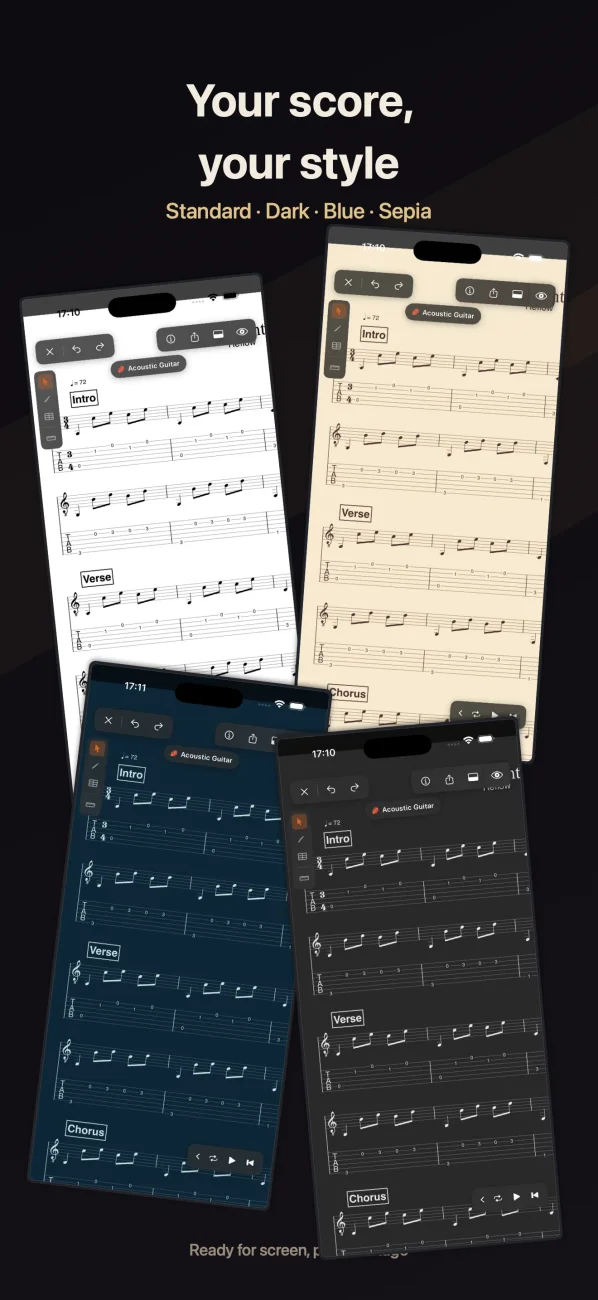
- Four score themes: Classic, Sepia, Dark and Midnight Blue
THE WHOLE BAND
- Guitars, bass, drums, keys and vocals in one score, each with its own volume, pan, mute and solo
- The arranger: name parts of the song as clips, then move, repeat and join them
ON THE MAC: THE STUDIO RACK
- On the Mac edition, the Studio Rack hosts Audio Unit instruments and effects on every track
EXPORT AND PRINT
- PDF, image, Guitar Pro (.gp5 and .gp), MusicXML, MIDI, WAV and M4A
- Print the score, or send it to another notation app
HELP, ONE TAP AWAY
- The ? button under the tools opens the help on reflow.app at the page for what's on screen
YOUR WORK, SAFE
- Reflow saves within two seconds of an edit
- Your scores are files you keep: on your device, in iCloud Drive or any folder you choose
- Reflow makes no network call and collects no data
FREE TO TRY, ONE PURCHASE
- Free to download, with no time limit: open, play and edit every score; write with up to 2 tracks, export the first 10 bars, with a light watermark
- One purchase unlocks the rest: as many tracks as the song needs, full exports with no watermark, clips, Design Mode, style sheets, and on the Mac the Studio Rack
On the App Store since 2011. Made by Gargant, an independent studio in France.
What’s new
Version 26.9 · Nov 19, 2026
Help, one tap from the editor
Reflow's new help is on reflow.app: articles for iPad, iPhone and the Mac, with pictures of the redesigned app. The ? button under the tools opens it at the page for what's on screen.
- Fit to Screen lays the score out for your screen, at a size you can read, with as many bars on each line as fit. Scores open in it on iPhone and in a narrow iPad window; pinch to change the size, or choose Page to see the page as printed
- Hammer-ons and pull-offs play legato, and playback follows D.C., D.S. and To Coda
- New tunings for 4- and 5-string bass and 7-string guitar
- MIDI export applies its tempo and time signature options, and a tempo change in the middle of a bar stays where it is written
- MusicXML export writes hammer-ons and pull-offs
- Lyrics and the texts under the staff keep their room at the start and end of a bar
- A chord's stem follows its note farthest from the middle line
- While the speed trainer plays, a chip above the playback bar shows the speed and the step
- On iPad, the palette's tabs fit whole, Cut, Copy and Paste sit in the tool column, the bottom panel reaches the edge of the screen, and the New Score sheet shows all its tips
- On iPhone, the input panel fits every screen width, and the Chord Diagram dialog fits its sheet
- The popups, the rack and the dialogs' buttons are easier to tap
- The Bend, Clef, Chord, Scale, Key Signature, Time Signature and Tuning dialogs read clearly in light mode
- A drum hit's popup names its kit piece and changes it from a menu
- Moving the cursor scrolls the score only when the bar is out of view
- Reflow saves within two seconds of an edit, and editing, undo and saving respond faster in long scores
- With the Measure tool, copy, cut, delete and duplicate take the bars you selected
- Copying beats that hold a tuplet leaves the original as it was
- A score in iCloud is listed once in the library
- A damaged file is refused instead of closing Reflow
App privacy
What Gargant declares on the App Store about how this app handles data.
-
Data not collected
The developer does not collect any data from this app.
Privacy practices may vary, for example with the features you use or your age.
Information
- Seller
- Gargant
- Category
- Music
- Version
- 26.9
- Updated
- Nov 19, 2026
- Released
- Apr 13, 2012
- Size
- 103.9 MB
- Requires
- iOS 16.4 or later
- Age rating
- 4+
- Price
- Free
- In-app purchases
- Yes
- Languages
- English, French, German, Italian, Japanese, Korean, Portuguese, Russian, Simplified Chinese, Spanish
- Copyright
- © 2026, Gargant
You might also like
-
 Staventabs: Compose & NotateSheet Music Editor
-
 Sheet Music Maker & ScannerNotes, Music Stand & Metronome
-
 Grid Music Player36+ musical instruments!
-
 Acoustic Guitar Tuner ProPro tuning for acoustic guitar
-
 Violin Tuner ProfessionalStrings Tuner
-
 Guitar Notation - Tabs&ChordsUltimate Guitar tab maker
-
 Guitar Tab Visualizer & EditorVisualize and edit guitar tabs
-
 GTMaker - Sheet Music & TabsMusic Notation & Tab Editor
-
 Calypso Score: Sheet MusicPDF Reader, Setlist, Fakebook
-
 Drum2Notes - Transcribe DrumsTranscribe audio to drum sheet